
Deep down, we all want a gaming laptop. But unfortunately, not everyone has the budget for one. Thankfully, brands do offer more “budget-friendly” options, but lately, even these have also become a lot more expensive.
However, it seems ASUS wants to change that with the launch of the new V16/X16 series. These laptops are quite affordable, starting at just PHP 49,995, but still pack decent hardware to match.

Specifically, we will be reviewing the ASUS Gaming V16 (V3607VU) featuring an Intel Core 5 chip and an NVIDIA RTX 4050 GPU. It does have gaming in its name and has the specs to match. Still, is this something you should really consider as a gaming laptop? ASUS does, but let’s find out if it fits the bill.
Design and Construction
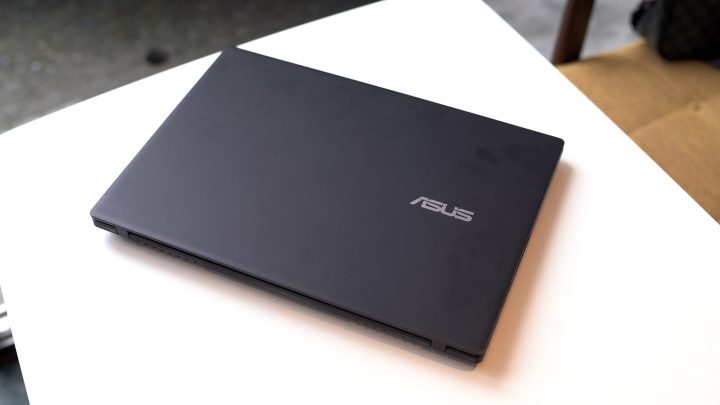
Unfortunately, if you love the wild gamer aesthetics of gaming laptops, you won’t find them on the ASUS Gaming V16. There are no RGB lights, fancy logos, or over-the-top designs. Instead, it features a minimalist design with the ASUS logo on the matte black deck lid. Combined with the Matte Black color, it reminds us of a professional workbook rather than a gaming laptop.
Honestly, we don’t mind this minimalist design. Sometimes less is more, but what do you guys think?
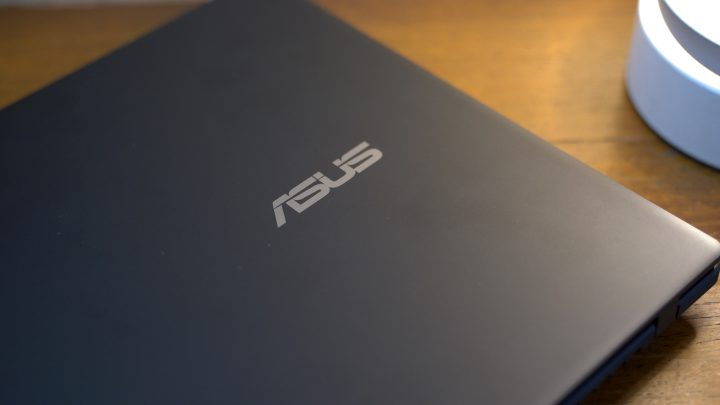
While the design isn’t very gamer-like, the material ASUS used for the chassis isn’t that premium either. Instead of metal, the majority of the V16 is made out of plastic. It’s a bit disappointing since this is a great-looking laptop, but the plastic construction slightly cheapens the feel.
Some of you might not mind this. But if the more affordable ASUS laptops use metal, why couldn’t they use the same material for the V16? Thankfully, the plastic construction has its advantages.

Unlike conventional gaming laptops, which are bulky and heavy, the ASUS Gaming V16 is sleek and lightweight. It’s only 1.8 centimeters thin and weighs just 1.95 kilograms, which isn’t a lot considering the performance this device is packed with.
For reference, this laptop measures around 35.70 centimeters wide, and as the name suggests, it comes with a 16-inch display. This makes it easy to bring around and fits in most backpacks. So if you want to travel with it, you can.
In fact, I even brought this laptop with me to Taiwan as a two-in-one editing rig and gaming rig. I didn’t break my back either, carrying it around with me and my camera gear despite walking almost 20,000 steps a day.

Despite its slim size, you do get a bunch of ports available. These include two USB-A 3.2 Gen 1 ports, a USB-C 3.2 Gen 1 port that doubles as a charging port, an HDMI 2.1 port, a 3.5mm audio port, and a power socket. Unfortunately, no SD or microSD card slots available, which is a bummer. So if you’ll be using this as a mobile editing rig, you will have to bring a USB hub.
The design of the V16 isn’t just all business; you still get some gaming appeal when you open up the lid. There is a full-size keyboard with the keys evenly spaced out.

At first glance it looks like the usual ASUS keys we’ve come to love, but power it up and you’ll notice the blue backlight. ASUS calls it Turbo Blue, and it does give a gamer vibe, especially with the translucent caps on the arrow keys along with the W, A, S, and D keys.
The keyboard is nice to type on, and it feels similar to both ASUS and ROG laptops I have tried in the past. This made it easy to write long documents if you need to get work done. But when it’s time to game, you won’t have any misclicks of the W, A, S, and D keys since they’re already glowing blue.
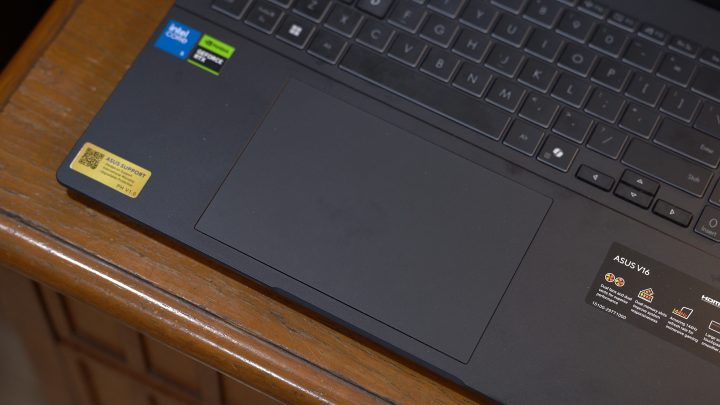
When gaming, it’s best to bring a mouse or even a controller (because who games with a trackpad?). Despite this, ASUS still gave the V16 a large trackpad. It’s one of the biggest I’ve seen on a gaming laptop, and it helps if you don’t plan on bringing a mouse around.
It’s smooth and easy to use with support for multi-touch gestures. There are smart gestures that let you adjust brightness and volume. I didn’t have any accidental misclicks with the trackpad, and you can even turn it off when gaming.
Display and Multimedia
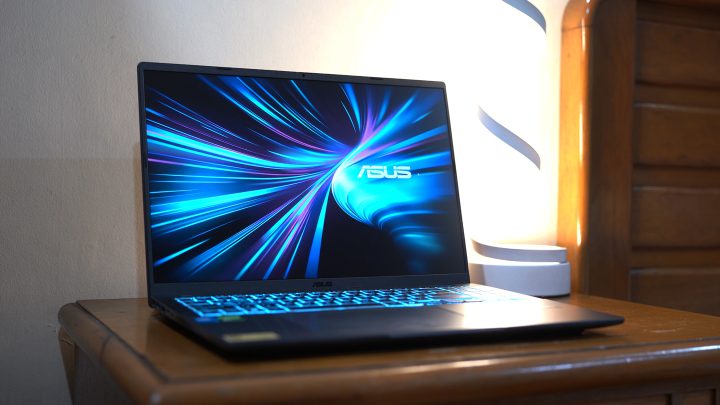
Let’s move on to the part of the ASUS Gaming V16 that you will be looking at the most – the display. As mentioned earlier, this laptop features a 16-inch display featuring an IPS panel with 1080P resolution. The display has narrow side bezels, a 16:10 aspect ratio, and 300 nits of peak brightness.
Yes, I know what you’re thinking – “it’s only IPS”. Honestly, it’s not the highest resolution display, nor is it the best in terms of color. Upon checking, the display is also 8-bit only. So if you’re expecting the best viewing experience, this laptop won’t offer it.
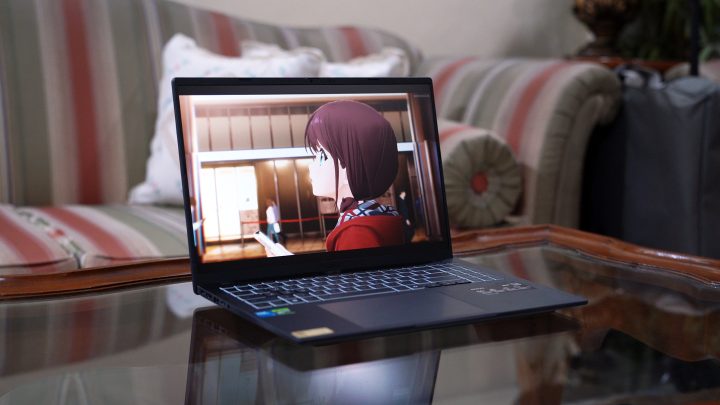
I mean, you have to set your expectations after all, at this price point. This isn’t an ROG laptop after all. Thankfully, ASUS did give the display a 144Hz refresh rate, which makes up for the lackluster display. This gives you smooth animations all around, even when you’re just playing with the cursor.
Honestly, the high refresh rate matters more, especially when you’re going to be playing games. The animations will feel a lot smoother, and you’ll just have a more immersive gaming experience overall. Depending on the game you’ll be playing, it could even make a difference between winning and losing. Besides, do you really want to play games on a 60hz display? I wouldn’t.
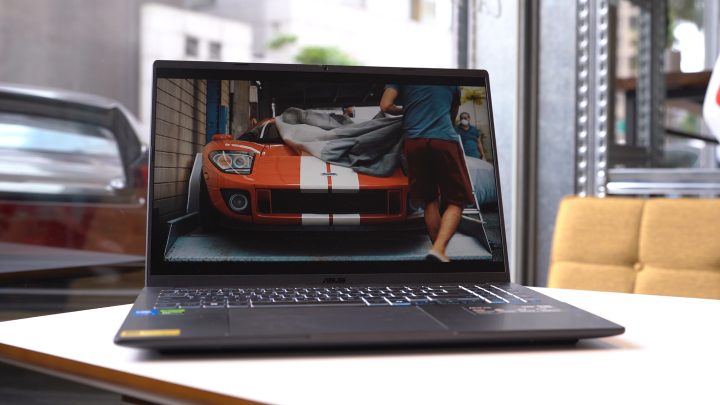
But when you’re not gaming, it’s decent for browsing the web or watching videos. The 16-inch display is large enough for watching in a group. However, it’s not the brightest screen, making it a bit hard to see when using it under direct sunlight.
As for the speakers, the V16 comes with dual stereo speakers with clear sound. Like most laptop speakers, it lacks bass, but it is loud when maxed out. Of course, you can always just plug in your earphones via the 3.5mm audio port for a more immersive experience.
Performance and Benchmarks

But of course, what really matters when it comes to gaming laptops is the performance. Our review unit of the ASUS Gaming V16 packs an Intel Core 5 210H chipset under the hood, paired with 16GB of LPDDR5 RAM and an NVIDIA RTX 4050 laptop GPU. It also comes with 512GB of storage in M.2 format, which isn’t a lot.
For reference, after installing our usual editing software, benchmarks, Genshin Impact, and Forza Horizon 5, we were left with just around 45 GB of space available. So yes, it seriously needs an upgrade in storage.

The V16 comes with dual-channel RAM, meaning two sticks. If you want to upgrade it, it is possible to do so by swapping them out. Unfortunately, there is only one M.2 slot available. While you can upgrade it to a larger storage, it is a bit more of a hassle as compared to the RAM.
Given the capable Intel Core 5 chipset and the RTX 4050 GPU, it can handle most of the things you throw at it. It ran Genshin Impact on max settings without any problem. As such, this isn’t a laptop that I would use for doing dailies alone. In fact, in Taiwan I used it to play and finish the Spiral Abyss since the season was about to end.
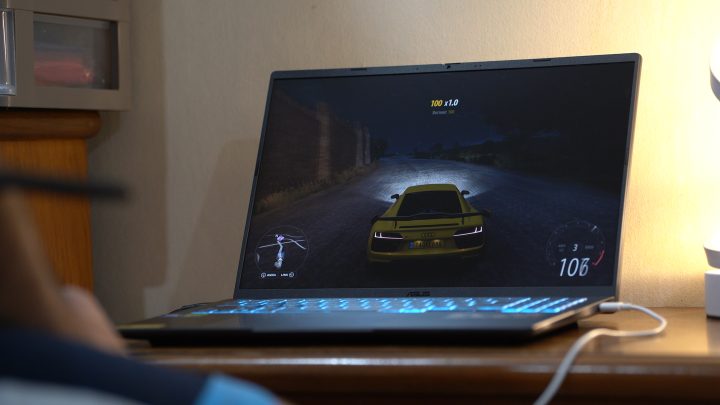
Aside from Genshin, I also played Forza Horizon 5. It can’t run Forza on max settings, which is to be expected given how graphics-intensive the game is. However, with a few tweaks to the graphics, I did have very smooth gameplay. With that, it shows just what this laptop can do overall.
In addition to playing games, it can also be a production workhorse. I was able to edit videos and photos and export them really quickly. Exporting a 6-7 minute 4K video on Premiere only took around 7-8 minutes, which is fast. Granted, the video didn’t have a lot of layers, but it definitely helped me produce content in Taiwan.
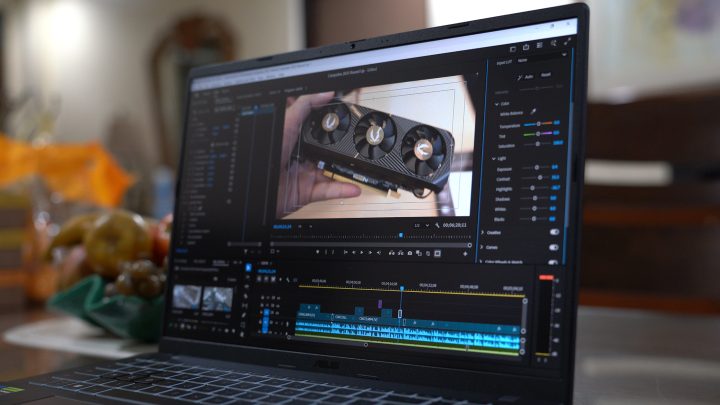
Despite running all of the apps I tested, the laptop never felt hot to the touch. According to ASUS, it uses IceCool Thermal Technology with dual fans and heat pipes. This helps keep the laptop temperatures at bay, whether you’re playing or working. The only downside is that the fans are quite loud when maxed out. However, it’s not something that I mind.
To give you an idea of just how capable the laptop is, we’ve also run our usual benchmarks, which you can check out below.
Cinebench R24
GPU – 7211 pts
CPU (Multi) – 594 pts
CPU (Single) – 101 pts
Geekbench 6
CPU (Single) – 2338
CPU (Multi) – 10482
GPU (OpenCL) – 74997
GPU (Vulkan) – 12129
PCMark 10 – 6607
3DMark
Steel Nomad Light – 6620
Time Spy – 6901
CrystalDiskMark
Read – 6336.65
Write – 4333.65
Battery

If you’ll be working on the go, there’s no need to worry about the battery life of the ASUS Gaming V16. Unlike most gaming laptops with short battery life, the V16 features a long battery life with its 63Wh battery pack.
From my experience, it can last around 6 to 7 hours on average, depending on the use case. It could even last longer than that if you’re just surfing the net or getting work done in Google Docs. But of course, if you keep the Turbo Blue lights on or play games, it will drain the battery faster.
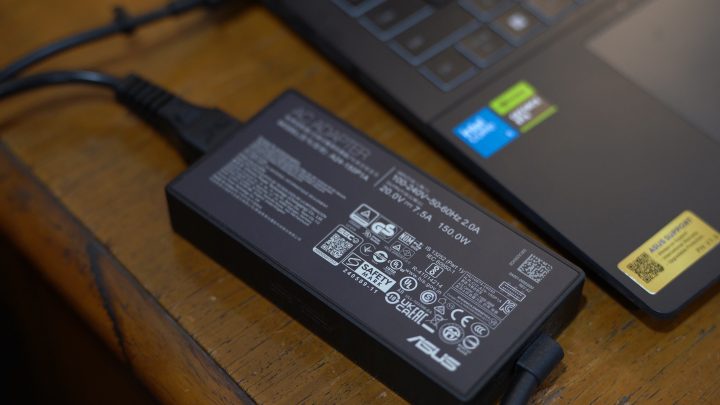
Nonetheless, I barely brought the charger around with me when I’m out and about with the V16, mainly because it’s quite big and bulky. Instead, I just charged it with my power bank if needed albeit at a slower speed. If you plan to play for extended periods of time, it’s best to bring the charger with you since it will still drain the battery relatively quickly.
Overall, you won’t have to worry about the battery life too much on the ASUS Gaming V16, whether you’re playing or working on the go.
Conclusion

If you want to enter the realm of gaming laptops, but don’t want to fork out a lot of money for one, then the ASUS Gaming V16 is a great laptop to consider. This specific variant retails for PHP 62,995 only, which is not bad considering what it can do.
If that’s a bit too expensive for you, there’s also the more affordable ASUS Gaming X16 with an NVIDIA RTX 3050 for just PHP 49,995, but that uses an older 13th Gen Intel i5 chip. On the flip side, if you want more power, there is a variant of the G16 featuring an NVIDIA RTX 5060 GPU for PHP 74,995.
For reference, the laptops come with a free ASUS backpack, 3-Months Xbox Game Pass, ASUS 2-Year International Coverage, and 1-Year Accidental Damage Warranty.
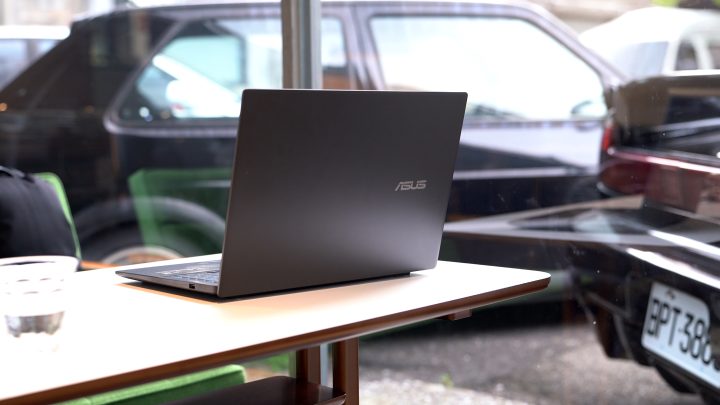
Still, it’s far from perfect. As mentioned earlier, one complaint I have about the V16 is the build quality, which isn’t as premium as the rest of the ASUS lineup. Then there’s the display, which is a basic IPS panel only. But perhaps my biggest gripe is the lack of storage space.
512GB isn’t enough, especially considering how much space games take up these days. While you can upgrade it yourself, it would have been nice to have a 1TB option at the very least.
But what do you think of the ASUS Gaming V16? Would you consider it your first entry into gaming laptops? Share your thoughts in the comments below.
What we liked:
* Great value for money
* Great performance
* Smooth 144Hz refresh rate display
What we didn’t like:
* Plastic construction
* Small SSD storage
* No SD or microSD slot




0 Comments
Leave a Reply