

The ASUS Zenbook lineup has been around for more than a decade, and it’s no doubt a household name for Windows laptops.
It often caters to those who need something for work (or school, assuming you’re still a student), but want something with a bit more features, a premium look, and maybe even power.
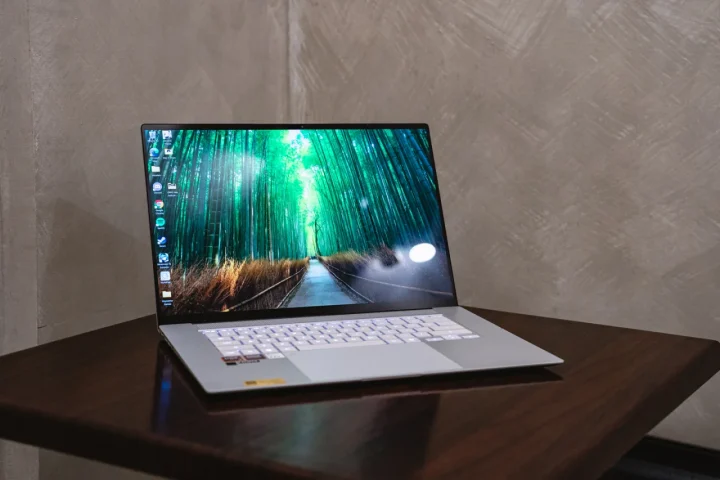
Today, we’re looking at the 2026 ASUS Zenbook S16. If you still remember our review of the Zenbook S14 last year, there are quite a few noticeable differences both inside and out.
However, the big question remains: is the Zenbook S16 still the go-to for users who want more than an average everyday laptop?
Let’s find out in this review.
Design and Construction
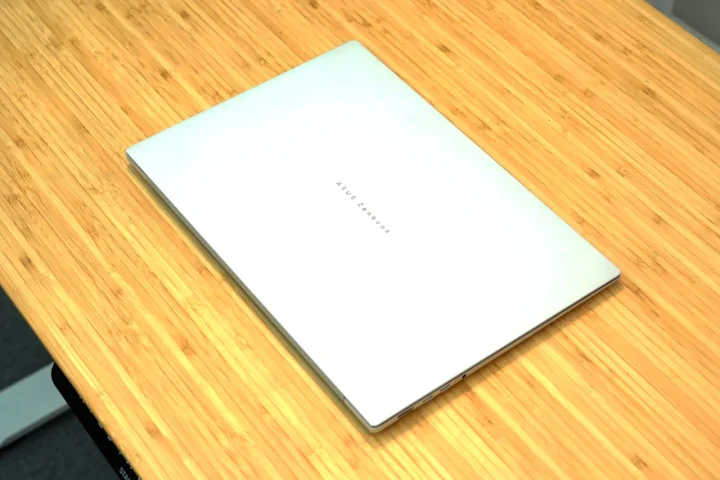
The first thing I noticed about the 2026 ASUS Zenbook S16 is the design of the lid. Gone are the long lines, instead we find a cleaner look. Some might miss the unique design cue, but we find that the cleaner look helps make the laptop look more premium and professional, especially in this Scandinavian White color.
The only downside is that it looks a lot more basic. The only design cue now is the small “ASUS Zenbook” block lettering at the center. Despite the redesigned lid, ASUS still uses the same durable Ceraluminum material as before. It’s not only light, but it also makes the laptop feel premium to the touch.
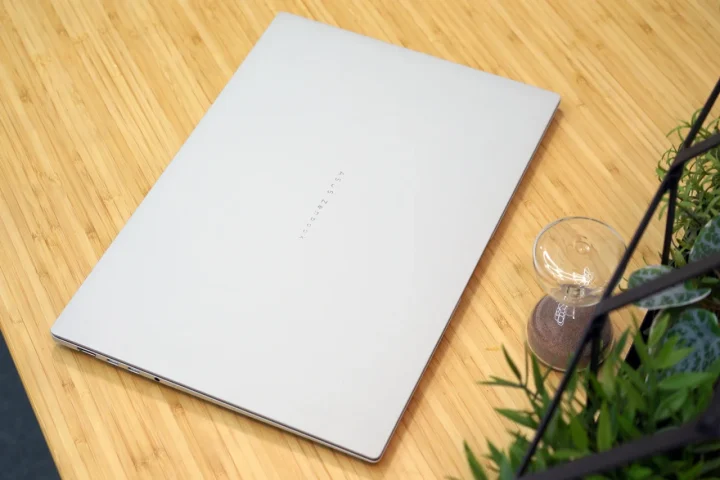
We also liked how smudge-resistant the lid is. Even when we had sweaty hands, we didn’t leave any fingerprints when opening or closing the lid.
Although a bit more subtle, the 2026 Zenbook S16 is also slimmer than before. It measures only 1.1cm thick, making it easy to fit in any kind of bag. Well, assuming the large dimensions fit. Do remember it is still a 16-inch laptop.
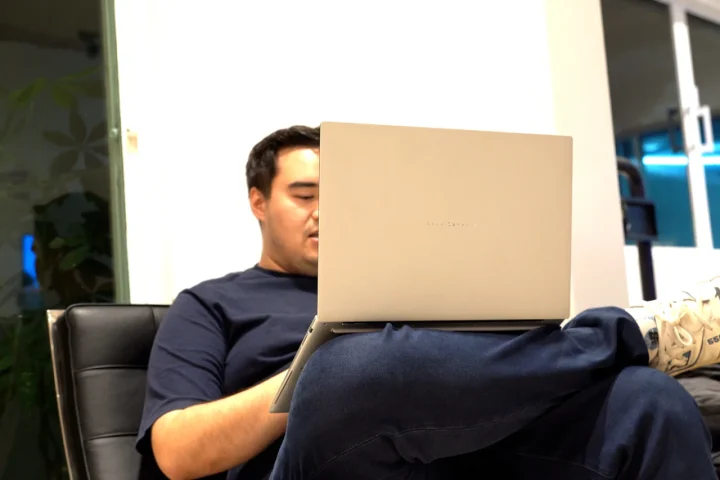
Still, it’s quite lightweight for a 16-inch laptop too, weighing only 1.5 kilograms (3.3 lbs). For reference, the entire laptop is made out of metal. No cheap plastics here.
With that, your back will thank you for carrying a lighter laptop around.
Keyboard and Trackpad
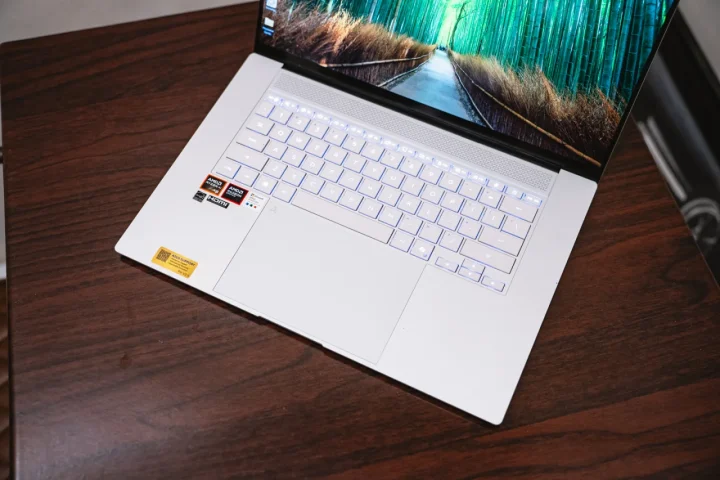
Open up the Zenbook S16, and we’ll find the keyboard and a large trackpad. It’s not a full-size keyboard, and I find that this is a missed opportunity from ASUS. There’s still a lot of space on the sides of the keyboard, and in our opinion, they could’ve added a num pad.
However, the upside of this layout is that the keys don’t feel cramped, and there is ample space to rest your hands and palms.
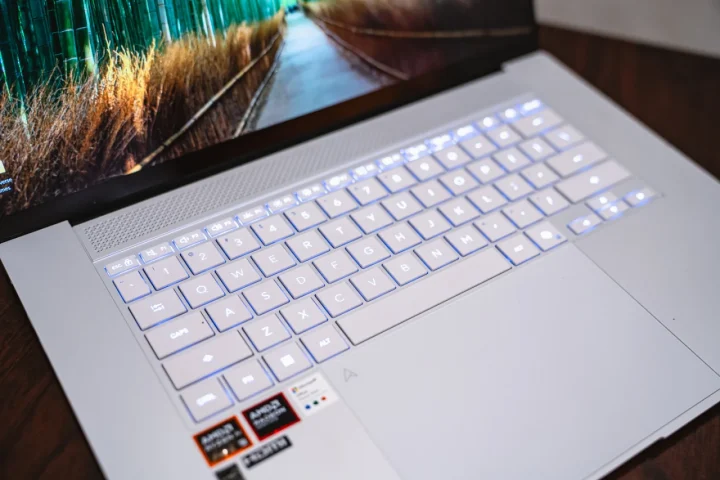
As for the keyboard itself, it’s soft to the touch. The chicklet keys themselves are quiet too, barely making a sound when I hit them, which is great for quiet crowded environments.
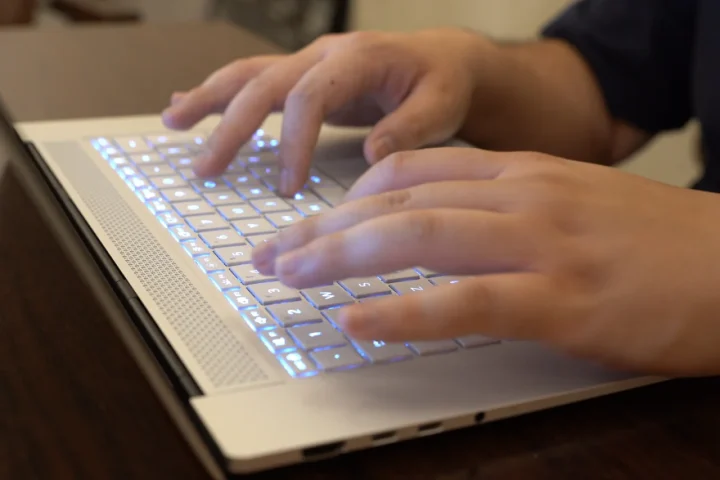
There’s also decent travel, which helps improve comfort. I didn’t have any problems typing up some of the reviews I’m working on using this laptop. Even after hours of typing, my fingers never felt tired.
Like most modern ASUS laptops, the glass trackpad itself is huge, starting from the keyboard and extending to the lower edge of the laptop. It’s smooth to the touch, and relatively smudge-resistant too.
Not to mention, it features Multi-touch gestures, allowing users to quickly adjust settings such as brightness, volume, and media playback. But yes, no issues with Windows trackpad gestures either.
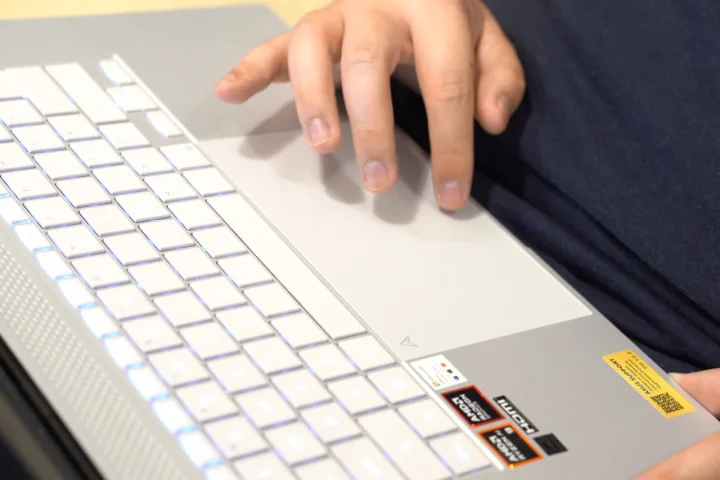
Despite its large size, the trackpad has good palm rejection. Even if users rest their palms on the trackpad, it won’t interfere when typing on the keyboard.
What we liked about the Zenbook S16 is that even with the slimmer body, there are still a bunch of ports available for users. There are two USB Type-C 4.0 Gen 3 ports on the left side that feature Power Delivery and display out, along with an HDMI 2.1 port and a 3.5mm audio jack.
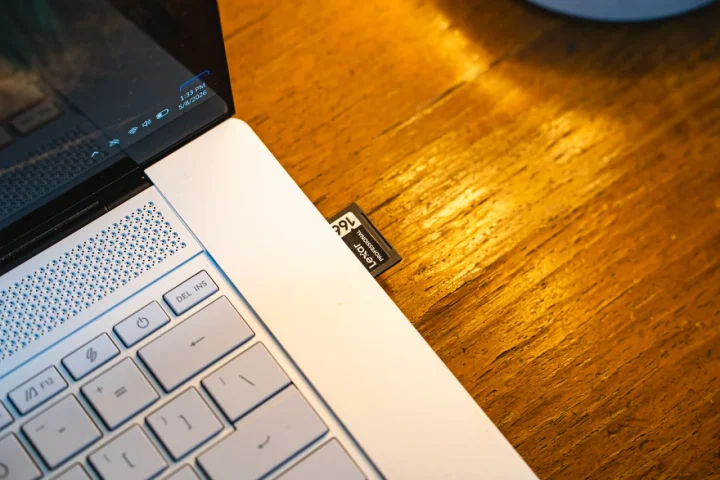
On the right, there’s a USB-A 3.0 port and thankfully a full-size SD card reader, which is slowly disappearing from most laptops. That means creatives no longer need to bring a separate SD card dongle around with them should they want to edit photos on the go.
Unfortunately, the same can’t be said for microSD card users, but there are adapters (so, we’d rather have full-size over micro).
Some might find the slots lacking, especially since the charging is done via either of the USB-C ports. If that’s the case we recommend bringing a USB hub just in case.
Display and Multimedia
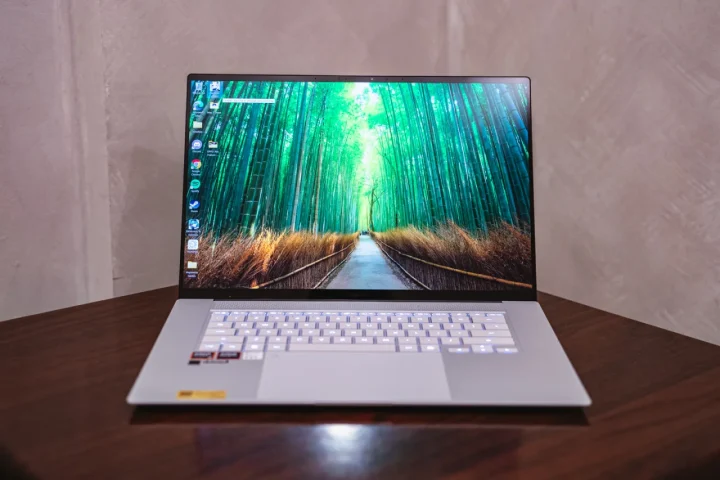
Let’s move on to the part of the laptop we look at the most, and probably our favorite feature of the laptop. The 16-inch screen is probably one of our favorite features of the Zenbook S16 since it uses ASUS’s Lumina OLED panel that sports a 3K resolution (2880 x1800) along with a 120Hz refresh rate.
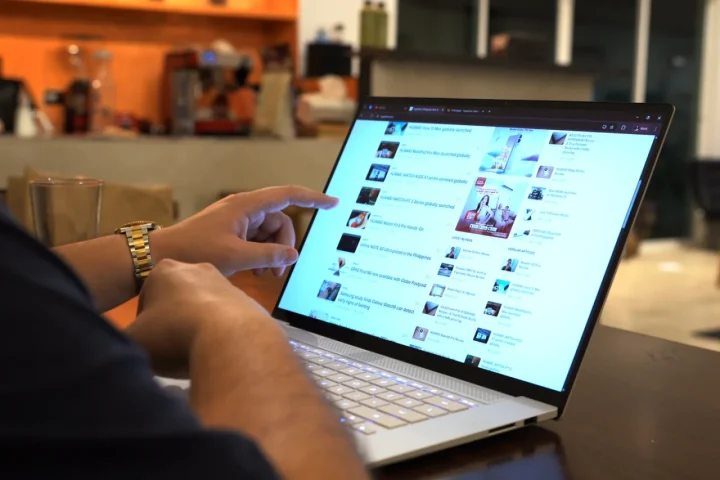
Oh, did I mention this is also a touch screen display?
It’s a glossy display, but thankfully, there’s not a lot of glare even when using it in places with a lot of light and reflections. In addition, ASUS says the panel has a maximum HDR peak brightness of 1000 nits, making it more than usable outdoors.
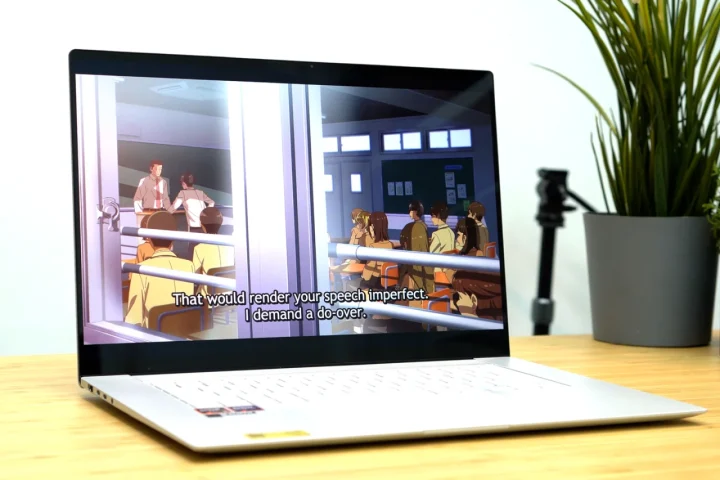
Since it’s an OLED, the colors are beautiful and the blacks are very deep. This made it perfect for watching movies on Netflix or other streaming apps, allowing users to fully utilize the 3K resolution.
With the 120Hz refresh rate, there’s smooth and fluid animations too, which is noticeable even when we’re just playing with the mouse on the desktop.
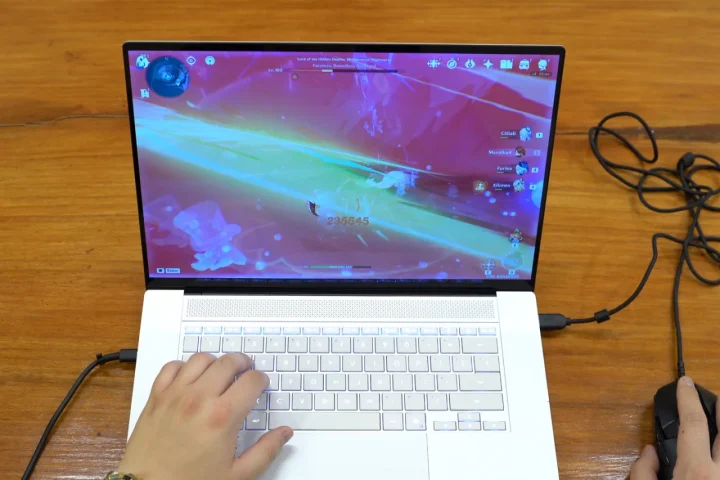
It’s the gamers who will benefit from the 120Hz display the most, and yes this laptop can be used for gaming, more on that later.
As expected from an OLED display, the viewing angles are great. There is practically no color shift even when watching from extreme angles. It also helps that the bezels are quite thin, giving users more screen real estate. Users can also adjust display settings via Dolby Settings to match the mood of what they’re watching.
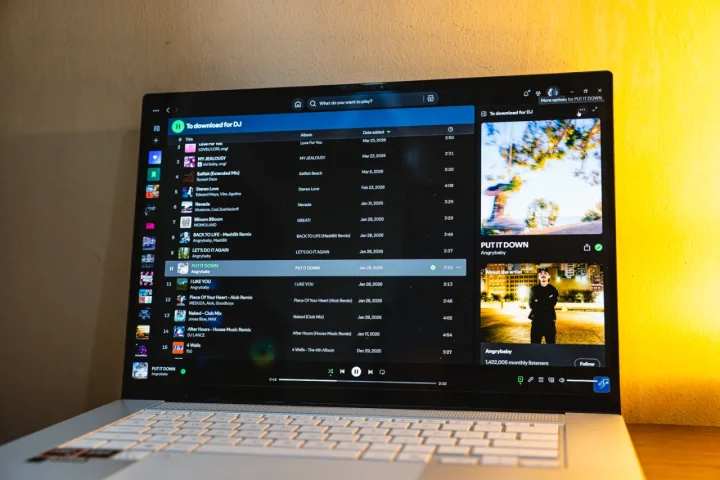
Together with the 6-speaker system, watching shows on the Zenbook S16 is very enjoyable. Not only is it loud, but the quality is better than most laptop speakers we’ve tried.
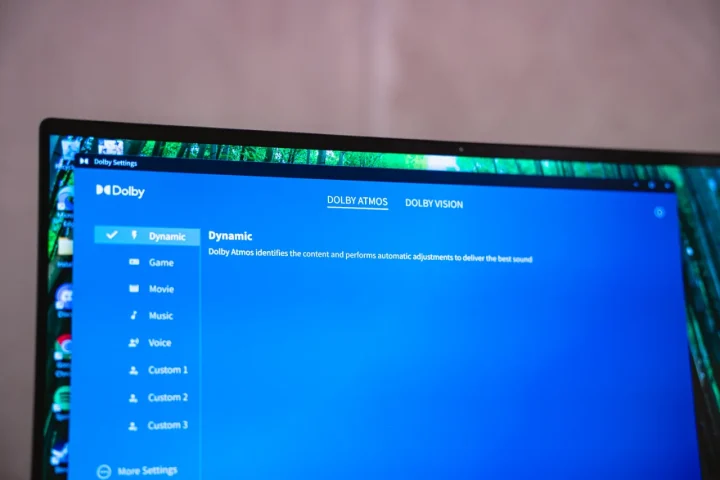
There’s decent bass, while the mids and highs have clear separations. The clarity is great, and there’s a decent sound stage too assuming the user is directly in front of the laptop. The speakers can also be fine tuned via Dolby Settings, but for those who aren’t audiophiles can just leave it in Dynamic to let Dolby Atmos adjust the EQ for you.
Performance and Benchmarks
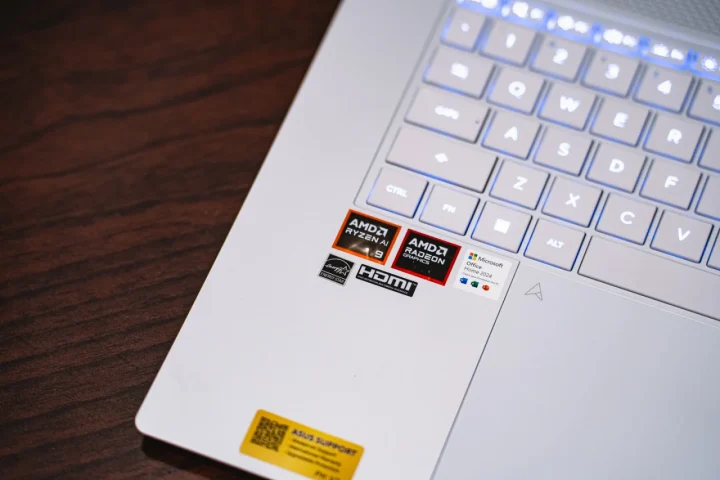
Our specific unit of the 2026 ASUS Zenbook S16 packs an AMD Ryzen 9 465 AI processor with 32GB of LPDDR5X RAM and 1TB of SSD storage. There’s also an AMD XDNA NPU up to 50TOPS. Unfortunately, ASUS RAM is not upgradeable meaning it’s soldered, but 32GB is more than enough for most users anyway.
There’s no dedicated GPU. Instead, there’s only an AMD Radeon 880M integrated GPU. With that, users should manage their expectations when it comes to gaming performance. The Zenbook isn’t a gaming laptop after all. ASUS has their ROG lineup for that, but I digress.
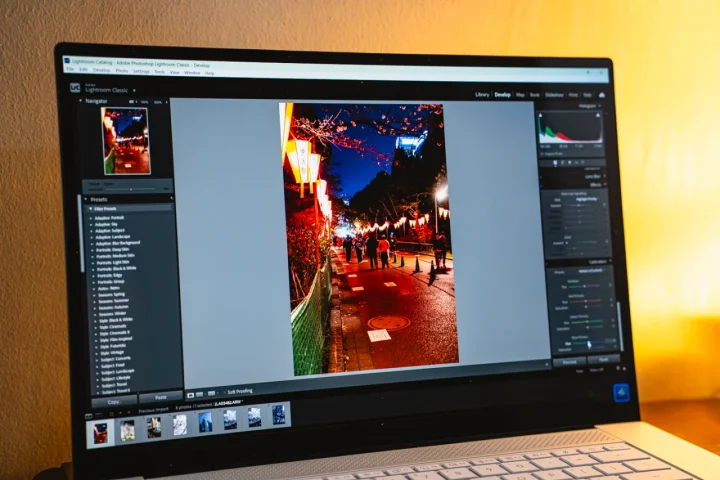
For getting work done, the specs are more than capable. The Ryzen 9 processor is very capable for virtually any task. It can handle most of our productivity apps without any issues.
Multitasking is great on the Zenbook S16. We could run Chrome with multiple tabs open along with Photoshop and Lightroom at the same time.
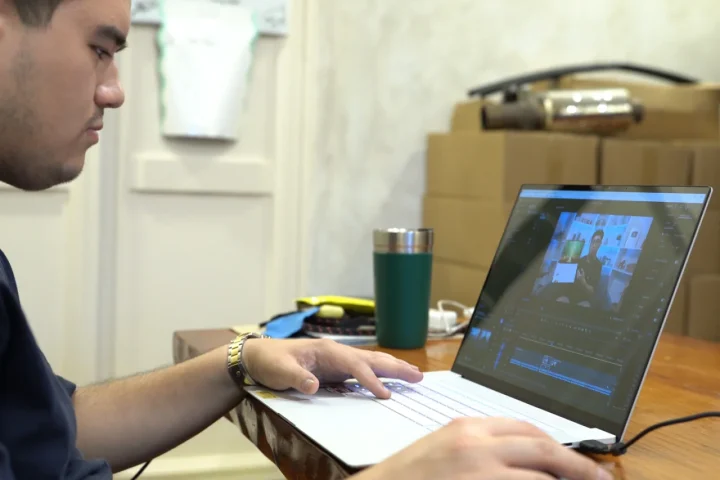
Editing on Lightroom, Photoshop, and Premiere is a breeze too. It didn’t take long to export photos or 4K videos. Together with the beautiful OLED display, it was a pleasure working on the go.
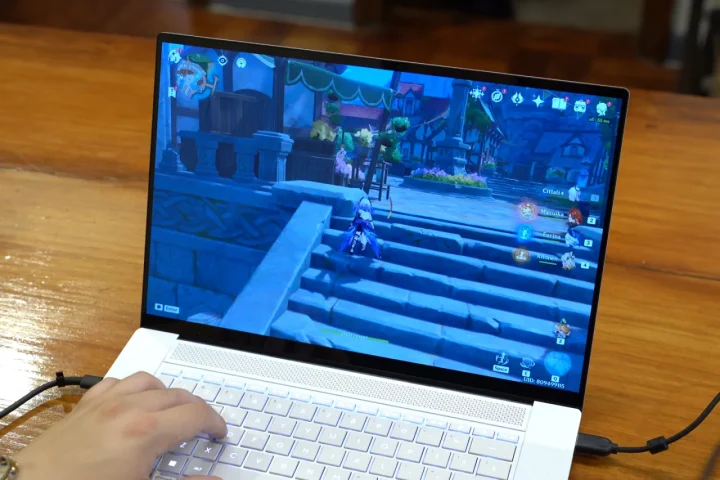
While the Zenbook is made for productivity, we also tested how it would handle running games. We started with Genshin Impact, and it was able to run the game relatively smooth on medium graphics when just exploring the map. However, we noticed that there are some occasional framerate drops when getting into battles like running Spiral Abyss.
For more graphic intensive titles, we also ran the new Neverness To Everness game, and it had a hard time with this. Even on the lowest settings, we needed to play in windowed mode in order for the game to run somewhat smoothly.
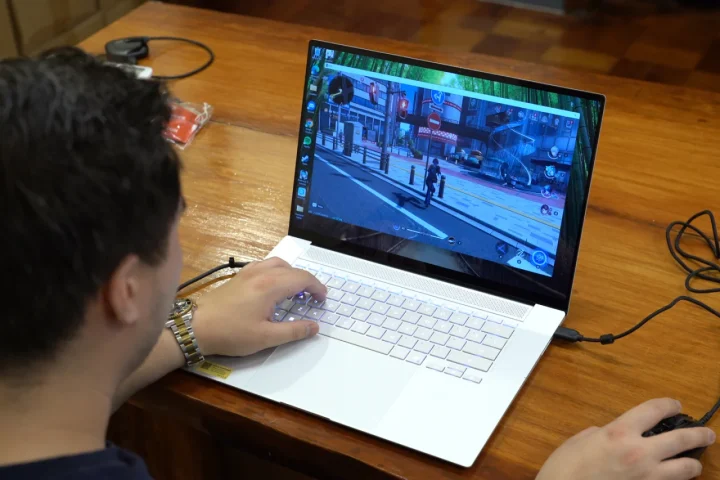
Then again, this was to be expected considering there’s no dGPU. With that, it’s best to play lighter titles on this laptop. At the same time, the Zenbook S16 has a tendency to heat up when playing games. We felt it on the sides of the keyboard and the top portion.
Fortunately, it’s limited to those areas alone.
Of course, we also ran our usual benchmarks, and you can check out the scores below.
| Device: | ASUS Zenbook S16 (UM5606GA) |
|---|---|
| Chipset: | AMD Ryzen 9 AI 465 |
| RAM | 32GB LPDDR5X |
| Geekbench Single-Core | 2,800 |
| Geekbench Multi-Core | 12,783 |
| Geekbench OpenCL | 31,633 |
| Geekbench Vulkan | 40,488 |
| 3D Mark Steel Nomad Light | 3,074 (22.77 Avg fps) |
| 3D Mark Time Spy | 3,173 |
| PCMark 10 | 7,671 |
| CrystalDiskMark Read | 7,104.61 MB/s |
| CrystalDiskMark Write | 6,302.21 MB/s |
| Cinebench R26 GPU | 3,135 pts |
| Cinebench R26 CPU (Multi) | 2,726 pts |
| Cinebench R26 CPU (Single Core) | 578 pts |
| Cinebench R26 CPU (Single Threads) | 439 pts |
OS, Apps, and UI
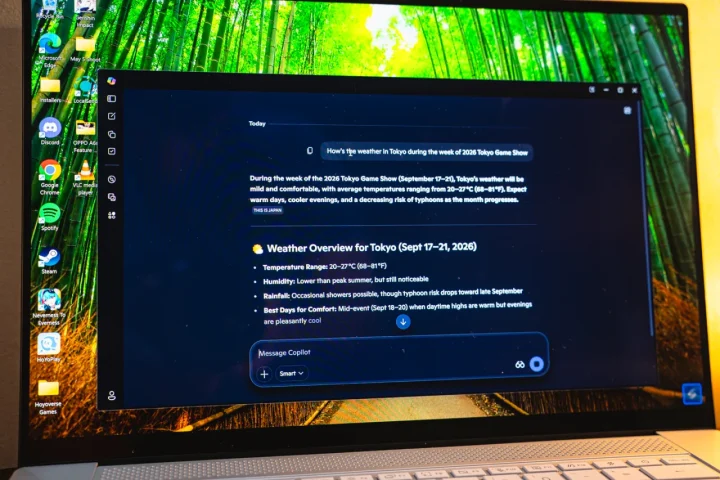
The 2026 ASUS Zenbook S16 comes with Windows 11 Home out of the box. This being a CoPilot+ laptop, there’s also Microsoft CoPilot pre-installed. There’s even a dedicated CoPilot button on the keyboard to quickly launch the AI assistant.
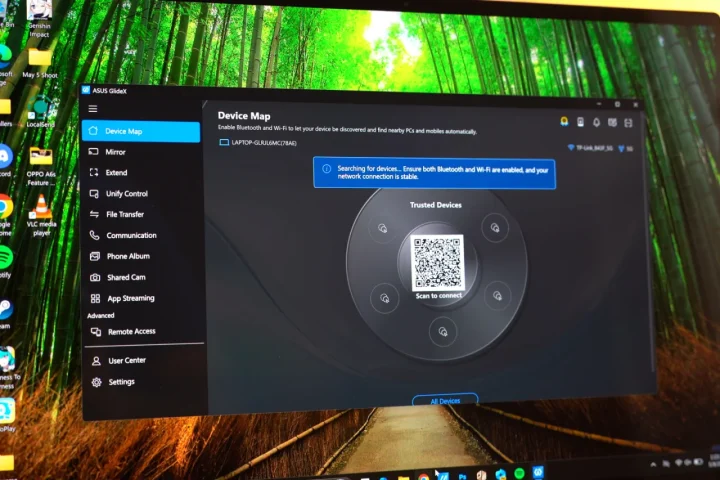
There are also a bunch of pre-installed ASUS apps that can make work life easier like MyASUS, ScreenXpert, StoryCube, and GlideX. The one we used the most is ScreenXpert since it’s always active on the bottom right corner of the screen.
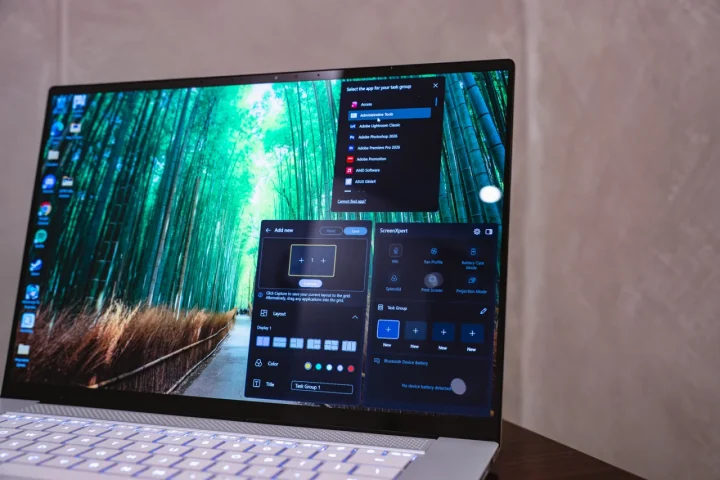
We can quickly adjust various parameters of the Zenbook without having to fiddle around with the settings. There’s also the option to quickly launch apps side by side, which some users might find useful for productivity workflows.
Not to mention, Microsoft Office Home 2024 comes pre-installed too.
Battery and Connectivity
Powering the 2026 Zenbook S16 is a large 83Whr battery pack which is huge for a laptop in this segment. It’s not just a brochure figure too.
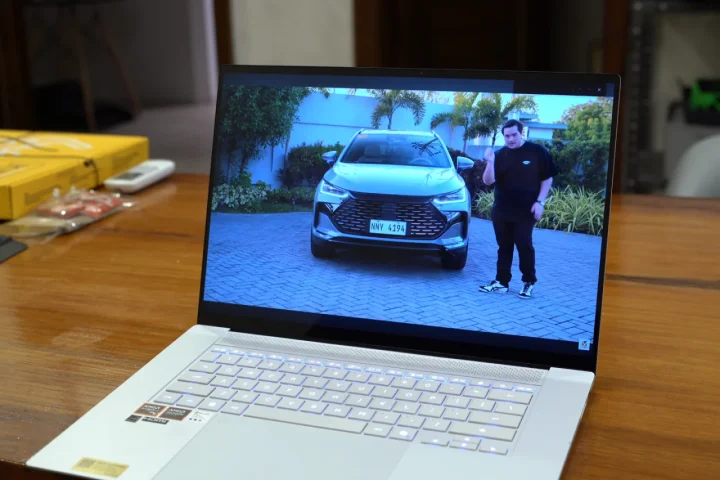
It actually lasts quite a long time, more than enough for an entire day of use. ASUS claims it has 23 hours of battery life after all, and based on our experience, they’re not far off.
For reference, I started the day using the Zenbook S16 with around 90 percent battery before arriving at the YugaTech HQ at around 3PM. Given how busy we were that day, we spent the entire afternoon finishing up written reviews, editing photos, and web research. By the time I arrived home at 9PM, I still had around 70 percent battery life left.
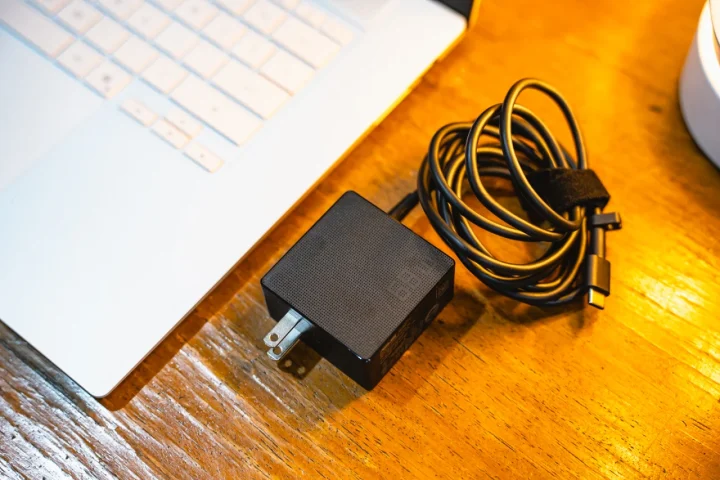
At first, I was concerned because I forgot to bring the 68W charger since I left it at home. But considering the battery barely drained after everything I did, I was confident battery life wouldn’t be a big issue with this laptop.
We also ran our video loop test on this laptop, playing a video on loop at 50% brightness and zero volume, but still connected to the Wi-Fi. With this, we were able to garner a result of 10 hours and 28 minutes. For reference, the display was set to 120Hz to simulate similar circumstances of real-world use.
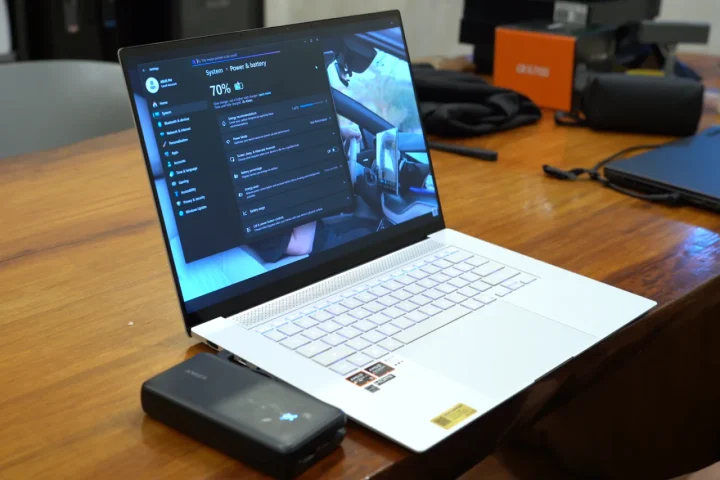
Best of all, it charges via any of the USB-C ports. So for those who don’t want to bring the charger with them, it’s possible to charge it via a capable powerbank and USB-C cable. Charging speeds may vary due to the max 65W charging rate.
For connectivity, the Zenbook S16 features Wi-Fi 7 and Bluetooth 5.4.
Conclusion
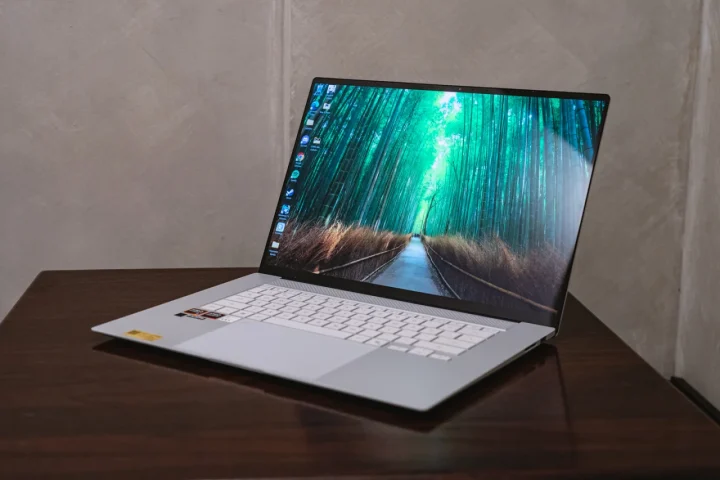
Overall, there are a lot of changes ASUS made to the Zenbook S16 to make productivity life easier, but it still retains the familiar feel we’ve come to love from the Zenbook line.
The lid might have been redesigned, but style is subjective. What we enjoyed, though, was the slimmer design and a relatively lighter chassis. It’s more capable too, with a more powerful chipset, paired with 32GB of RAM. Not to mention, the battery lasts a very long time.
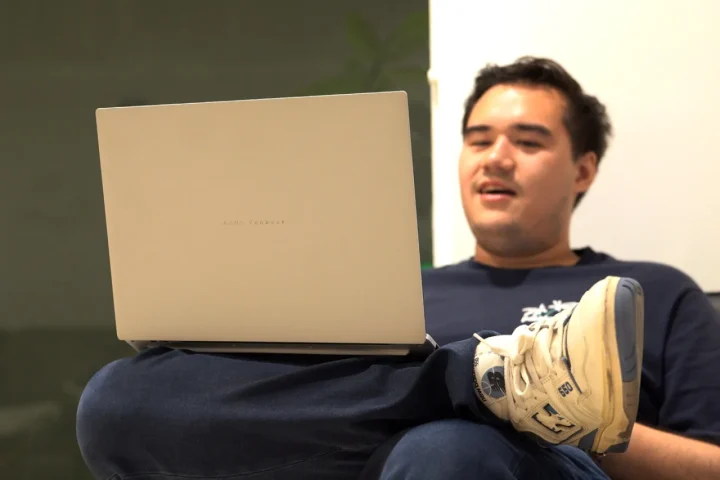
If anything, our only concern about the 2026 ASUS Zenbook S16 is the price. We’re not surprised by the price jump given how expensive computer parts have become. But for reference, at the time of writingg the laptop retails at PHP 134,995 on the ASUS Philippines website.
So if you’re still using a relatively new laptop, we wouldn’t recommend upgrading just yet. But for those who need to get work done fast, and want a capable laptop for productivity, as well as light creative work and gaming, you definitely can’t go wrong with the 2026 ASUS Zenbook S16.
But what do you guys think of the new ASUS Zenbook S16? Would you consider upgrading to this, or would you still choose a different laptop? Whatever the case, share your thoughts in the comments below.
What we liked:
- Beautiful 3K display
- Long battery life
- Good productivity performance
What we didn’t like:
- Price
- Glare from the gloss display
ASUS Zenbook S16 (UM5606GA) specs:
16-inch 3K ASUS Lumina OLED Display, 16:10 (2880 x 1800)
120Hz refresh rate, 0.2ms response time, up to 500 nits HDR peak brightness
100% DCI-P3, 1,000,000:1 contrast ratio, Pantone Validated,
VESA DisplayHDR True Black 500, Touchscreen support
OS: Windows 11 Home
CPU: AMD Ryzen AI 9 HX 370 (36MB cache, up to 5.1GHz, 12 cores / 24 threads)
NPU: AMD XDNA up to 50 TOPS
GPU: AMD Radeon 890M Graphics
Memory: 32GB LPDDR5X (soldered)
Storage: 1TB PCIe 4.0 NVMe M.2 SSD
2x USB4 Type-C (DisplayPort, Power Delivery)
USB 3.2 Gen 2 Type-A
HDMI 2.1
3.5mm combo audio jack
Backlit chiclet keyboard with Copilot key
Large touchpad with Smart Gesture support
FHD IR webcam, Windows Hello support
Wi-Fi 7 (802.11be, tri-band)
Bluetooth 5.4
6-speaker Harman Kardon audio system
78Wh battery
65W USB-C fast charger
1.5 kg (weight)
353.6 x 243 x 11.9 mm (dimensions)
Microsoft Office Home 2024 + Microsoft 365 Basic (100GB cloud storage)



0 Comments
Leave a Reply