

Instagram is rolling out a long-requested feature that allows users to reorder photos and videos within carousel posts even after they’ve been published.

Previously, making changes to a carousel meant deleting the entire post and re-uploading it, often resulting in lost likes, comments, and overall engagement. With this update, users can now rearrange their content without sacrificing performance.
According to Instagram head Adam Mosseri, the feature addresses a common pain point among creators who want more flexibility in curating their posts after publishing.
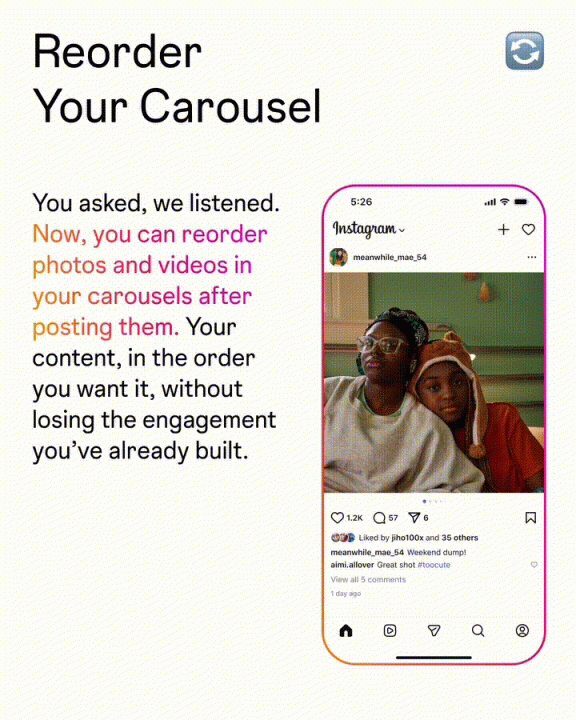
The update introduces a simple drag-and-drop interface, making it easier to reorganize content while keeping engagement intact.
However, there are still limitations. While users can reorder or remove existing items, adding new photos or videos to an already published carousel is not yet supported.
How to reorder Instagram carousel posts:
- Open the Instagram app
- Go to your existing carousel post
- Tap the three-dot menu and select Edit
- Long press on a photo or video
- Drag it to your preferred position
- Tap Done to save changes
This new feature is expected to improve post flexibility for creators and casual users alike, especially those who frequently refine their content after posting.





0 Comments
Leave a Reply