

OS, UI, and Apps
Running the software department of the G4 Stylus is Android 5.0.2 Lollipop with LG’s UX 4.0 on top. We must say that UX 4.0 is one of the most eye-pleasing UIs around that matches Lollipop’s Material design. Icons are colorful but not toyish while the layout feels simple yet organized.
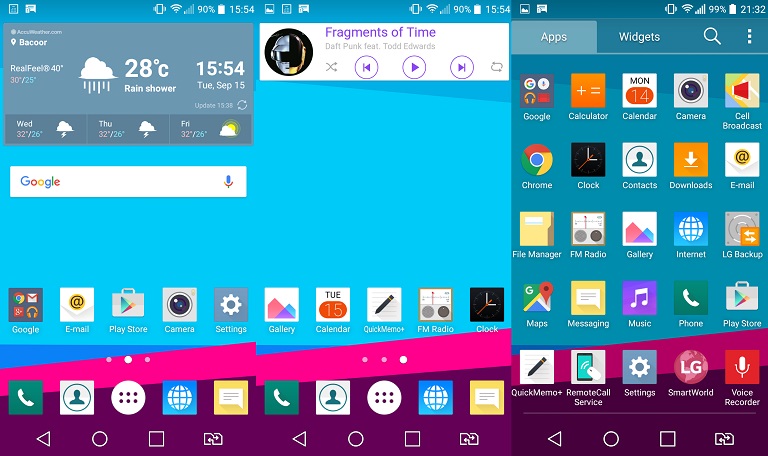
Below are the software features of the G4 Stylus:
- QuickMemo+ – for note taking using the Rubberdium stylus
- Dual Window – Split screen, use two apps at once
- Rearrangeable Home touch buttons
- Built-in multiple font types and sizes
- Double tap to wake
- Shortcut Key – press and hold volume up for QuickMemo+ and volume down for Camera
- QuickCircle Case support
- Built-in battery saver
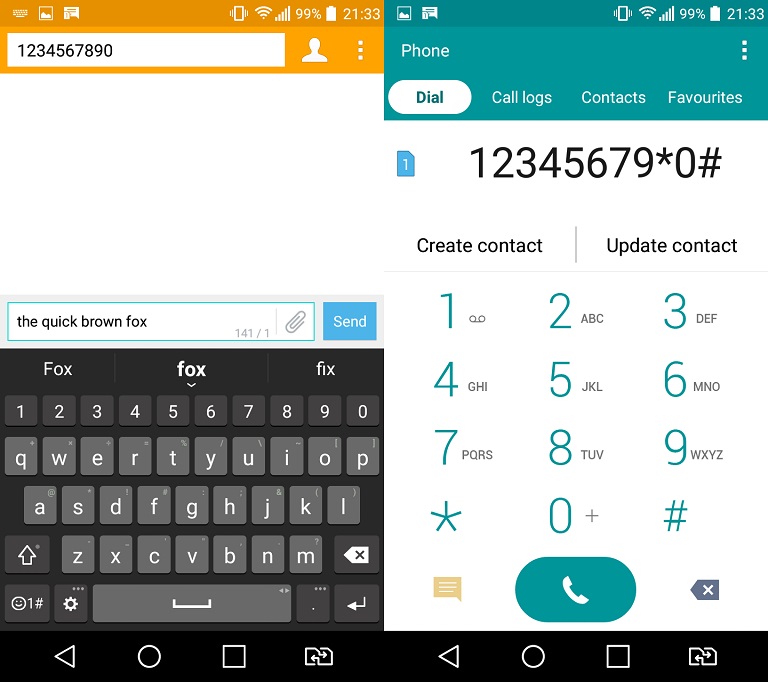
Don’t expect too much though when it comes to the Rubberdium Stylus since it doesn’t have fancy features unlike Samsung’s S-Pen. However, it is responsive when using QuickMemo+ or when navigating the UI. So for quick doodling or note-taking, the Stylus can do the job.
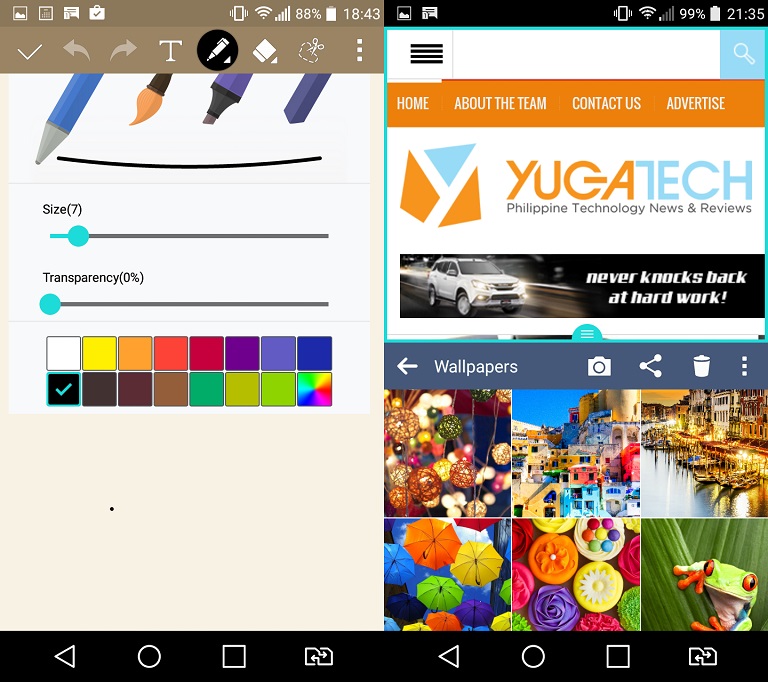
When it comes to apps, the G4 Stylus only has Google apps pre-installed considering that it only has 8GB of internal storage. Less the 4.5GB from the System Files and you’re only left with around 3.5GB worth of usable storage which is very small. On the bright side, it supports microSD cards with Move to SD Card feature. No support for USB OTG.
Camera
When it comes to imaging, the G4 Stylus is equipped with a 13 megapixel main shooter with LED flash, and Laser AF. The front has a 5 megapixel camera with a wide-angle lens and Beautify feature. The rear camera’s auto-focus performance is relatively quick especially in bright conditions but also really helpful in dim environments.
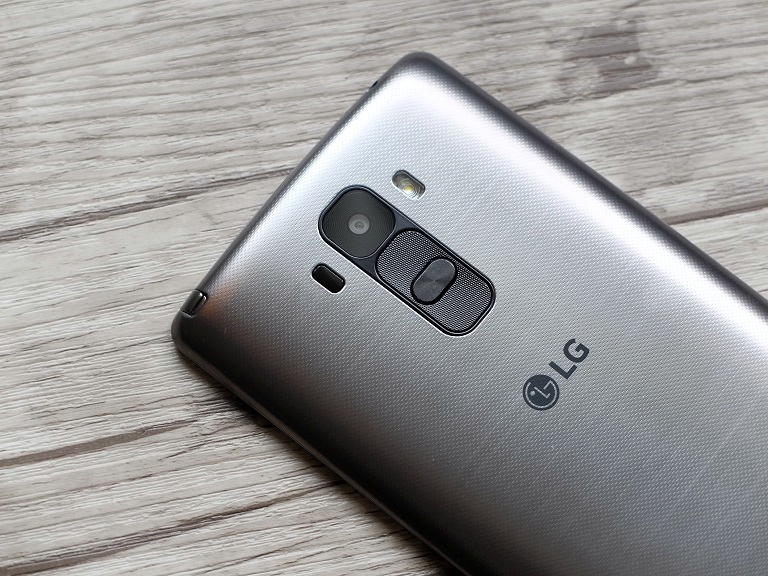
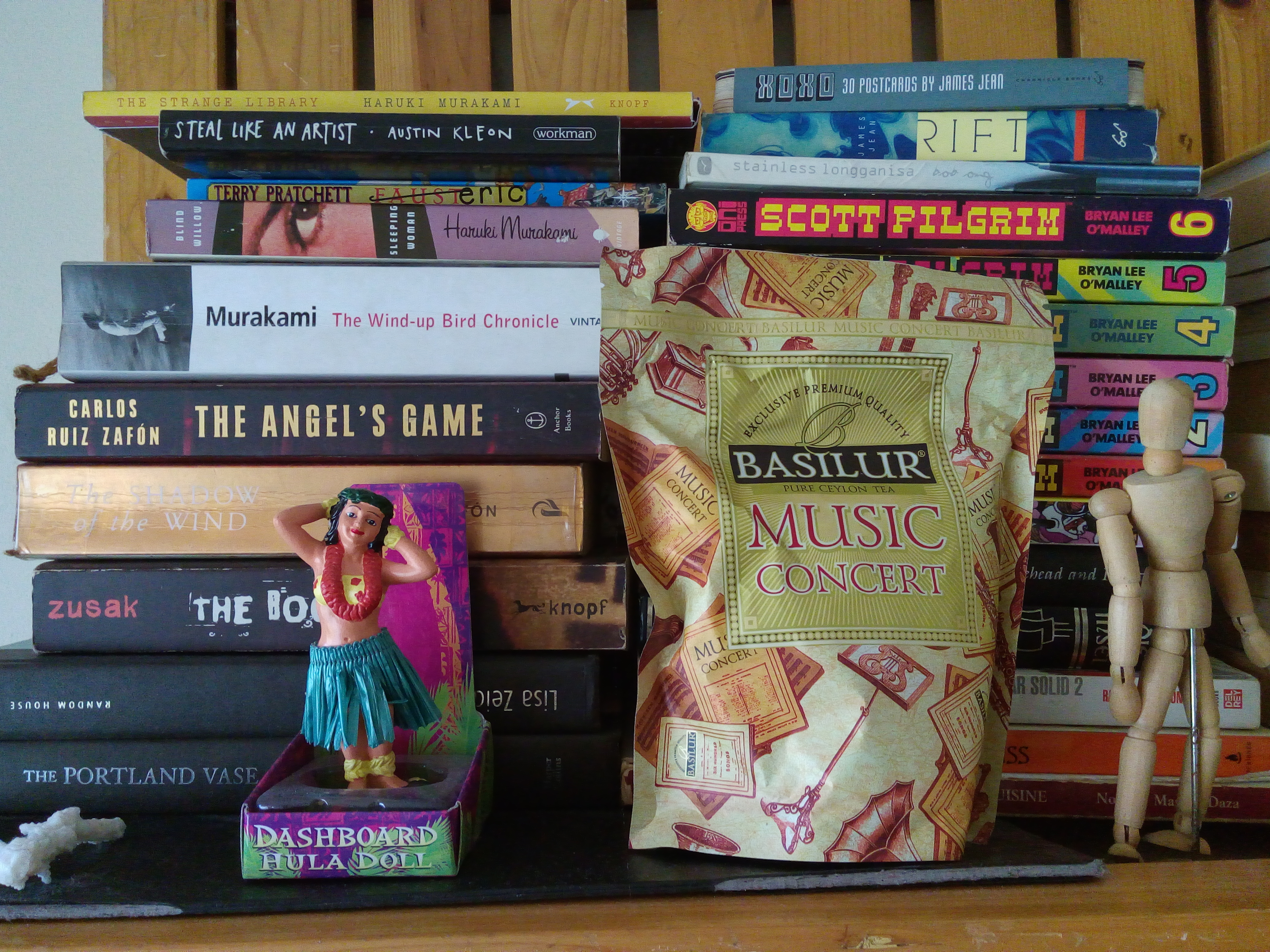
Image quality is sharp with vibrant colors but tend to have a bluish tinge when shooting indoors. It’s not a serious issue though as it can be easily remedied using your favorite photo editing app. In-camera modes are very limited though as you only have Auto and Panorama.


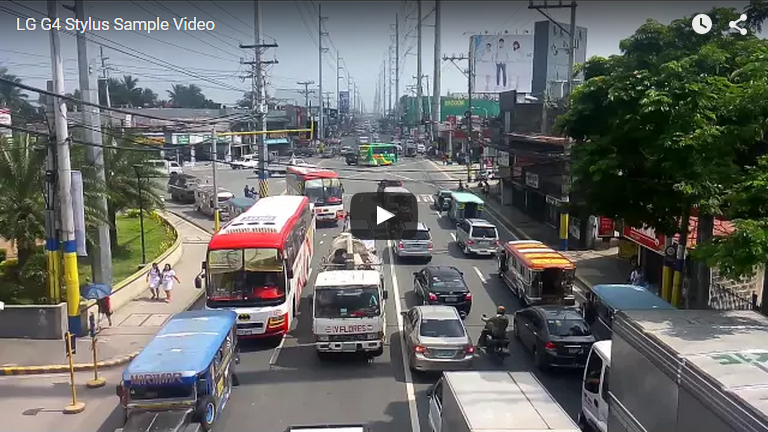
As for video recording, the G4 Stylus can shoot 1080p videos at 30fps in MP4 format. It’s sharp with decent colors but could use some improvement when it comes to contrast. Watch the sample below:





I would like to see this get head to head comparison with Redmi’s Note 3 (MediaTek Variant) since they are in almost the same price range. :)