

Facebook is now asking to peek into your camera roll when you create a Story, so it can offer AI-powered edits for photos you haven’t even posted yet. When you tap to add a Story, a pop-up will ask you to opt into “cloud processing.” If you agree, Facebook will upload your images to its servers, then suggest fun collages, themed recaps, or AI restyled versions based on time, place, and who’s in the shot.
Facebook says only you can see these AI ideas, and they won’t use your photos for ads. But by tapping “Allow,” you’re signing Meta’s AI Terms of Service, which lets its AI analyze faces, objects, and locations in your pics. The same terms also let Meta keep and use any personal info from your uploads to customize its AI suggestions, and even have humans review your interactions.
This move highlights the fine line between handy features and privacy risks. While the AI tools could save you time on edits, they also give Facebook access to everything in your camera roll. So far, only a few users have spotted these prompts, mostly in the U.S. and Canada, and some found settings to switch the feature off under “Camera roll sharing suggestions” in the app’s Preferences.
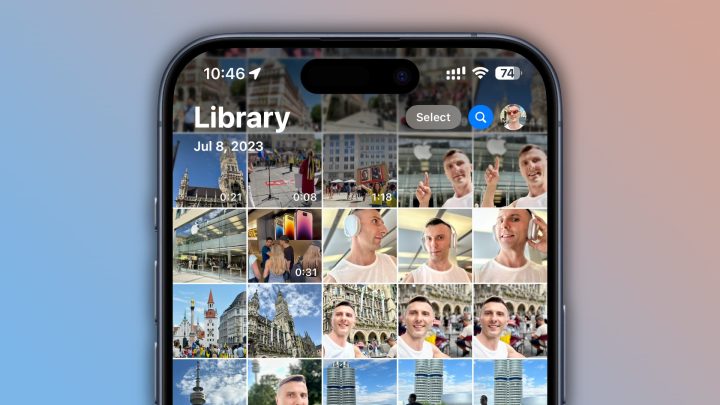
Meta calls this a test to make content sharing easier, but it’s worth weighing the benefits against sharing your private photos. If you’d rather skip the AI magic, keep an eye on your Story pop-ups or toggle off camera roll suggestions in Settings.






0 Comments
Leave a Reply