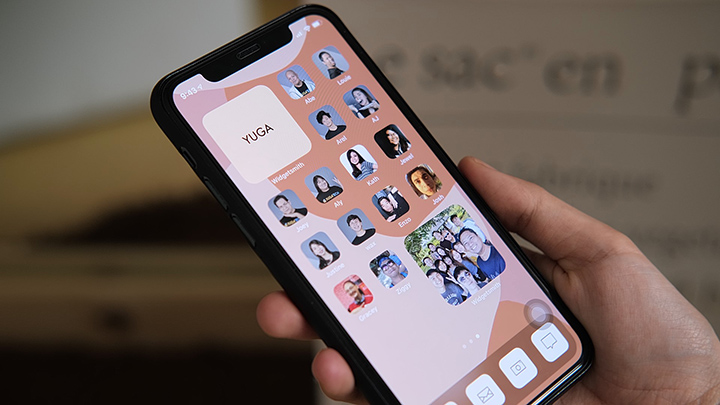

Since the global rollout of the iOS 14, iPhone users have been testing the new customization possibilities offered by the latest update from Apple. From the App Library to customizable widgets, iOS 14 comes with a variety of ways for users to modify their devices. However, changing the app icons is possibly the best customization option offered to iPhone users today. iPhone users can now unleash their creativity by changing their app icons to whatever they want by using a third-party app called Shortcuts. Here’s a step-by-step tutorial on how you can change your app icons on your iPhone. And that sums up the steps on changing your app icon on the iOS 14. We hope this guide helps in changing your icons on iOS 14. Apple has released the second developer beta of iOS 27. Read more in our articles including "How to Change App Icons on iOS 14" and "Apple rolls out iOS 27 beta 2".

Since the global rollout of the iOS 14, iPhone users have been testing the new…
Sep 28, 2020
Apple has released the second developer beta of iOS 27. It brings several new features…
Jun 23, 2026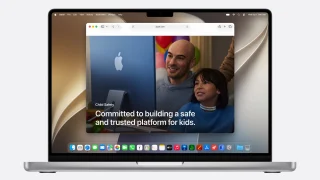
Apple dedicated a big chunk of WWDC 2026 to child safety, and the update is…
Jun 9, 2026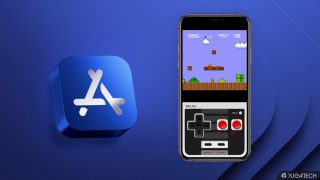
Apple has loosened its grip on retro console emulators within the App Store. This move…
Apr 6, 2024
Apple has revealed that the iPhone 12 and 12 mini now come in the color…
Apr 21, 2021
Apple has a reputation for making premium and expensive products– from accessories down to smart…
Aug 9, 2020Since the global rollout of the iOS 14, iPhone users have been testing the new customization possibilities offered by the latest update from Apple. From the App Library to customizable widgets, iOS 14 comes with a variety of ways for users to modify their devices.
However, changing the app icons is possibly the best customization option offered to iPhone users today. iPhone users can now unleash their creativity by changing their app icons to whatever they want by using a third-party app called Shortcuts. Here’s a step-by-step tutorial on how you can change your app icons on your iPhone.
Our coverage of App Icons on iOS 14 includes: "How to Change App Icons on iOS 14"; "Apple rolls out iOS 27 beta 2"; "Apple Overhauls Child Safety with New Parental Controls in iOS 27". Each article provides unique insights and information.