

PalawanPay has added Google Wallet support for its Visa Card, allowing eligible Android users to make contactless payments using their smartphones instead of a physical card.
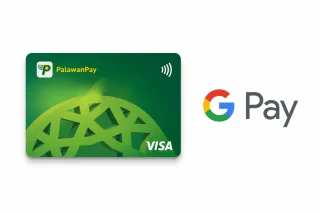
The new feature lets users link their PalawanPay Visa Virtual Card to Google Wallet and pay at stores that accept contactless payments through Google Pay’s Tap to Pay feature. The service is available to eligible Android devices with NFC support.
To use the feature, users need to open the PalawanPay app, go to the Cards section, tap the Tap to Pay GPay button, then select Add to Google Wallet. After reviewing and accepting the terms, users may need to complete additional verification before the card is added.
Once linked, the phone can be tapped on compatible payment terminals to complete purchases without using a physical card.
According to PalawanPay’s FAQs, users must have an active PalawanPay Visa Virtual Card, an Android phone with NFC support, an updated Google Wallet app, and a screen lock such as a PIN, password, fingerprint, or face unlock.
If users are unable to add their card, possible reasons include outdated versions of the PalawanPay or Google Wallet apps, disabled NFC, unsupported devices, inactive or blocked cards, or temporary system or internet connection issues.
PalawanPay recommends updating both apps, enabling NFC, checking the internet connection, and ensuring the Visa Card is active before trying again. More information is available through the PalawanPay Help Center.







0 Comments
Leave a Reply