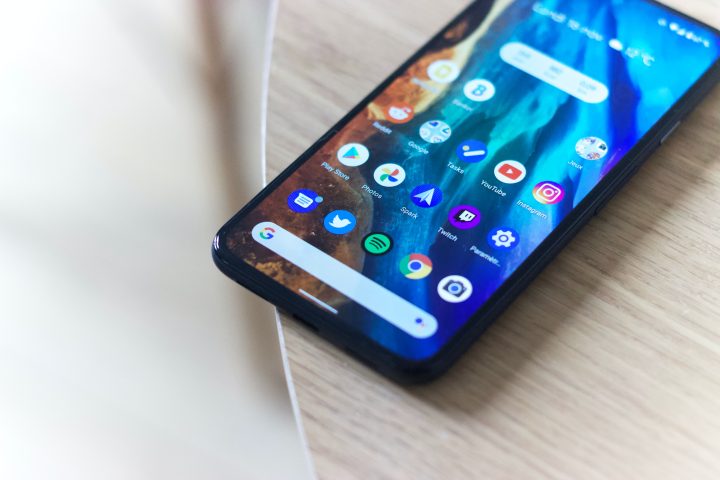

Auto-archive is Android's new feature that allows users to freely install new applications without uninstalling existing ones. Users can choose to auto-archive in a few steps: 1. The user is prompted with a pop-up window asking if they wish to allow auto-archive. If the user chooses to participate, unused apps on their smartphone will be automatically archived to make room for a new app request. Developers that publish their apps through the App Bundle are the only ones who have access to auto-archive. So this one's in partnership with Globe and we'll be giving away a couple of cool gadgets to help promote new mobile service called My Apps Mall. So here's the story -- Globe Telecom has recently launched a new mobile portal called MyApps Mall (www.myappsmall.com). The My Apps Mall features thousands of free apps for feature phones to dozens of brands in the market (not the Android or iOS type). Read more in our articles including "Android can now archive unused apps automatically" and "Globe-YugaTech MyApps Mall Contest".

Android introduces a new feature that archives applications to free up space on the device.…
Apr 12, 2023It’s been a long time since we had a contest that’s focused on our fellow…
Feb 14, 2012
Zoom has introduced ZoomMate, a new AI-powered work platform designed to help teams turn conversations…
Jun 20, 2026
The Philippine Atmospheric, Geophysical and Astronomical Services Administration (PAGASA) has launched the PANaHON mobile app,…
Jun 16, 2026
EStrava has announced a set of new and updated hiking features aimed at helping users…
Jun 13, 2026
Netflix has unveiled a refreshed mobile experience and expanded gaming initiatives during its APAC Product…
Jun 11, 2026Auto-archive is Android's new feature that allows users to freely install new applications without uninstalling existing ones. Users can choose to auto-archive in a few steps: 1.
The user is prompted with a pop-up window asking if they wish to allow auto-archive. If the user chooses to participate, unused apps on their smartphone will be automatically archived to make room for a new app request. Developers that publish their apps through the App Bundle are the only ones who have access to auto-archive.
Our coverage of auto-archive apps includes: "Android can now archive unused apps automatically"; "Globe-YugaTech MyApps Mall Contest"; "Zoom launches ZoomMate AI Teammate". Each article provides unique insights and information.