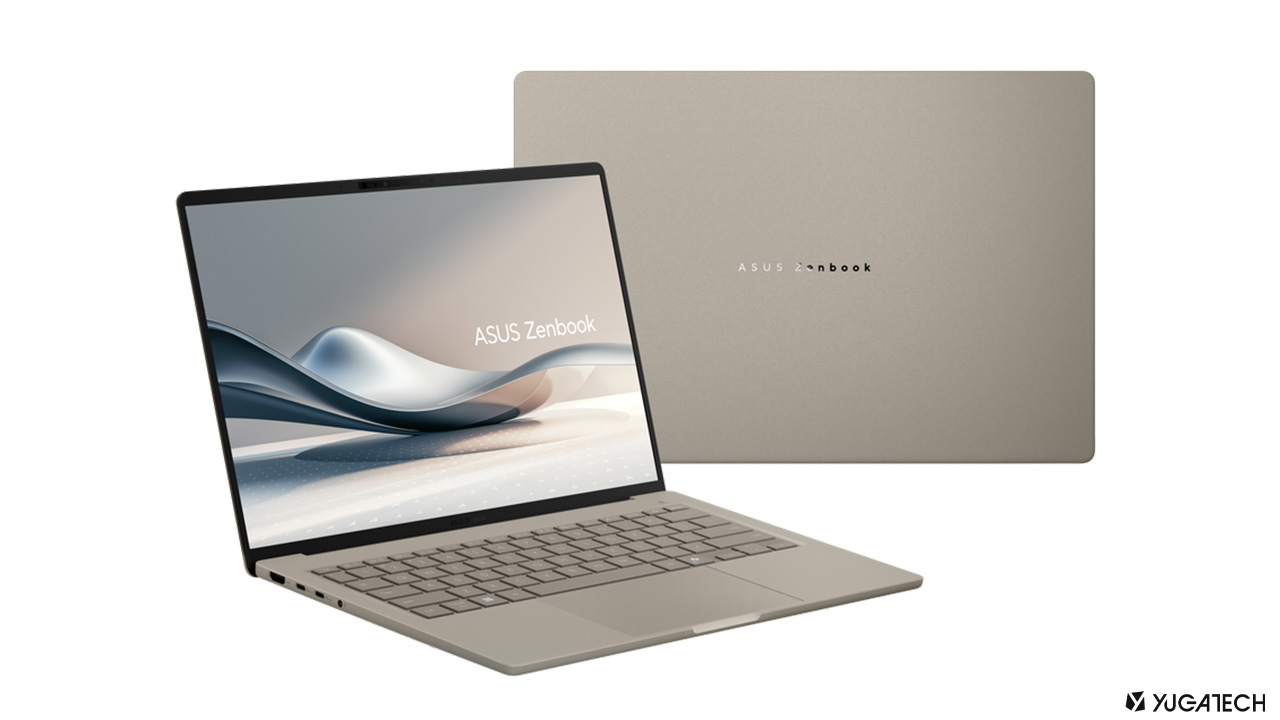


This results in an enhanced Copilot+ experience, with AI-driven features like Live Captions, Cocreator in Paint, and Generative Fill in Paint, along with super resolution and other advanced tools in Photos. Microsoft Copilot now lets Windows 11 users manage their Android 14 phones straight from a desktop. Users have to link their device via Phone Link, where Copilot can retrieve messages, set alarms, and get other information. To set this up, simply visit the Copilot website and look for the Phone toggle in the Plug-in section. From here, just follow instructions provided by Copilot to begin linking your mobile device. Copilot will also ask the user for permissions to see your messages and contacts to enable the plugin’s functionality. These devices are also the first with dedicated Copilot keys on the keyboard for activating Microsoft’s new AI assistant features. This rendition is the first in a new generation of what Microsoft calls Copilot+ PCs. Read more in our articles including "CES 2025: ASUS debuts Zenbook A14—world’s lightest Copilot+ PC" and "Copilot now lets Windows 11 users manage Android 14 phones".
At CES 2025, ASUS has introduced the Zenbook A14—the world’s lightest Snapdragon-powered laptop, weighing under…
Jan 8, 2025
Microsoft Copilot now lets Windows 11 users manage their Android 14 phones straight from a…
Jul 4, 2024
The new Microsoft Surface Pro 10 and Surface Laptop 6 for Business have been launched.…
Mar 23, 2024
The new Microsoft Surface Pro has been unveiled as the latest addition to their tablet/laptop…
May 22, 2024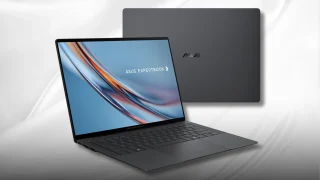
ASUS has confirmed that the ExpertBook Ultra will launch in the Philippines on July 1.…
Jun 28, 2026
Apple has quietly increased the prices of several products in the Philippines, with some models…
Jun 26, 2026This results in an enhanced Copilot+ experience, with AI-driven features like Live Captions, Cocreator in Paint, and Generative Fill in Paint, along with super resolution and other advanced tools in Photos. Microsoft Copilot now lets Windows 11 users manage their Android 14 phones straight from a desktop.
Users have to link their device via Phone Link, where Copilot can retrieve messages, set alarms, and get other information. To set this up, simply visit the Copilot website and look for the Phone toggle in the Plug-in section. From here, just follow instructions provided by Copilot to begin linking your mobile device.
Our coverage of copilot pc includes: "CES 2025: ASUS debuts Zenbook A14—world’s lightest Copilot+ PC"; "Copilot now lets Windows 11 users manage Android 14 phones"; "Microsoft Surface Pro 10 and Surface Laptop 6 launched". Each article provides unique insights and information.