

Microsoft Copilot now lets Windows 11 users manage their Android 14 phones straight from a desktop.

Users have to link their device via Phone Link, where Copilot can retrieve messages, set alarms, and get other information.

Phone Link is a Windows service that allows users to connect their phones to desktops or laptops. Keep in mind, you may need the Windows app from Google play.
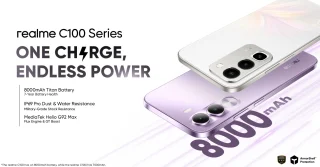
Currently, notable manufacturers like Samsung, HONOR, OPPO, OnePlus, and realme offer full device access for remote phone operation.
To set this up, simply visit the Copilot website and look for the Phone toggle in the Plug-in section.
From here, just follow instructions provided by Copilot to begin linking your mobile device. This may involve scanning a QR code to complete the process.
Copilot will also ask the user for permissions to see your messages and contacts to enable the plugin’s functionality.




0 Comments
Leave a Reply