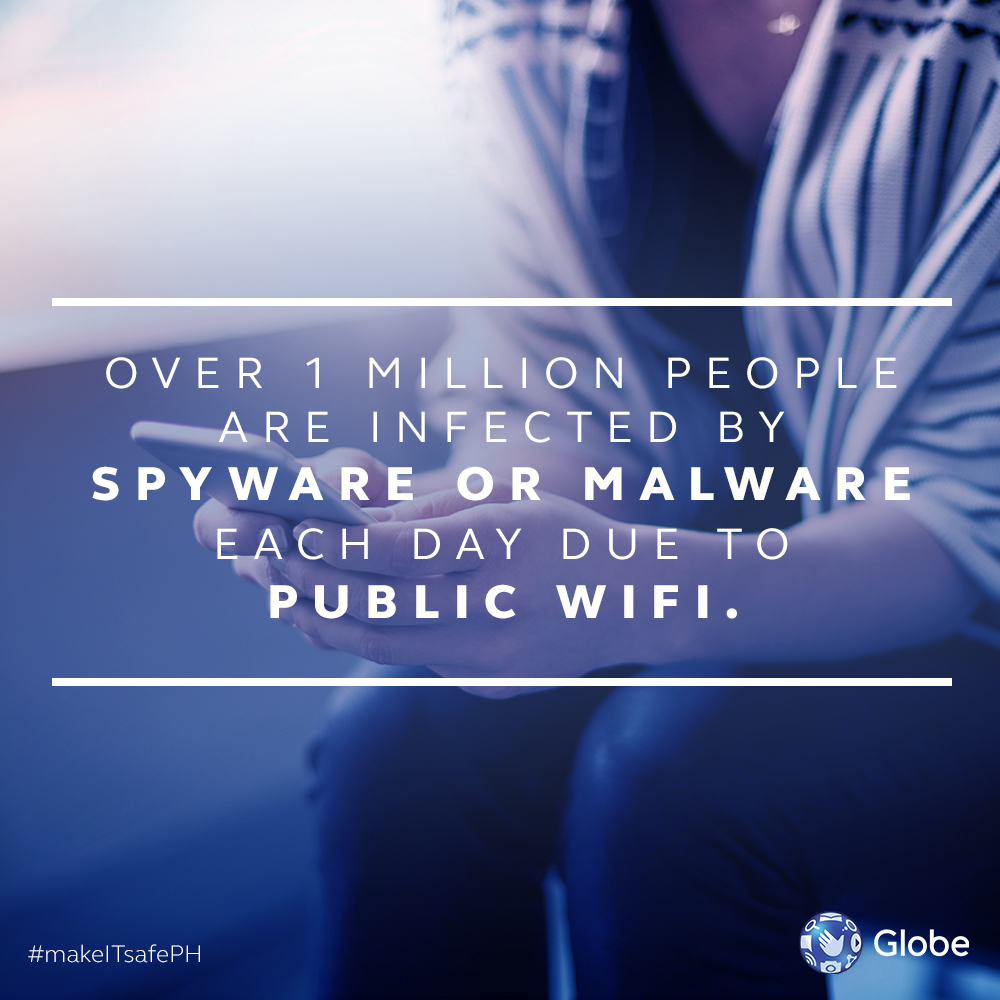


Free or Public Wi-Fi’s are a convenient way to stay connected to the web when you are on the go or not at home. Forget Networks Once you disconnect from any Public or Free Wi-Fi’s it is advised that you forget it, this would prevent your devices from auto connecting to these networks and any similarly named ones in the future. Just do the routine checks on a regular basis and just be mindful every time you ask for the WiFi password. More #makeITsafePH security tips: 5 ways to spot a Phishing Site from a Mile Away 10 Email Tips to Keep Away from Spam How to Manage Internet Use for your Children How to Clean your PC from Malware 6 Internet Security Tips in The Workplace How to Keep Safe when using Public or Free WiFi 4 Signs Your Online Accounts May Have Been Compromised “As our nationwide rollout of SmartWifi goes on full swing, this deployment along the LRT-1 is yet another step forward in our efforts to make world-class Internet connectivity accessible to more and more people,” says PLDT Smart Senior Vice President and Head of Enterprise Juan Victor Hernandez. The free Wi-Fi is available to all mobile network subscribers and comes with 30 minutes access of free internet everyday without data cap. To connect, users must turn on their Wi-Fi connection and select #SmartWifi from the list of available Wi-Fi networks. Read more in our articles including "How to Keep Safe when using Public or Free WiFi" and "Smart expands public Wi-Fi offering in LRT-1 stations".
Free or Public Wi-Fi’s are a convenient way to stay connected to the web when…
Aug 1, 2017
Smart Communications rolls out additional carrier-grade Wi-Fi hotspots for the public in more stations along…
Jul 12, 2017The Executive Director of the ICT Office of the Department of Science and Technology, Louis…
Jun 28, 2016Smart announces its partnership with ride-sharing company Uber in offering their users free rides with the…
Sep 9, 2015The Department of Science and Technology is looking to set up over 50,000 free public…
Nov 23, 2014I wonder why Nokia Philippines isn’t offering this to other WiFi-capable NSeries phones but they…
Oct 14, 2008Free or Public Wi-Fi’s are a convenient way to stay connected to the web when you are on the go or not at home. Forget Networks Once you disconnect from any Public or Free Wi-Fi’s it is advised that you forget it, this would prevent your devices from auto connecting to these networks and any similarly named ones in the future.
Just do the routine checks on a regular basis and just be mindful every time you ask for the WiFi password. More #makeITsafePH security tips: 5 ways to spot a Phishing Site from a Mile Away 10 Email Tips to Keep Away from Spam How to Manage Internet Use for your Children How to Clean your PC from Malware 6 Internet Security Tips in The Workplace How to Keep Safe when using Public or Free WiFi 4 Signs Your Online Accounts May Have Been Compromised “As our nationwide rollout of SmartWifi goes on full swing, this deployment along the LRT-1 is yet another step forward in our efforts to make world-class Internet connectivity accessible to more and more people,” says PLDT Smart Senior Vice President and Head of Enterprise Juan Victor Hernandez.
Our coverage of free wifi includes: "How to Keep Safe when using Public or Free WiFi"; "Smart expands public Wi-Fi offering in LRT-1 stations"; "Free WiFi across 93% of PH by the end of the year — DOST". Each article provides unique insights and information.