

When we check the specs of a laptop, a smartphone, or any other gadget, there’s always a USB (Universal Serial Bus) somewhere in it. We usually see terminologies like USB 2.0 and USB 3.0. We commonly overlooked this information but it’s actually important because knowing the type of USB your gadget will allow you to better understand how it works and how to efficiently use it. Here’s your guide to the different USB Generations. USB 1.0/1.1 (also known as Full Speed USB) USB 1.0 was released last January 1996 with just a snaillike Max. Data Transfer speed of 12Mbps (Megabits per second). Only a handful of this version was released to the market because you can’t use extension cables and it can’t deliver power, which means to charge a gadget through USB. Because of this, in August 1998, the very first revision of the USB was created and it produced the USB 1.1 which was widely accepted that led to its usage to Microsoft’s Legacy-free PC. Read more in our articles including "USB Generation Guide: What you Need to Know" and "realme Buds T500 Pro now available in the Philippines".
When we check the specs of a laptop, a smartphone, or any other gadget, there’s…
Feb 25, 2022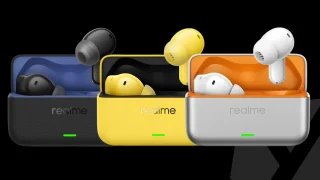
realme has launched the Buds T500 Pro in the Philippines with a suggested retail price…
Jun 19, 2026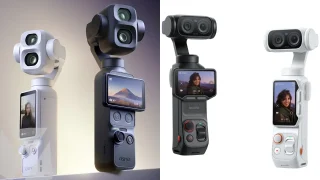
DJI and Insta360 have taken their rivalry to court, with both companies filing patent infringement…
Jun 19, 2026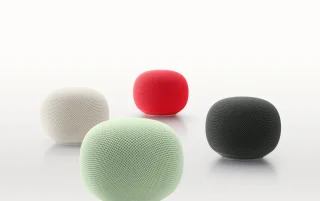
Google has unveiled the new Google Home Speaker, its first smart speaker built specifically for…
Jun 18, 2026
There are plenty of gaming keyboards on the market today, but every now and then,…
Jun 18, 2026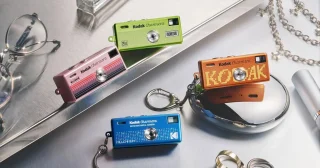
Kodak has unveiled the Charmera Millennium Edition, a new Y2K-inspired version of its popular mini…
Jun 17, 2026When we check the specs of a laptop, a smartphone, or any other gadget, there’s always a USB (Universal Serial Bus) somewhere in it. We usually see terminologies like USB 2.0 and USB 3.0.
We commonly overlooked this information but it’s actually important because knowing the type of USB your gadget will allow you to better understand how it works and how to efficiently use it. Here’s your guide to the different USB Generations. USB 1.0/1.1 (also known as Full Speed USB) USB 1.0 was released last January 1996 with just a snaillike Max.
Our coverage of Hi Speed USB includes: "USB Generation Guide: What you Need to Know"; "realme Buds T500 Pro now available in the Philippines"; "DJI files patent infringement lawsuits against Insta360". Each article provides unique insights and information.