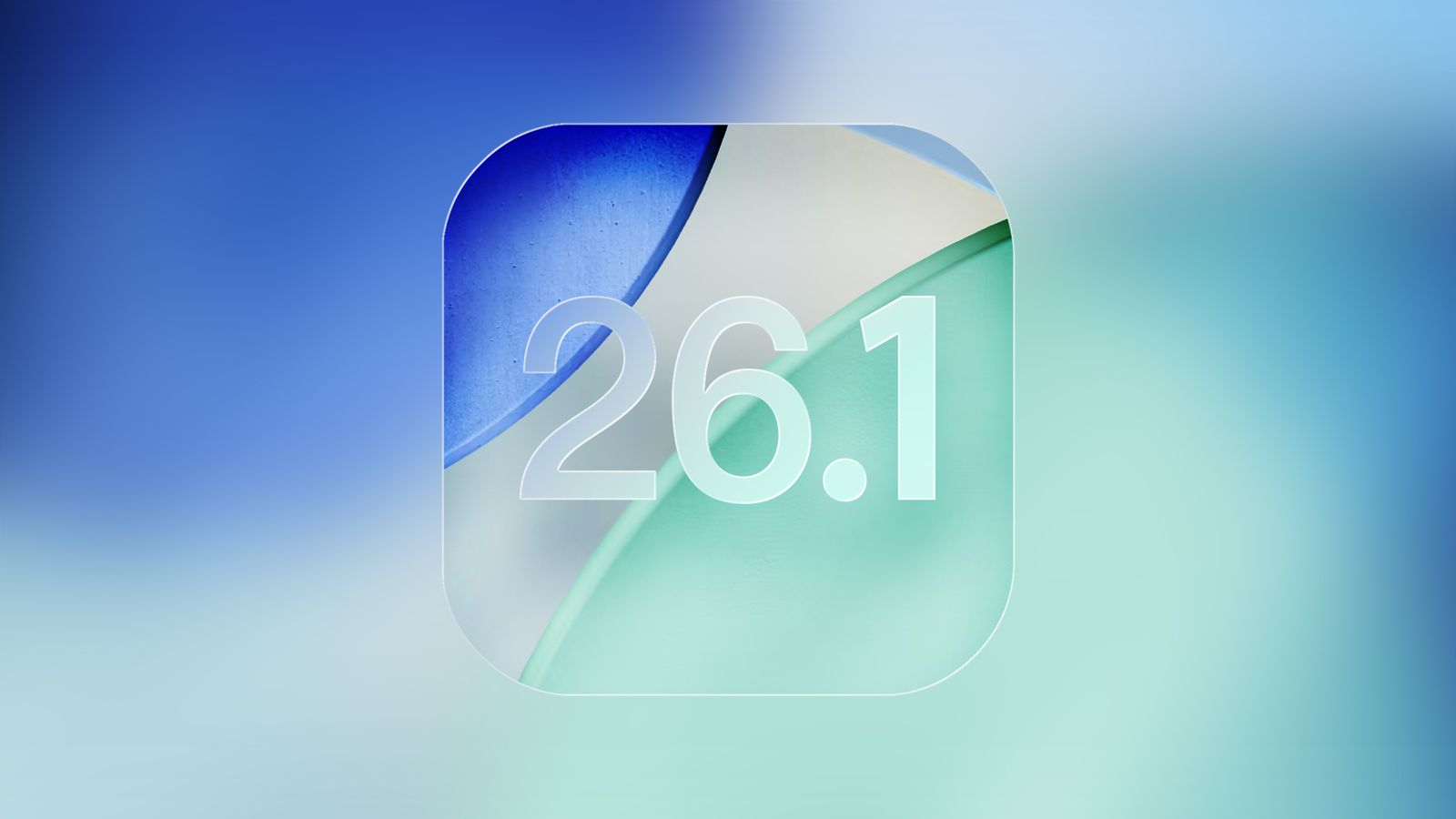

Apple is gearing up to roll out iOS 26.1, the latest update for iPhones that fine-tunes some of the design and usability changes introduced in iOS 26. Here are the key changes coming with iOS 26.1: Tinted Liquid Glass option: Apple’s transparent “Liquid Glass” design in iOS 26 made the interface look sleek but also harder to read for some users. In iOS 26.1, users can now enable a tinted version for better contrast and visibility. The new option can be found in Settings under “Display & Brightness.” Disable lock screen camera swipe: If you’ve ever accidentally opened the camera while swiping on the lock screen, iOS 26.1 now lets you turn off this shortcut. Just go to Settings > Camera and toggle off “Lock Screen Swipe to Open Camera.” More language support for Apple Intelligence and AirPods: Apple’s AI-powered features now support additional languages, including Danish, Norwegian, Dutch, Chinese (Traditional), Portuguese, Swedish, Turkish, and Vietnamese. iOS 26.1 focuses mainly on refining Apple’s earlier design overhaul while giving users more control over how their iPhones look and behave. The European Commission is taking aim at Apple’s closed ecosystem with a new document demanding "effective interoperability" between iOS, Android, and other platforms. Essentially, the EU wants Apple to make its exclusive features—like AirDrop and AirPlay among others—work with Android and other operating systems. Read more in our articles including "iOS 26.1 Incoming Update Brings 4 Key Updates to iPhones" and "The EU demands Apple to make AirDrop, other iOS features work with Android".
Apple is gearing up to roll out iOS 26.1, the latest update for iPhones that…
Oct 31, 2025
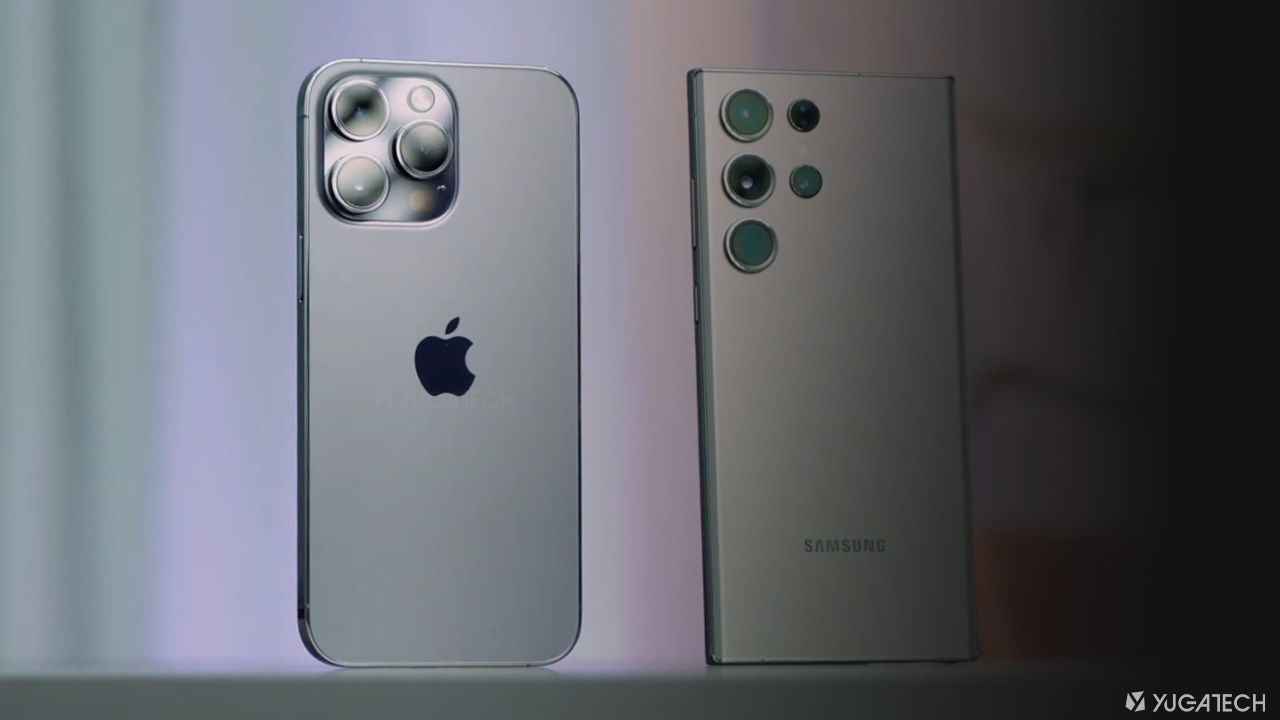
The European Commission is taking aim at Apple’s closed ecosystem with a new document demanding…
Dec 21, 2024
The Department of Information and Communications Technology (DICT) reported a significant decline in courier-related complaints,…
Jun 25, 2026Apple today officially announced the next version of their popular mobile operating system, the iOS…
Jun 7, 2011We don’t know how widespread the problem is, but there reports coming in that users…
Sep 17, 2010If you either have a new iPhone 4 with iOS 4.0.2 pre-installed by default or…
Sep 17, 2010Apple is gearing up to roll out iOS 26.1, the latest update for iPhones that fine-tunes some of the design and usability changes introduced in iOS 26. Here are the key changes coming with iOS 26.1: Tinted Liquid Glass option: Apple’s transparent “Liquid Glass” design in iOS 26 made the interface look sleek but also harder to read for some users.
In iOS 26.1, users can now enable a tinted version for better contrast and visibility. The new option can be found in Settings under “Display & Brightness.” Disable lock screen camera swipe: If you’ve ever accidentally opened the camera while swiping on the lock screen, iOS 26.1 now lets you turn off this shortcut. Just go to Settings > Camera and toggle off “Lock Screen Swipe to Open Camera.” More language support for Apple Intelligence and AirPods: Apple’s AI-powered features now support additional languages, including Danish, Norwegian, Dutch, Chinese (Traditional), Portuguese, Swedish, Turkish, and Vietnamese.
Our coverage of iOS features includes: "iOS 26.1 Incoming Update Brings 4 Key Updates to iPhones"; "The EU demands Apple to make AirDrop, other iOS features work with Android"; "Courier Complaints Drop 88% Under Oplan Bantay Padala". Each article provides unique insights and information.