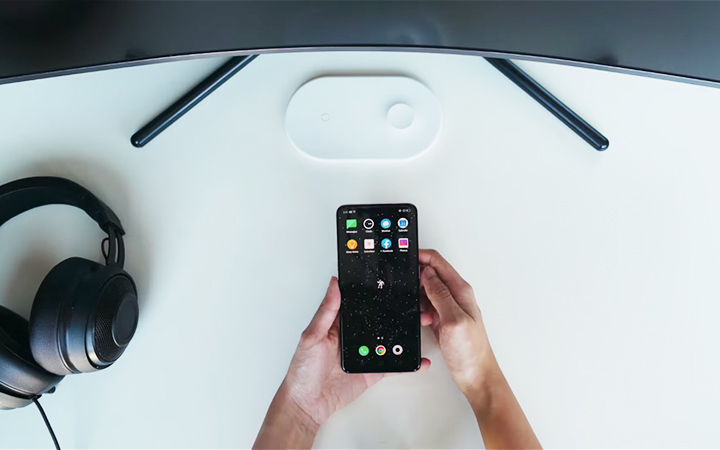


On that note, here is our guide that can help you to start your own minimalist smartphone setup. Take a moment to go through each and every app you have and evaluate. Start asking yourself simple questions like how often do I really use this app? Then, you can move on to harder questions such as: Yes, I use this app a lot, but should I be using it a lot? Then decide to delete all the apps that don’t provide a lot of value. If you don’t know where to start looking for these wallpapers, you can check out our video on the best wallpaper apps for Android and iOS. Group similar purpose apps in folders and label them Now that both your app drawer and home screen are pretty decluttered, you can begin organizing them. You can keep your most-used apps on the main home screen, and then on a separate page, everything else in folders. Read more in our articles including "Minimalist Smartphone Setup Guide" and "WATCH: Minimalist Smartphone Setup Guide".

We live in a world filled with technology. From our living rooms to our desks,…
Mar 25, 2020
How can we make things simpler in a world filled with technology? From our living…
Aug 20, 2019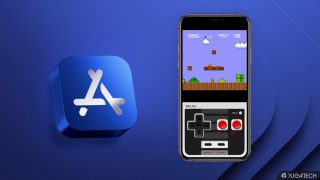
Apple has loosened its grip on retro console emulators within the App Store. This move…
Apr 6, 2024
Apple has revealed that the iPhone 12 and 12 mini now come in the color…
Apr 21, 2021
Apple has a reputation for making premium and expensive products– from accessories down to smart…
Aug 9, 2020
Apple released the iPhone SE 2020 last week. It’s Apple’s most affordable iPhone in its…
Apr 24, 2020On that note, here is our guide that can help you to start your own minimalist smartphone setup. Take a moment to go through each and every app you have and evaluate.
Start asking yourself simple questions like how often do I really use this app? Then, you can move on to harder questions such as: Yes, I use this app a lot, but should I be using it a lot? Then decide to delete all the apps that don’t provide a lot of value.
Our coverage of minimalist app includes: "Minimalist Smartphone Setup Guide"; "WATCH: Minimalist Smartphone Setup Guide"; "Apple App Store now permits game emulators globally". Each article provides unique insights and information.