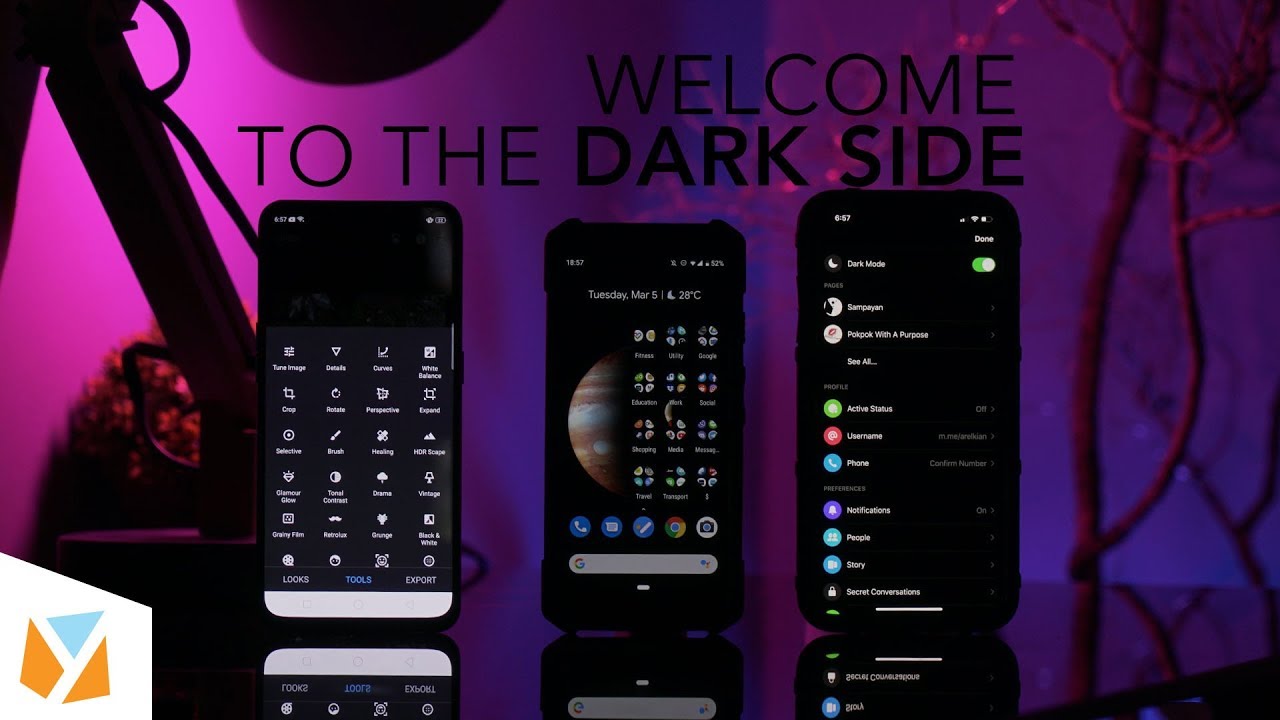

If you want dark mode for your entire iPhone’s UI, thankfully with iOS 13 you can now simply go to Settings, then Display and Brightness, and at the top part click on Dark. Read more in our articles including "Dark Mode Everything for Android and iOS" and "Apple announces iOS 5 at WWDC 2011".
Don’t you wish you could make your entire smartphone interface dark mode? There are so…
Apr 16, 2020Apple today officially announced the next version of their popular mobile operating system, the iOS…
Jun 7, 2011We don’t know how widespread the problem is, but there reports coming in that users…
Sep 17, 2010If you either have a new iPhone 4 with iOS 4.0.2 pre-installed by default or…
Sep 17, 2010
A new school year means new projects, research papers, presentations, and online learning tasks. Whether…
Jun 14, 2026
With the announcement of the Xiaomi 17T series today, those hoping to upgrade from last…
May 29, 2026If you want dark mode for your entire iPhone’s UI, thankfully with iOS 13 you can now simply go to Settings, then Display and Brightness, and at the top part click on Dark.
Our coverage of night mode ios includes: "Dark Mode Everything for Android and iOS"; "Apple announces iOS 5 at WWDC 2011"; "iPhone 4 jailbreak (JailbreakMe) website Alternatives". Each article provides unique insights and information.
Our article "Dark Mode Everything for Android and iOS" published on April 16, 2020 covers the latest information about night mode ios. Check it out for the most current details.