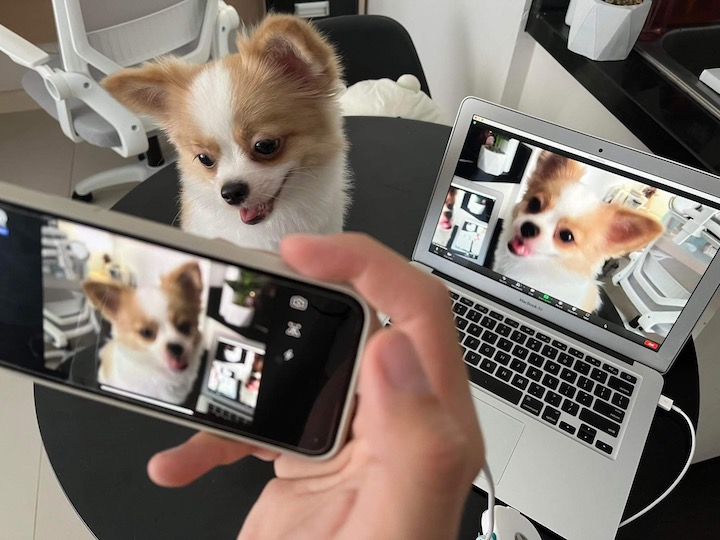

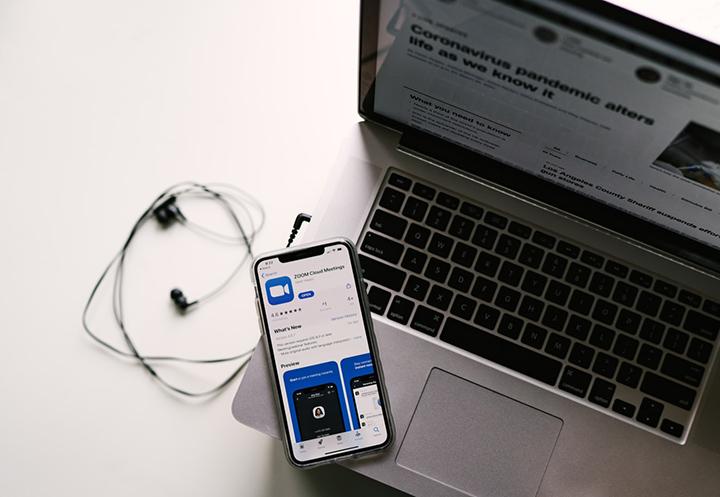
But did you know that you could put it to good use by converting it to a webcam? I mean, our phones have way superior cameras than our laptops, so why not? We chose Iriun because it is one of the few webcam apps that is found on both iOS and Android, as well as on macOS and Windows. In addition, the free version of Iriun, already delivers great video quality and gives you all the features that you essentially need in a webcam. Once Iriun has been both downloaded on your phone and PC, make sure that your computer and phone are both connected to the same Wi-Fi. Once connected to the same Wi-Fi, you can now open the Iriun app on your computer and phone. To get the best connection, plug your phone into your computer whilst having Iriun opened on both devices. To use your phone as a webcam, open whichever video streaming or video call service you like and select Iriun Webcam on the list of cameras detected. Read more in our articles including "How to turn your old Smartphone into a Webcam" and "How to Use Your Android and iOS Smartphone as Webcam".

Got an old smartphone lying around? Chances are that it might just be on a…
Mar 28, 2022
The way we value web cameras today has drastically changed due to the situation we…
Sep 24, 2020While every iPhone fans are waiting for the supposed August/September release of the iPhone 3G…
Jul 27, 2008After over two weeks of using the iPhone 3G, I can fairly say I have…
Sep 13, 2008Update: Check out our iPhone 3G Review. Globe drops iPhone 3G Price Exclusive: iPhone 3G…
Aug 15, 2008Apparently, there’s still money to be made from old iPhones since demand for it from…
Jul 20, 2008But did you know that you could put it to good use by converting it to a webcam? I mean, our phones have way superior cameras than our laptops, so why not?
We chose Iriun because it is one of the few webcam apps that is found on both iOS and Android, as well as on macOS and Windows. In addition, the free version of Iriun, already delivers great video quality and gives you all the features that you essentially need in a webcam. Once Iriun has been both downloaded on your phone and PC, make sure that your computer and phone are both connected to the same Wi-Fi.
Our coverage of Phone as Webcam includes: "How to turn your old Smartphone into a Webcam"; "How to Use Your Android and iOS Smartphone as Webcam"; "Top iPhone 3G Alternatives". Each article provides unique insights and information.