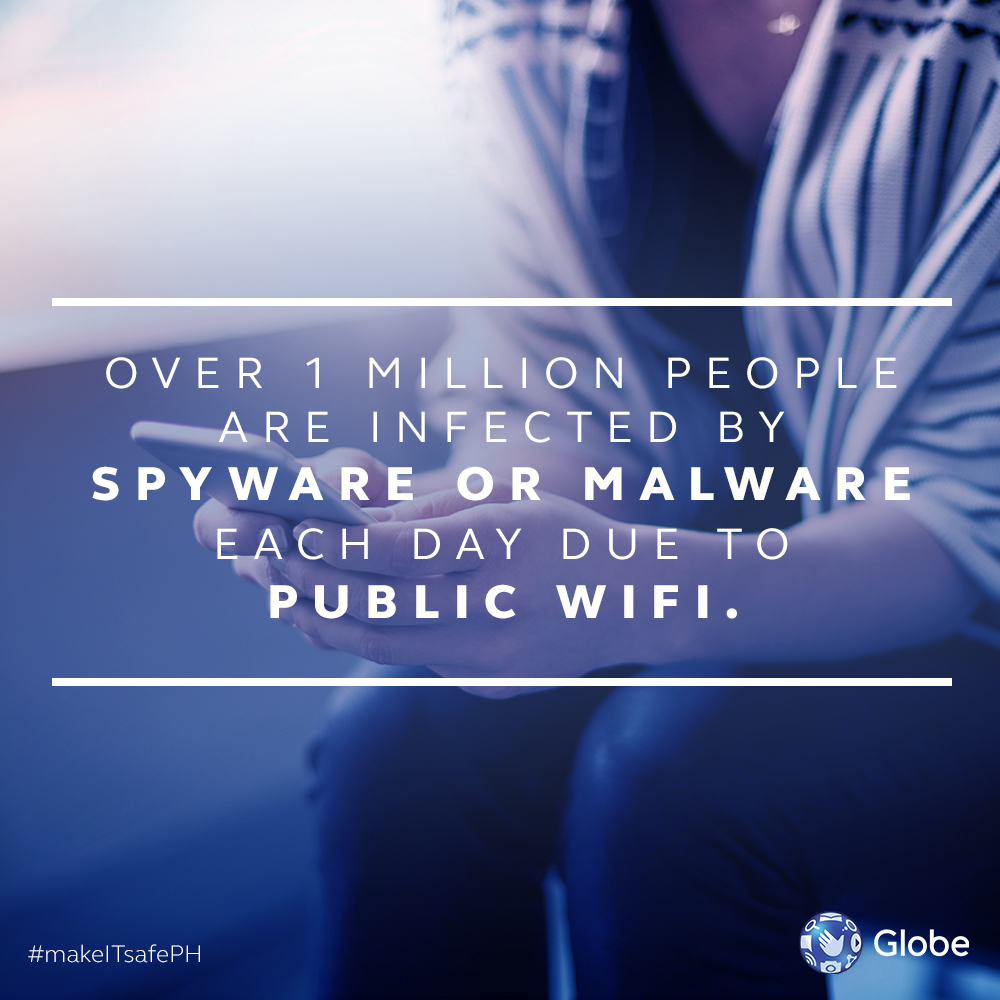

Stay on Secure Websites Always check which websites you are visiting. Certain browsers, like Google Chrome, would send out warnings whenever you are entering a site with an unsecured connection or unreliable security certification. This would most probably be denoted by a red crossed out padlock on the address bar while secured websites would be denoted by a green padlock. Just do the routine checks on a regular basis and just be mindful every time you ask for the WiFi password. More #makeITsafePH security tips: 5 ways to spot a Phishing Site from a Mile Away 10 Email Tips to Keep Away from Spam How to Manage Internet Use for your Children How to Clean your PC from Malware 6 Internet Security Tips in The Workplace How to Keep Safe when using Public or Free WiFi 4 Signs Your Online Accounts May Have Been Compromised Today we are looking into one of their Secure Cloud-managed routers, the Zyxel AXE5400 WiFi 6E (SCR 50AXE). The SCR 50AXE is a WiFi 6E router that provides cool features like malware and ransomware protection, traffic management, country restriction, and threat reporting capabilities. It promises a fast and easy setup through a mobile app, and delivers superfast connectivity with speeds up to 5.4Gbps through its tri-band WiFi 6E radio. Read more in our articles including "How to Keep Safe when using Public or Free WiFi" and "Zyxel AXE5400 (SCR 50AXE) WiFi 6E Secure Cloud-Managed Router Review".
Free or Public Wi-Fi’s are a convenient way to stay connected to the web when…
Aug 1, 2017
Here at Yugatech, we’ve reviewed tons of routers over the years, from small to comically…
Feb 2, 2024Was fixing the built-in wifi device of the MSI Wind for several hours now to…
Aug 13, 2008
It’s that time again when we round up the latest smartphone launches here in the…
Jun 26, 2026
A new school year means new projects, research papers, presentations, and online learning tasks. Whether…
Jun 14, 2026
With the announcement of the Xiaomi 17T series today, those hoping to upgrade from last…
May 29, 2026Stay on Secure Websites Always check which websites you are visiting. Certain browsers, like Google Chrome, would send out warnings whenever you are entering a site with an unsecured connection or unreliable security certification.
This would most probably be denoted by a red crossed out padlock on the address bar while secured websites would be denoted by a green padlock. Just do the routine checks on a regular basis and just be mindful every time you ask for the WiFi password. More #makeITsafePH security tips: 5 ways to spot a Phishing Site from a Mile Away 10 Email Tips to Keep Away from Spam How to Manage Internet Use for your Children How to Clean your PC from Malware 6 Internet Security Tips in The Workplace How to Keep Safe when using Public or Free WiFi 4 Signs Your Online Accounts May Have Been Compromised
Our coverage of secure wifi includes: "How to Keep Safe when using Public or Free WiFi"; "Zyxel AXE5400 (SCR 50AXE) WiFi 6E Secure Cloud-Managed Router Review"; "MSI Wind WiFi Problem?". Each article provides unique insights and information.