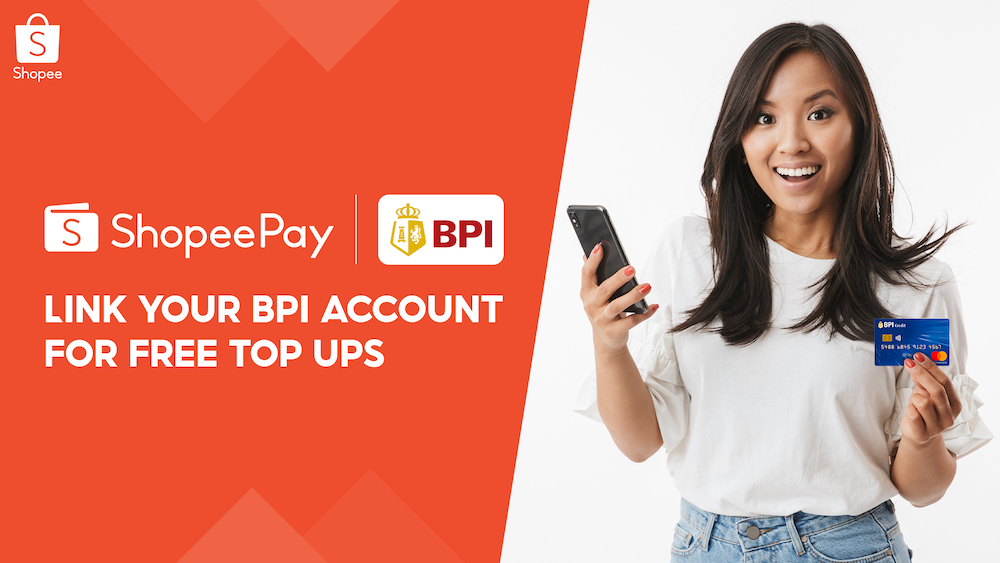


Many Shopee users use ShopeePay to pay for products in the platform as well as buy load, pay bills, and scan-to-pay for items at supported merchants. One challenge, however, is topping up your e-wallet. There's good news, though, especially if you have a BPI account, as you can now top up your ShopeePay via BPI Online. Linked BPI account will be displayed Here's how to top-up your ShopeePay wallet via your BPI account: 1. Input the amount to top up and select “Payment” 2. Successful top-up will show complete details You can also top up your wallet safely and conveniently through debit cards, online banking, TouchPay machines, and other convenient channels. ShopeePay is one of the ways you can pay for the goods you added to your Shopee cart. Since it's basically an e-wallet, you'll need to top it up. Read more in our articles including "How to top-up your ShopeePay wallet with BPI" and "How to link your debit card to ShopeePay".

Many Shopee users use ShopeePay to pay for products in the platform as well as…
Aug 20, 2021
ShopeePay is one of the ways you can pay for the goods you added to…
Apr 24, 2021LG’s new XNote S210 seems to be right in the fence between a regular laptop…
Oct 18, 2008
Google is testing a new Google Wallet feature that automatically tracks delivery packages using Gmail…
Jun 28, 2026
Zoom has introduced ZoomMate, a new AI-powered work platform designed to help teams turn conversations…
Jun 20, 2026
The Philippine Atmospheric, Geophysical and Astronomical Services Administration (PAGASA) has launched the PANaHON mobile app,…
Jun 16, 2026Many Shopee users use ShopeePay to pay for products in the platform as well as buy load, pay bills, and scan-to-pay for items at supported merchants. One challenge, however, is topping up your e-wallet.
There's good news, though, especially if you have a BPI account, as you can now top up your ShopeePay via BPI Online. Linked BPI account will be displayed Here's how to top-up your ShopeePay wallet via your BPI account: 1. Input the amount to top up and select “Payment” 2.
Our coverage of shopeepay top up includes: "How to top-up your ShopeePay wallet with BPI"; "How to link your debit card to ShopeePay"; "LG XNote S210 hovers at 1kg". Each article provides unique insights and information.