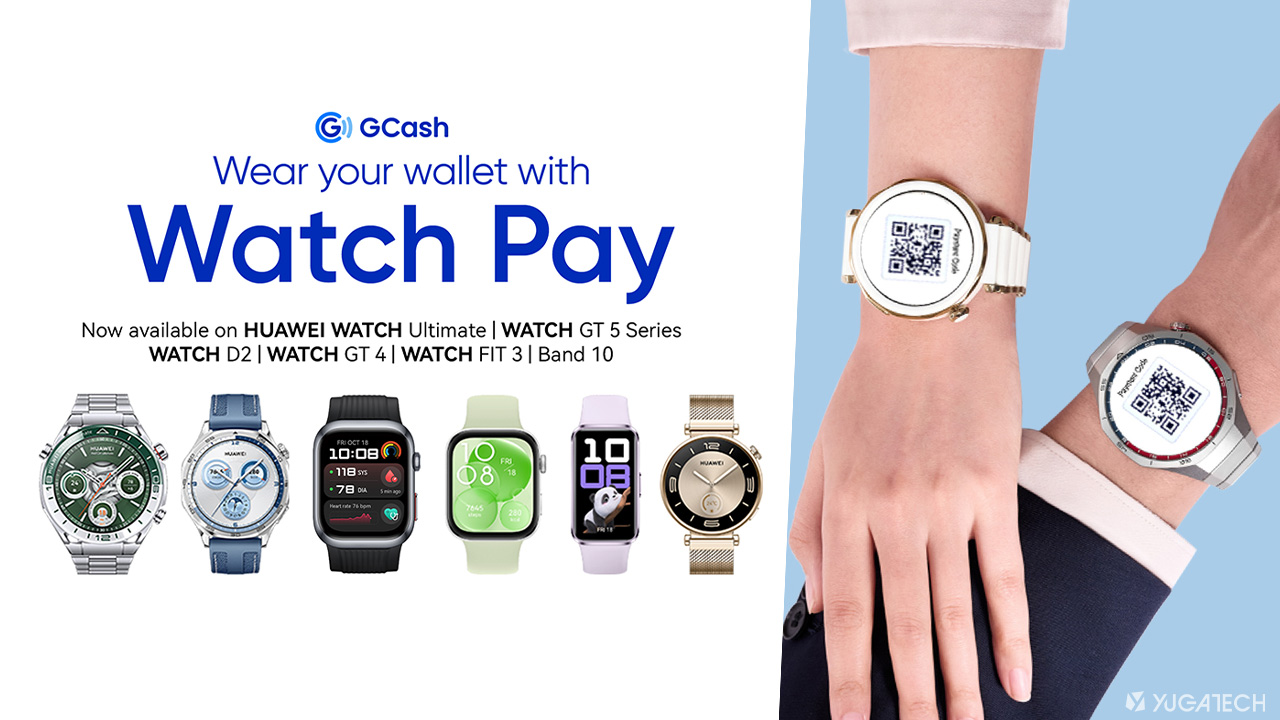

HUAWEI Philippines has recently introduced GCash Watch Pay feature allowing for easy, secure QR code-based payments directly from its smartwatches. This collaboration with GCash makes HUAWEI the first to offer QR code payments through wearables in the country. How to set up Watch Pay on your HUAWEI device To use GCash on your HUAWEI smartwatch, follow these steps: Log your HUAWEI ID on their Android or HUAWEI phones. Connect HUAWEI Health to your HUAWEI smartwatch. On your HUAWEI smartwatch menu, go to ‘Settings’ and select the ‘Payment’ option. Find the ‘GCash’ option to install the app on your smartwatch. After successfully linking a GCash account with a HUAWEI wearable, users can immediately use it to pay using the dynamic GCash QR payment code that will be displayed on the watch. With just a quick scan at any 7-Eleven, Lawson, Marketplace, Starbucks stores, and other stores that accept QR code-based payments, users can enjoy fast, hassle-free transactions even without their phones or wallets. Read more in our articles including "GCash Watch Pay now available to more HUAWEI wearables" and "Are we ready for Wearable Technology?".
HUAWEI Philippines has recently introduced GCash Watch Pay feature allowing for easy, secure QR code-based…
Apr 3, 2025
We’ve been so engrossed with smartphones, tablets and several other consumer technologies. In fact, some…
Mar 31, 2013It’s been long-rumored that Google and LG are working on a smartwatch that will feature…
Mar 14, 2014Sony has finally unveiled at the Mobile Asia Expo in Shanghai its latest wrist-worn technology…
Jun 25, 2013After a successful Kickstarter campaign last year, the Cookoo smartwatch has finally landed. To those…
Feb 22, 2013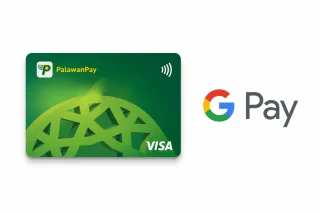
PalawanPay has added Google Wallet support for its Visa Card, allowing eligible Android users to…
Jun 30, 2026HUAWEI Philippines has recently introduced GCash Watch Pay feature allowing for easy, secure QR code-based payments directly from its smartwatches. This collaboration with GCash makes HUAWEI the first to offer QR code payments through wearables in the country.
How to set up Watch Pay on your HUAWEI device To use GCash on your HUAWEI smartwatch, follow these steps: Log your HUAWEI ID on their Android or HUAWEI phones. Connect HUAWEI Health to your HUAWEI smartwatch. On your HUAWEI smartwatch menu, go to ‘Settings’ and select the ‘Payment’ option.
Our coverage of smartwatch payment includes: "GCash Watch Pay now available to more HUAWEI wearables"; "Are we ready for Wearable Technology?"; "Google Smartwatch specs leak". Each article provides unique insights and information.