


Video editing apps for Android and iOS not only help you edit on the go but also enables your content in social media platforms to stand out. We list down our top video editing apps for Android and iOS below that we love using on our phones. For iOS users: Splice Splice claims to give you desktop editing performance on your iPhone or iPad. You can also mix videos and images to create double exposure and use layer-based editing to add videos, special effects, text, and pictures for stunning results. It is the best professional video editing to date that is available for iOS users. VivaCut As one of the top video editing apps for Android devices, it features a plethora of features. Download: iOS / Android Kinemaster A beginner-friendly video editing app, Kinemaster includes unlimited exports in resolutions up to 4K. The app has a surprising amount of features and is certainly good enough for those who are starting to explore video editing. Read more in our articles including "Best Video Editing Apps for iOS and Android" and "Watch: Video Editing Apps for iOS and Android".
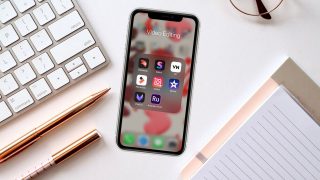
Video editing apps for Android and iOS not only help you edit on the go…
May 27, 2020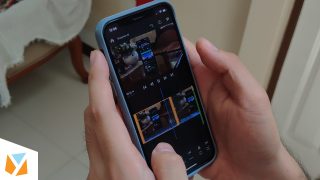
Video editing apps for iOS and Android are very handy nowadays especially if you’re uploading…
Mar 30, 2020
Image Playground Gets Photorealistic Generation and New Editing Tools in iOS 27 Image Playground in…
Jun 9, 2026
Google has announced a range of creator-focused features in Android 17. They are aimed at…
May 13, 2026It’s been a long time since we had a contest that’s focused on our fellow…
Feb 14, 2012
We all know that Apple and its closed ecosystem is arguably THE best one out…
Aug 1, 2026Video editing apps for Android and iOS not only help you edit on the go but also enables your content in social media platforms to stand out. We list down our top video editing apps for Android and iOS below that we love using on our phones.
For iOS users: Splice Splice claims to give you desktop editing performance on your iPhone or iPad. You can also mix videos and images to create double exposure and use layer-based editing to add videos, special effects, text, and pictures for stunning results. It is the best professional video editing to date that is available for iOS users.
Our coverage of Video Editing Apps for iOS includes: "Best Video Editing Apps for iOS and Android"; "Watch: Video Editing Apps for iOS and Android"; "Image Playground, Photo Spacial Reframe and New Editing Tools in iOS 27". Each article provides unique insights and information.