
DJI finally did it. They have now entered the 360 camera arena with the DJI Osmo 360, and it’s packing some intense heat.
Designed for creators who want to shoot immersive video without going through complex setups, this little camera still comes with DJI’s image processing and smart software.
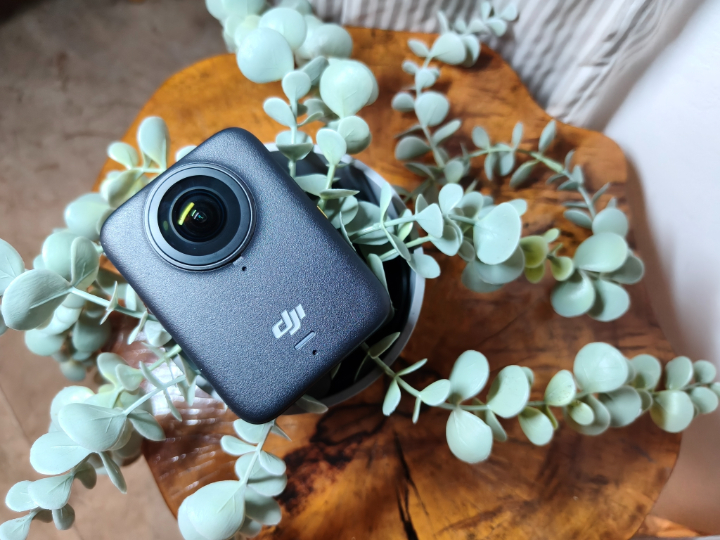
This is DJI making a statement with this camera, as if saying that it is time for them to go head-to-head with Insta360 and GoPro.
But, how well does it perform in real-world use? Let’s break it down.
Design and Build Quality
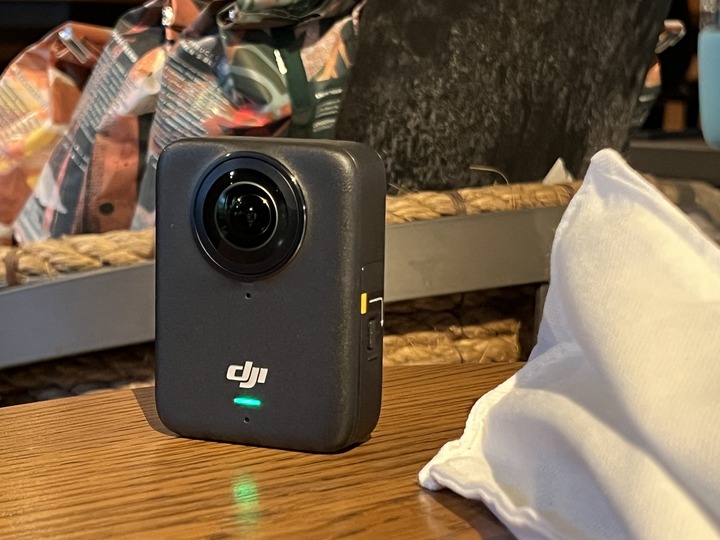
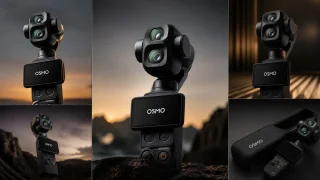
Right from the start, the camera feels like something DJI put a lot of thought into. The DJI Osmo 360 is compact, has a premium finish, and feels solid in hand. The matte body gives it a clean look while still providing a comfortable grip.
It keeps things simple with just a power button that also acts as a quick switch button, a shutter key, and a function toggle. There’s also a small touchscreen for previewing footage or adjusting settings without needing to reach for your phone.
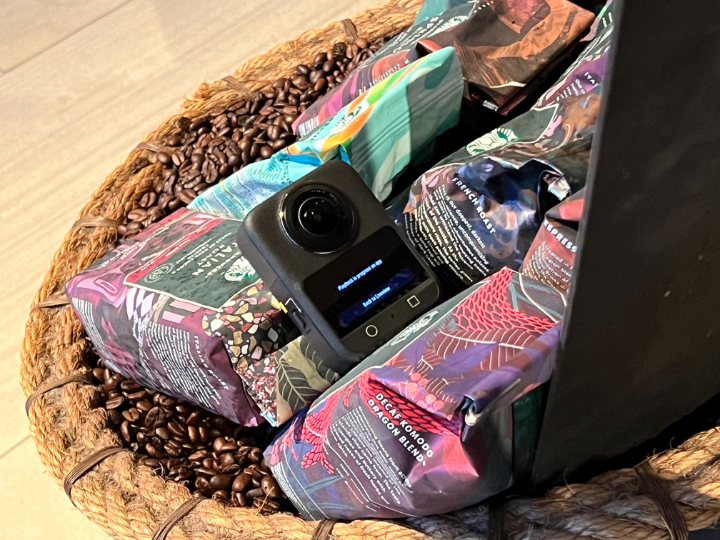
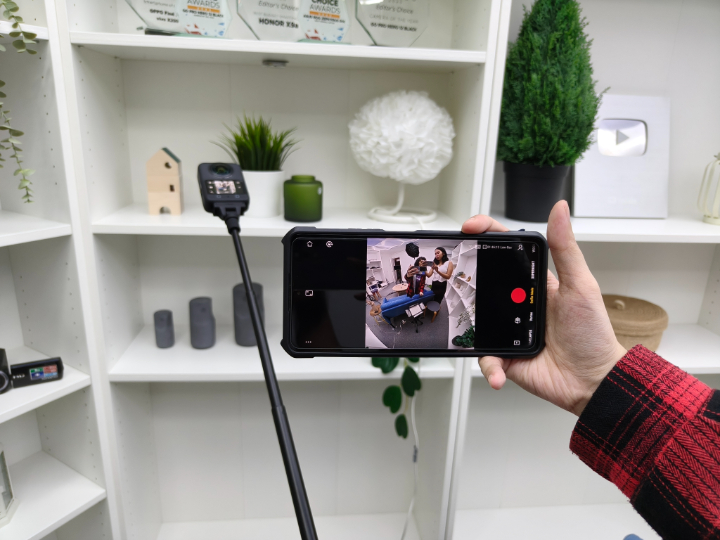
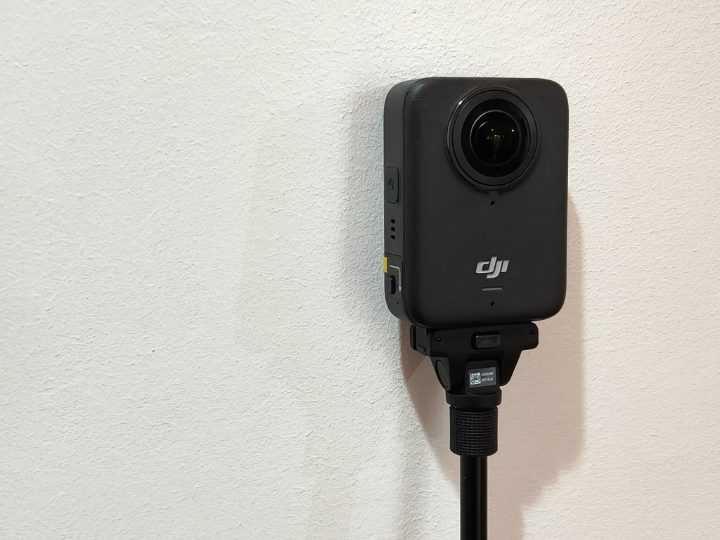
The camera comes with a full set of accessories in the box. There’s a rubber case to protect both lenses and a protective carrying case for the camera itself. DJI also includes a compact 1.2-meter stick for everyday use, but there is also a longer, thicker 2.5-meter version that unlocks even more impressive third-person shots. This gives you that extended “drone-like” feel without actually flying anything.
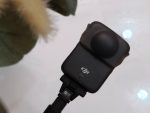
Both sticks are designed to stay invisible in your footage when used correctly, helping keep the illusion of a floating camera.
You also get a magnetic eject mount, making it easy to snap the camera on and off without fiddling with screws. One of the most convenient add-ons is the battery charging case, which holds and charges three removable batteries, giving you enough juice for extended shooting days.
Camera
At its core, the DJI Osmo 360 is powered by dual 1/1.3-inch image sensors paired with ultra-wide f/2.0 lenses. It supports 360-degree video recording at up to 8K resolution at 30 frames per second and can run in this mode for up to 100 minutes straight. It also supports 6K video at 60fps and 4K at 60fps if you want smaller file sizes or need smoother playback.
For photos, it can shoot up to an enormous 120MP in full 360, giving you incredibly detailed stills with clean stitching and vibrant colors.
In single lens mode, the camera functions like a traditional action camera. You can use either the front or rear lens and switch seamlessly between them during recording, even mid-shot. This mode supports up to 5K at 60fps and offers a wide 155-degree field of view. For users who want to push the field of view even further, there’s a Boost Video option that expands the viewing angle to over 170 degrees and records at 4K resolution at up to 120fps which is perfect for slow-motion shots with a dynamic view.
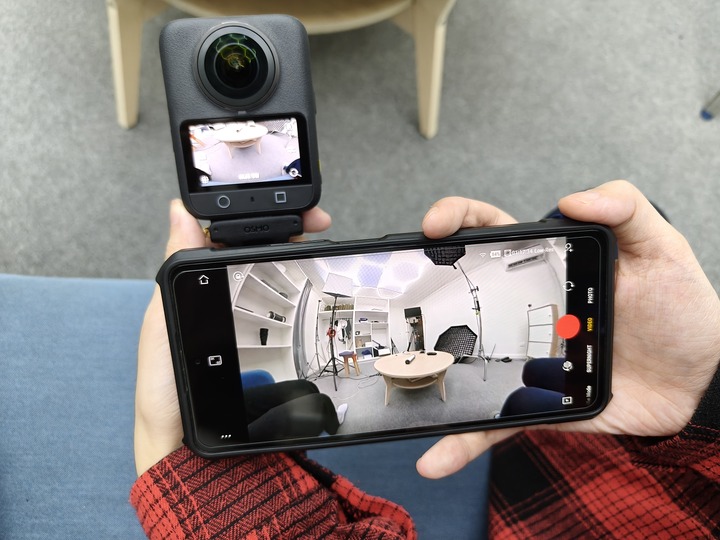
Another neat feature is Selfie Mode, which creates a wide third-person view that automatically centers you in the frame without needing to reframe anything. It shoots at 4K 60fps and delivers stabilized footage that feels like someone else is holding the camera for you, even when you’re filming solo.
In terms of visuals, the DJI Osmo 360 stands tall against the competition. Footage in bright daylight is crisp and well-saturated, and the lens stitching is practically seamless, even with objects close to the camera. Dynamic range is handled gracefully as it highlight areas while not being blown out, and shadows still retain detail.

Low-light performance is also solid, thanks to the large sensors. It doesn’t suffer from the noisy footage too much. Night shots retain color and sharpness surprisingly well, making this a reliable option for evening or indoor shoots.
Photos, especially in 120MP mode, are extremely sharp and detailed. Whether you’re capturing landscapes or virtual tours, the image quality holds up quite well. RAW capture is available for those who want more post-processing flexibility.
Software and Editing Tools
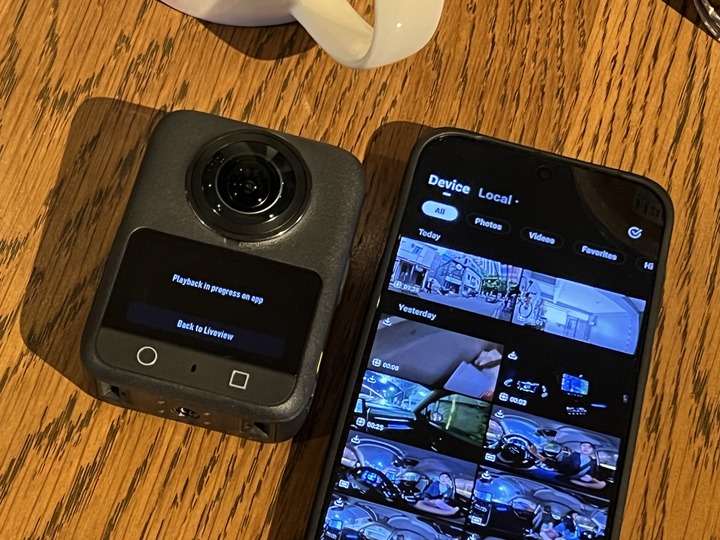
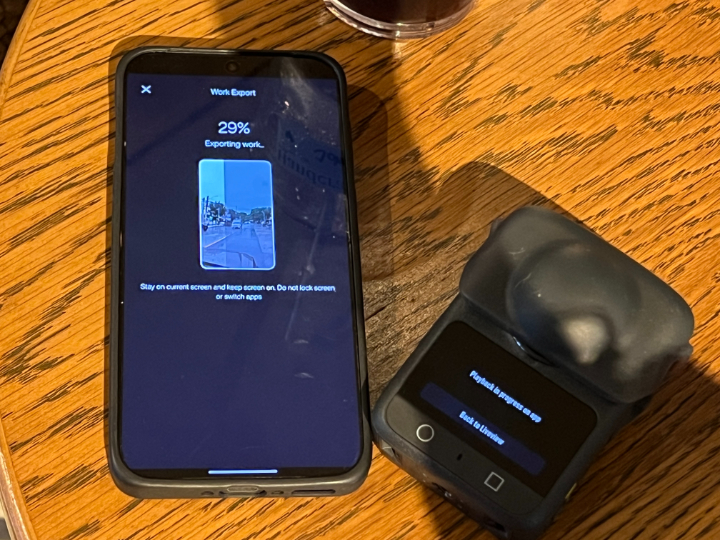
DJI has updated its Mimo app to support their new Osmo 360. There’s also a solid set of templates and presets for quick social media exports. You can export content in wide, square, or vertical formats depending on where you plan to post it or keep it in full 360 for VR headsets and other platforms.
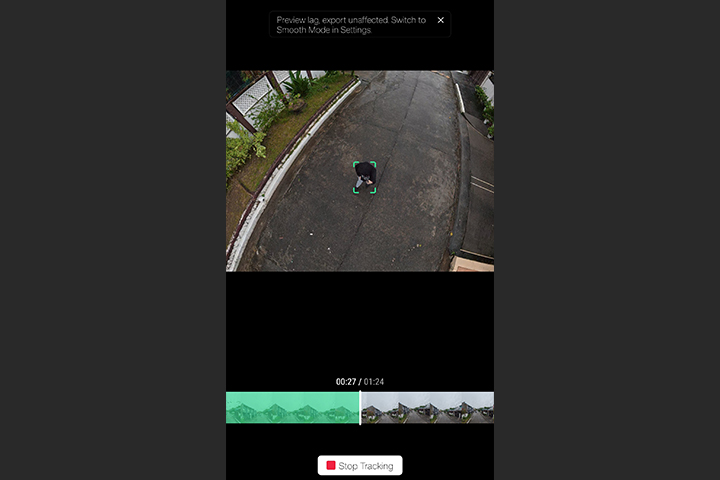
For creators who edit on desktop, there is DJI Studio that is available and supports batch processing and high-resolution exports. There’s even plug-in support for Final Cut Pro and Adobe Premiere, which is a huge plus for professional workflows.
Performance
In real-world use, the DJI Osmo 360 is snappy and reliable. It powers up quickly, starts recording in seconds, and can swap shooting modes without lag. The small touchscreen isn’t massive, but it’s sharp and responsive enough for framing and menu navigation even in bright outdoor light.
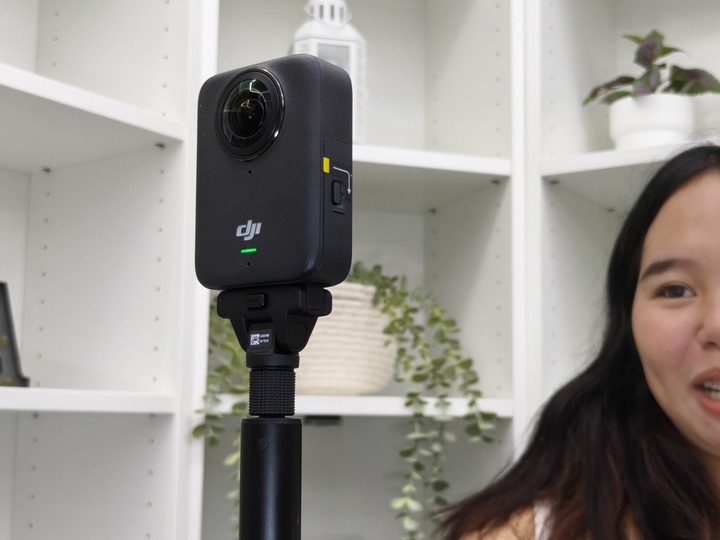
Switching from 360 to single-lens mode can be done quickly, and even switching lenses mid-recording is possible without interruption.
Mounting the camera is quick and painless thanks to the magnetic eject system. It locks securely but comes off easily when you’re done. The invisible selfie stick feels durable and gives you that drone-like third-person view without needing any editing magic.
Remote live preview via your smartphone also make it convenient for solo creators. You can film, review, and tweak settings without ever touching the camera directly.
Connectivity and Audio
Connectivity is solid with support for Bluetooth 5.1, Wi-Fi, and USB-C for fast data transfers and charging. The DJI Osmo 360 also supports 4K live streaming on platforms like YouTube and Facebook, whether you want to stream in a flat view or keep the full 360 experience intact.
Audio performance is handled by built-in stereo microphones that offer surprisingly clean sound. But if you want to elevate things, the camera supports external microphones via USB-C and pairs easily with DJI’s wireless Mic 2 system, which is perfect for interviews or voiceovers.
Battery Life and Storage
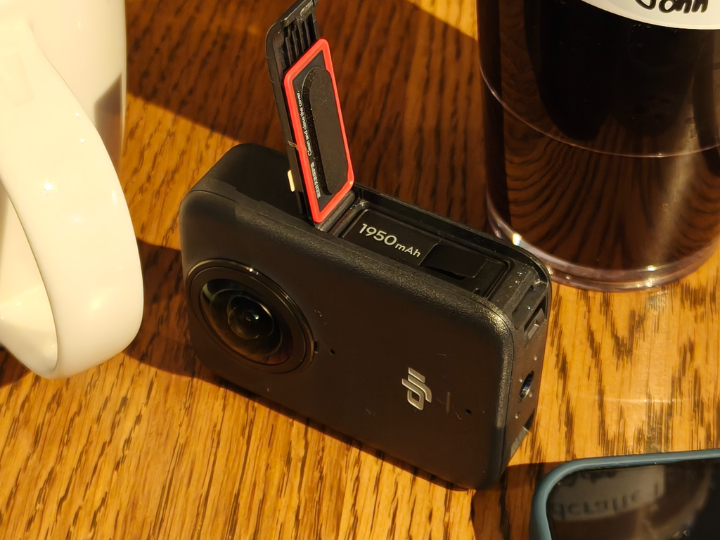
Battery life is another strong point. In 360 mode at 8K, you can record continuously for up to 100 minutes. Having three swappable batteries and a case that charges them all means you’re fully covered for long days of filming.

The DJI Osmo 360 takes microSD cards up to 1TB in capacity. It’s best to use a high-speed card, ideally UHS-I with a V30 rating or better, especially if you’re shooting in 8K.
Price and Conclusion
The DJI Osmo 360 sits in a very competitive spot, planting its flag as DJI’s first 360 camera. It delivers professional-grade footage while having a decent bundle of accessories that makes it easy to get started right out of the box.
It competes directly with the Insta360 X4 and the GoPro Max 2 but offers its own strengths like the 120MP photo capture, the long invisible selfie stick, triple battery setup, and DJI’s app experience.
All in all, DJI’s first 360 camera is a home run. Whether you’re an adventure vlogger, content creator, or just someone who wants to explore immersive video, the DJI Osmo 360 makes it easy to capture jaw-dropping footage with not too much of a learning curve. It’s powerful, portable, and packed with features that feel as if it is made for creators who want a full-circle view of the world.



0 Comments
Leave a Reply