

As someone who occasionally uses a laptop to work, one thing I sometimes wish for is a larger monitor with similar output quality.
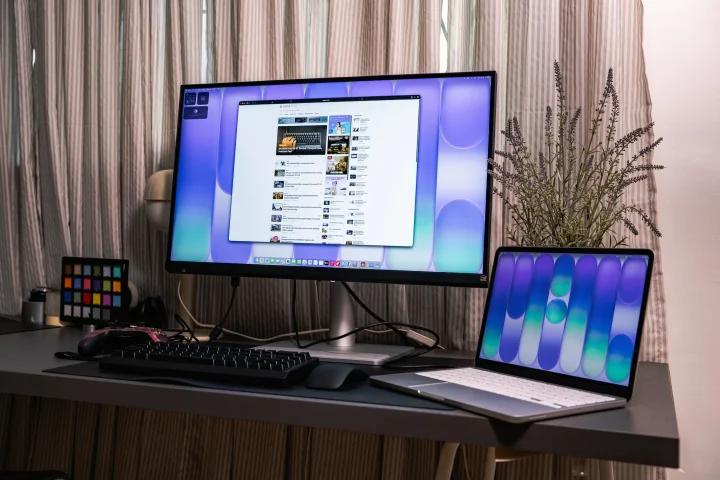
While most laptops today have decent displays, such as MacBooks, a large 27-inch or 32-inch monitor would definitely make work easier and more convenient. That’s where BENQ comes in with their new MA270S and MA320UG monitors.
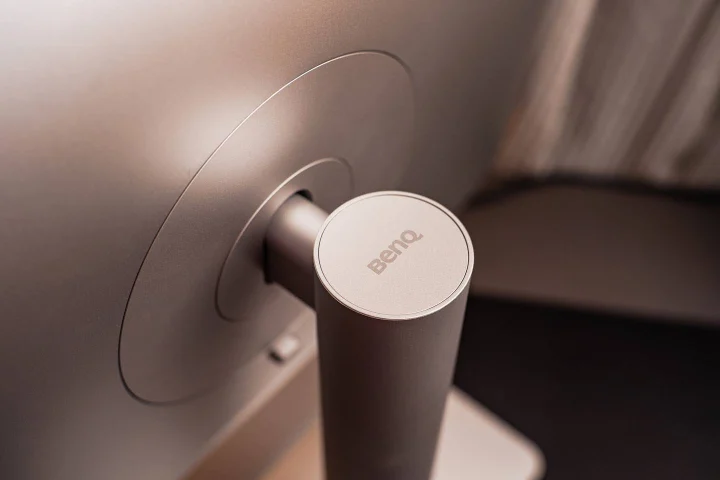
These new monitors are designed mainly for MacBooks, thanks to their minimalist appearance and Apple-like styling cues, giving them a similar vibe to Apple Products. Not to mention they’re also smart monitors, featuring a bunch of I/O ports to make work life easier.
Even if you aren’t a MacBook user, it’s still a great monitor for getting productivity done. But just how great are the BenQ MA270S and MA320UG monitors?
We suggest you read on to find out.
Clean, minimalist design
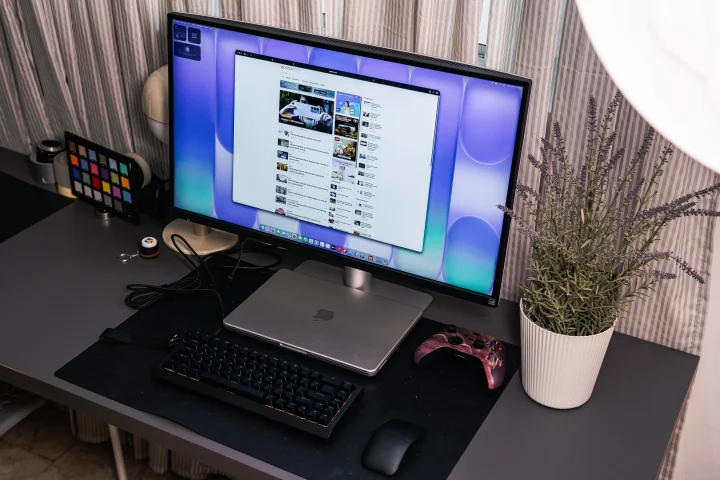
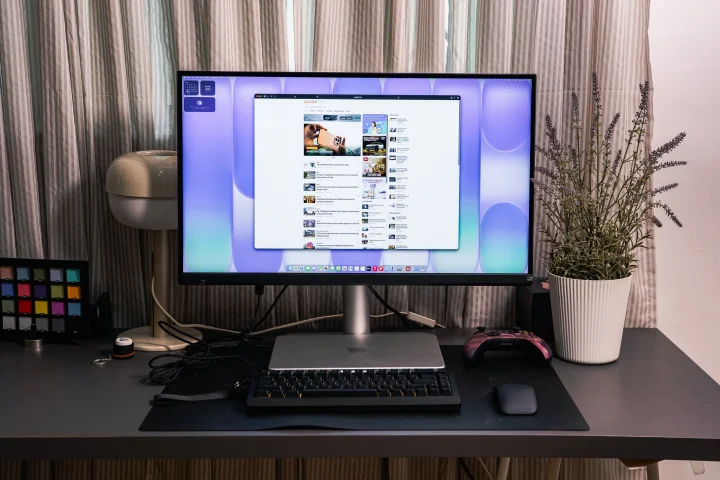
Perhaps the first thing you’ll notice about the BenQ MA270S and MA320UG is how well they fit into an Apple-centric setup. Both monitors sport minimalist designs with thin bezels and a clean aesthetic that wouldn’t look out of place next to a MacBook Pro or MacBook Air.
The MA270S is a 27-inch monitor, while the MA320UG steps things up with a 31.5-inch panel. Both use IPS panels with a Nano Gloss screen coating, which is the same glossy finish found on Apple displays.
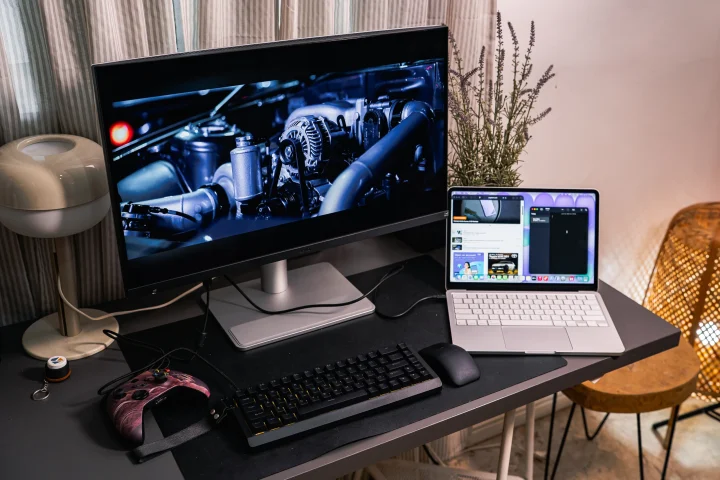
The Nano Gloss surface brings crystal-clear depth, true blacks, and brilliant highlights, revealing every nuance with natural contrast, just the way Mac users expect their display to look.
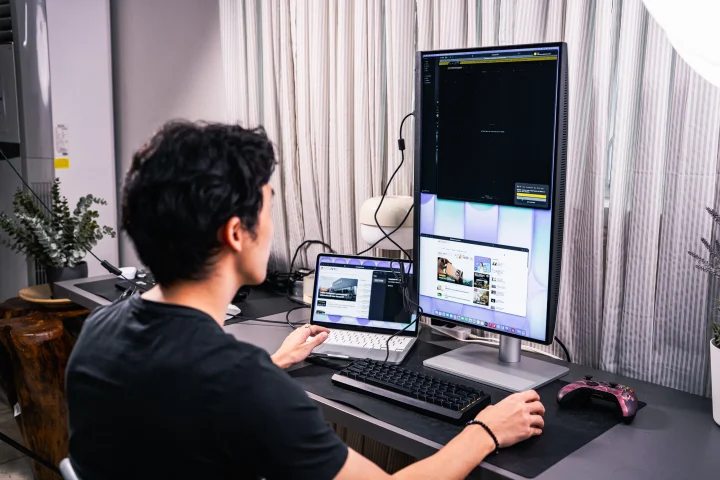
Both monitors also feature a height-adjustable stand that can move up and down up to 150mm, tilt from -5° to 20°, swivel 15° in either direction, and even pivot 90° for portrait mode. So whether you’re working seated or standing, finding the right angle is never a problem.
Beautiful, accurate colors
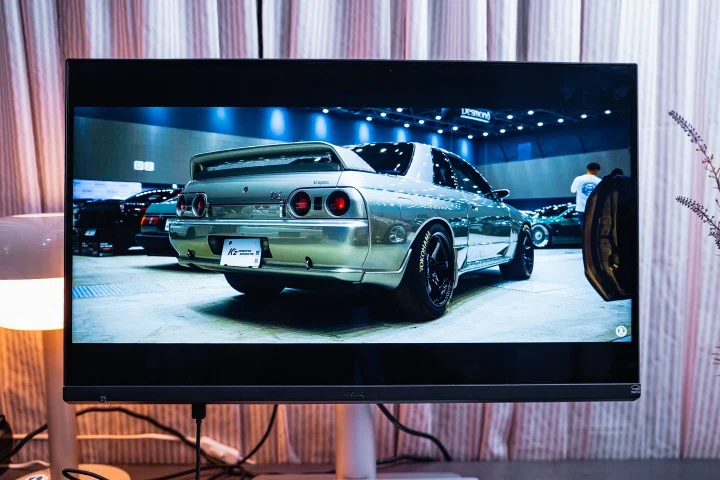
One of the biggest frustrations MacBook users face when connecting to an external monitor is color mismatch. Most monitors simply don’t reproduce colors the way a Mac display does, which can be a real problem for designers, photographers, and film colorists.
BenQ is able to resolve this issue with its Mac color-tuning technology.
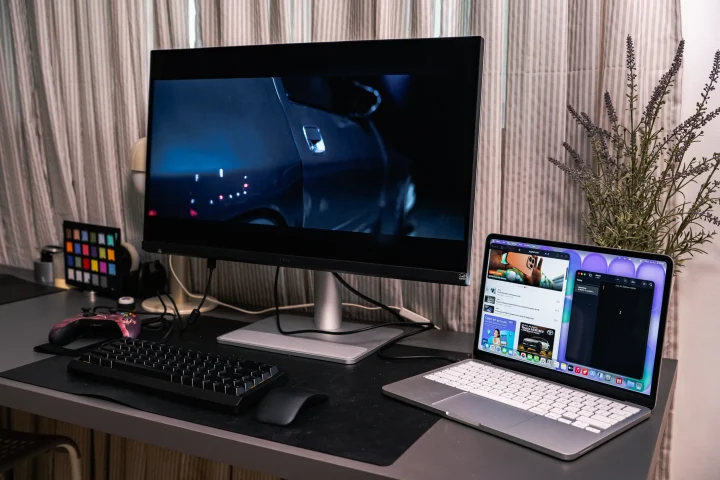
Both the MA270S and MA320UG are designed for all MacBook generations and cover a wide P3 color gamut, the MA270S covers 99% P3 while the MA320UG covers 98% P3. Compared to a typical monitor that may only cover sRGB, this is a massive difference in color reproduction.
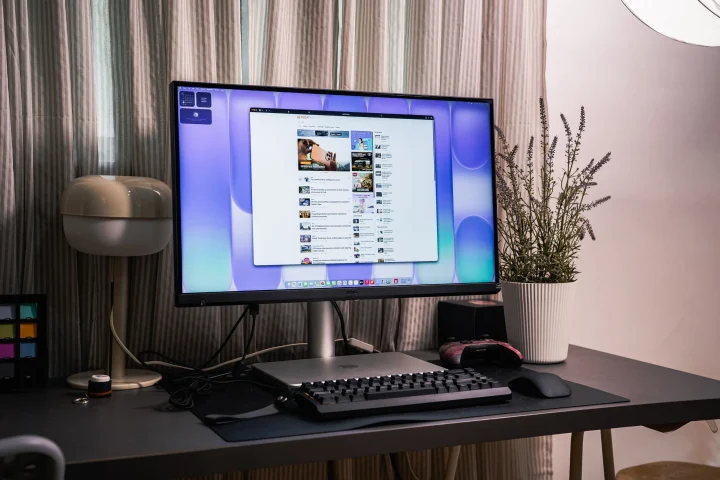
The MA270S goes a step further with its 5K resolution (5120 x 2880) and a pixel density of 218 PPI, making text and images look sharp and detailed at the level Mac users are accustomed to.
The MA320UG offers a 4K (3840 x 2160) panel at 140 PPI, which is still excellent on its larger 31.5-inch canvas.
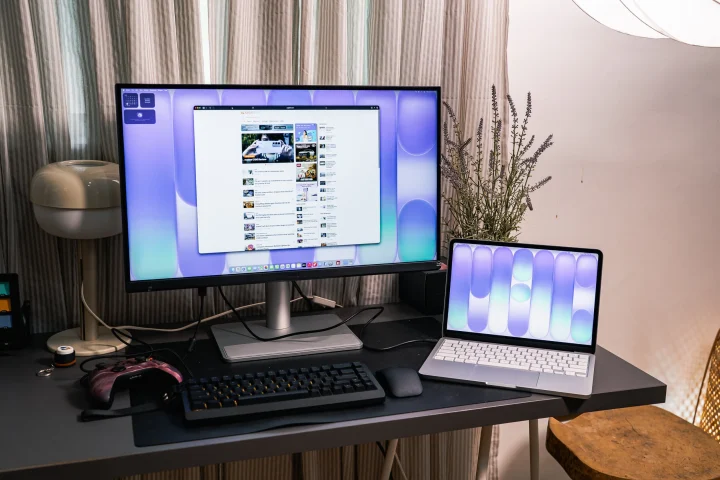
Both monitors also support multiple color profiles, including Display P3, sRGB, HDR, M-book, Cinema, ePaper, and Game. They also support HDR10 and VESA DisplayHDR 400. So, no matter what you’re working on, there’s a color profile that fits.
Smooth animations
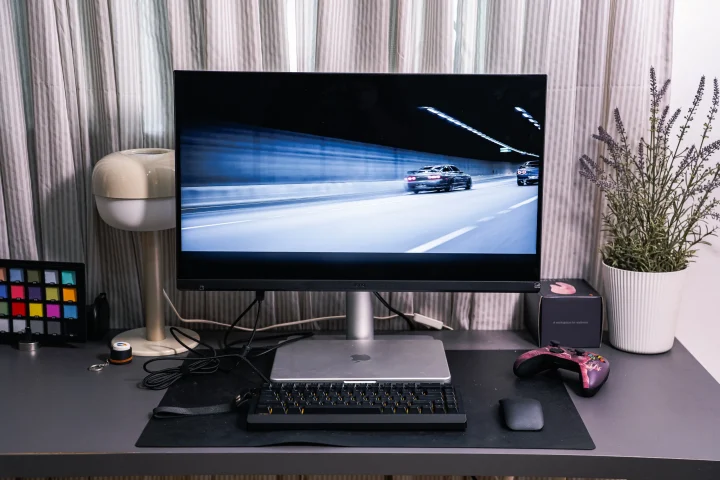
When it comes to refresh rates, the MA320UG has a notable edge over the MA270S.
The MA320UG runs at 120Hz, which is the same refresh rate as the latest MacBook Pro displays. This means scrolling, animations, and video playback all feel buttery smooth; a significant upgrade for those used to the fluidity of their MacBook screen.
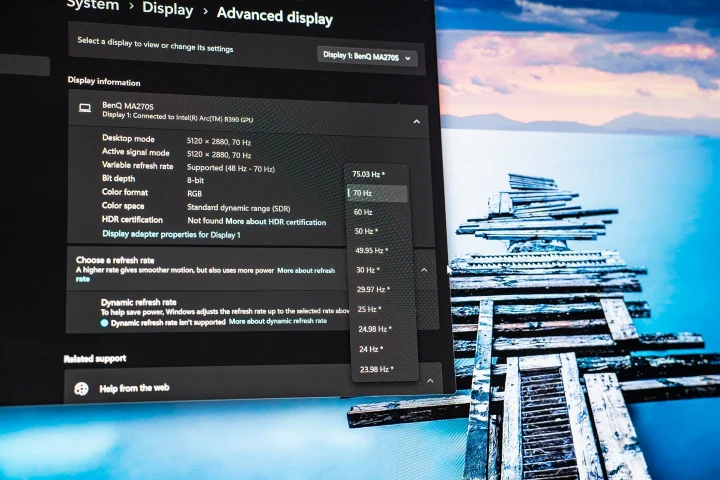
The MA270S, on the other hand, runs at 70Hz, which is still smooth for everyday productivity tasks like writing, editing documents, and browsing. Both monitors share a fast 5ms response time and a native contrast ratio of 2000:1, ensuring images and content look crisp and well-defined.
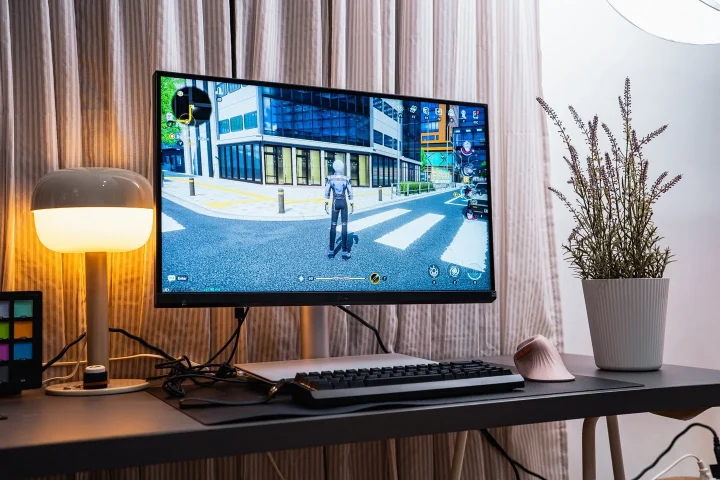
Also worth noting, the MA320UG supports FreeSync Premium, which is a feature that reduces screen tearing. It’s handy if you also use the monitor for occasional gaming.
Keeps your devices connected
One of the most impressive aspects of both monitors is their connectivity. Both monitors function as full docking hubs for your entire ecosystem, whether it’s MacBook or any device for that matter.
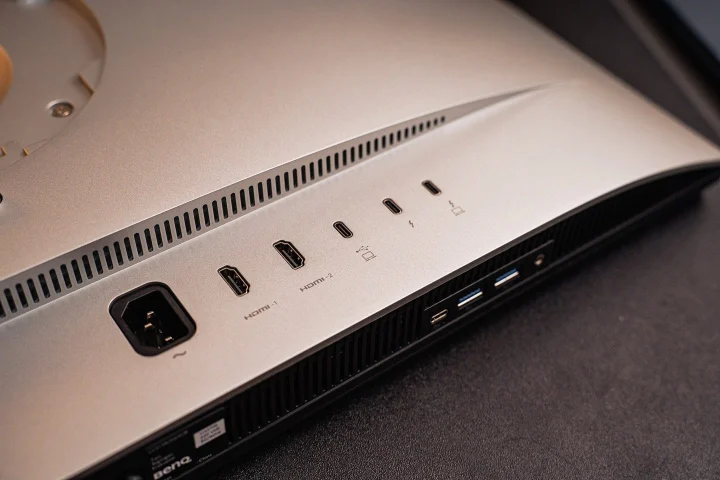
Both the MA270S and MA320UG come equipped with two Thunderbolt 4 ports, one that supports up to 96W power delivery (more than enough to charge a MacBook Pro), and a Thunderbolt out with 15W charging.
There’s also a USB-C port with 35W power delivery, plus two USB-A downstream ports (USB 3.2 Gen 2) and a USB-C downstream port for connecting peripherals. On top of that, both monitors include two HDMI 2.1 ports.
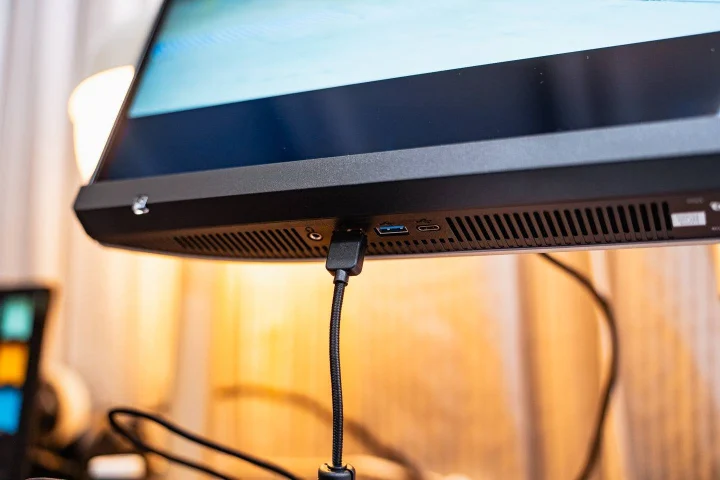
What this means is that users can connect their MacBook (or any computer that supports the same function) to the monitor with a single Thunderbolt 4 cable and have it charge at 96W, display their content, and connect to all their peripherals simultaneously.
No dongle juggling required. Both monitors also support Thunderbolt daisy chaining, which lets you connect even more displays to expand your workspace further, perfect for those who need more screen real estate.
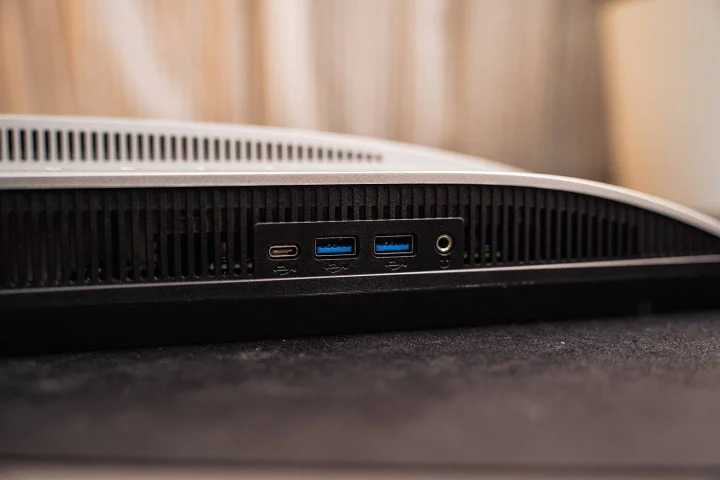
In addition, users can also plug in accessories directly into the monitor rather than their laptop (thanks to USB downstream), assuming their laptop has limited I/O, or if users just want a cleaner setup.
Comfortable to the eyes
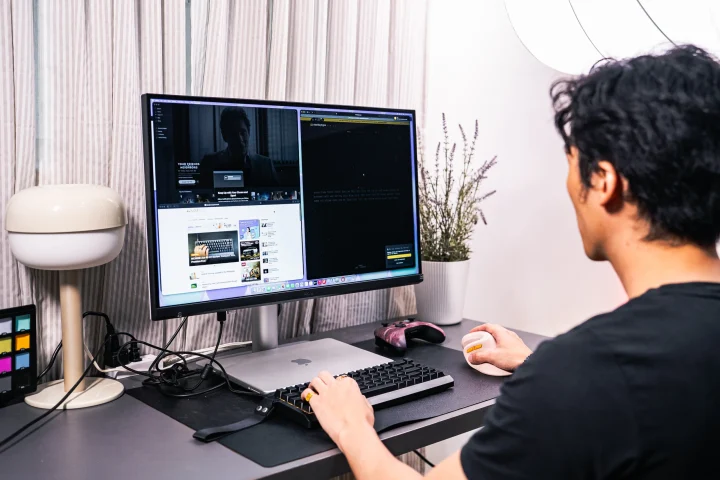
For those who spend long hours in front of a screen (which, let’s be honest, is most of us) the MA270S and MA320UG include a solid set of eye care features. Both monitors are certified with TUV Eye Comfort 3.0, EyeSafe 2.0, and include hardware-level flicker-free technology and a low blue light mode.
There’s also an ePaper mode for those who prefer a softer, print-like appearance when reading, and a Color Weakness mode to help users with color vision differences. These features help reduce eye fatigue for everyday users who are on the screen on long periods of time.

Both monitors are also Energy Star certified, meaning they don’t draw a lot of power. Specifically, power consumption at normal use is rated at just 29W, which is quite reasonable given the capabilities they offer.
Great value for money
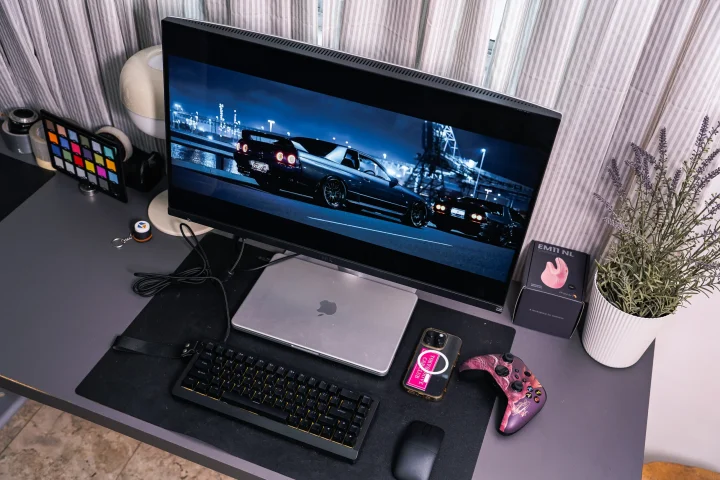
There’s no doubt that the BenQ MA270S and MA320UG are among the best external monitors a MacBook user can get today. With color accuracy that keeps up with Mac displays, numerous ports, and a design that fits right in the Apple ecosystem, these monitors tick practically every box.
The MA270S is the go-to choice for those who want the sharpest possible image in 5K at 27 inches, while the MA320UG is the better pick for those who prefer a larger canvas with a smoother 120Hz experience.
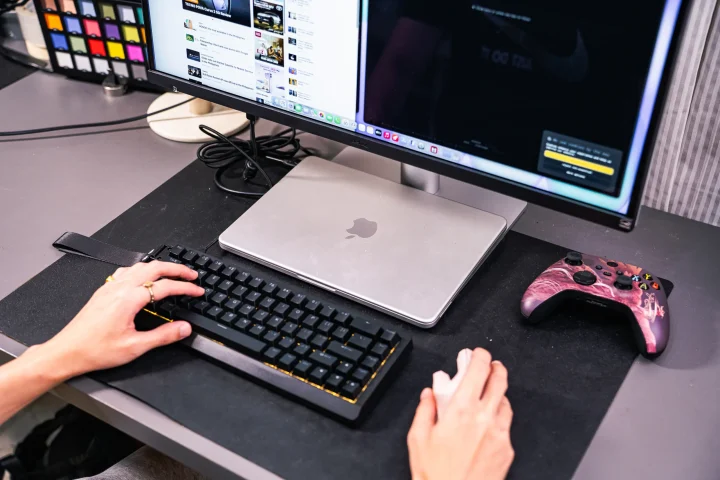
And while both monitors are clearly designed with MacBook users in mind, they’re still a fantastic option for anyone looking to boost their creative productivity workflows. We even paired it with an ASUS laptop, plugged it into the Thunderbolt 4 port, and it works fine, which includes all the accessories we use.
Either way, you’re getting a lot of ‘monitor’ for the money.
For those interested, the BenQ MA270S and MA320UG are available on both Shopee and Lazada from the official BenQ store. You may check them out and order by clicking the link here.
So if you’ve been thinking about upgrading your workspace with a proper external monitor, the BenQ MA270S and MA320UG are definitely worth a serious look. What do you think about these two monitors? Let us know in the comments below.
BenQ MA270S Specs:
27-inch IPS Panel (LED Backlight)
5120×2880 resolution
450 nits peak brightness
HDR10, VESA DisplayHDR 400
70 Hz refresh rate
2000:1 contrast ratio
1.07 billion colors
99% sRGB, 99% P3
Nano Gloss Coating
Flicker-free Technology, Low Blue Light
3Wx2 built-in speaker
2x HDMI (v2.1)
2x Thunderbolt 4 (PowerDelivery 96W, DisplayPort Alt Mode, Data)
1x USB-C (PowerDelivery 35W, DisplayPort Alt Mode, Data)
2x USB-A (3.2 Gen 2)
1x USB-C (3.2 Gen 2)
BenQ MA320UG Specs:
31.5-inch IPS Panel (LED Backlight)
3840×2160 resolution
450 nits peak brightness
HDR10, VESA DisplayHDR 400
120Hz refresh rate
2000:1 contrast ratio
99% sRGB, 98% P3
Nano Gloss Coating
Flicker-free Technology, Low Blue Light
3Wx2 built-in speaker
2x HDMI (v2.1)
2x Thunderbolt 4 (PowerDelivery 96W, DisplayPort Alt Mode, Data)
1x USB-C (PowerDelivery 35W, DisplayPort Alt Mode, Data)
2x USB-A (3.2 Gen 2)
1x USB-C (3.2 Gen 2)







0 Comments
Leave a Reply