
In the past few months alone, we were able to try out a wide range of Chuwi products. These include portable Windows tablets, mini PCs, and more. Some of these are quirky, while others are great all-in-one products. One thing’s for sure though, all of these are affordable.
But outside of these quirky devices, Chuwi also offers laptops too, and today that’s what we’re looking at – the Chuwi Corebook X.
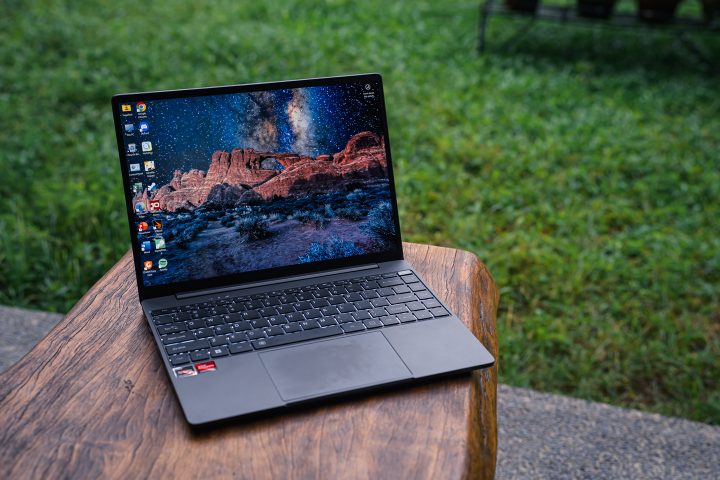
Specifically, we’ll be reviewing the AMD version of the Corebook X powered by an AMD Ryzen 5 processor. If you’re team Intel, there is an Intel-powered version of Corebook X. But for now, let’s focus on the AMD-powered Chuwi Corebook X and see what it can offer.
Design and Construction
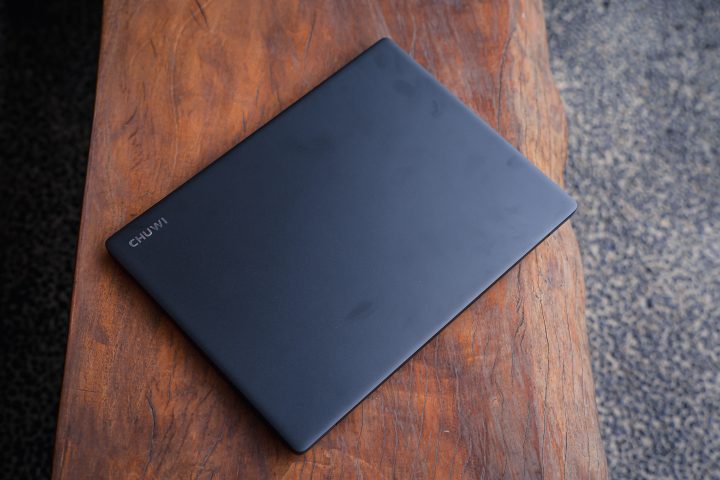
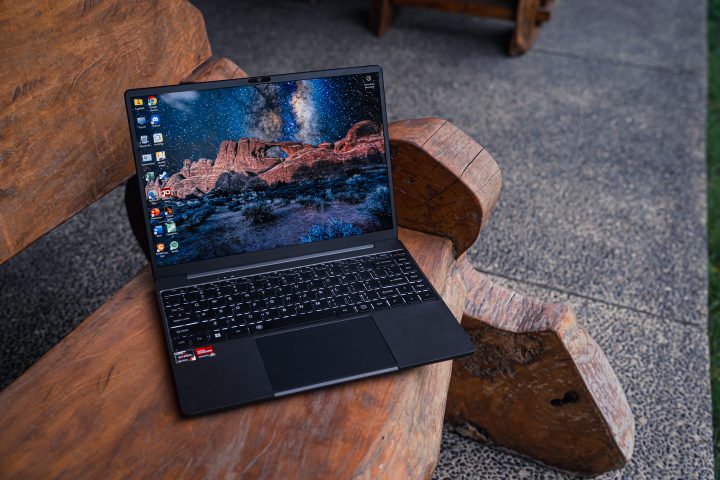
The Chuwi Corebook X is a compact 14-inch laptop, but despite its size, it’s not exactly the most lightweight. It still weighs around 1.4kg, which is quite heavy compared to other 14-inch laptops and netbooks on the market. It’s a bit on the thicker side too, measuring 17.25mm thick when closed.
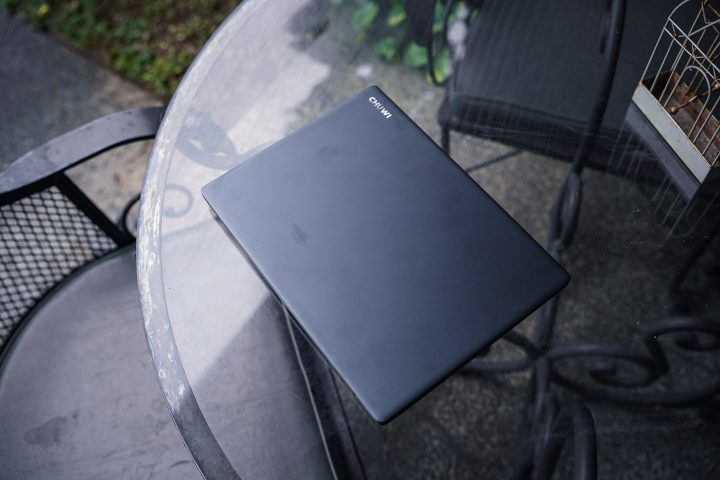
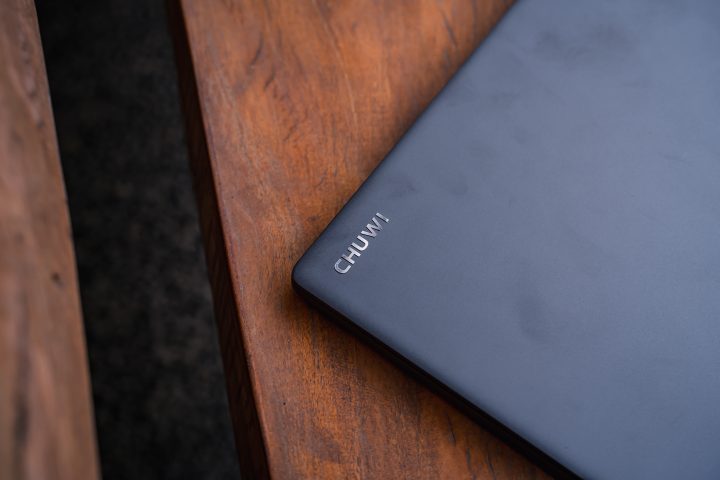
The weight comes from the aluminum unibody design, which makes the Corebook X look and feel premium. There are no overly flashy styling cues. On the lid, you only have the Chuwi logo in the upper left corner. Nothing too flashy here.
The lid isn’t exactly the most smudge-resistant, and the same goes for the rest of the laptop body. Thankfully, it is easily cleanable. But for the neat freaks out there, you might be irritated by how easily you can leave fingerprints on this thing.
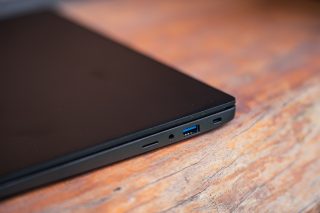
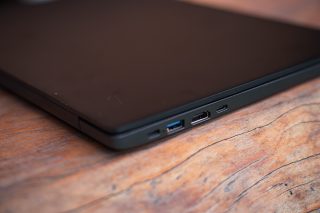
Thanks to its thick lower half, the Corebook X comes with a lot of ports at your disposal. You have 2× USB 3.0 Type-A Ports and 2× USB-C ports. That doesn’t even include the microSD card slot, the 3.5mm audio port, and the full-size HDMI port. For a laptop of this size, it’s nice to have a bunch of ports available.
You can’t really open the Corebook X with just one hand, as the entire laptop lifts when you try to do so. It can open a full 180 degrees, and the hinges feel firm and steady too. Once open, you’re greeted by a minimalist layout with thin edges. All the keys, and even the power button, are ergonomically arranged.
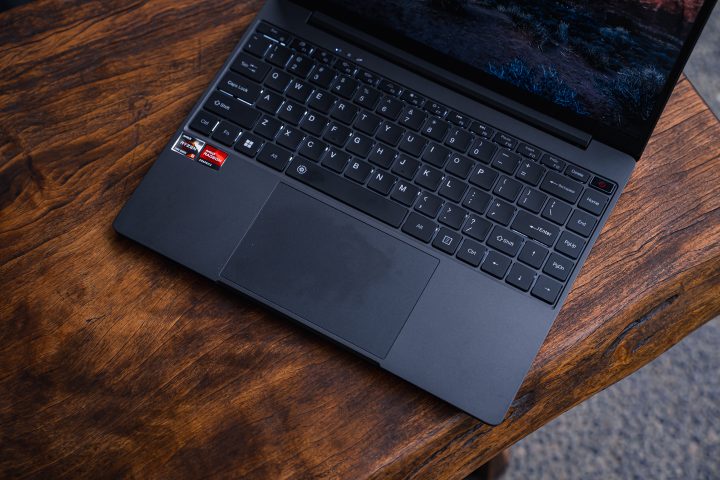
The power button doesn’t feel the most premium, and there are times when you have to press multiple times to get it to boot up. As for the rest of the keyboard, they are spaced out quite well, and everything is properly sized. There’s decent travel too, and the keys won’t make your fingers feel tired even after typing for a while.

The keyboard is backlit too, but I do find the spacing of the lighting a bit weird. It’s a bit dim at the center of the keyboard, while the outer edges are brighter. Still, it’s a small detail that you won’t really notice when you have the keyboard lighting turned off.
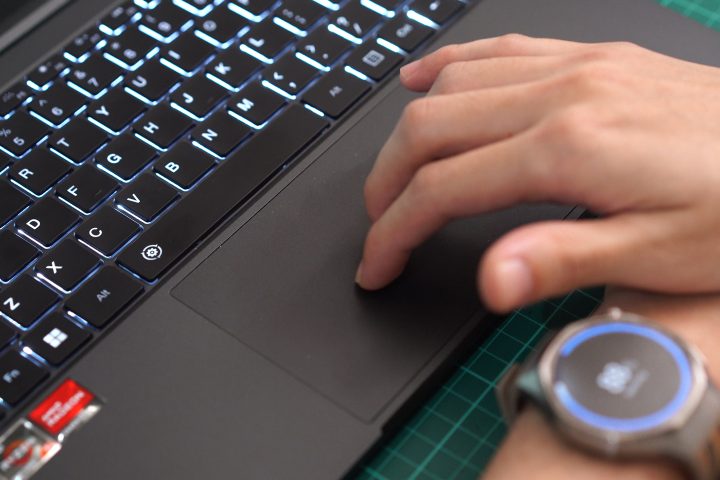
As for the track pad, it’s huge, taking up almost half of the area. However, it doesn’t feel the best when you’re gliding your fingers over it. Thankfully, it is quite accurate. At the same time, there’s good palm rejection too. So even if you’re typing a lot the trackpad won’t interfere with you.
Display and Multimedia
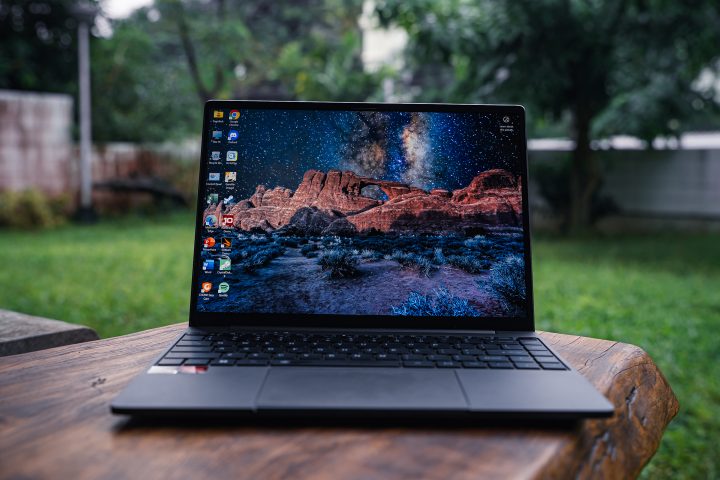
One thing you’ll immediately notice about the screen of the Chuwi Corebook X is that the 14-inch display is glossy. Don’t be fooled though; it’s not an OLED panel. Instead, it uses a 2K IPS panel.
You can’t really complain about the display though, since this is a budget laptop. Despite it being an IPS, the colors are more than decent. The black can be a bit deep too. With thin borders, you can have an immersive viewing experience when you’re watching movies or anime on this laptop.
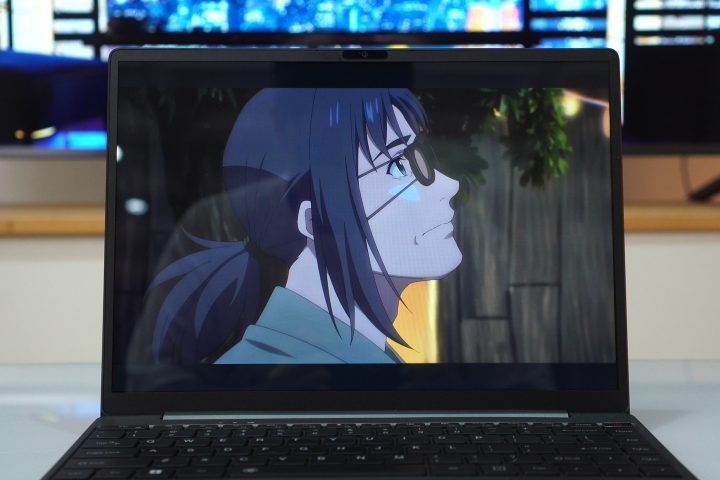
For those of you who plan on using this laptop for content creation, the screen is relatively color accurate out of the box too. I tried it out using Lightroom, and it’s just slightly off from my color calibrated monitor at home. Even when you’re creating content outside of the house, you’ll be able to see everything on screen too thanks to the bright display.
As for the speakers, they’re decent at best. They are loud, especially for the size of the laptop, but you do lose quality when you max it out. The mids are decent, but the speakers lack bass and trebles. It doesn’t help that if you move away from the laptop, the quality also starts dropping.
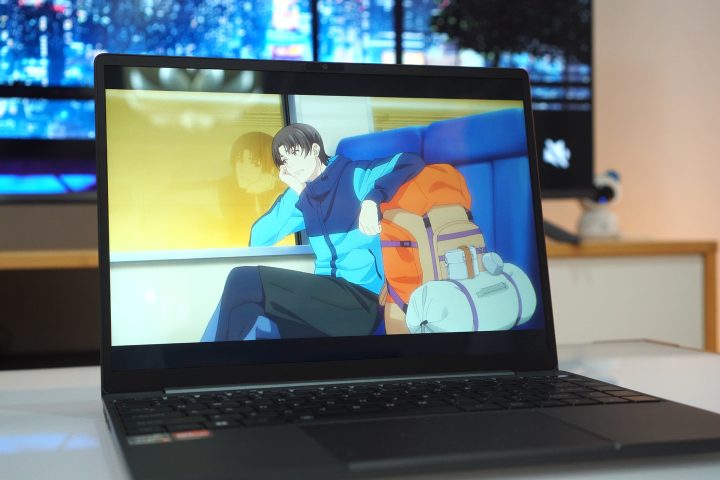
But if you’re just watching a movie in front of you, it’s decent enough. Alternatively, you can just pair your headphones via bluetooth or plug it in using the 3.5mm audio port.
Performance and Benchmarks
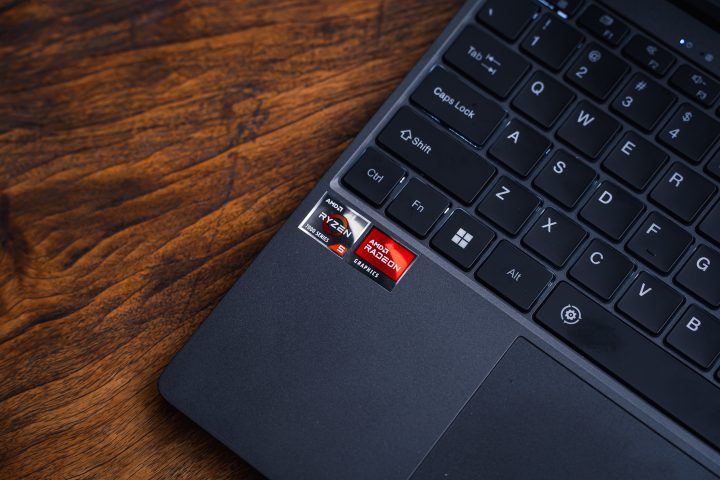
Under the hood, our review unit of the Chuwi Corebook X uses an AMD Ryzen 5 7430U processor paired with 16GB of DDR4 RAM. While there is an AMD Radeon Graphics sticker, there is no dedicated GPU.
As for storage, this specific model only comes with 500GB available. However, storage and RAM is easily expandable. All you need to do is pop open the cover at the bottom, and you’re good to go. Given the small storage this laptop ships with, I highly recommend at least upgrading the storage.
In terms of performance, though, it’s more than enough for everyday use. If you just want to get work done whether it’s on Google docs, sheets, or your choice of app, the laptop can easily handle that.
Even with multiple tabs of Chrome open together with other apps running in the background, like Photoshop, Spotify, and Discord, this laptop runs smoothly. In fact, you can even edit videos on your program of choice without issues.

It does take a while to render 4K videos on Premiere, but at least it can be done. To get even more performance for rending, you can switch from Eco to Turbo mode by hitting Fn and the spacebar.
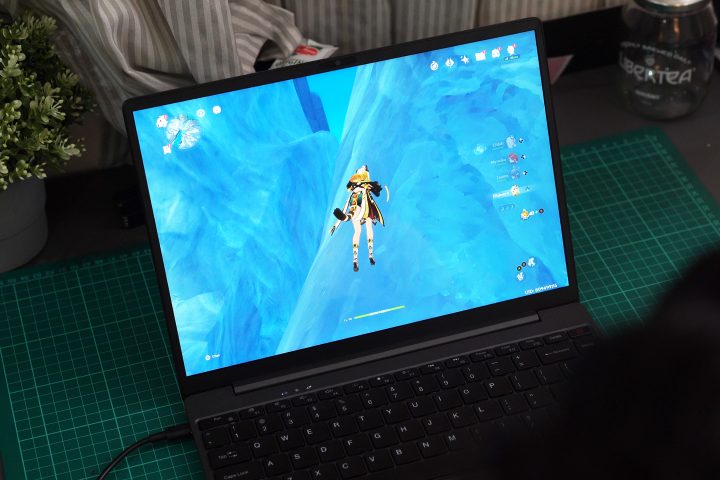
But of course, you’re probably wondering how this laptop handles games. Well, given the lack of a GPU it can’t really play the latest triple A titles. I did run Genshin on it, but even on the lowest settings, it caps out at around 25-29 FPS, depending on where you are in the game. It drops even further when you try to run Abyss or Stygian Onslaught.
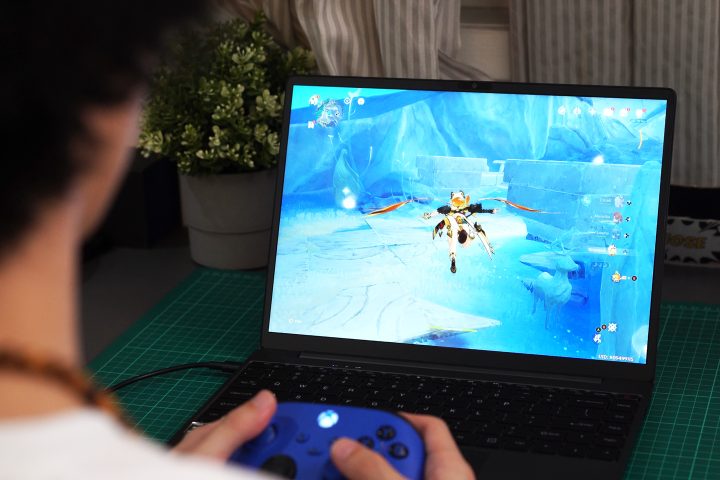
With that, it’s not really suited for playing games. It also heats up quite a bit when playing Genshin. Not to mention you will quickly fill up the SSD with one or two games in addition to your work apps. But if you need to get work done, it can easily handle it.
For those of you curious, you can check out the benchmark scores below.
Geekbench 6
CPU Single – 1466
CPU Multi – 4613
OpenCL – 10999
Vulkan – 9496
PCMark10 – 4407
3DMark Time Spy – 876
Crystal Disk Mark
Read: 3633.94 MB/s
Write: 2714.82 MB/s
Cinebench 2024
CPU (Single) – 68
CPU (Multi) – 386
Battery
As for the battery, the Chuwi Corebook X packs a 46.2Wh battery pack, which is equivalent to a 4,000mAh pack. With that, it’s not exactly the biggest battery you’d find in a laptop. And it really shows when you’re using it.

When you’re using it for productivity purposes only, the Corebook X has around 4 hours and 30 minutes of battery life. For reference, I was listening to Spotify, had Discord turned on, and multiple tabs of Chrome running.
It gets even worse when you’re gaming, easily draining battery life by 25 percent in just 30 minutes of gaming.
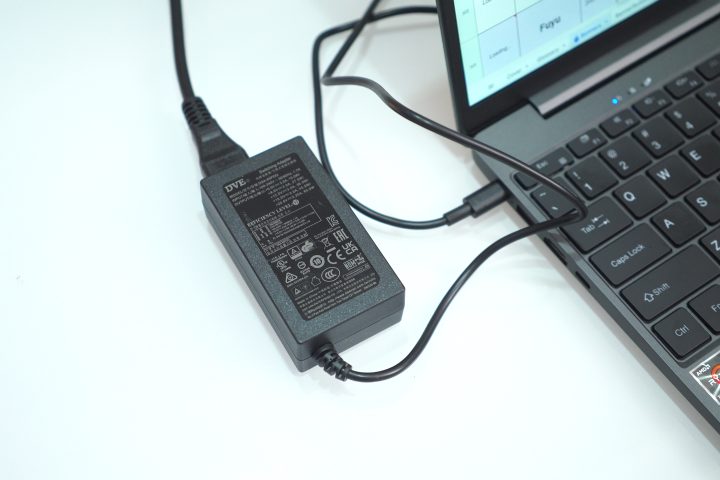
With that, you’ll want to bring the 65W charger around with you. It’s not that big, but it’s still quite cumbersome to bring around. Alternatively, you can just bring a capable powerbank along with a USB-C cable, and you’ll be fine.
Conclusion
Overall, the Chuwi Corebook X is a great work laptop if you are looking for something on a budget. It can easily run your productivity apps and more. While you can’t exactly play a lot of games, it can handle some of the lighter titles.
The only thing you will have to worry about is the battery life. For most productivity laptops of this size, you’ll typically have around 7-8 hours of battery at your disposal. As for the Corebook X, it’s only half of that.
Still, this laptop is something you can consider if you just want a laptop for getting work done on a budget. Afterall, the Corebook X with the AMD Ryzen 5 CPU retails for just PHP 25,990. It’s one of the most affordable 14-inch laptops on the market with a relatively new chipset.
If you find the performance lacking, there is a variant powered by an Intel Core i9-13900HK available. However, that’s a lot more expensive retailing at over PHP 40,000 and for a different review altogether.
But what do you think of the Chuwi Corebook X with the AMD Ryzen 5 CPU? Would it be something you’d consider getting for work, or would you rather pick a different one? Maybe something more lightweight and compact? Or one with more power? Whatever the case, share your thoughts in the comments below.
What we liked:
Decent performance
Good price
Lots of ports
What we didn’t:
Short battery life
Not the most compact 14-inch laptop



0 Comments
Leave a Reply