

Chuwi is no stranger to building compact laptops and mini PCs, and by compact, I’m talking really compact. I mean, we did review a 10-inch laptop last year, which you can check out on this channel if you are interested.
In this video, we’re looking at something a bit bigger. Instead of being compact, what makes this unique is that it’s very lightweight. Meet the new Chuwi Corebook Air.
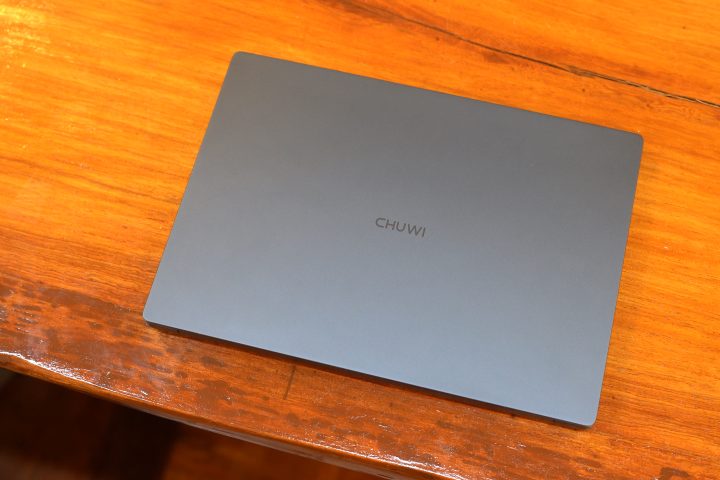
Just how lightweight is it? Well, it only weighs 1kg, which is very light for a 14-inch laptop. Despite its featherweight build, it still packs an AMD Ryzen 5 processor and even a 55Wh battery. Not to mention it’s still very much affordable, similar to other Chuwi products we’ve tried out.
But just how good is the new Chuwi Corebook Air? Let’s find out in this review.
Design and Construction
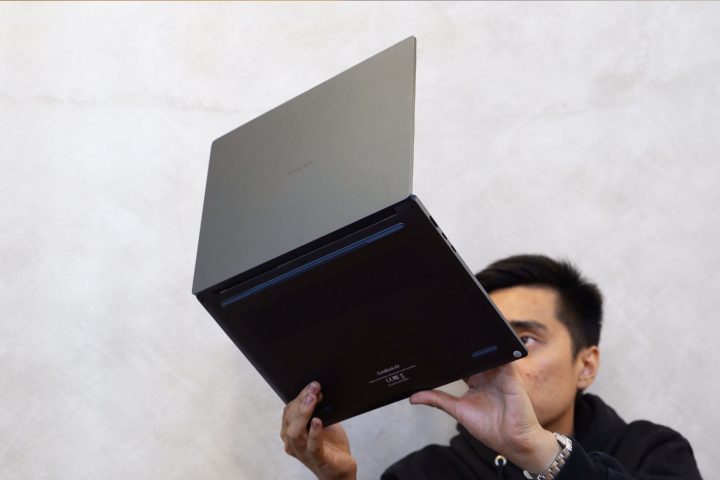
What makes the Chuwi Corebook Air unique is that it’s very light. As mentioned earlier, it only weighs 1kg, which is especially light for a 14-inch laptop. With that, we expected it to be made out of plastic, but that’s not the case.
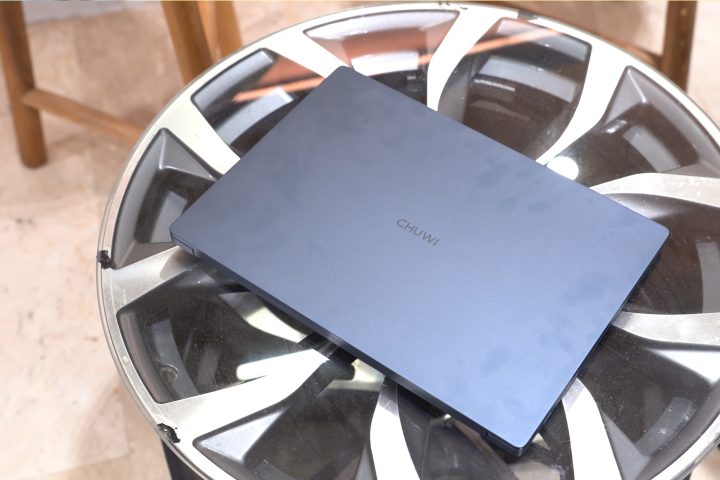
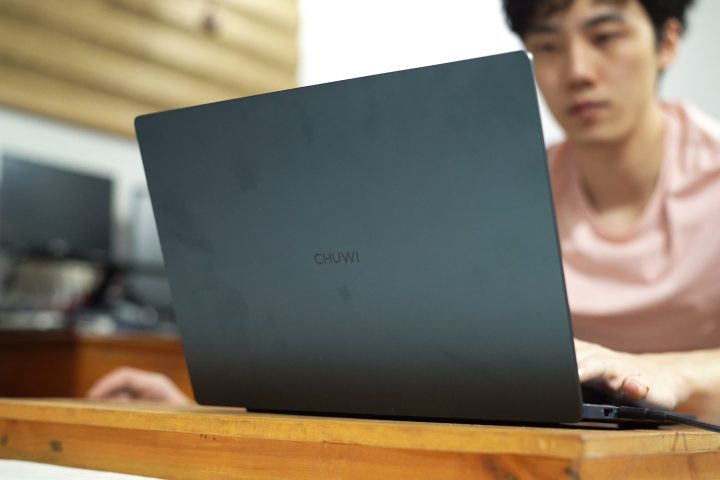
Instead, it’s mostly made of lightweight aluminum, which helps with the weightloss. Both the top and bottom are aluminum, which gives the laptop a solid build despite it being a featherweight. It also leaves a smooth matte surface, which feels nice to the touch.
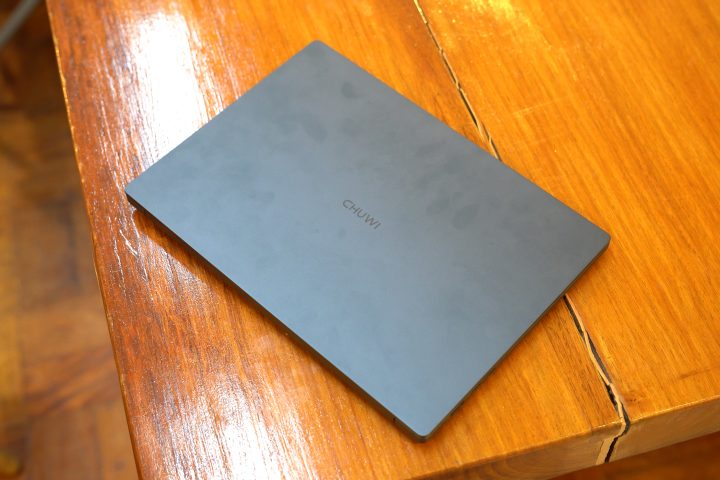
It looks great too, adopting a minimalist design featuring a small Chuwi logo at the center of the lid cover. Our review unit is in the Indigo Blue colorway, which we think looks great. But I’m sure you guys will have your own opinion on it.
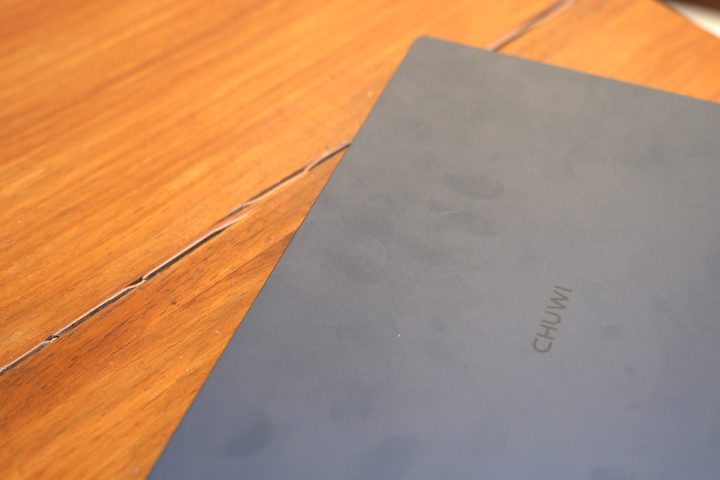
Unfortunately, the aluminum lid cover and base are not particularly smudge-resistant. Just picking it up is enough to leave fingerprints on the lid cover already. It also takes a bit of effort to clean it up when there are smudges.
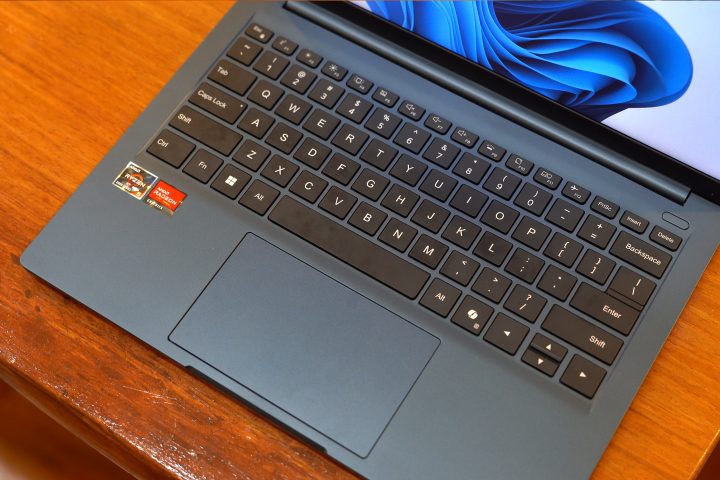
Surprisingly, the lid can be opened with one hand, which is a nice touch from Chuwi. Once open, we’re greeted by the keyboard and trackpad. It’s not a full-size keyboard, but it’s properly spaced out. I had no problems typing, and they’re soft with decent travel. They don’t feel as nice since it’s a bit mushy, but at least they’re comfortable on your fingers.
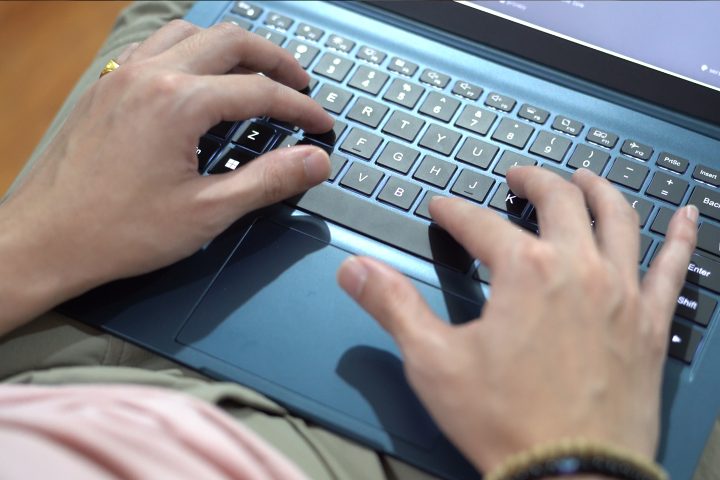
What we’re more concerned about is the deck flex. If you’re someone who types a bit hard, just like how I am, you’ll notice a lot of flex on the keyboard when you’re typing. It’s a bit concerning because no matter which key you hit a bit hard, there’s noticeable flexing.
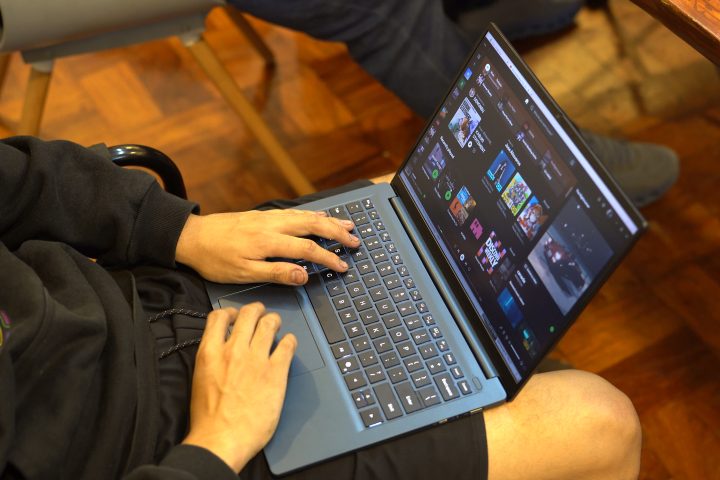
As for the trackpad, it’s rather small for our liking, but it feels decent to the touch. It features a smooth finish as opposed to the textured finish on the rest of the deck, meaning our fingers glide smoothly across it.
What we didn’t like about the trackpad was that the upper portion and the center don’t have any click. This means you will have to purposely move your fingers to the lower left and right parts of the trackpad to left and right click.
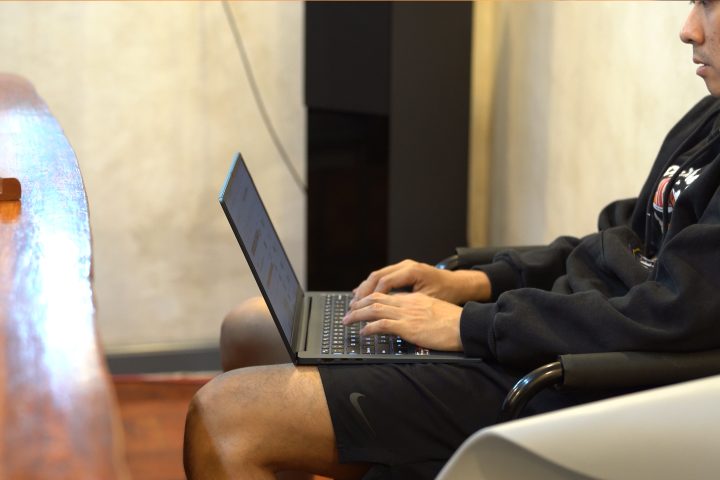
Alternatively, taps work a lot better. With that, some users might need to bring a mouse with them in order to work faster.
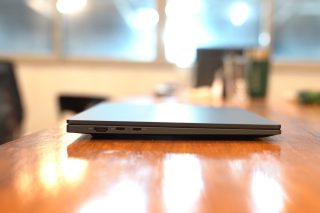
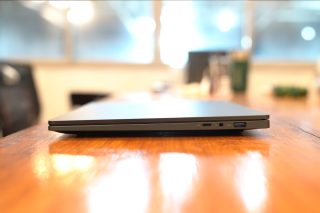
Despite being a small and lightweight laptop, the Corebook Air features a bunch of ports and I/Os. On the left side, there are two USB 3.2 Gen 2 Type-C ports and an HDMI 2.1 port, while on the right side, we find a USB 2.0 Type-C port, a USB 3.2 Gen 1 Type A port, and a 3.5mm audio port.
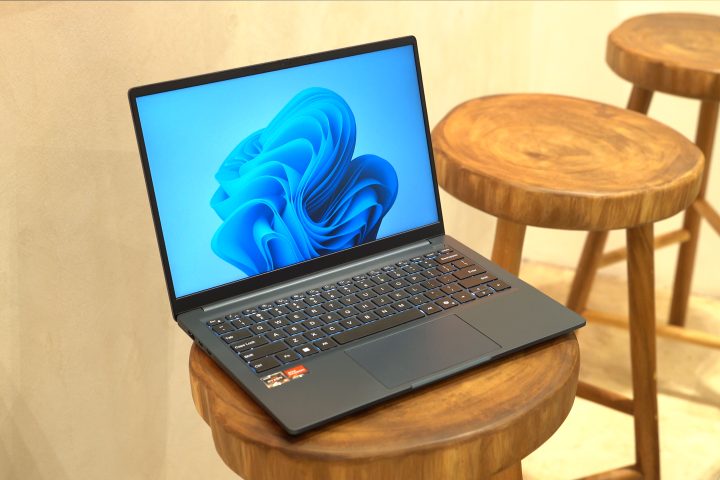
Given the number of ports available, there’s really no need for users to bring a USB hub with them. Together with its lightweight and compact design, there’s no doubt the Corebook Air is great for someone who’s always on the go.
Display and Multimedia
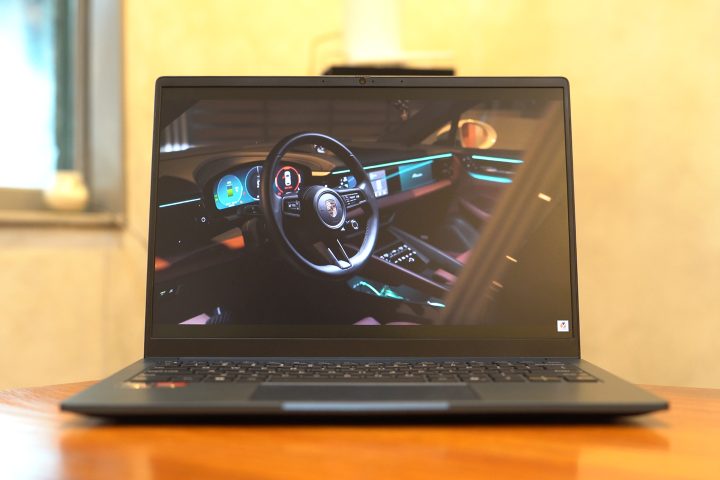
Open up the Chuwi Corebook Air, and we are greeted by a 14-inch WUXGA IPS display featuring a 16:10 aspect ratio and a 60Hz refresh rate. It is a matte display, and the anti-glare works really well.
Despite it being an IPS panel, it is quite sharp, and the colors are rather vibrant. However, the colors don’t seem to be the most accurate out of the box. It does have decent viewing angles, though with minimal color shift.
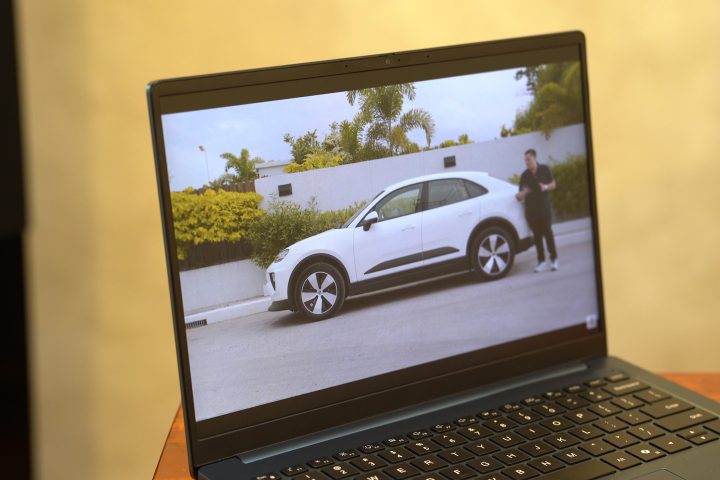
Unless users really need color accuracy, they may want to have it calibrated first. But if this laptop will mainly be used for work or productivity purposes, then it’s more than enough.
The 60Hz refresh rate may feel dull, especially for users used to 120Hz refresh rate displays on their phones or other devices. This is especially noticeable when watching videos or playing games.
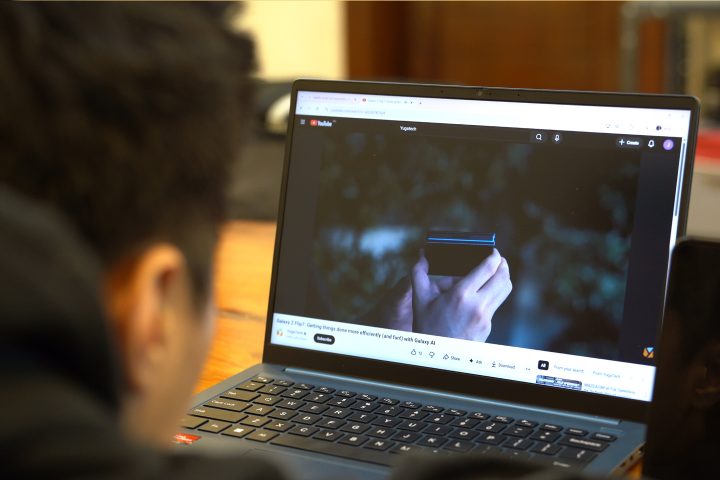
When listening to music or watching videos, the Corebook Air features two 2W speakers, which sound decent at best. If the speakers aren’t good enough for your ears, there’s always the option of pairing Bluetooth headphones or using the 3.5mm audio port. There’s also a 2MP front camera for video conferencing and Zoom calls.
Performance and Benchmarks
Under the hood, the Chuwi Corebook Air packs an AMD Ryzen 5 6600H processor with an AMD Radeon 660M iGPU. Our review unit comes with 16GB of LPDDR5 RAM and 512GB of storage.
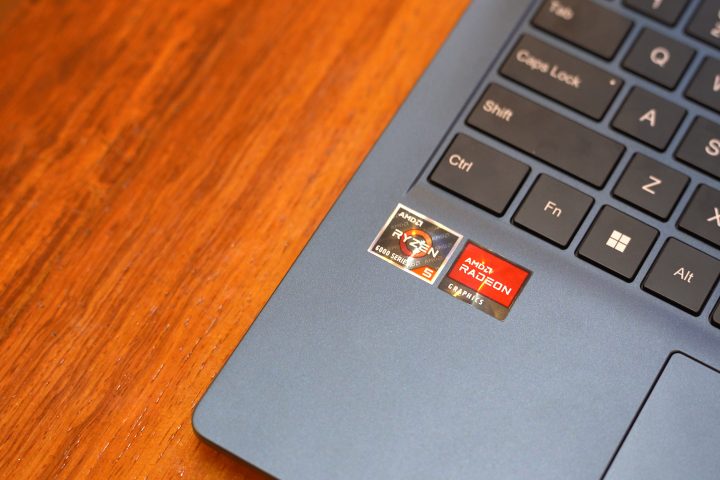
While it does have a GPU, it’s not exactly a dedicated GPU. With that, we need to set our expectations when it comes to the games that this laptop can run. When it comes to everyday work and productivity use, however, it’s more than enough.
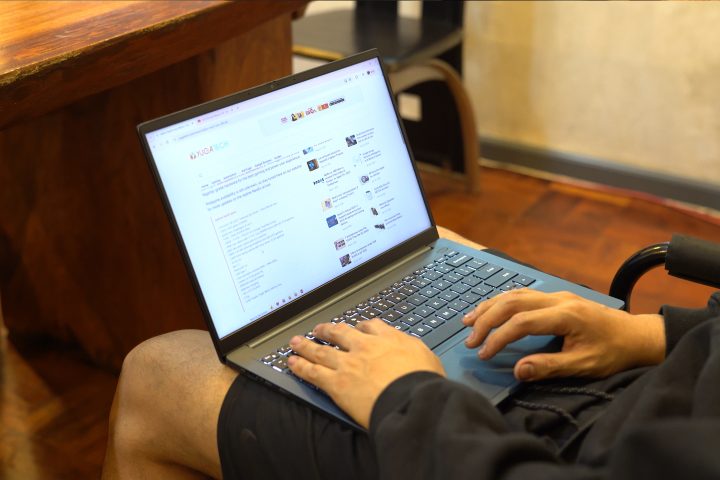
The Corebook Air ran all of the usual productivity tasks we threw at it. These include having multiple tabs of Chrome open while Spotify and Discord are running in the background. It could even handle Lightroom and Photoshop open at the same time, for those trying to get some basic editing work done.
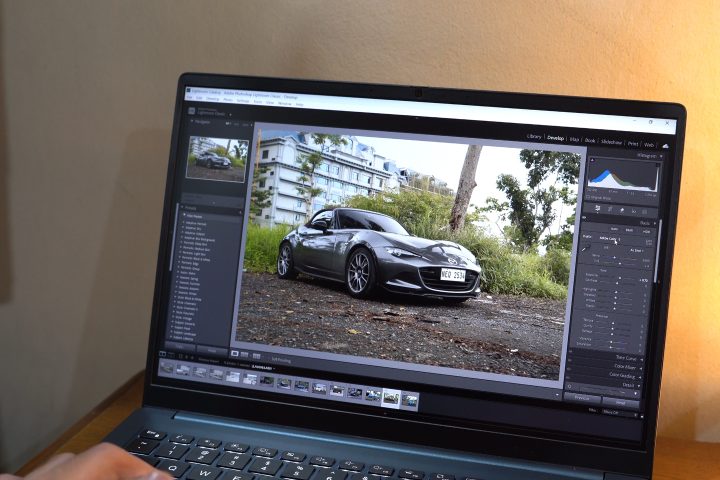
Exporting high-resolution photos doesn’t take a long time either. While it runs Premiere, it takes a bit of time rendering 4K videos, despite the video having very simple cuts and edits. If users plan to add more layers or effects, it will take a very long time to export these videos.
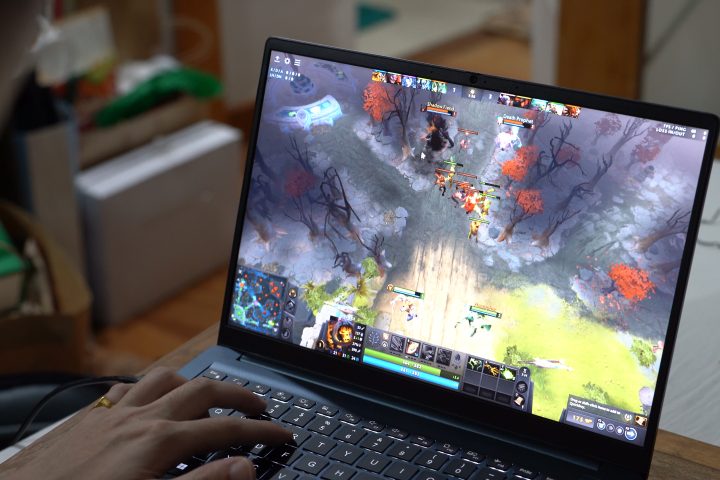
As for gaming, it can run lighter titles, but expect the graphics settings to be at low or even the lowest settings. We played a bit of Dota2 on this, and even with the graphics set to the lowest, we were only able to manage around 70-80 FPS. It even drops to 60 sometimes, depending on what’s happening in-game.
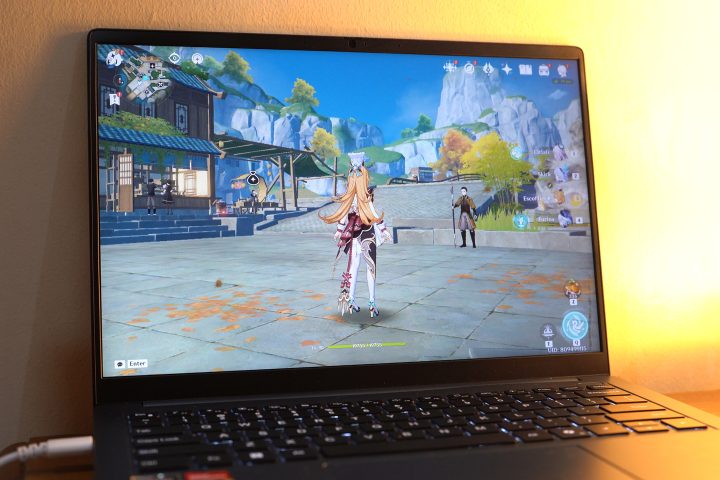
Genshin Impact ran smoothly with all graphics set to the lowest, with the exception of the FPS set to 60. While it could run the game with some settings at medium, we were already encountering a lot of framerate drops and lag, even when we were just moving around.
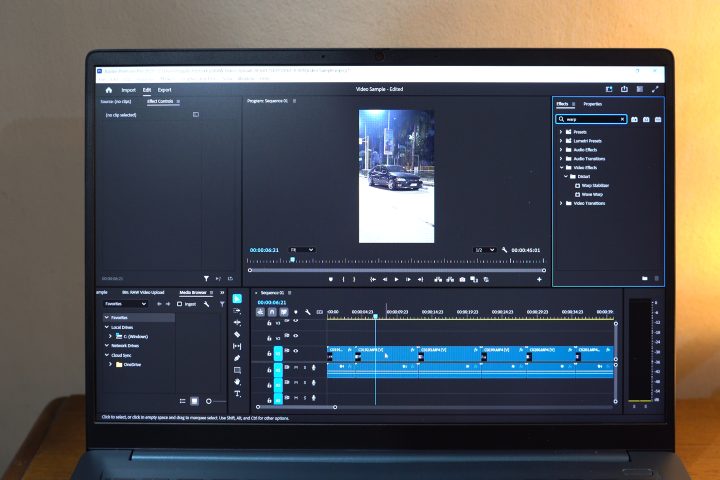
One thing to note is that the laptop does heat up quite a bit, whether playing or running productivity apps like Lightroom or Premiere. It’s not uncomfortably hot, but the upper part of the keyboard becomes very warm to the touch.
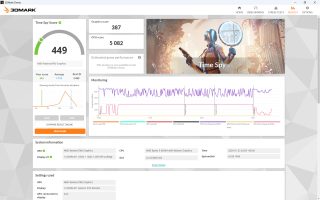
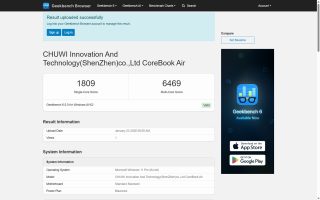
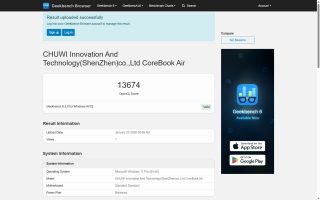
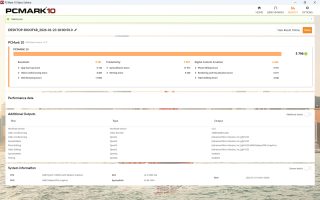
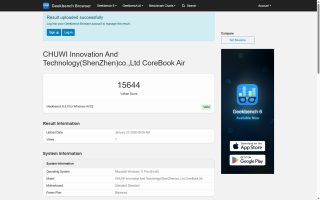
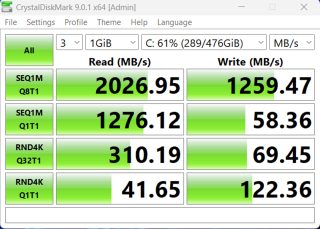
As for the benchmarks, you can check them out below.
| Device: | Chuwi Corebook Air |
|---|---|
| Chipset: | AMD Ryzen 5 6600H |
| GPU: | AMD Radeon 660M iGPU |
| RAM | 16 |
| Geekbench Single-Core | 1,809 |
| Geekbench Multi-Core | 6,469 |
| Geekbench OpenCL | 13,674 |
| Geekbench Vulkan | 15,644 |
| 3D Mark Time Spy | 449 |
| PCMark 10 | 5,796 |
| CrystalDiskMark Read | 2026.95 MB/s |
| CrystalDiskMark Write | 1259.47 MB/s |
| Cinebench R24 CPU (Single) | 83pts |
| Cinebench R24 CPU (Multi) | 470pts |
Battery

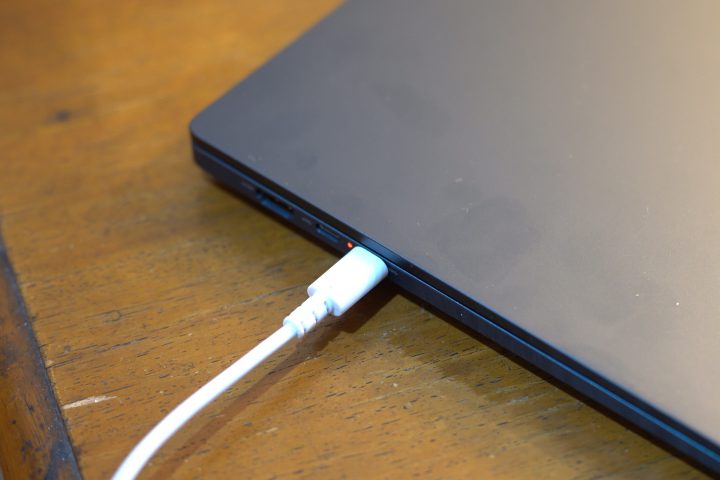
Powering the Chuwi Corebook Air is a 55Wh Lithium-Polymer battery pack. It’s regularly sized for the device, but it does last a relatively long time. With that, I barely brought the charger with me whenever I was out and about.
For reference, I used it for an hour to get work done with Spotify and Discord running in the background, along with display and keyboard brightness maxed. After an hour, I still had around 82 percent battery life left, which is a great figure. Chuwi does claim it has an 8-hour battery life when continuously watching videos.
However, as with all laptops, gaming drains the battery quite fast. After an hour of playing Dota 2, the Corebook Air only had around 53 percent battery left. But again, that is to be expected.
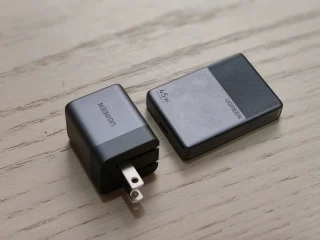
If you do need to charge, the Corebook Air comes with a 65W charging brick, which is quite bulky. Thankfully, it can also charge using other cables as long as it provides enough juice.
Conclusion
Overall, the Chuwi Corebook Air is a decent laptop for those who want to carry light, literally. Put it in your bag, and it won’t feel like anything’s there. Even if you carry it around all day, it won’t be heavy at all.
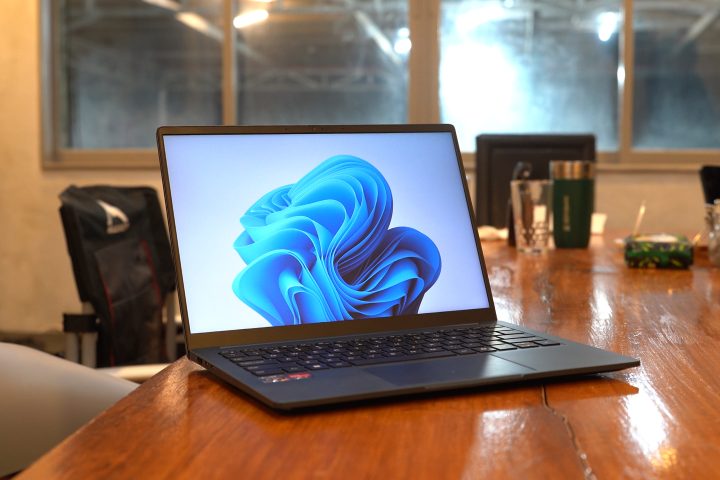
In addition, it also features decent performance, allowing users to work and play light games. With the long battery life, it doesn’t need to charge that often either.
It’s more than adequate if you just want a laptop to get things done wherever and whenever. Not to mention, the Corebook Air isn’t that expensive, as with all Chuwi products. This specific model currently retails for PHP 31,339.61 on the Chuwi website without shipping.
For all that it offers, it’s hard to disregard what it can do. But if you’re someone who needs a laptop with a bit more power for creative work or even play games, then the Corebook Air isn’t for you.
But overall, what do you think of the Chuwi Corebook Air? Is it a laptop you’d use for work or would you pick something else with a bit more power? Whatever the case share your thoughts in the comments below.
What we liked:
- Lightweight build
- Good performance
- Lots of ports
- Good battery life
What we didn’t like:
- Board flex
- Not smudge resistant
Chuwi Corebook Air specs:
14-inch IPS LCD 60Hz
1920 x 1200 pixels
AMD Ryzen 5 6600H processor
AMD Radeon 660M iGPU
16GB LPDDR5X RAM
512GB SSD
2x USB 3.2 Gen 2 Type-C
1x USB 3.2 Gen 1 Type A
1x USB 2.0 Type-C
1x HDMI 2.1
3.5mm audio
WiFi
Bluetooth
Windows 11
55Wh battery




0 Comments
Leave a Reply