

Looking for more builds?
With all the flashing RGB, futuristic-looking PC cases, and high-quality PC components on premium PCs out there, you might be fooled into thinking that the only way to game is if you shell out your savings worth of cash.
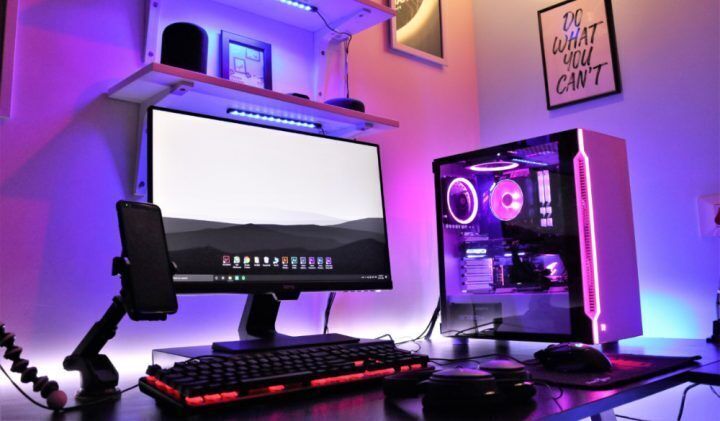
You ask yourself: do you really have to spend hundreds of thousands of pesos to build a respectable gaming rig? And we’re here to tell you, absolutely not.
Looking for more deals?
With the right research, the help of the SM Malls Online App, and a respectable budget of Php 45,000 (or around USD $820) — you can build a budget gaming rig that can more than adequately meet your gaming needs.
In this guide, we’ll be taking you through what we consider the best gaming rig with a Php 45K budget.
Unlike the usual PC build guides that you will find out there, the one we have for you is particularly catered to the Philippine market. In other words, the availability and accessibility of the parts we have on this list were a big factor in them being chosen.
Aside from that, this budget gaming rig includes, not just the completed PC tower, but also the monitor and other peripherals. Yes, you heard that right — a Php 45,000 build with everything you need ready to go. Sounds too good to be true? Let’s take a look at the parts.
Budget Gaming Rig with a Php 45,000 budget
PC Case
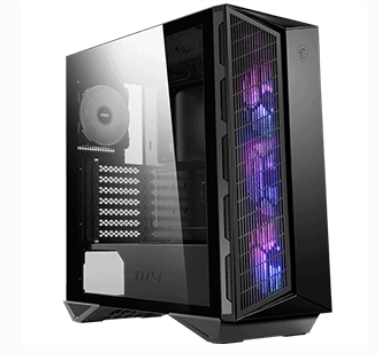
For the PC case, we chose the MSI 123 MPG Gungir 110M PC ATX Tower Case.
As a PC case meant for a gaming setup, it provides a healthy balance of gamer features (such as RGB, a good number of ports, and a futuristic design) and all the space we need to fit our components.
While it has RGB, we also appreciate its more low-key aesthetic compared to other gaming-centered PC cases.
It comes at a reasonable price of Php 4,999, which is a steal considering the good craftsmanship that the Gungir tower offers at this price!
You can purchase the MSI MPG Gungir 110M PC ATX Tower Case via the SM Malls Online App here. 33
Central Processing Unit or CPU
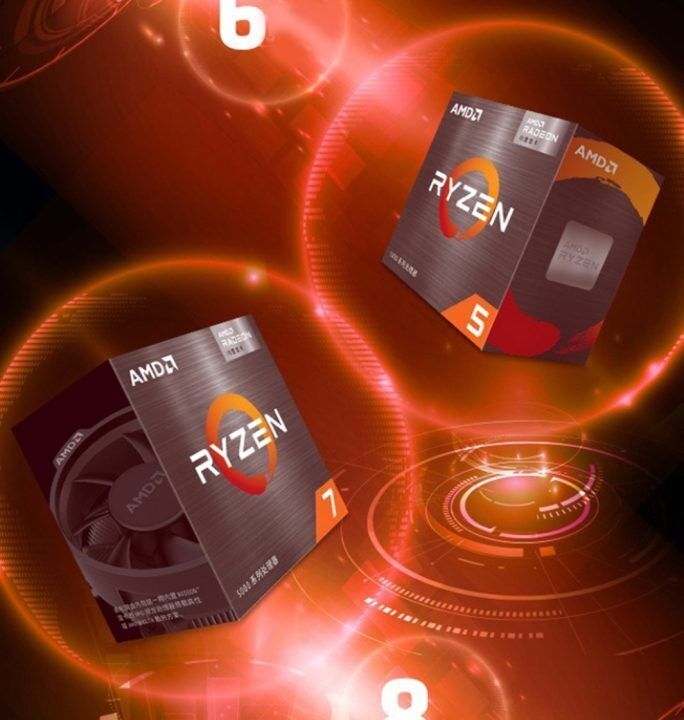
For the brains of our gaming rig, we have the AMD Ryzen 5 4500 6 Core 12 Threads 4.10 GHz processor. For a “budget” gaming system, the AMD Ryzen 5 4500 is an unbelievably good option as it can provide more than enough performance for most modern games.
The Ryzen 5 4500 comes with 6 cores, with a max temp of 95 degrees Celsius. As a mid-tier CPU, the Ryzen’s 3.6 clock speed (and 4.1 GHz boost clock) is impressive, especially when compared to other CPUs at the same price. The Ryzen 5 4500 comes at a cool Php 7,699.00.
You can purchase the AMD Ryzen 5 4500 CPU via the SM Malls Online App here. 25
Graphics/Video Card or GPU
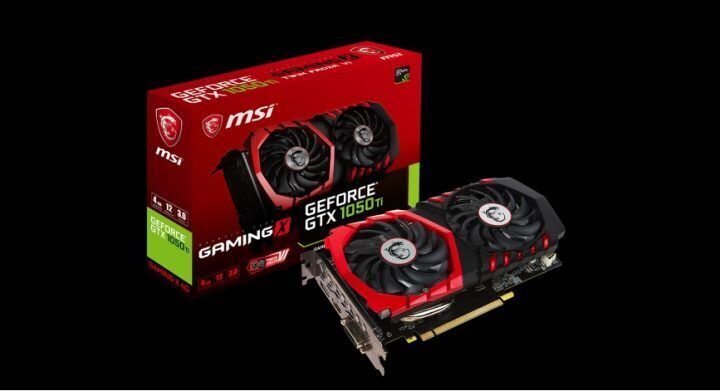
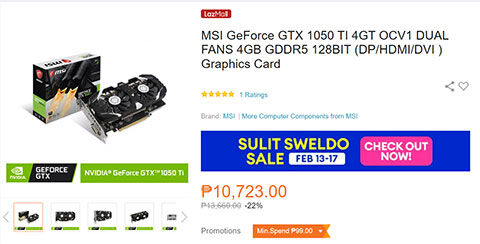
For the GPU, we have the MSI GeForce GTX 1050 TI 4GT OCV1 graphics card. And we know what you may be thinking, this GPU was released in 2016. Aren’t their better options out there? Well, there are, but that’s considering if you’re willing to forego our Php 45,000 budget from earlier.
While the 1050 TI is a bit older, we’re confident in saying that as a cog in the overall gaming package that we’re building, the GTX 1050 TI fits amazingly well with what we want to achieve.
Known for being a quiet and efficient card, the GTX 1050 TI can play modern titles at 1080p, on medium settings, with absolutely no problem at all.
The 1050 TI provides a good balance of good, smooth, and reliable performance at a not-too-hefty price tag of Php 10,800, which is great for our Php 45,000 budget.
You can find the MSI GeForce GTX 1050 TI 4GT OCV1 Graphics Card via the SM Malls Online App here 37.
Motherboard
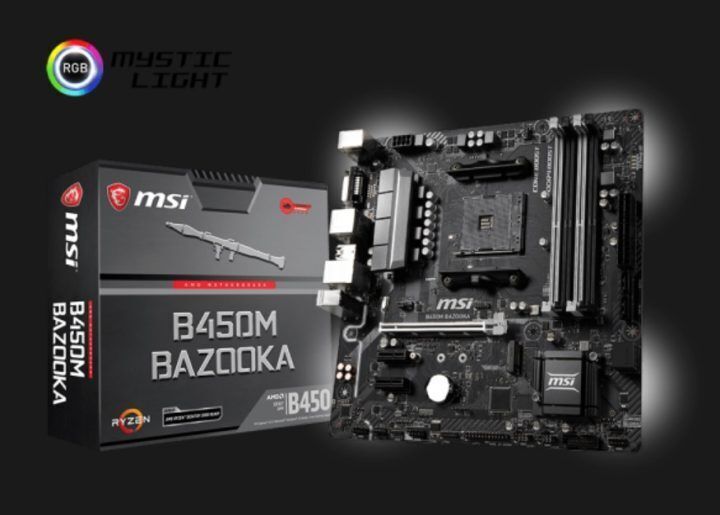
Putting it all together, we have the MSI B450M BAZOOKA MAX WIFI board.
The MSI B450M has everything that we need, a healthy amount of ports, DDR4 support, Wi-Fi support (which is an underrated feature in the PC world), and most important of all: compatibility with our desired parts above.
Not to mention the fact that it’s made by name-brand MSI, which is a good peace-of-mind plus for those who are a bit wary of third-party manufacturers.
You can find the B450M BAZOOKA MAX WIFI for Php6,200 via the SM Malls Online App here.
Memory or RAM
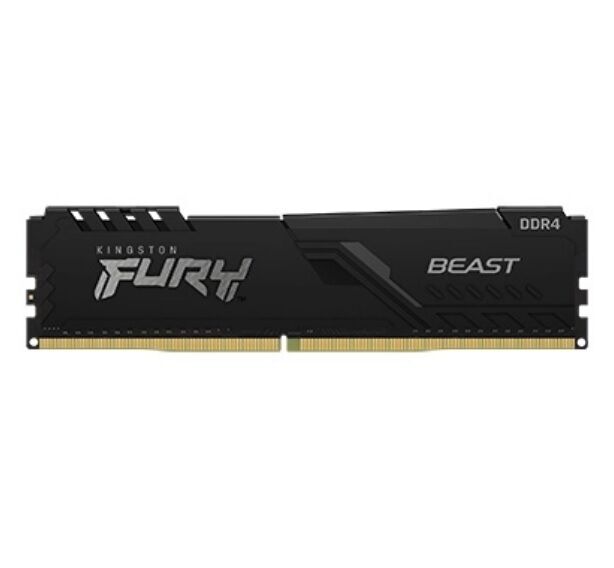
For our RAM we have the Kingston Fury 8GB Beast DDR4 3200mHz memory stick. This, unfortunately, is where we had to cut a few corners to fit our budget. While 8GB is still super usable for gaming, you may want just to turn off other programs whenever you start your gaming session.
Don’t worry though, RAM is one of the PC parts that are easily upgradeable moving forward. This 8GB stick is just our initial RAM option to get our gaming started.
You can find the Kingston Fury 8GB Beast DDR4 3200mHz Memory via the SM Malls Online App here for Php 1,795.
Storage
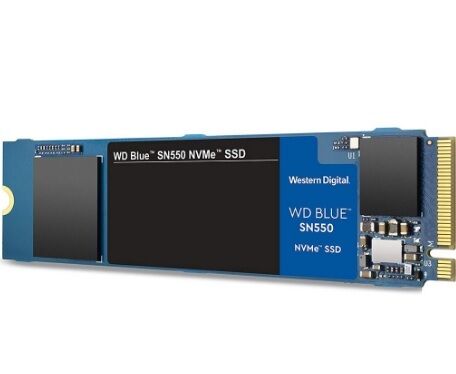
For storage, we have the Western Digital 500GB BLUE SN550 NVMe Solid State Drive (SSD). In our minds, anything that’s not an SSD or under 500GB is not worth it. So, the SN550 fits our needs for our budget and budget gaming goal perfectly.
You can find the SN550 for Php2,950 via the SM Malls Online App here.
Power Supply Unit or PSU
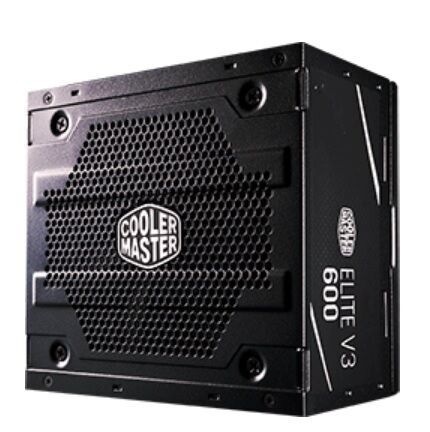
For the power supply, we have the Cooler Master Elite V3 600W. This is one component where cost-cutting is probably not the best idea, as a below-than-average PSU has a good chance of damaging your system.
The 600W Cooler Master Elite V3 claims to have over 80% efficiency for less power consumption and supports PCIe (6 + 2 pin) connectors, which is just right for our Ryzen-based PC build.
You can get the Elite V3 600W for Php 2,200 via the SM Malls Online App here.
System Cooling
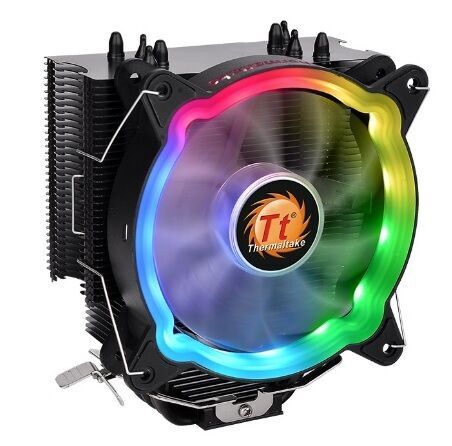
For the CPU cooler, we have the THERMALTAKE UX 200 ARGB CPU cooler. There’s nothing special with the UX 200, aside from the fact that it is more than serviceable for the build. Oh, we also forgot to mention that it has ARGB, which may or may not mean anything to you.
You can buy the UX 200 for Php 1,900 via the SM Malls Online App here.
Monitor/Display
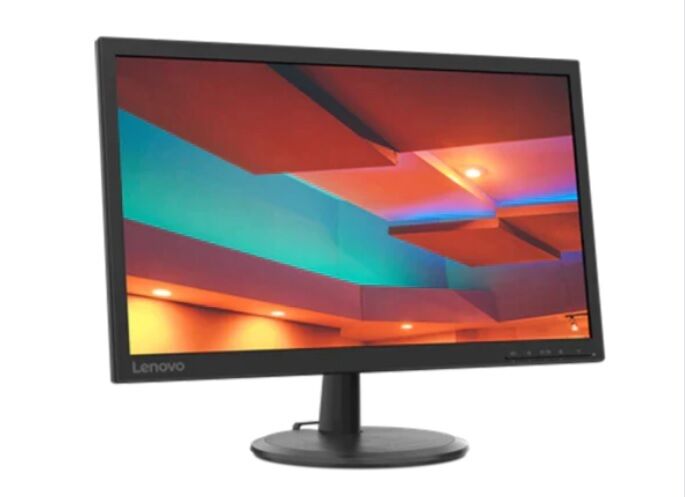
Now for our monitor, we chose the Lenovo D22-20 Monitor 66ADKAC1PH 75 Hz monitor. Looking for a high refresh-rate screen at a lower price is a difficult task.
However, we feel that the Php 45,000 budget calls for a higher-refresh-rate display since you’re shelling out a bit more cash out of your pocket to get a better-than-average gaming experience.
Luckily, the Lenovo D22-20 monitor fits the bill perfectly. At a great price of Php 4,995, the D22-20 gives us high refresh-rate gaming with the added assurance of being from a reputable brand such as Lenovo. Not only that, the D22-20 is 1080p too, another feature that is not so widespread at this price range.
You can buy the D22-20 via the SM Malls Online App here.
Keyboard and Mouse

Rounding out our build is, of course, the keyboard and the mouse. Here we chose the Rapoo X120 Pro USB Keyboard and Mouse Bundle in black.
For a budget gaming PC, Rapoo’s mouse and keyboard bundle is a good mix of affordability and reliability. As Rapoo has started to become a mainstay in Philippine computer part stores, the X12 Pro also has the additional sale of being almost always available at most PC stores.
To get you started with your budget gaming rig, the Rapoo X12 Pro bundle is a no-brainer at Php 500. You can purchase the mouse and keyboard bundle via the SM Malls Online App here.
And that rounds out our gaming build for a Php 45,000 budget! While you’re basically all set with the PC components we provided above, there are a few tips and tricks that we want to offer you as you go through your PC-building-and-buying journey.
PC-Buying Tips and Tricks
Use an online PC part picker/builder to check for compatibility
A PC part picker or builder is one of the best ways for you to gather your desired PC parts and check if they are compatible with one another. They’re essentially online portals that virtually build your PC for you and checks if there are any issues (particularly with incompatibility) with your desired build.
Using a PC builder or part picker saves a ton of time with checking whether your components actually play nice with each other.
One of our favorites is PCPARTPICKER.
Check out the SM Malls Online App to start picking your components
One of the best ways for you to ease your PC-buying journey is by visiting the SM Malls Online App. Through their intuitive digital marketplace, you are given access to almost all the name brands you need to build your PC and to find all your desired PC parts.
The best thing about the SM Malls Online App is that they house an extensive stock of products, like the PC components we picked in our guide.
Find the best deals and promos on the SM Malls Online App
Actually, our Php 45,000 build above was only really possible because of the competitive prices and discounts being offered at stores within SM Malls Online App. When we tried looking for the components on other platforms, the total ballooned to 50K, 55K, and even upwards of 60K.
The SM Malls Online App also generously offers additional freebies, bundles, or even free delivery of purchases for their customers too, making it a no-brainer companion for your Php 45,000 PC build. You don’t normally get these kinds of bundles and freebies when you shop from other online stores like Lazada or Shopee.
So, what do you think? Do you have other build ideas as well? How about tips and tricks for PC buying? Comment your thoughts down below!
Looking for more PC builds and laptop deals?







Do not follow this guide. Poor choice of parts, it appears that the guys who wrote this build never tried to look for other sources and just went with what comes to lazada/shopee/mind. Yuga”tech” used an almost 1 decade old GPU, old gen CPU (when there is a newer gen option with better specs and price), single 8GB RAM, an ATX case for a mATX motherboard. We understand that this is a sponsored article but this is very misleading for a lot of people who’d spend their hard earned money for a mediocre 45K build. Folks, buy your PC parts somewhere else.