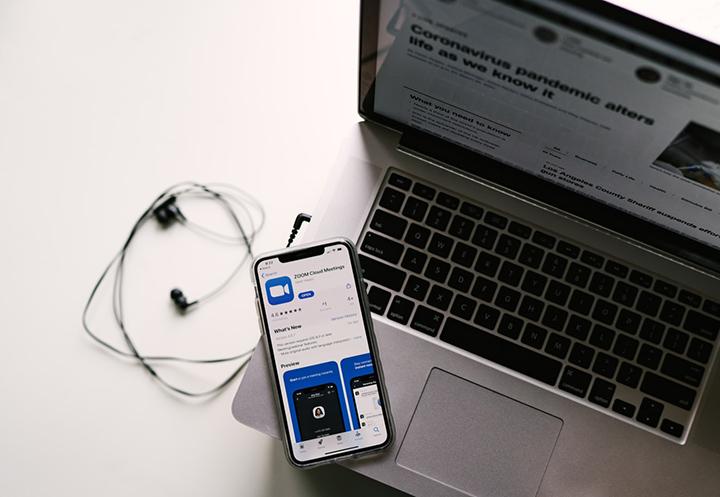

But let's face it, most webcam quality today are low, nonetheless, thankfully you can use your smartphone's camera app as your webcam, and to do this, you'll need an additional app to make it happen. Follow the steps below to install and configure the correct software, and then launch your phone as a webcam in chat software like Zoom. First step is to install your preferred webcam app on your computer. Under the camera option, you will see the Iriun Webcam then select it and that’s it! There are a lot of Webcam apps available in Play Store or App Store and here are some apps that you might also want to try. IP Webcam Download: Android DroidCam Download: Android EpocCam Download: iOS / Android So that's it! Not to mention, don’t usually see a color-changing design in the budget category, so that’s something. It’s something that you don’t normally see in the budget category where most phones are capped to IP54. Read more in our articles including "How to Use Your Android and iOS Smartphone as Webcam" and "Infinix HOT 70: Coming in HOT Under P8,000!".

The way we value web cameras today has drastically changed due to the situation we…
Sep 24, 2020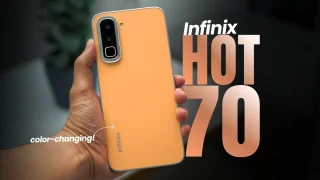
Coming in hot in the entry-level segment is the new Infinix HOT 70, and for…
Jun 25, 2026
Insta360 has officially launched the Luna Ultra in the Philippines. The camera is co-engineered with…
Jun 24, 2026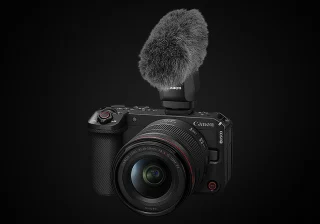
Canon Philippines has officially revealed the local pricing and availability of the new EOS R6…
Jun 18, 2026
Sony has announced the Lytia 910, its first image sensor to use LOFIC technology, offering…
Jun 18, 2026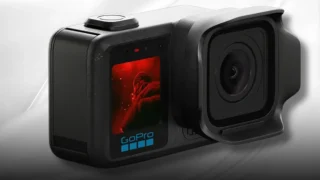
GoPro has officially launched the MISSION 1 PRO in the Philippines. The camera features a…
Jun 16, 2026But let's face it, most webcam quality today are low, nonetheless, thankfully you can use your smartphone's camera app as your webcam, and to do this, you'll need an additional app to make it happen. Follow the steps below to install and configure the correct software, and then launch your phone as a webcam in chat software like Zoom.
First step is to install your preferred webcam app on your computer. Under the camera option, you will see the Iriun Webcam then select it and that’s it! There are a lot of Webcam apps available in Play Store or App Store and here are some apps that you might also want to try.
Our coverage of Budget Webcam includes: "How to Use Your Android and iOS Smartphone as Webcam"; "Infinix HOT 70: Coming in HOT Under P8,000!"; "Insta360 Luna Ultra launched, priced in the Philippines". Each article provides unique insights and information.