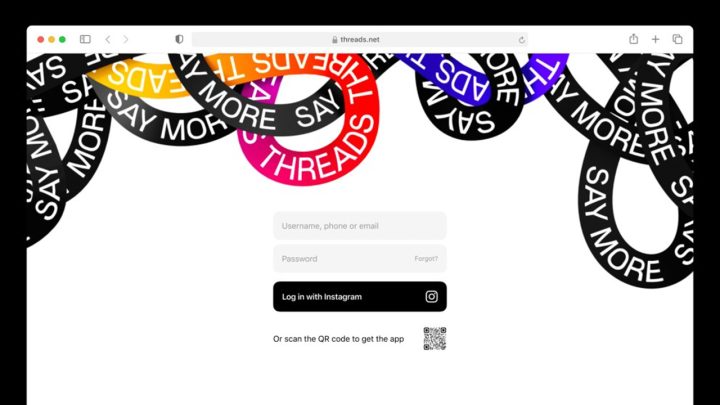

Additionally, there is a large icon on the bottom-left for switching between Following and For You feeds. Here is how users can set their Shorts feed limit: Open the YouTube app and sign in Tap the You tab Go to Settings Click Time management which is the Dashboard icon Select Shorts feed limit Choose your preferred time limit For parents managing supervised teen accounts through Google Family Link, the limit can’t be bypassed. HTC BlinkFeed is an app that gathers updated information from your social feeds, calendar events, news, music, and other content and puts them in one organized place. ZoomMate can look up information from platforms like Salesforce, ServiceNow, Workday, Google and Microsoft , and then put the useful context right inside whatever workflow you are in. Read more in our articles including "Threads for web is finally here" and "YouTube announces Shorts feed limit feature".

Meta CEO Mark Zuckerberg has announced on Tuesday that Threads for web will roll out…
Aug 23, 2023
YouTube is rolling out a new feature that allows users to set a daily limit…
Apr 16, 2026Following the official launch of the new HTC One, HTC has also confirmed that its…
Mar 26, 2014Huawei has just introduced a new member of the 7-inch MediaPad family of tablets, the…
Jul 17, 2013
Google is testing a new Google Wallet feature that automatically tracks delivery packages using Gmail…
Jun 28, 2026
Zoom has introduced ZoomMate, a new AI-powered work platform designed to help teams turn conversations…
Jun 20, 2026Additionally, there is a large icon on the bottom-left for switching between Following and For You feeds. Here is how users can set their Shorts feed limit: Open the YouTube app and sign in Tap the You tab Go to Settings Click Time management which is the Dashboard icon Select Shorts feed limit Choose your preferred time limit For parents managing supervised teen accounts through Google Family Link, the limit can’t be bypassed.
HTC BlinkFeed is an app that gathers updated information from your social feeds, calendar events, news, music, and other content and puts them in one organized place. ZoomMate can look up information from platforms like Salesforce, ServiceNow, Workday, Google and Microsoft , and then put the useful context right inside whatever workflow you are in.
Our coverage of For You feed includes: "Threads for web is finally here"; "YouTube announces Shorts feed limit feature"; "HTC BlinkFeed coming soon to other Android devices". Each article provides unique insights and information.