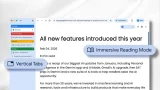

Users can turn it on by right-clicking a Chrome window and choosing “Show Tabs Vertically.” The second feature is reading mode. Users can activate the feature by right-clicking a page and selecting "Open in reading mode." These features have been available in other browsers for a while, but they are now finally coming to Chrome. Read more in our articles including "Google brings new features to Chrome" and "Google Wallet adds Package Tracking via Gmail Receipts".
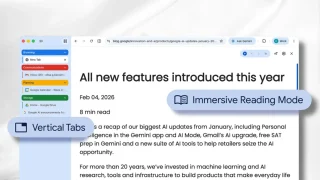
Google has added two useful new features to Chrome that can make browsing easier and…
Apr 8, 2026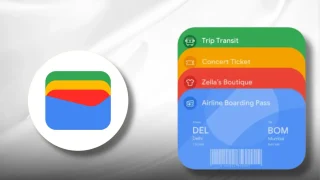
Google is testing a new Google Wallet feature that automatically tracks delivery packages using Gmail…
Jun 28, 2026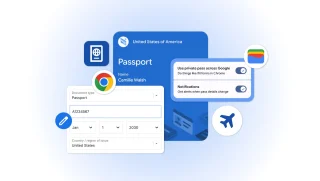
Google has announced new updates to Chrome Autofill. With this feature, it brings support for…
Jun 24, 2026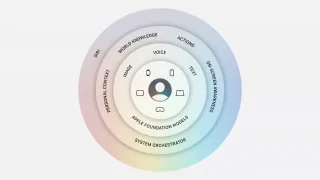
Apple did not build its new AI alone. At WWDC 2026, the company confirmed it…
Jun 9, 2026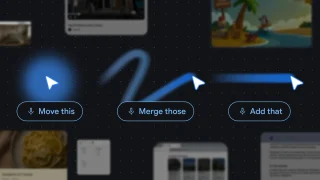
Google has introduced new AI-powered pointer features that let users interact with Google Gemini more…
May 14, 2026
Google has announced a range of creator-focused features in Android 17. They are aimed at…
May 13, 2026Users can turn it on by right-clicking a Chrome window and choosing “Show Tabs Vertically.” The second feature is reading mode. Users can activate the feature by right-clicking a page and selecting "Open in reading mode." These features have been available in other browsers for a while, but they are now finally coming to Chrome.
Our coverage of Google adds vertical tabs and reading mode to Chrome includes: "Google brings new features to Chrome"; "Google Wallet adds Package Tracking via Gmail Receipts"; "Google Chrome expands Autofill with Google Wallet integration". Each article provides unique insights and information.