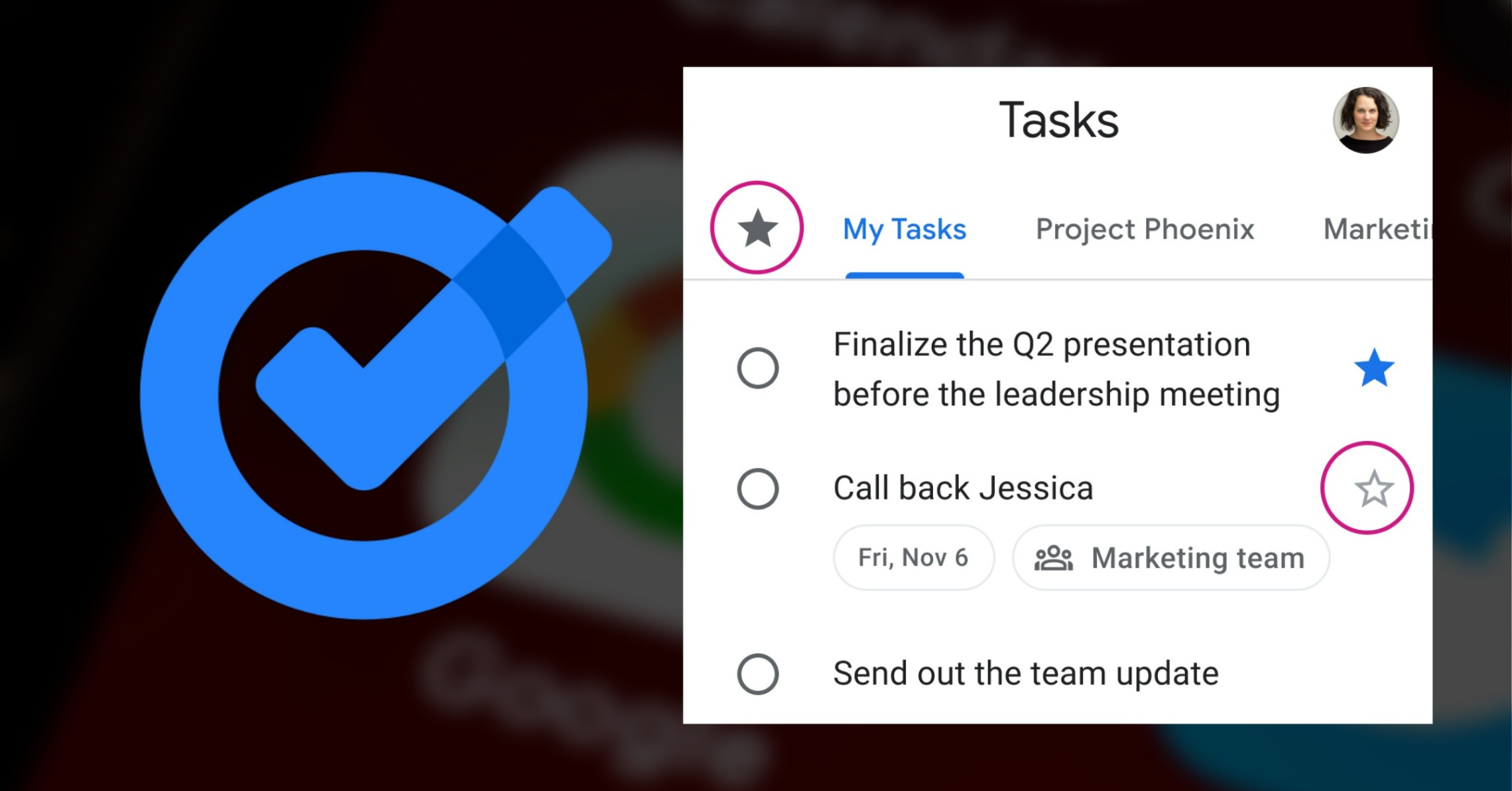

Google just released a new update for Google Tasks which gives users the option to prioritize their tasks by putting a ‘Star mark’. With this new feature to Google's task manager app called 'Tasks', users are more empowered and can be more organized in prioritizing their activities or important tasks. Google also added an ability for users to sort and view star-marked tasks separately in a different or new view. To put a star mark on a task, just tap on the outline of the star icon that appears next to all listed tasks. This function actually existed in Google Drive so it's a good thing that it expanded to ‘Tasks ’. To view a user’s star-marked tasks, tap on the hamburger icon, and an option to view only starred tasks will appear. Read more in our articles including "Google rolling out Star feature in Google Tasks" and "Zoom launches ZoomMate AI Teammate".
Google just released a new update for Google Tasks which gives users the option to…
Jun 10, 2022
Zoom has introduced ZoomMate, a new AI-powered work platform designed to help teams turn conversations…
Jun 20, 2026
The Philippine Atmospheric, Geophysical and Astronomical Services Administration (PAGASA) has launched the PANaHON mobile app,…
Jun 16, 2026
EStrava has announced a set of new and updated hiking features aimed at helping users…
Jun 13, 2026
Netflix has unveiled a refreshed mobile experience and expanded gaming initiatives during its APAC Product…
Jun 11, 2026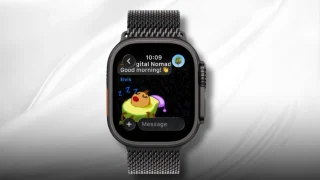
Telegram has released a fully native Apple Watch app, bringing messaging and media features directly…
Jun 10, 2026Google just released a new update for Google Tasks which gives users the option to prioritize their tasks by putting a ‘Star mark’. With this new feature to Google's task manager app called 'Tasks', users are more empowered and can be more organized in prioritizing their activities or important tasks.
Google also added an ability for users to sort and view star-marked tasks separately in a different or new view. To put a star mark on a task, just tap on the outline of the star icon that appears next to all listed tasks. This function actually existed in Google Drive so it's a good thing that it expanded to ‘Tasks ’.
Our coverage of Google Tasks Star includes: "Google rolling out Star feature in Google Tasks"; "Zoom launches ZoomMate AI Teammate"; "PAGASA launches PANaHON mobile app". Each article provides unique insights and information.