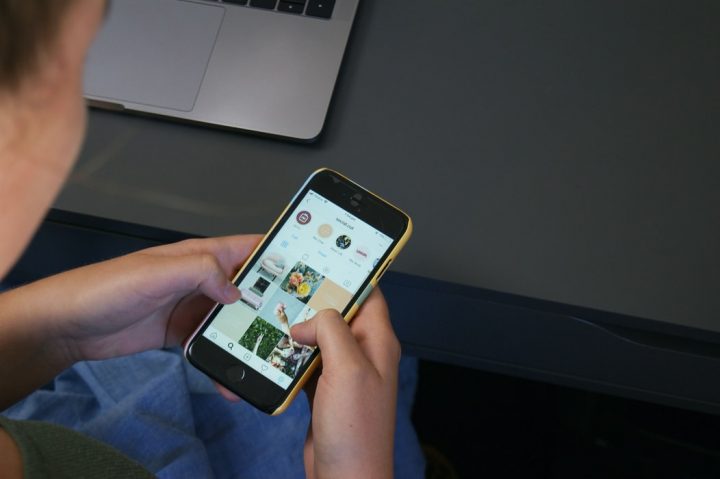

Step 3: Search the follower you'd like to remove on your list, then tap "Remove." Blocking users Should you want to keep specific users out of your account permanently, you may block them on Instagram. For limiting the audience of your posts Restricting someone on Instagram allows users to limit the interaction of a person on their profile without blocking or removing them on their followers' list. But to make it easier, we're teaching how to restrict someone in your profile's Settings. Step 2: Tap Settings and then choose "Privacy." Step 3: Find "Restricted Accounts," then tap "Continue." Step 4: Type the username of the person you want to restrict. Users may also turn off the auto-sharing option of Instagram Stories on their Facebook account. Step 3: Choose "Privacy," then go to "Story." Step 4: Scroll downward and look for "Sharing." Step 5: Turn off the "Allow Resharing to Stories." Restricting the sharing of Instagram Stories on Facebook Step 1: Go to your profile then tap the drop-down menu box. Instagram has rolled out a new feature that allows users to rearrange posts on their profile grid. It lets users move any post to any position on their profile to make it easier to highlight important content, showcase favorite posts or refresh the overall look of their page. Read more in our articles including "Instagram Spring Cleaning: Controlling the visibility of your feed, posts, and stories" and "Instagram now lets users reorder their posts on their profile".

Just like other social media platforms, Instagram offers nifty features for data privacy. And with…
Jun 10, 2020
Instagram has rolled out a new feature that allows users to rearrange posts on their…
Jun 9, 2026
Instagram has rolled out a new feature that allows users to edit their comments after…
Apr 10, 2026
Instagram is rolling out a long-requested feature that allows users to reorder photos and videos…
Mar 24, 2026
For oil traders, this week has brought a familiar warning. As a result of escalating…
Mar 23, 2026
It’s that time again when we round up the latest smartphone launches here in the…
Jun 26, 2026Step 3: Search the follower you'd like to remove on your list, then tap "Remove." Blocking users Should you want to keep specific users out of your account permanently, you may block them on Instagram. For limiting the audience of your posts Restricting someone on Instagram allows users to limit the interaction of a person on their profile without blocking or removing them on their followers' list.
But to make it easier, we're teaching how to restrict someone in your profile's Settings. Step 2: Tap Settings and then choose "Privacy." Step 3: Find "Restricted Accounts," then tap "Continue." Step 4: Type the username of the person you want to restrict. Users may also turn off the auto-sharing option of Instagram Stories on their Facebook account.
Our coverage of How to restrict user in Instagram includes: "Instagram Spring Cleaning: Controlling the visibility of your feed, posts, and stories"; "Instagram now lets users reorder their posts on their profile"; "Instagram now lets users edit comments within 15 minutes". Each article provides unique insights and information.