

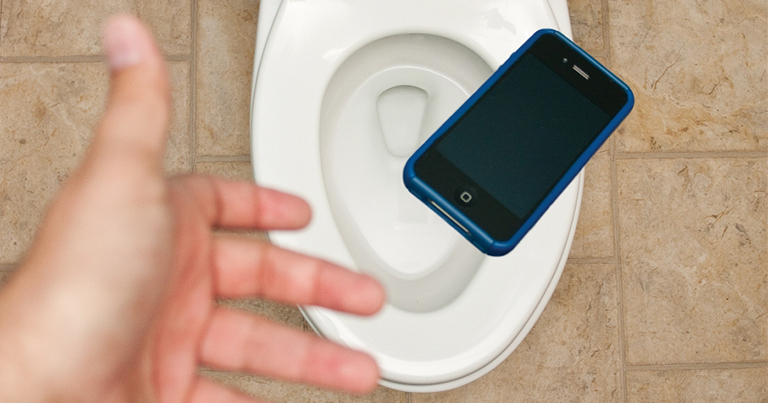





In this guide, 1:17however, we're going to focus on 1:19removing bloatware apps and other system 1:21apps that the phone doesn't really need 1:23to function. This 4:07include the main culprits that show ads 4:09like GetApps, Game Center, Mi Video, and 4:12Mi Browser. Up to you, 5:25really, because Kanta, even when 5:27uninstalled, will show you the system 5:29apps and services you removed if you get 5:31it back up and running via Shizuku. However, one 5:36crucial thing to do is disabling 5:38developer options. However, as with any system modification, proceed with caution and follow the guide carefully. However, every second matters, and if you're lucky, you'll still have a shot at saving your phone. However, sometimes, we can't help but doubt our partners, and it's completely normal. I know how painful it is, but one way to solve this issue is by rather confronting them. Read more in our articles including "Watch: Here's how to remove bloatware on you Xiaomi / POCO / REDMI phone" and "Phone got wet? Here’s what you can do".

Learn how to completely remove bloatware from your Xiaomi, POCO, or Redmi phone using a…
Mar 30, 2026
If your phone comes with a high IP Rating for dust and water resistance, like…
Apr 12, 2022
People say TRUST is one of the keys to a healthy and long-lasting relationship. However,…
Apr 19, 2020
Marie Kondo is a Japanese organizing consultant known for her Netflix reality show Tidying Up…
Apr 19, 2020
When you first bought your phone, everything was running buttery smooth. Then, a year later,…
Apr 2, 2020
You’re most likely stuck at your home due to the whole country’s enhanced community quarantine,…
Mar 25, 2020In this guide, 1:17however, we're going to focus on 1:19removing bloatware apps and other system 1:21apps that the phone doesn't really need 1:23to function. This 4:07include the main culprits that show ads 4:09like GetApps, Game Center, Mi Video, and 4:12Mi Browser.
Up to you, 5:25really, because Kanta, even when 5:27uninstalled, will show you the system 5:29apps and services you removed if you get 5:31it back up and running via Shizuku. However, one 5:36crucial thing to do is disabling 5:38developer options. However, as with any system modification, proceed with caution and follow the guide carefully.
Our coverage of how to includes: "Watch: Here's how to remove bloatware on you Xiaomi / POCO / REDMI phone"; "Phone got wet? Here’s what you can do"; "How to know if your partner is cheating on you Online". Each article provides unique insights and information.