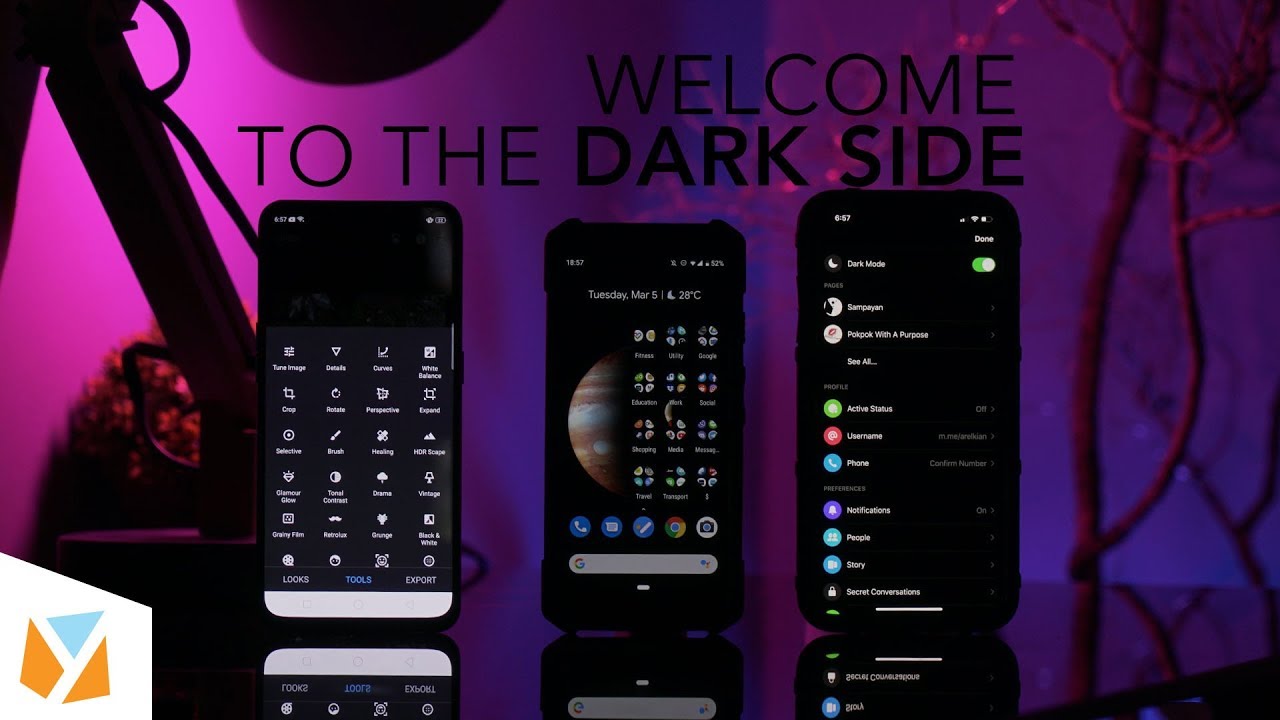

Don’t you wish you could make your entire smartphone interface dark mode? There are so many reasons why you should use dark mode for your phone. And although there are now more dark modes available for different apps and even phones, there are still some limitations to the feature that it doesn’t make everything totally pitch black or dark blue. If you want dark mode for your entire iPhone’s UI, thankfully with iOS 13 you can now simply go to Settings, then Display and Brightness, and at the top part click on Dark. Read more in our articles including "Dark Mode Everything for Android and iOS" and "Apple Puts a Siri Camera Mode on iPhone, Visual Intelligence Across All Platforms".
Don’t you wish you could make your entire smartphone interface dark mode? There are so…
Apr 16, 2020
Point your iPhone camera at something and ask Siri about it. That is the new…
Jun 9, 2026If you’re following me on Twitter (@abelandres), you might have already heard of our weekly…
Jul 10, 2012
A new school year means new projects, research papers, presentations, and online learning tasks. Whether…
Jun 14, 2026
With the announcement of the Xiaomi 17T series today, those hoping to upgrade from last…
May 29, 2026
Inflation is now (May 2026) at 7.2%, electricity rates at Php14.33/kWhr, and gas prices through…
May 28, 2026Don’t you wish you could make your entire smartphone interface dark mode? There are so many reasons why you should use dark mode for your phone.
And although there are now more dark modes available for different apps and even phones, there are still some limitations to the feature that it doesn’t make everything totally pitch black or dark blue. If you want dark mode for your entire iPhone’s UI, thankfully with iOS 13 you can now simply go to Settings, then Display and Brightness, and at the top part click on Dark.
Our coverage of night mode entire phone includes: "Dark Mode Everything for Android and iOS"; "Apple Puts a Siri Camera Mode on iPhone, Visual Intelligence Across All Platforms"; "Tune In: Geeky Nights Weekly Podcast". Each article provides unique insights and information.