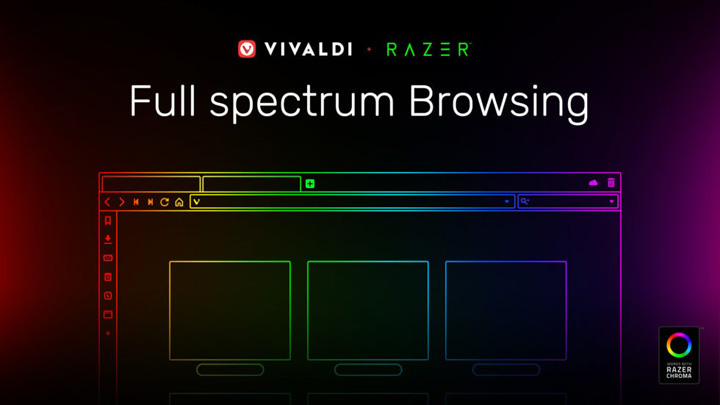

Vivaldi, in partnership with Razer, has launched the Vivaldi 2.5 that brings the first Razer Chroma integration in a web browser. Vivaldi is a web browser that lets users take control of it mostly and customize it the way they want it to be. "Gamers can now experience their Chroma devices natively integrated with the websites they visit, syncing in real-time for a truly personalized browsing experience.", Kushal Tandon, Razer Senior Product Manager To unlock the Razer Chrome feature, do the following steps: Go to Settings. Check the box of "Enable Razer Chroma Integration" under the Razer Chroma Theme Integration. After enabling this, expect that the lights will adapt to the color of the site that you are browsing using Vivaldi.Other features and patch notes of the Vivaldi 2.5 can be found on their official website here. The 10.1-inch Razer Edge and Razer Edge Pro Windows 8-powered gaming tablets get sizable discounts when you buy them on Amazon.com. The Razer Edge 64GB model which sports an Intel Core i5 3317U 1.7 GHz, 1GB DDR3 NVIDIA GT 640M LE GPU, and 4GB of RAM is originally priced at $999.99 but can now be purchased for $729.99. The Razer Edge Pro 128GB which packs an Intel Core i7-3517U 1.9 GHz, 2GB DDR3 NVIDIA GT 640M LE GPU, and 8GB of RAM can now be bought for $1,080.99 from the original $1,299. Read more in our articles including "Vivaldi 2.5 browser with Razer Chroma Integration launched" and "Infinix HOT 70 now available with Dynamic Shine design".

Vivaldi, in partnership with Razer, has launched the Vivaldi 2.5 that brings the first Razer…
May 8, 2019
After being spotted in Lazada, the Infinix HOT 70 is now available in the Philippines.…
Jun 24, 2026
Google has announced new updates to Chrome Autofill. With this feature, it brings support for…
Jun 24, 2026The 10.1-inch Razer Edge and Razer Edge Pro Windows 8-powered gaming tablets get sizable discounts…
Feb 10, 2014Coming over for the Pinoy Gaming Festival, Razer CEO Min-Liang Tan visits the Philippines. We…
Oct 26, 2013So this is what Razer was talking about when they teased us earlier with that…
Aug 27, 2011Vivaldi, in partnership with Razer, has launched the Vivaldi 2.5 that brings the first Razer Chroma integration in a web browser. Vivaldi is a web browser that lets users take control of it mostly and customize it the way they want it to be.
"Gamers can now experience their Chroma devices natively integrated with the websites they visit, syncing in real-time for a truly personalized browsing experience.", Kushal Tandon, Razer Senior Product Manager To unlock the Razer Chrome feature, do the following steps: Go to Settings. Check the box of "Enable Razer Chroma Integration" under the Razer Chroma Theme Integration. After enabling this, expect that the lights will adapt to the color of the site that you are browsing using Vivaldi.Other features and patch notes of the Vivaldi 2.5 can be found on their official website here.
Our coverage of Vivaldi Razer includes: "Vivaldi 2.5 browser with Razer Chroma Integration launched"; "Infinix HOT 70 now available with Dynamic Shine design"; "Google Chrome expands Autofill with Google Wallet integration". Each article provides unique insights and information.