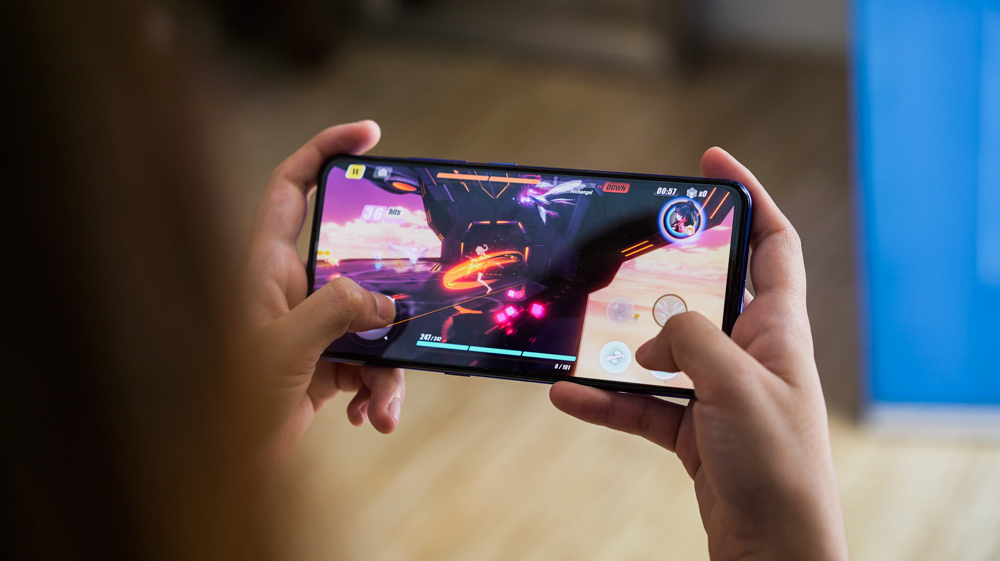

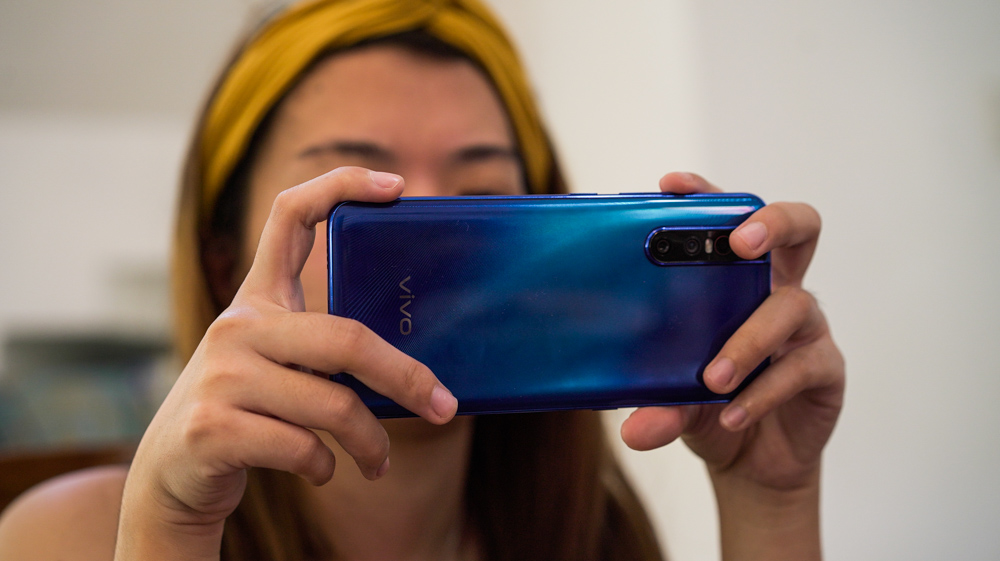
The Vivo V15 Pro comes with a feature called Game Cube that helps enhance a user’s gaming experience. The Game Cube has functions that allow users to customize settings for each game that they have on the V15 Pro. To enable the Game Cube in the V15 Pro, simply open Settings, scroll down and select Game Cube. Esports Mode This setting is only present in the V15 and V15 Pro, and only compatible with some games such as PUBG, Arena of Valor, and Mobile Legends. That’s it for the V15 Pro’s Game Cube! Have you tried out enabling the Game Cube with your V15 Pro? It’s a good thing that the company’s latest smartphone, the V15 Pro, sports both features at an affordable price point which is great. Let’s start with the V15 Pro’s specs first. Read more in our articles including "Vivo V15 Pro Gaming with Game Cube" and "VIVO V15 Pro Gaming Performance".

The Vivo V15 Pro comes with a feature called Game Cube that helps enhance a…
Apr 27, 2019
VIVO has been on a roll for quite some time now with their latest innovations…
Apr 25, 2019
Discover the powerhouse of a dual‑screen gaming laptop – ROG Zephyrus Duo 2026. Check out…
Jun 9, 2026
Coming in hot in the entry-level segment is the new Infinix HOT 70, and for…
Jun 25, 2026
The TECNO POVA Curve 2 5G has arrived. It’s a slim, lightweight phone, and yet…
Jun 12, 2026
Everything Apple Announced at WWDC 2026: New Siri AI, iOS 27, macOS Golden Gate, and…
Jun 9, 2026The Vivo V15 Pro comes with a feature called Game Cube that helps enhance a user’s gaming experience. The Game Cube has functions that allow users to customize settings for each game that they have on the V15 Pro.
To enable the Game Cube in the V15 Pro, simply open Settings, scroll down and select Game Cube. Esports Mode This setting is only present in the V15 and V15 Pro, and only compatible with some games such as PUBG, Arena of Valor, and Mobile Legends. That’s it for the V15 Pro’s Game Cube!
Our coverage of VIVO V15 Pro gaming includes: "Vivo V15 Pro Gaming with Game Cube"; "VIVO V15 Pro Gaming Performance"; "Watch: 2026 ROG Zephyrus Duo: A gaming and productivity BEAST!". Each article provides unique insights and information.