

除了提供快速可靠的光纤连接外,PLDT Home Life 还致力于通过其数字服务和智能家居工具组合,让居家生活更加便捷。
此次,在智能娱乐方面,PLDT Home Life 为您提供更佳的电视观剧体验——还有更多惊喜。欢迎全新 StreamTV+,这是一款与 Sagemcom、Bang & Olufsen 及 Dolby 合作打造的高端流媒体设备,继几年前成功推出 StreamTV 之后,再度带来创新之作。
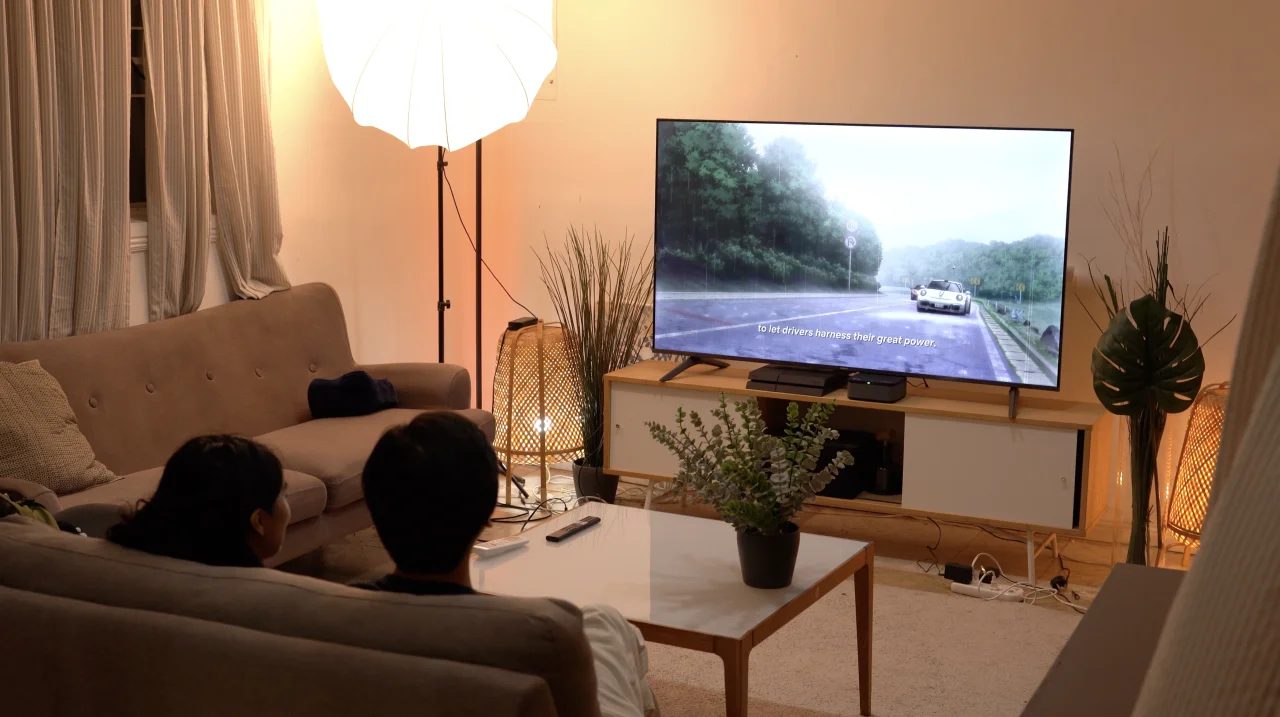
对于不熟悉PLDT Home Life的StreamTV+的用户来说,这是一款即插即用的电视全功能娱乐解决方案。
它不仅提供对Netflix、HBO Max和Disney+等我们喜爱应用的无缝访问,还通过支持Dolby Vision的4K画质以及内置支持Dolby Atmos的Bang & Olufsen扬声器系统,提升了用户的体验。

但究竟如何提升观看体验呢?我建议继续阅读以了解详情。
设置简单
在深入探讨具体细节之前,我们先来谈谈StreamTV+本身。如前所述,它是一个一体化娱乐系统,用户只需将其插入电源插座并通过HDMI端口连接至电视机即可。
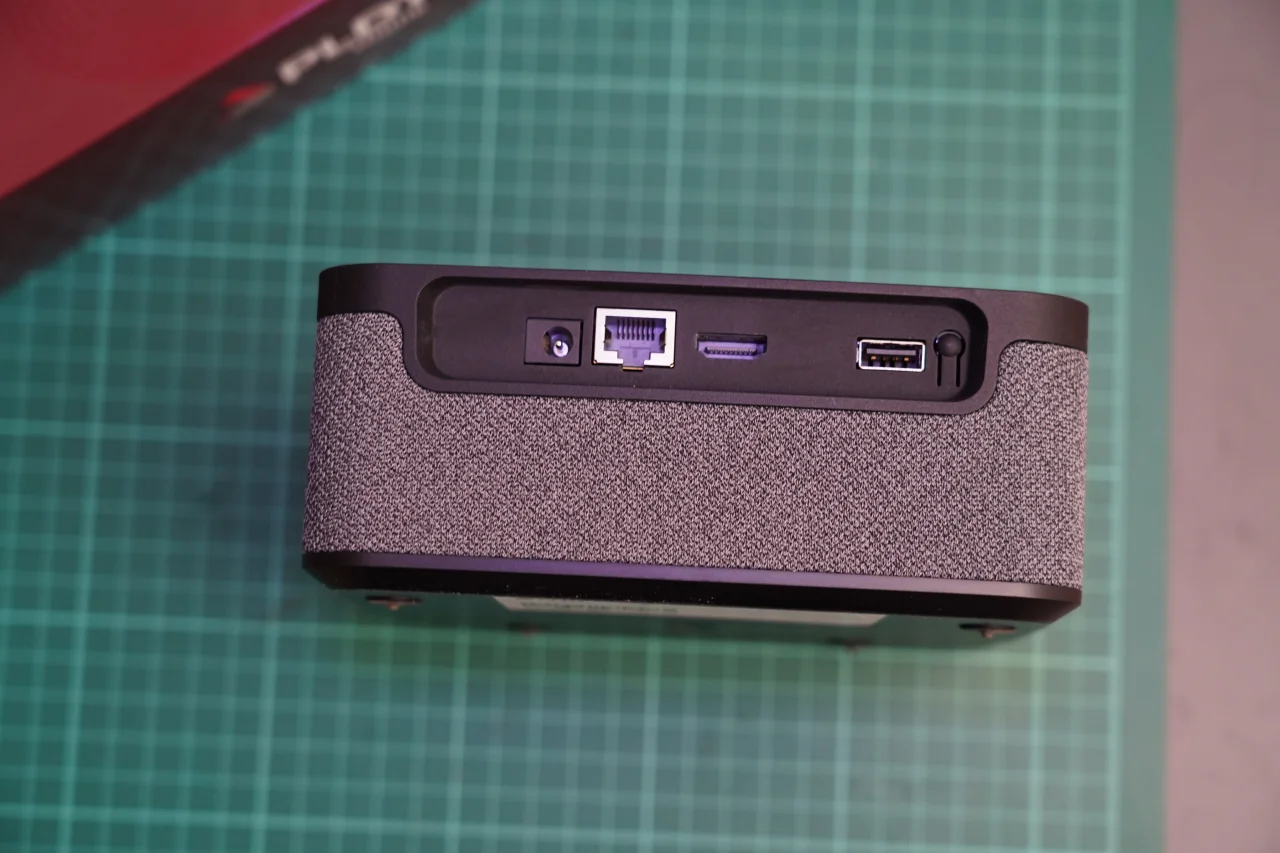
鉴于其相对紧凑的尺寸,它也不会占用过多空间。更不用说它的外观也很美观,我们相信无论您最终将其安装在客厅还是家庭影院,它都能与您的设备布局完美搭配。最棒的是,它还附赠了一根 HDMI 线缆,无需再单独购买。
开机后,用户可以快速设置设备并下载所有想要的流媒体服务,因为它运行于 Android TV。在设置时登录您的 Google 账户,即可立即使用。
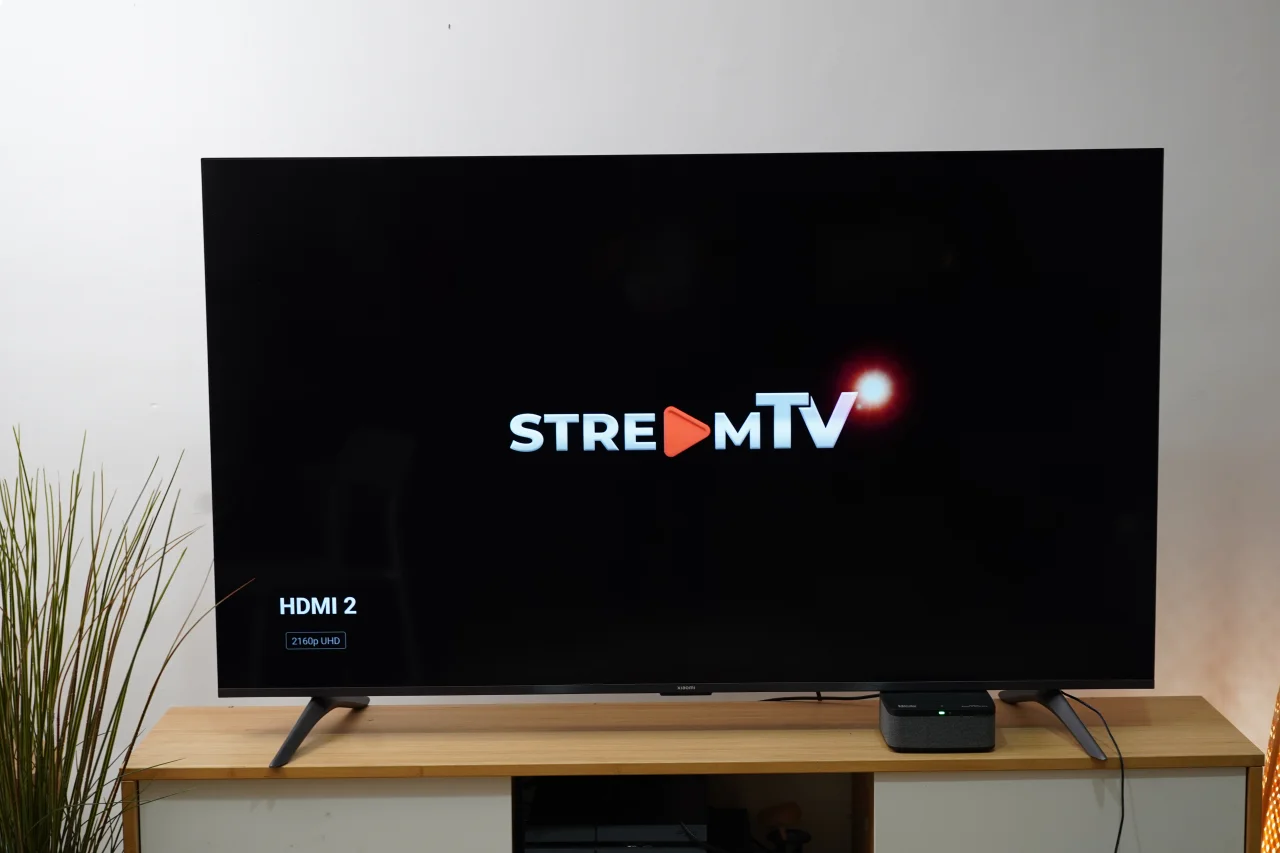
这使得它对于那些没有智能电视但又不想很快升级电视的用户来说非常合适。
从此,您可以立即开始观看Netflix、HBO Max等流媒体服务,而无需更换更新的电视。当然,您仍需拥有自己的账户才能使用这些应用。
为了让每个人了解设置StreamTV+有多么简单,我们最近在YugaTech总部安装了一台。从开箱设备到使其正常运行,耗时不超过十分钟。
我们只需将其连接到 Wi-Fi 并登录我们的 Google 账户即可。它还允许用户在系统启动时选择要下载的应用程序。
此后,只需选择观看哪一档节目即可。
4K 画质与改进的音质
除了让用户访问 Android TV 和所有可下载的应用程序外,StreamTV+ 还支持 4K 和杜比视界(Dolby Vision),从而提升观看体验。杜比视界能够增强节目的色彩与对比度,带来更具电影感的观影效果。
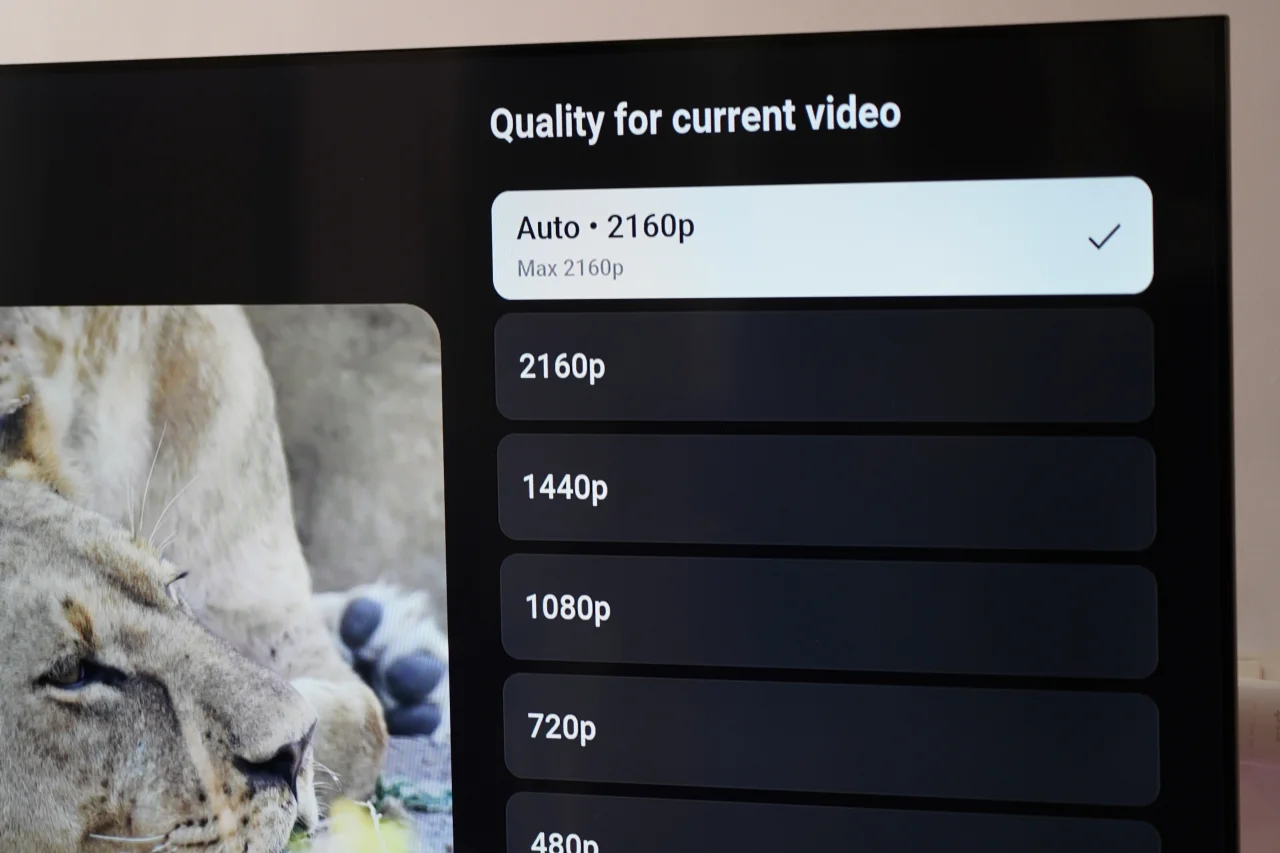
但当然,电视也必须支持4K才能实现真正的4K画质。如果您只有一台非4K电视,效果将有所不同,但至少比没有要好。
StreamTV+不仅提升了观看体验,在听感方面也表现出色。为呈现卓越音质,它配备了三颗由Bang & Olufsen调校的内置扬声器,并支持杜比全景声(Dolby Atmos),带来身临其境的三维音频体验。无需依赖电视的标准输出,StreamTV+可为观众提供与4K画质相匹配的影院级听感。
该设备的扬声器拥有出色的声场,更重要的是音量充沛。用户还可以根据正在观看的节目或电影类型,在设置中选择并调整相应的音频配置文件。
只是想放松一下、听听音乐?这也完全可行。StreamTV+ 上有一款应用,允许用户将手机与设备配对,从而将其转变为 Bluetooth 扬声器。或者,用户也可以直接从设备上启动 Spotify,与朋友一起尽情畅听。
持续快速连接
此外,PLDT Home Life的StreamTV+还配备了Wi-Fi 6,让用户能够充分利用其高速互联网连接。供参考,并非所有电视都具备快速的Wi-Fi 6连接功能,尤其是那些较旧的机型。
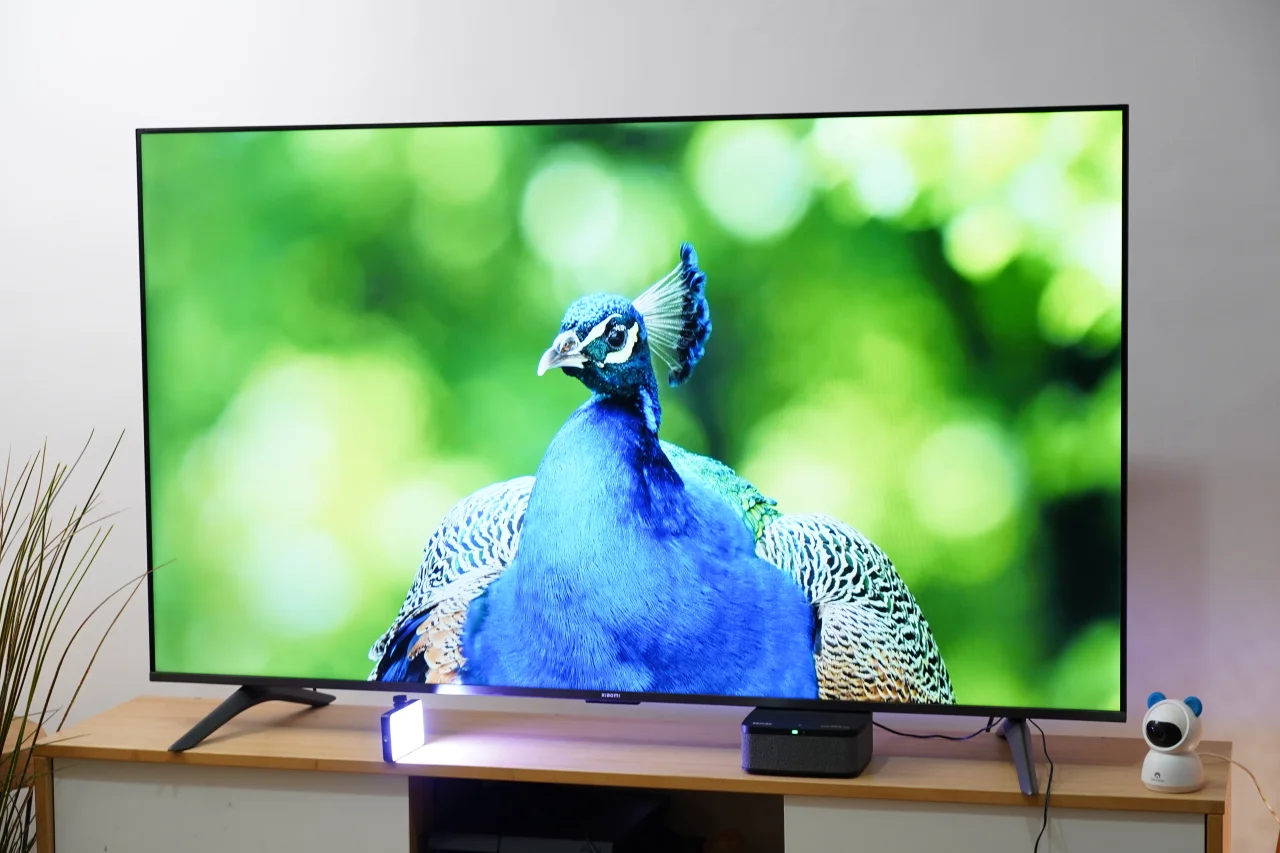
使用StreamTV+,用户在以4K观看喜爱的剧集或电影时将确保无缓冲。当然,这假设您的网络连接速度达标。不过,如果您使用的是PLDT连接,这就不会成为问题。
简洁易用的界面
该界面和菜单操作简单,适合所有年龄段用户使用。遥控器还设有按钮,可快速访问Netflix、Lionsgate Play和YouTube,使用更加便捷。
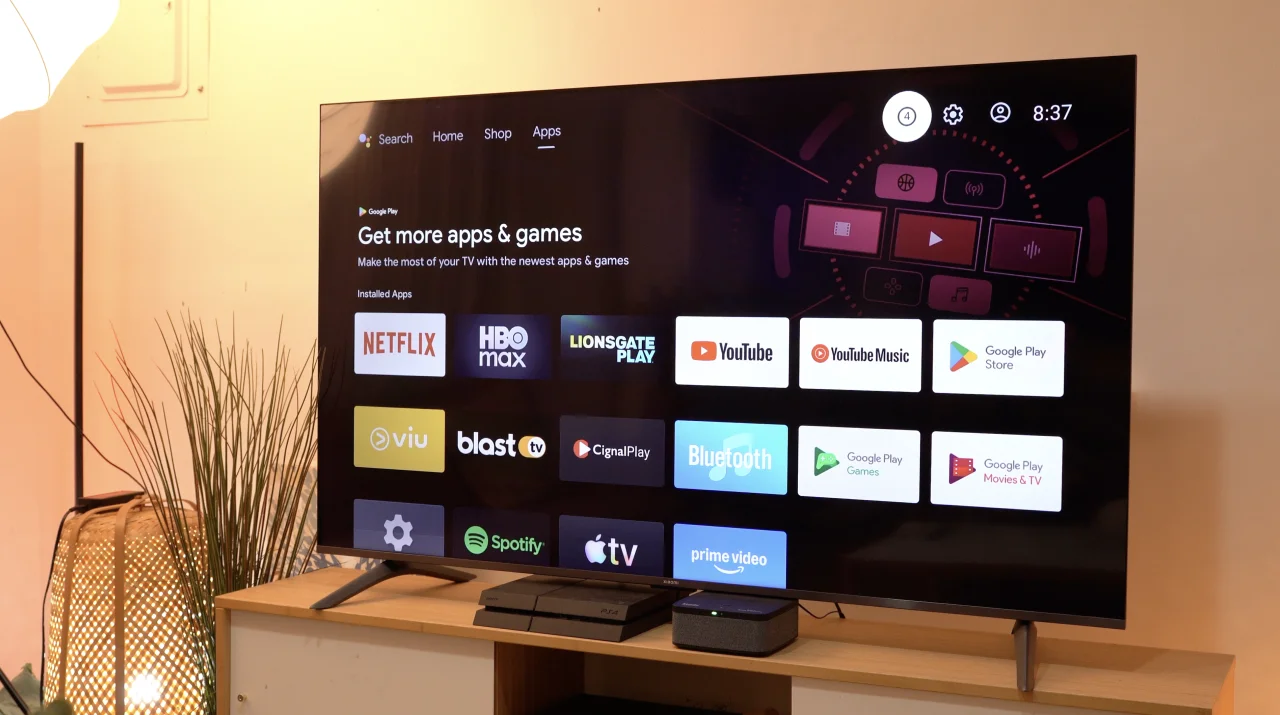
Not to mention there’s a built-in microphone, which is accurate at deciphering what users say. It’s perfect for those who are too lazy to type the title into the search menu. Instead, just search for what you want by clicking the microphone button on the remote. Control the TV with just your voice.
Conclusion
With StreamTV+, users can definitely make their viewing experience at home a lot more comfortable and enjoyable. For those curious about the price, users can get it on top of their existing PLDT Home Fiber Plan.
There are three options to choose from. The first is a one-time payment of PHP 10,990 per unit. The others are at PHP 549 per month for 24 months and PHP 399 per month for 36 months. It’s a reasonable price to pay for something that can greatly improve the quality of your home entertainment.
We definitely enjoy using StreamTV+ at the YugaTech HQ to watch our favorite series on the TV after work…maybe even during work. And we think it would be a great addition to your home for family time or watching with friends.






0 Comments
Leave a Reply