

HUAWEI MatePad 12 X (2026) Review



Microsoft‘s Office 2016 for Mac has already been completed and is now available for subscribers of Office 365 and students.
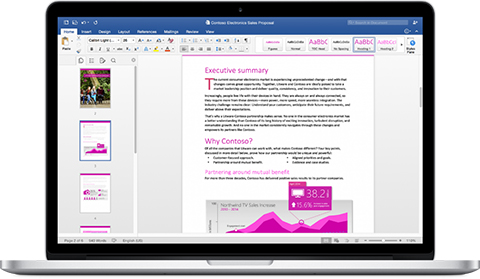
According to Microsoft, the new Office 2016 for Mac is now available in 139 countries and 16 languages. Of course, included here are the new versions of Word, Excel, PowerPoint, Outlook, and OneNote.
One of the things the company is boasting is that the Office for Mac is cloud-connected, meaning you can easily continue working on a file that you previously worked on from a different device. Group works are also simpler with document-sharing tools.
Those who have been subscribers of Office 365 (Office 365 Home, Personal, Business, Business Premium, E3, or ProPlus) can start getting the new Office 2016. In addition, students are also eligible to get the software for free. If you still don’t qualify, you’ll need to wait until September for it.
Here are a few different ways to get Office 2016 for Mac today:
Check out some of the features and improvements of each of the following applications:
Word for Mac—Word’s powerful writing and reviewing tools make it easy to create great-looking documents. The new Design tab lets you easily apply designer-quality layouts, colors and fonts throughout your document. You can work on the same document simultaneously with your teammates and use threaded comments to have a conversation right next to the corresponding text.
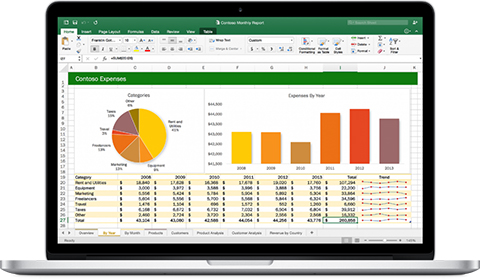
Excel for Mac—The new Excel for Mac helps you visualize your information by recommending charts best suited for your data with chart previews. Familiar keyboard shortcuts, autocomplete and an improved formula builder save you time when creating spreadsheets or entering data. For deeper analysis, new PivotTable Slicers help you filter large volumes of data and discover patterns.
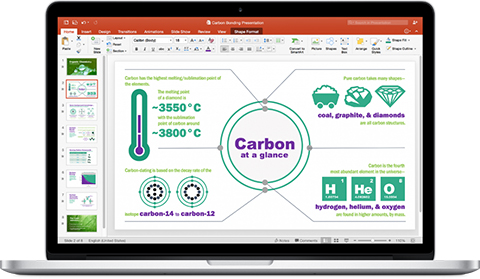
PowerPoint for Mac—PowerPoint’s improved Presenter View gives you full control when you present by showing you the current slide, next slide, speaker notes and a timer on your Mac screen, while the audience only sees your presentation on the big screen. The new animation pane helps you design and fine-tune animations, and the latest set of slide transitions add polish to your presentations.
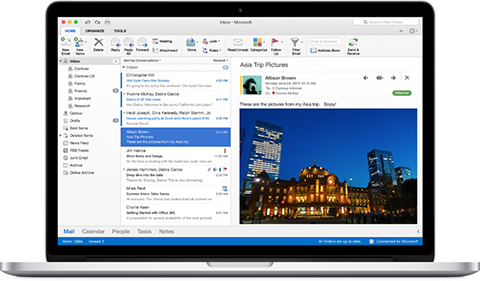
Outlook for Mac—Managing your email, calendar, contacts and tasks has never been easier. The new Outlook for Mac has push mail support so your inbox is always up-to-date. The improved conversation view automatically organizes your inbox around threaded conversations, so you won’t have to hunt for related messages. And the new message preview shows you the first sentence of an email just below the subject line so you can quickly decide if you want to read it now or come back later.
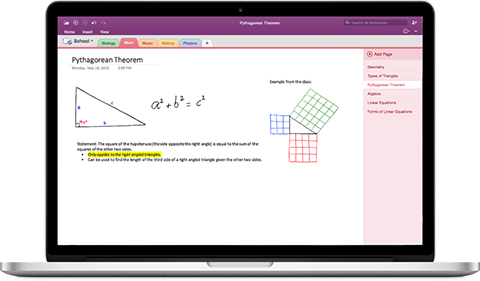
OneNote for Mac—OneNote is the newest addition to Office for Mac. You can capture your ideas in digital notebooks and access them on any device. Find things quickly with the OneNote search engine that tracks your tags, indexes your typed notes and recognizes text in images and handwritten notes. Bold, italicize, underline or highlight notes, insert files, pictures and tables and organize your notes however you want. You can also share notebooks with friends, family or colleagues so everyone can work together on travel plans, household tasks or work projects.
{Microsoft}










Apple, Asus, Cherry Mobile, Huawei, LG, Nokia, Oppo, Samsung, Sony, Vivo, Xiaomi, Lenovo, Infinix Mobile, Pocophone, Honor, iPhone, OnePlus, Tecno, Realme, HTC, Gionee, Kata, IQ00, Redmi, Razer, CloudFone, Motorola, Panasonic, TCL, Wiko
Best Android smartphones between PHP 20,000 - 25,000
Smartphones under PHP 10,000 in the Philippines
Smartphones under PHP 12K Philippines
Best smartphones for kids under PHP 7,000
Smartphones under PHP 15,000 in the Philippines
Best Android smartphones between PHP 15,000 - 20,000
Smartphones under PHP 20,000 in the Philippines
Most affordable 5G phones in the Philippines under PHP 20K
5G smartphones in the Philippines under PHP 16K


elmer oallares says:
🌱 Noobs🏆1
Bumilis ang pag kakagawa ng apps na ito. Ang ganda ng performance sa OS X El Capitan..
Approved!!!