


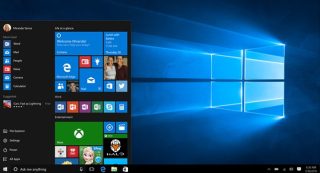
Gipahayag ni Microsoft nga nagdala sila og passwordless sign-in alang sa "mas maayo nga seguridad ug mas hayag nga karanasan sa pag-sign in." Ang bag-ong feature sa pag-sign-in magkinahanglan og authentication pinaagi sa Windows Hello Face, fingerprint, o PIN. Aron gamiton ang feature, ang Windows Insiders mahimong mosulod sa Settings > Accounts > Sign-in options, ug pilion ang "On" ubos sa "Make your device passwordless" nga opsyon.
Kini nga feature karon gipahigayon lang sa gamayng bahin sa Windows Insiders.




I am a Windows Outsider. I mainly use Linux; The only time I use Windows is when I’m on my home-based job. I don’t use a password when I use Windows, but use a PIN.