

HUAWEI MatePad 12 X (2026) Review



It is quite hard to imagine a world where Google does not exist as it is our go-to place to search for information. However, Google can do more than just search for random stuff, and can also be used to kill time, especially during this lockdown.
Feel free to check out some Google tricks on desktop and have fun!
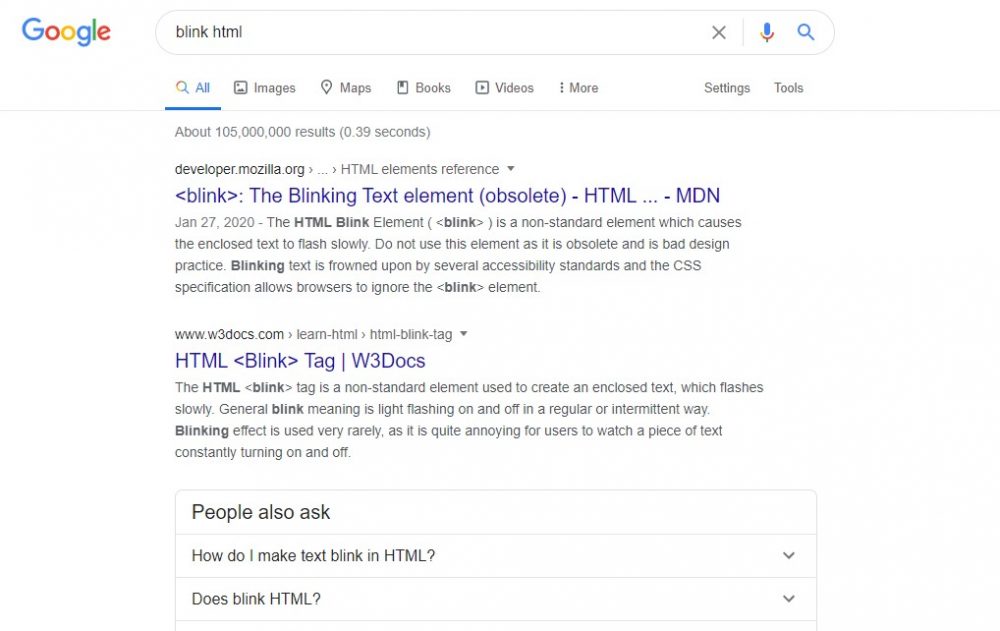
Search ‘Blink HTML,’ and you will see the blink, blinking, and HTML texts are blinking. However, this Google fun trick only works on PCs.
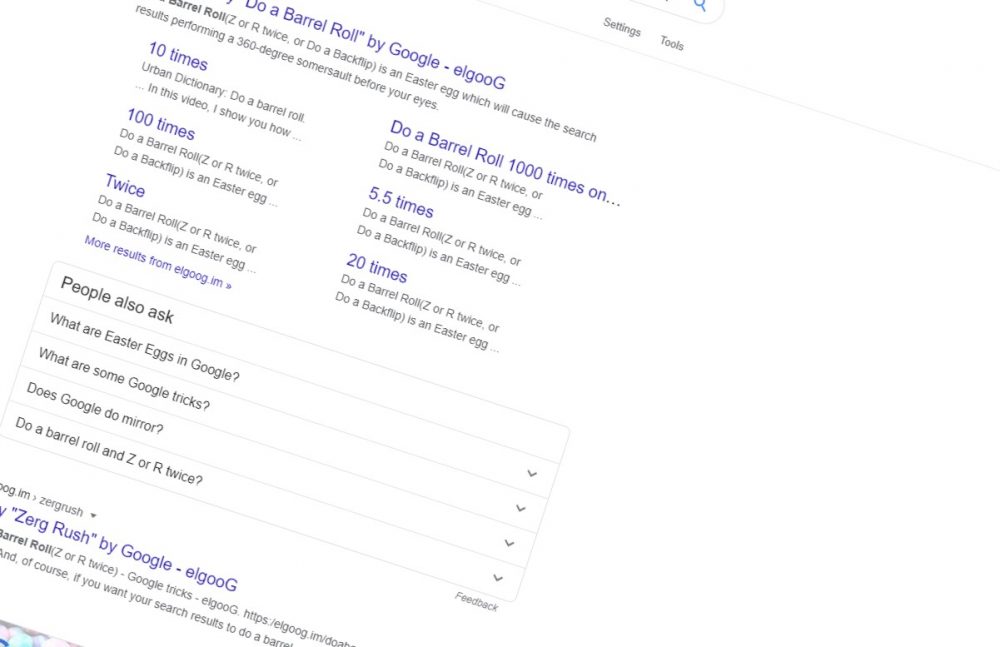
Go to the Google homepage. Type ‘Do a barrel roll’ and hit enter. Watch your Google page rolling like a barrel. Watch me rollin’, they hatin’.
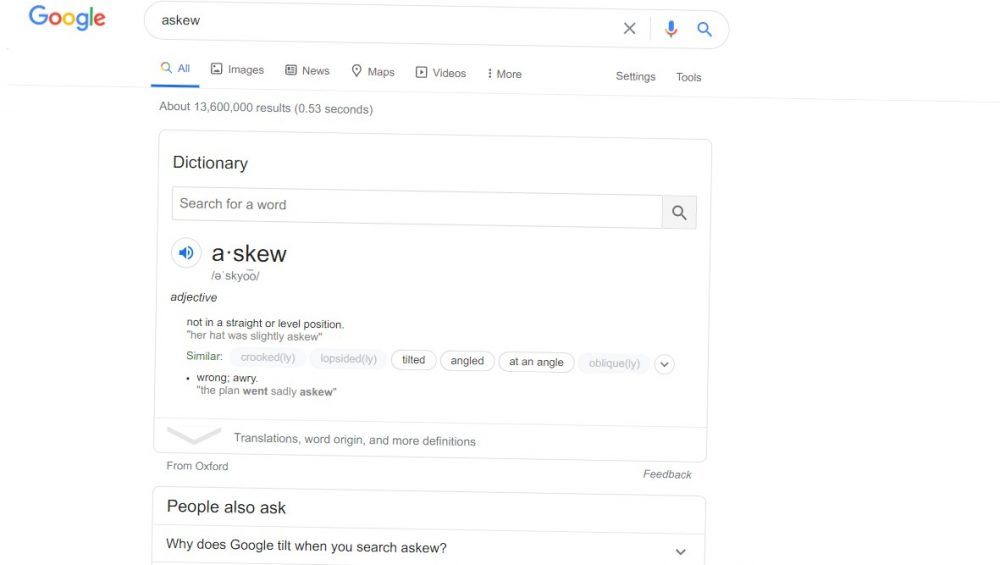
Like what you did on the first trick, type ‘Askew’ and see what happens. If you did not notice it, there is something wrong with your eyes! Kidding aside, you will notice that your Google page is tilted.
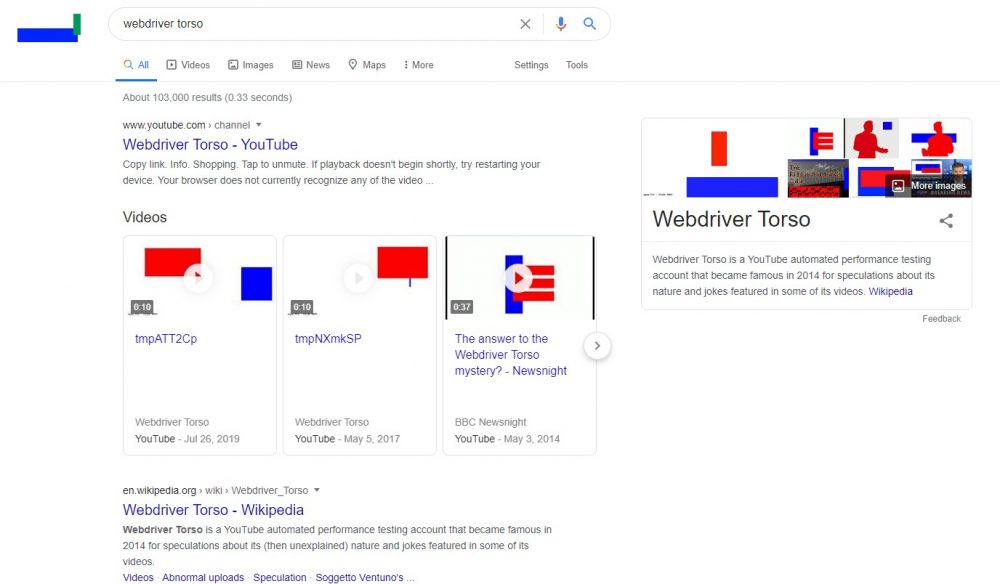
When you search ‘Webdriver Torso,’ the Google logo on the upper left side of the search bar changes into some moving rectangular shapes with Google’s iconic colors.
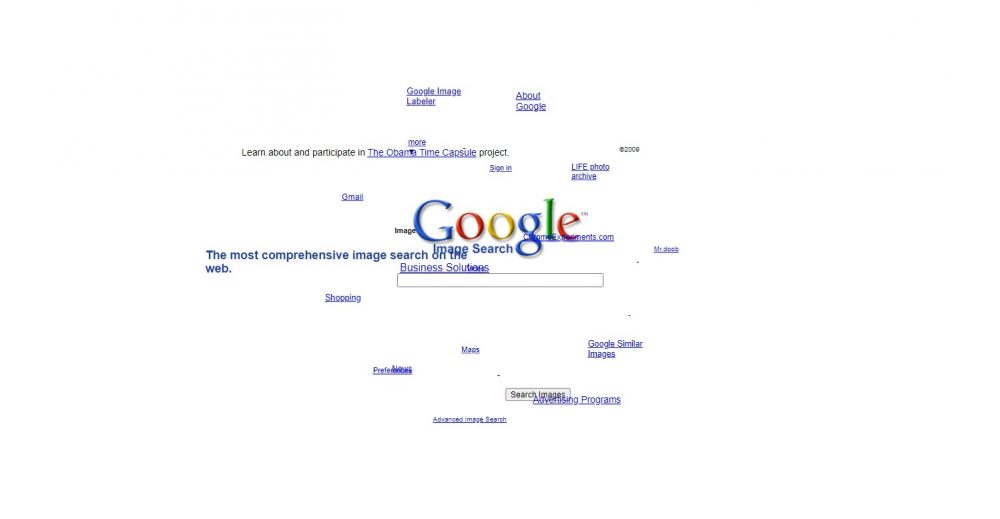
Type in ‘Google sphere’ and hit I’m Feeling Lucky, then move your mouse around to make it spin!

Same as what you did in Sphere, type in ‘Google gravity’ and hit I’m Feeling Lucky. To watch everything go down, make sure to move your mouse.

Google’s homepage includes a button labeled “I’m Feeling Lucky,” but not all of us know how it works.
Typically, you type in a phrase, press the Google Search button, and show the results page that displays multiple websites. The I’m Feeling Lucky button bypasses that search results page and goes directly to the first-ranked page for the search phrase you entered.

Have you experienced seeing an image and you got curious about what it is called or what brand it is? Now, Google makes it easier for us. Just go to Google images, then click on the camera icon to upload the picture. Tada! The browser will show the results in just a matter of seconds.
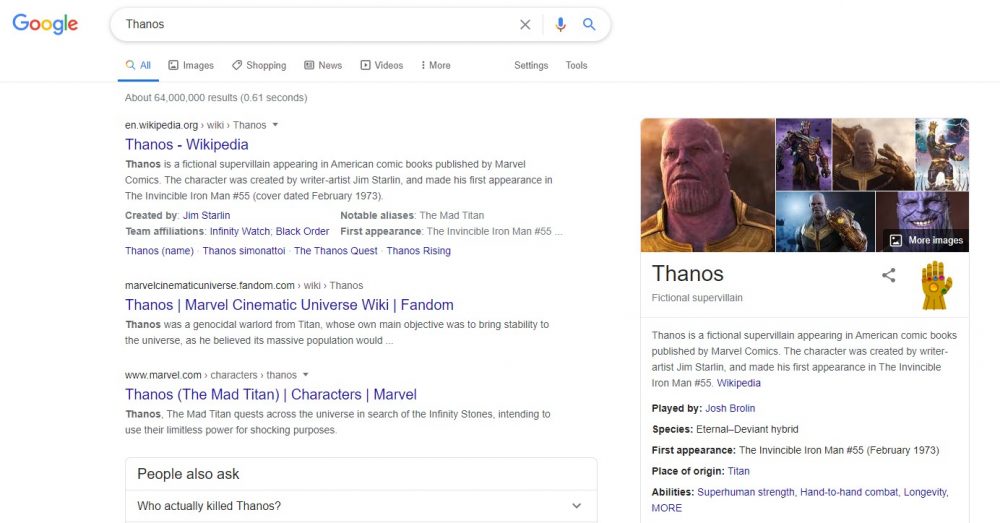
When you search for the word ‘Thanos,’ you will see a Wikipedia profile for Thanos on the right corner. There’s a small gauntlet icon, which, when pressed once, removes half of all search results using the Thanos Snap.

Search ‘Wizard of OZ’ then click on the red heels on the right corner. The said icon will make a barrel roll. After clicking it, the page will turn into black and white. The red heels will then turn into a tornado, which will reveal a house when clicked.
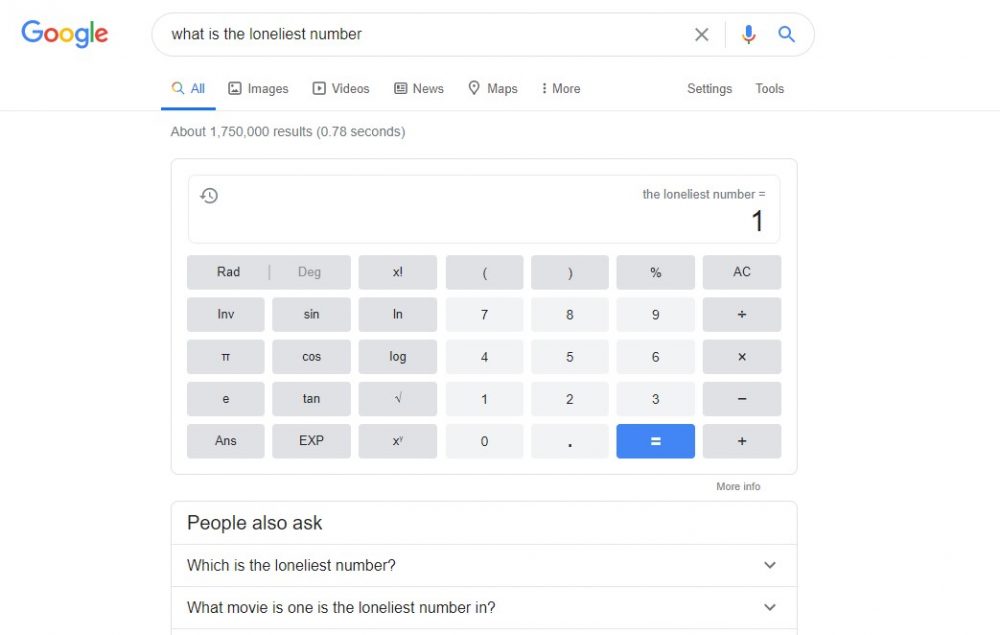
Ask ‘what is the loneliest number’ in the search bar, and you will get the answer in a calculator.

If you search ‘fun facts’ or ‘I’m feeling curious’, Google will provide you with a fun fact. You can then click ‘Ask another question’ for more random facts.

A catchphrase used by Rick and Morty, it means “I am in great pain, please help me”. Google will ask if you meant “I am in great pain, please help me” when the phrase is searched on the search bar. Yes, even Google understands Rick and Morty’s native language.
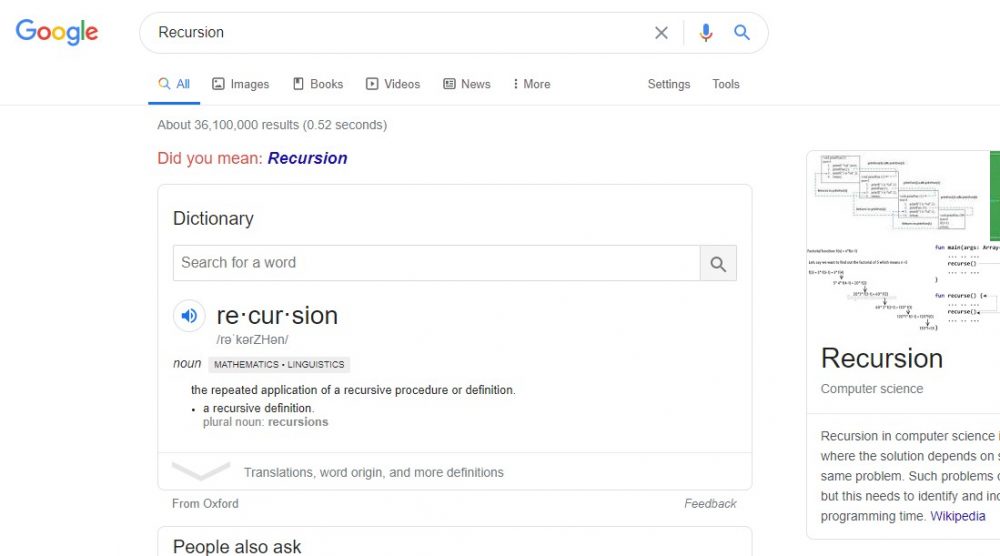
Go to Google.com and search ‘recursion.’ You will see a “did you mean: recursion” search suggestion. Once you click it, it shows the same results, making users get stuck in a loop.
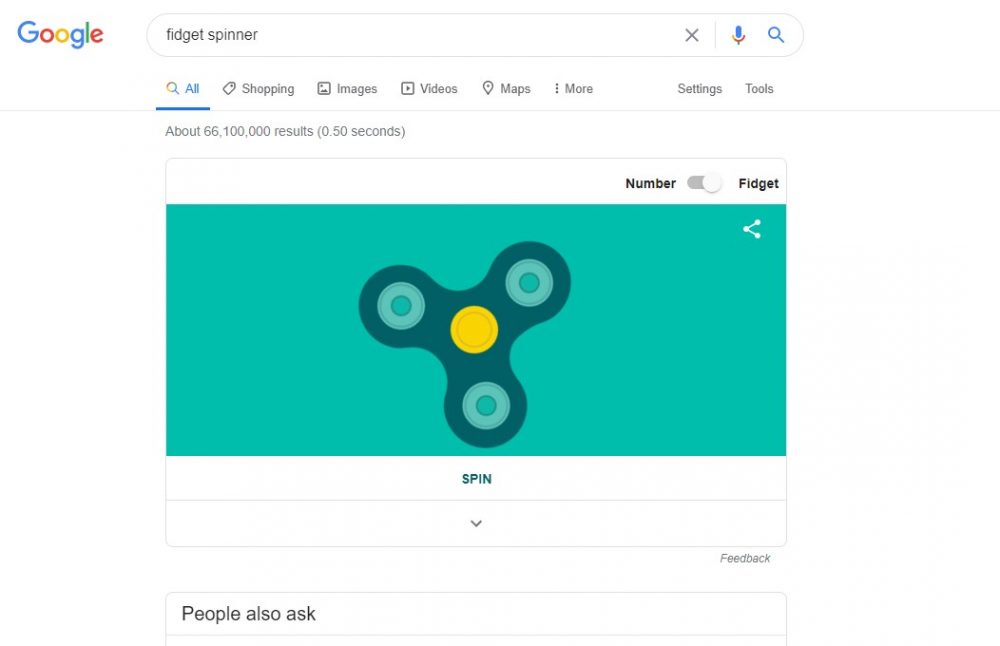
Just search ‘Fidget Spinner’ and Google will provide you with an interactive virtual fidget spinner to play with.

Did you know that you can play a game straight to the Google page? If not, you might want to try this one. Search ‘Tic Tac Toe’ and voila! You can set the difficulty level from easy to hard. It also features other classic games like Pacman, Snake, Solitaire, and Minesweeper.
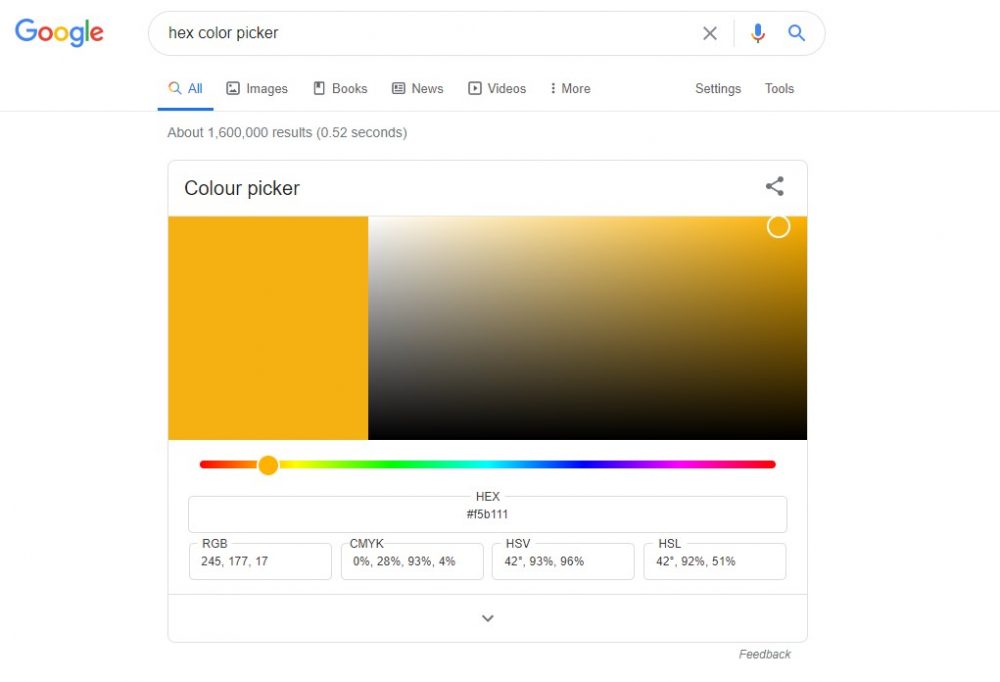
You can use this neat trick to pick a color with its color code.

Do you know which animal you are? Try this trick. You can search ‘Earth Day Quiz’ and start answering some interesting questions about your personality. After answering the questions, Google will show you the animal that is similar to your characteristics.
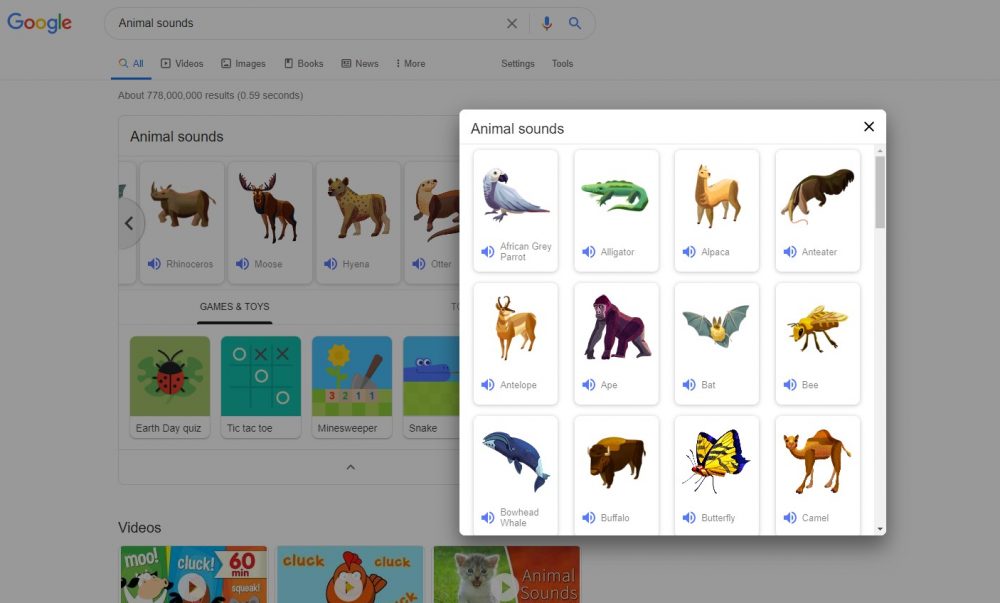
If you are curious about the sounds of the animals, search ‘Animal Sounds’ and Google will show you different animals with their sounds.

If you search ‘Is Google down,’ you will be given a response.
So that’s it, guys! What is your favorite trick? Let us know in the comments below.










Apple, Asus, Cherry Mobile, Huawei, LG, Nokia, Oppo, Samsung, Sony, Vivo, Xiaomi, Lenovo, Infinix Mobile, Pocophone, Honor, iPhone, OnePlus, Tecno, Realme, HTC, Gionee, Kata, IQ00, Redmi, Razer, CloudFone, Motorola, Panasonic, TCL, Wiko
Best Android smartphones between PHP 20,000 - 25,000
Smartphones under PHP 10,000 in the Philippines
Smartphones under PHP 12K Philippines
Best smartphones for kids under PHP 7,000
Smartphones under PHP 15,000 in the Philippines
Best Android smartphones between PHP 15,000 - 20,000
Smartphones under PHP 20,000 in the Philippines
Most affordable 5G phones in the Philippines under PHP 20K
5G smartphones in the Philippines under PHP 16K


Mike says:
🌱 Noobs🏆1
Zerg rush