

When it comes to tablets, you probably heard of this line multiple times, “Just get an iPad.” I think they’re probably right and for good reason.
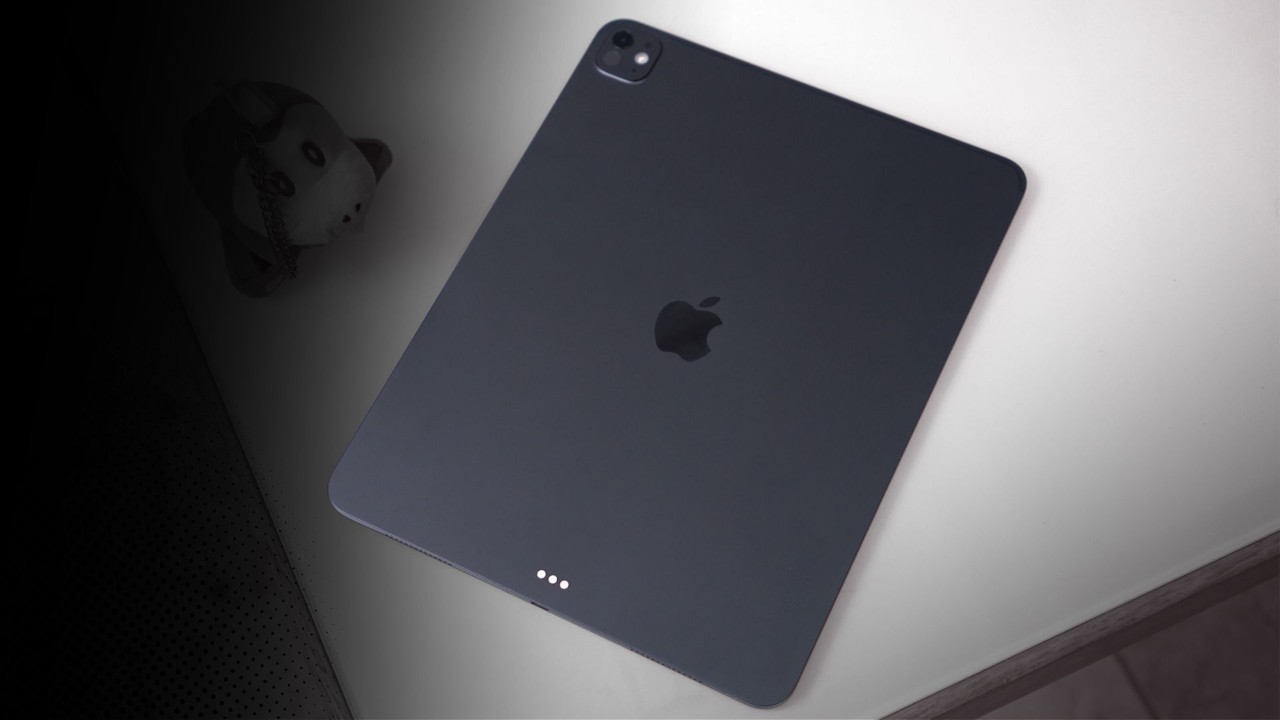
That said, we just got our hands on the top of the line, iPad Pro 13-inch M5, 2-terabyte model (fully paid… just kidding). And I know it’s a bit late to make a review, but it’s better late than never.
Design and Construction
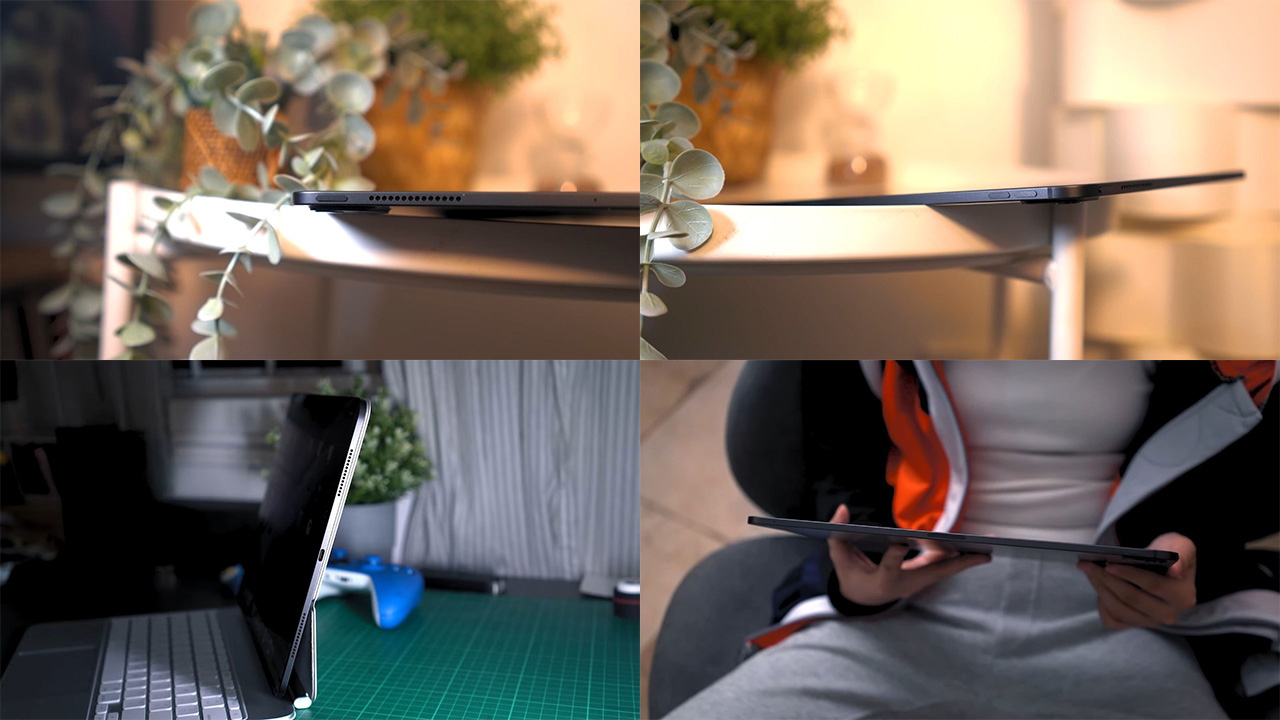
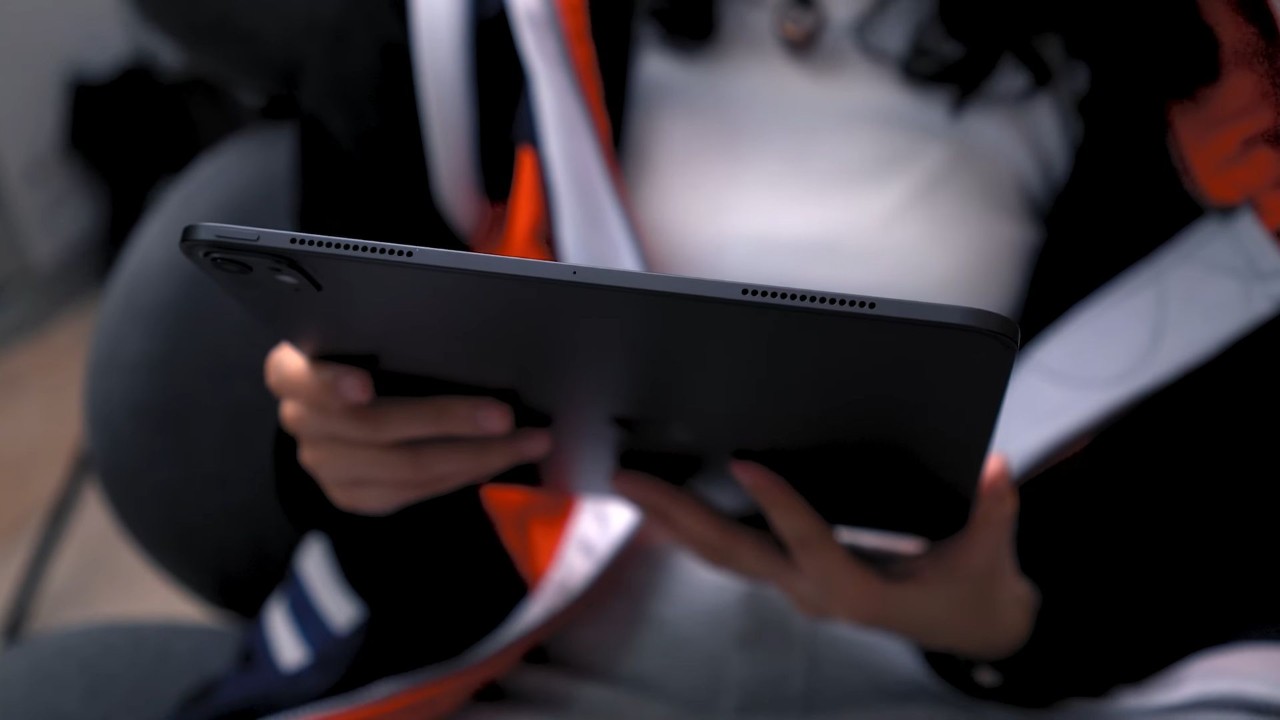
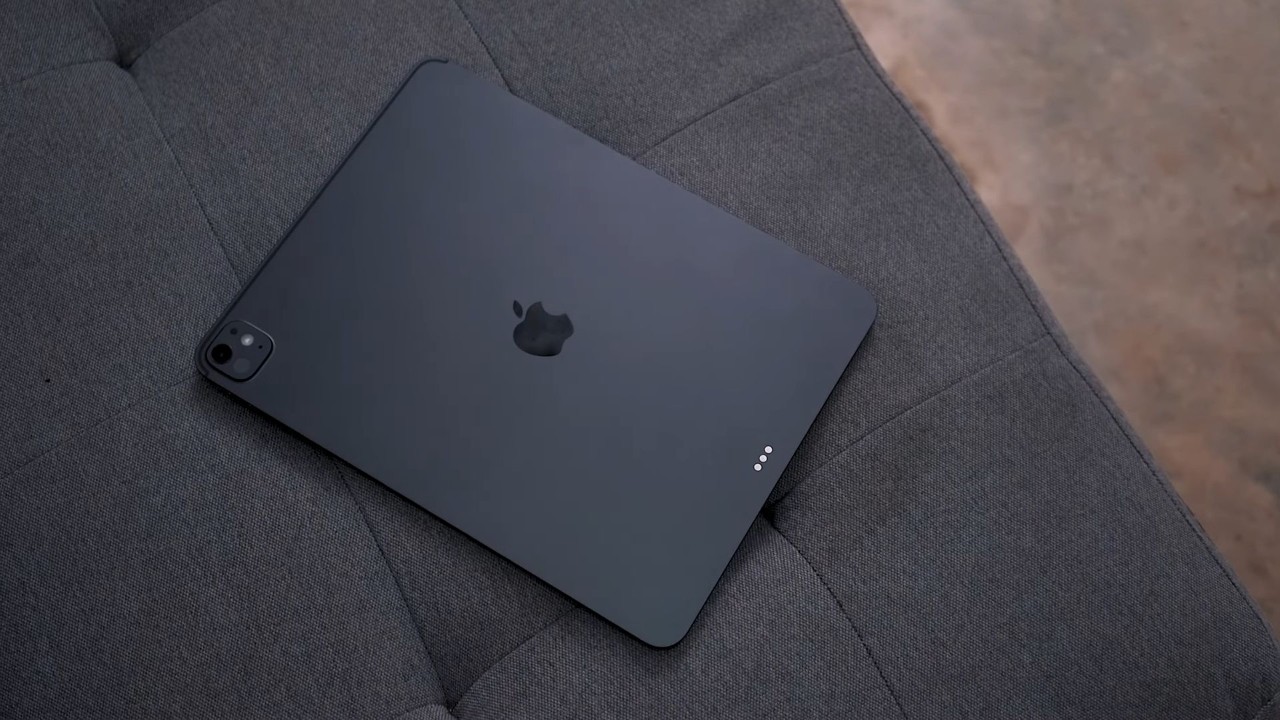
Right off the bat, this iPad Pro sports a massive unibody metal build combined with a 13-inch screen, and yet, it’s insanely thin, measuring a mere 5.1 mm. Mind you, that’s thinner than the iPhone Air that goes for 5.6 mm at its thinnest point.
There’s a bit of heft into it though, weighing 579 grams for this Wi-Fi model that we have here.
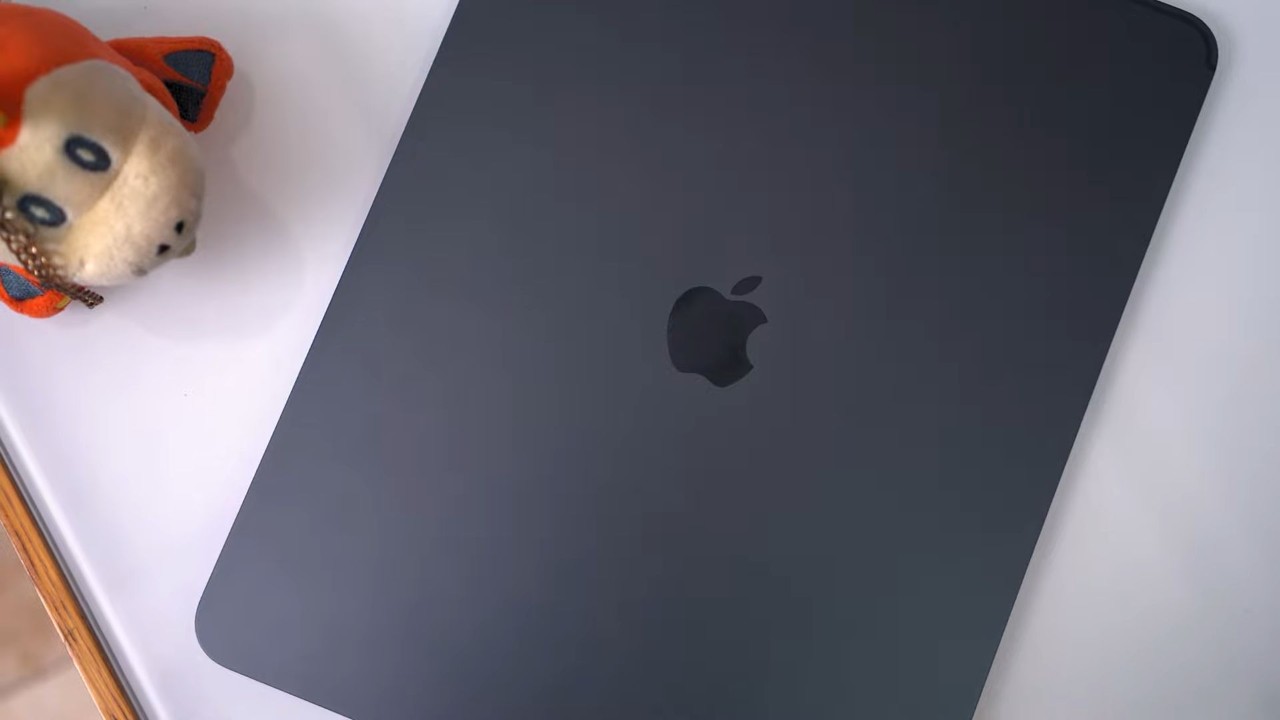
Our unit is in the Space Black colorway with a matte finish that does repel smudges nicely. As usual, there’s the square camera island on the corner housing a single camera sensor.
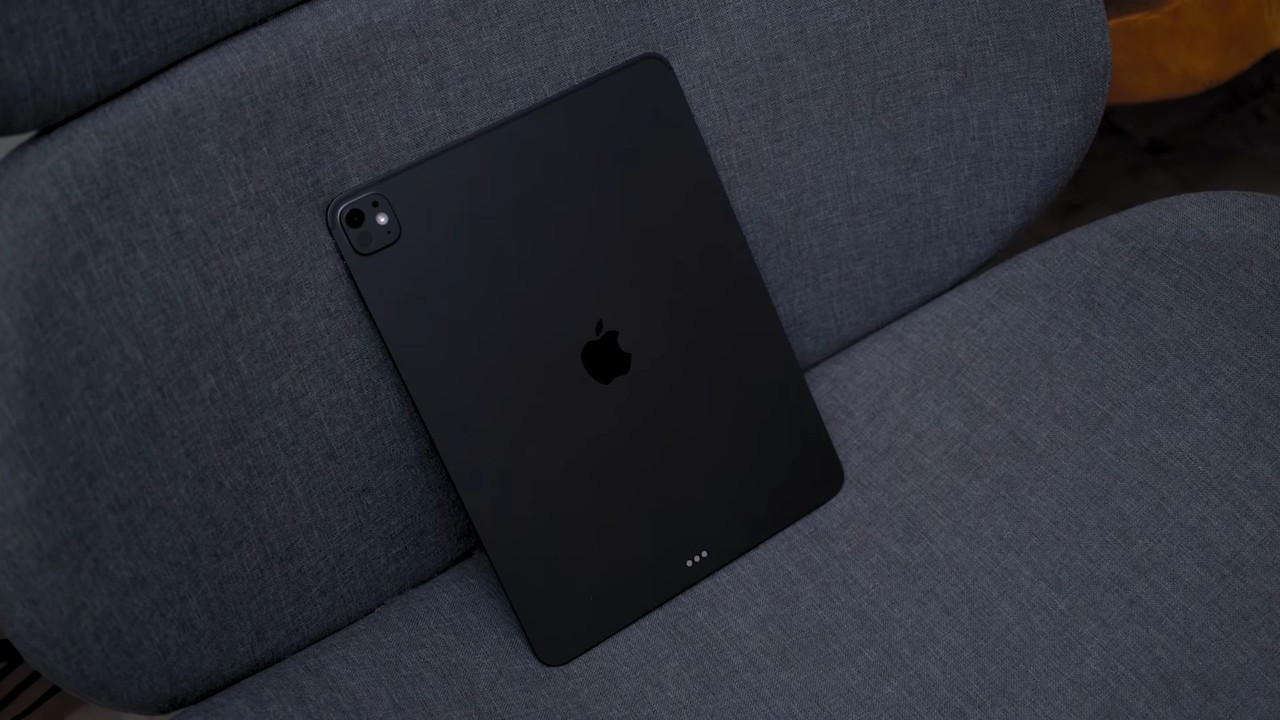
Holding the tablet feels nice and premium and the rounded corners add a bit comfort in hand. However, since our unit came in with a Magic Keyboard, I mostly used it on the table, latched onto the keyboard.
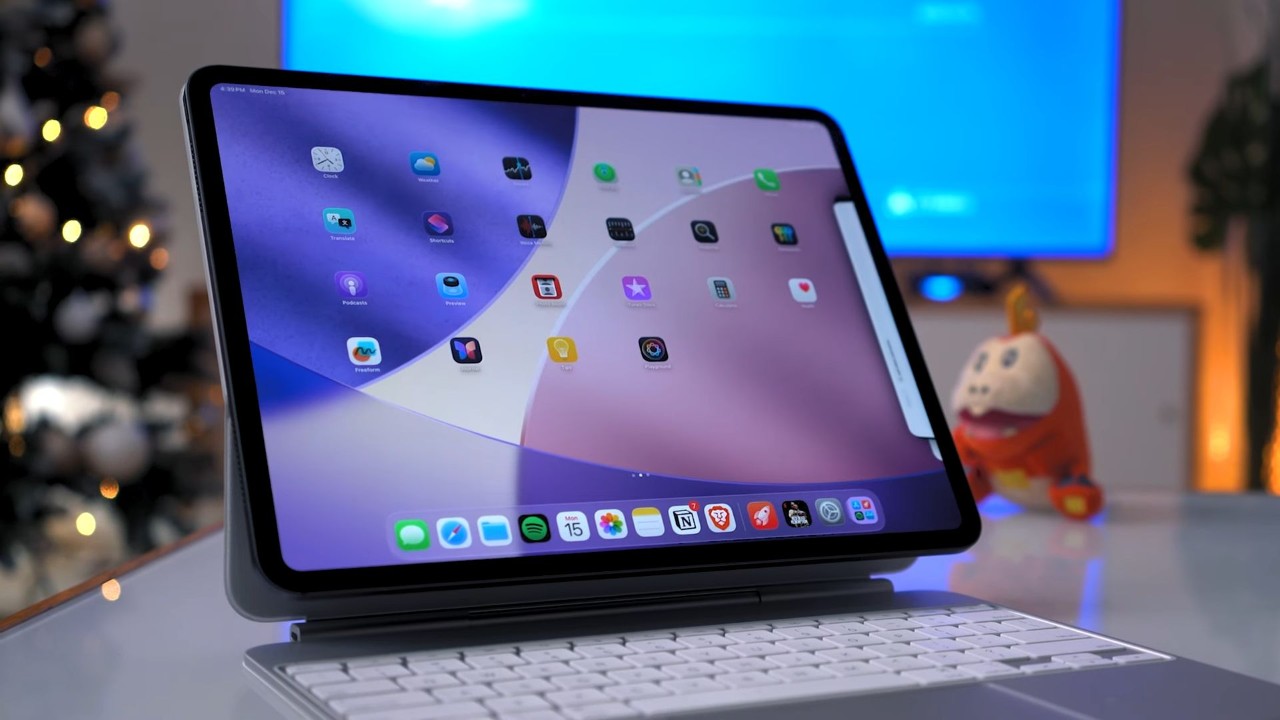
Sadly, the tablet has no ingress protection of some sort, so you might need to be more careful and not spill that coffee on this machine.
For I/Os, in portrait orientation, there’s the power button at the top, the volume rocker on the right along with a magnet strip where you would dock the Apple Pencil, and the USB-C port at the bottom, which is a USB 4, Thunderbolt 3 with support for DisplayPort.
Display, Multimedia, and Biometrics
Now, let’s talk about the most exciting part, the display.
As the name suggests, this one boasts a 13-inch OLED screen with adaptive 120Hz refresh rate. It goes up to 1600 nits of peak brightness, and best of all, this one has an anti-glare coating, which they aptly call Nano-texture display glass.
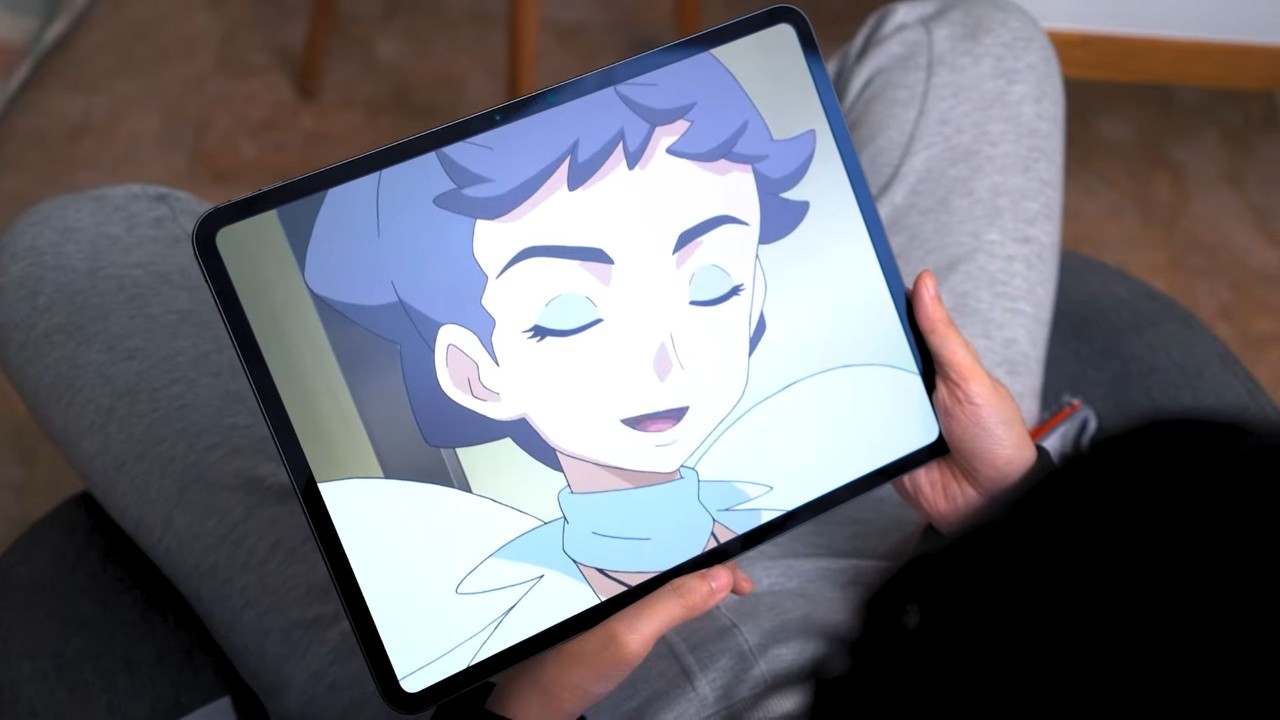
To be expected, you get more vivid colors and better contrast with an OLED panel, and that Nano-texture display makes the viewing experience more satisfying, eliminating those pesky glares.
That means, taking this outside and under the harsh sunlight won’t be much of a problem.
Now, perhaps the best thing about this iPad Pro is how good its audio quality is. Listening to music and watching movies on this thing? It is a top-tier experience. The audio can go significantly loud, sound clarity is on point, and you can really feel the bass resonating out of this device.

I’ve watched a few episodes of a series I’m currently hooked on, also watched an old movie, and I must say, you’d get easily immersed with such a high-quality audio. Every sound effect and every music build-up felt like you’re watching in a mini theater, but I digress.
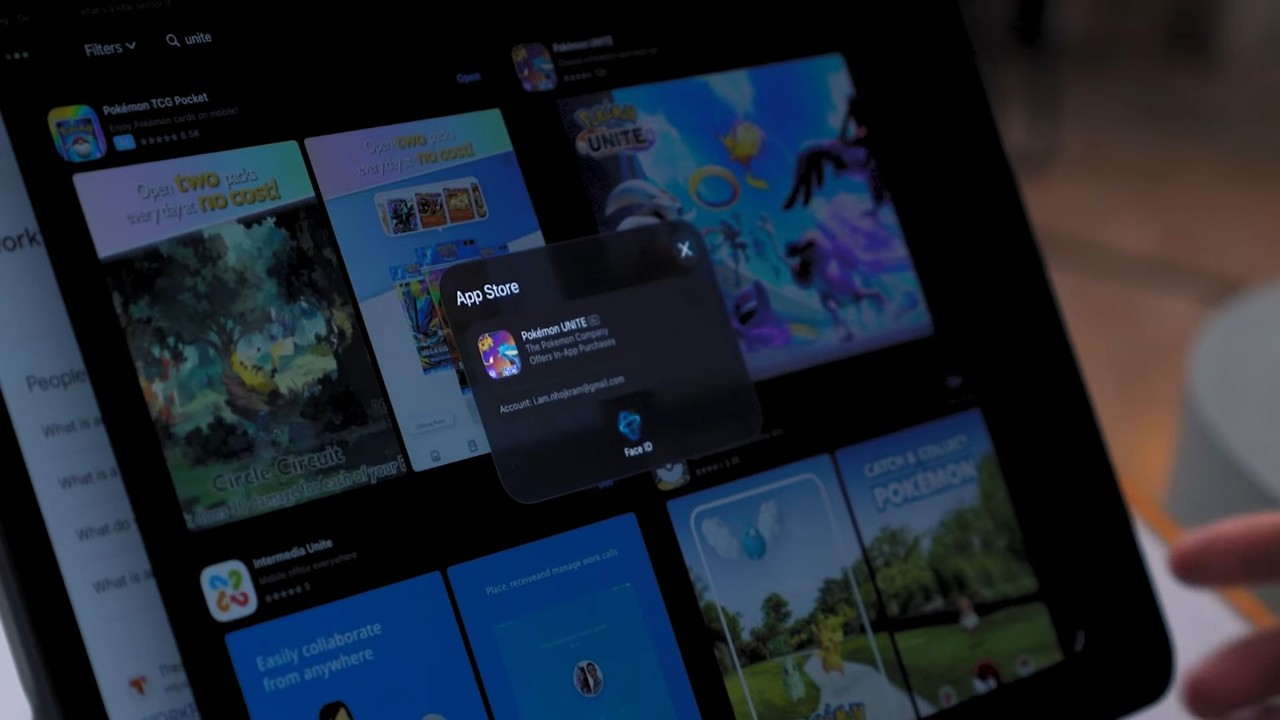
For biometrics security, the iPad Pro features FaceID. It’s fast and it works even in areas with low-lighting conditions. So, that’s neat.
Cameras
Moving over to camera performance, well… I still have the same sentiment: you don’t want to do photography on a tablet.
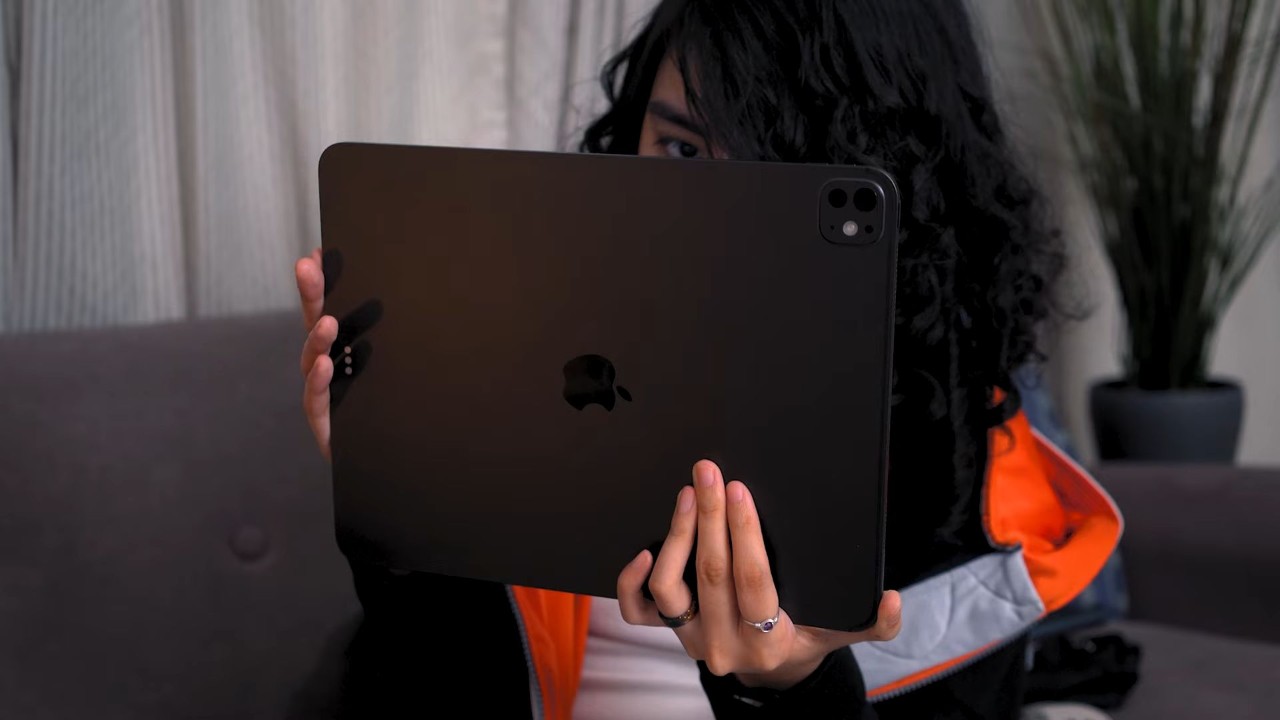
This iPad Pro features two 12-megapixel sensors: one on the back and another on the front. While it does a decent job with capturing images and videos, the quality isn’t still up to par with flagship smartphones out there.
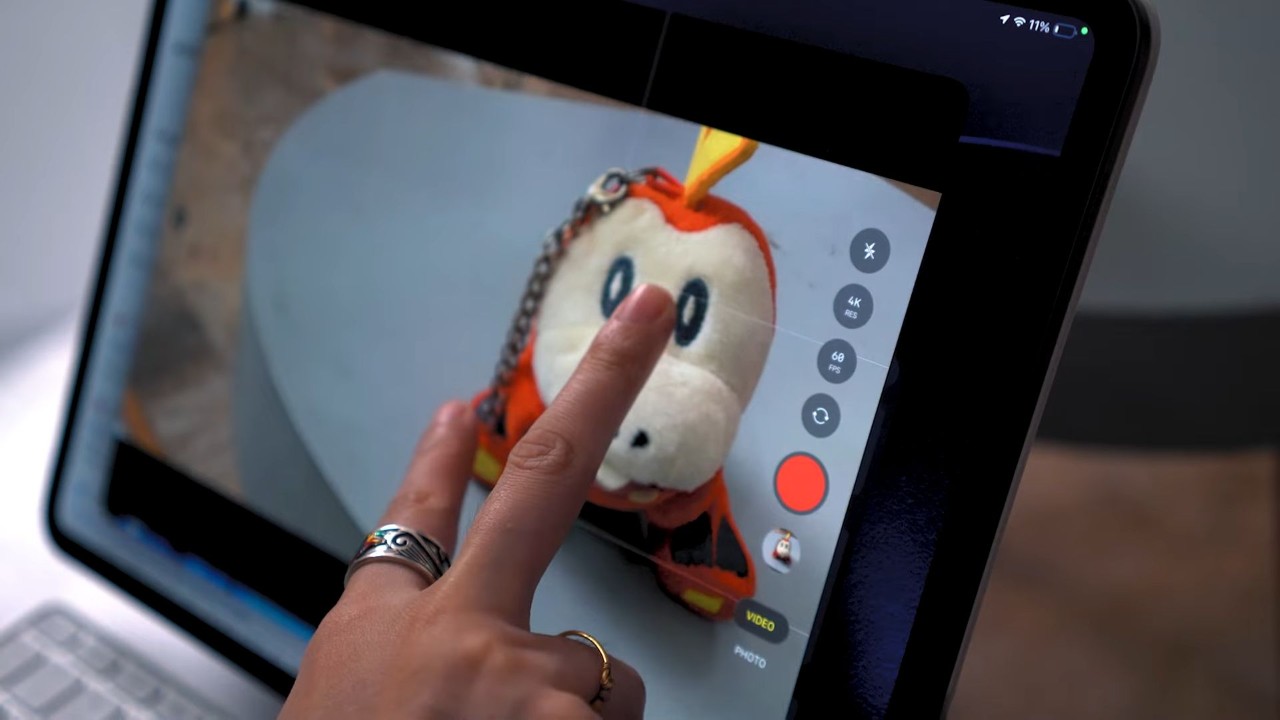
Taking a look at our sample shots, they look decent at first glance, but once you start zooming in, you’ll notice that the details are not that clear, and that lack of detail is even more obvious for a tablet of this size.
iPad Pro 13" (M5) sample shots
Wednesday, Dec 17, 2025


Colors are accurate though, and it covers a decent amount of dynamic range.
The front camera doesn’t do any better either. The sharpness is evidently worse, but the quality should be good enough for casual snaps and online meetings. There’s also the feature called Center Stage which I think anyone would find useful for their online presentations.
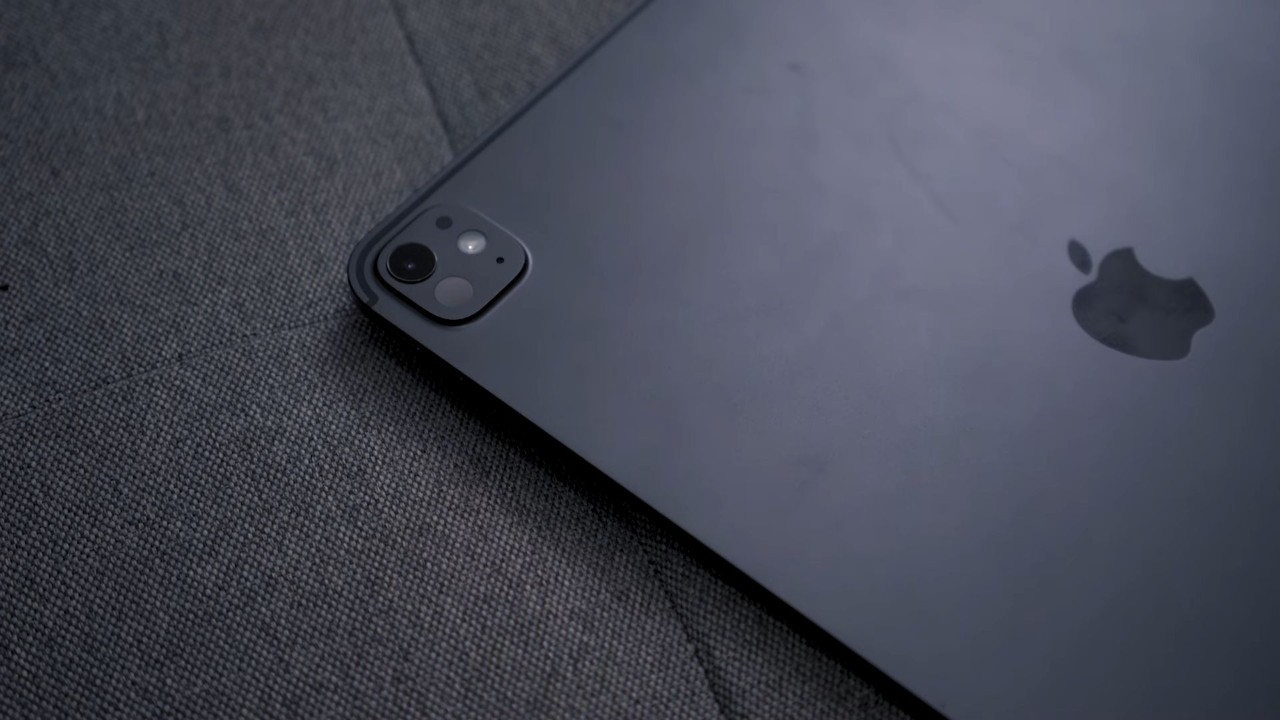
It’s the same case for video, though you have the option to shoot up to 4K, 60 fps from the rear, while it is capped to HD 60 fps from the front. There’s no optical image stabilization (OIS) here, too, but it does have EIS (electronic) to help a bit in stabilizing your shots. But that’s about it.
Performance and Benchmarks
Talking about performance, there’s no doubt that the iPad Pro is one, if not the most powerful tablet in the market today. Under the hood, it’s powered by the Apple M5 chip with 10-core CPU and 10-core GPU, 16GB of memory, and comes with 2-terabytes of internal storage.
Taking a look at our benchmark results, the iPad Pro M5 easily hit 3 million mark in AnTutu version 10, and as you can see in 3DMark, it was able to hit almost 8,000 averaging with over 47 frames per second (fps).
It’s the same case with Geekbench 6, getting numbers that are significantly higher than most tablets we have reviewed before.
| Benchmark | iPad Pro 13” M5 |
|---|---|
| Chipset | Apple M5 |
| AnTuTu V10.1.4 | 3,367,410 |
| AnTuTu Storage | 235,199 |
| S.Read Speed | 6393.5 MB/s |
| S.Write Speed | 6864.2 MB/s |
| 3DMark Wild Life Extreme | 7,969 | Avg. FPS: 47.7 |
| Steel Nomad Light | 3,541 | Avg. FPS: 26.2 |
| Geekbench 6 CPU Single-Core | 4,108 |
| Geekbench 6 CPU Multi-Core | 16,713 |
| Geekbench 6 GPU | 73,624 |
| Video loop test | 19 hrs & 10 mins |
Those numbers translate quite well in real-world use, as it should. App loading times are fast, switching apps is a breeze, and any game you throw at it definitely feels smooth to play.
For graphic-intensive games like Wuthering Waves and the newly released Where Winds Meet, the tablet ran at stable 60 fps and Maxed-out graphics with no noticeable stutters.
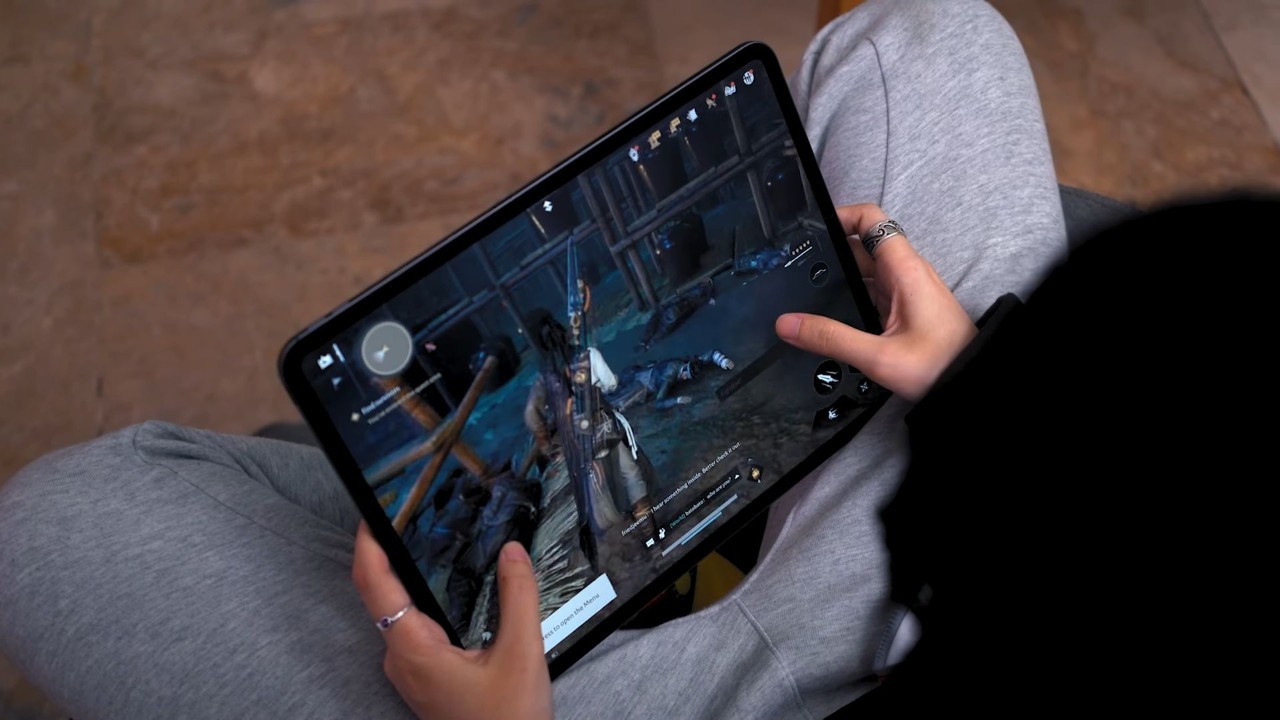
It’s even smoother for lighter games like Mobile Legends where it can hit up to 120 fps of gameplay. The same goes for Call of Duty Mobile, being able to play all game modes from Multiplayer to Battle Royale at 120 fps, consistently.
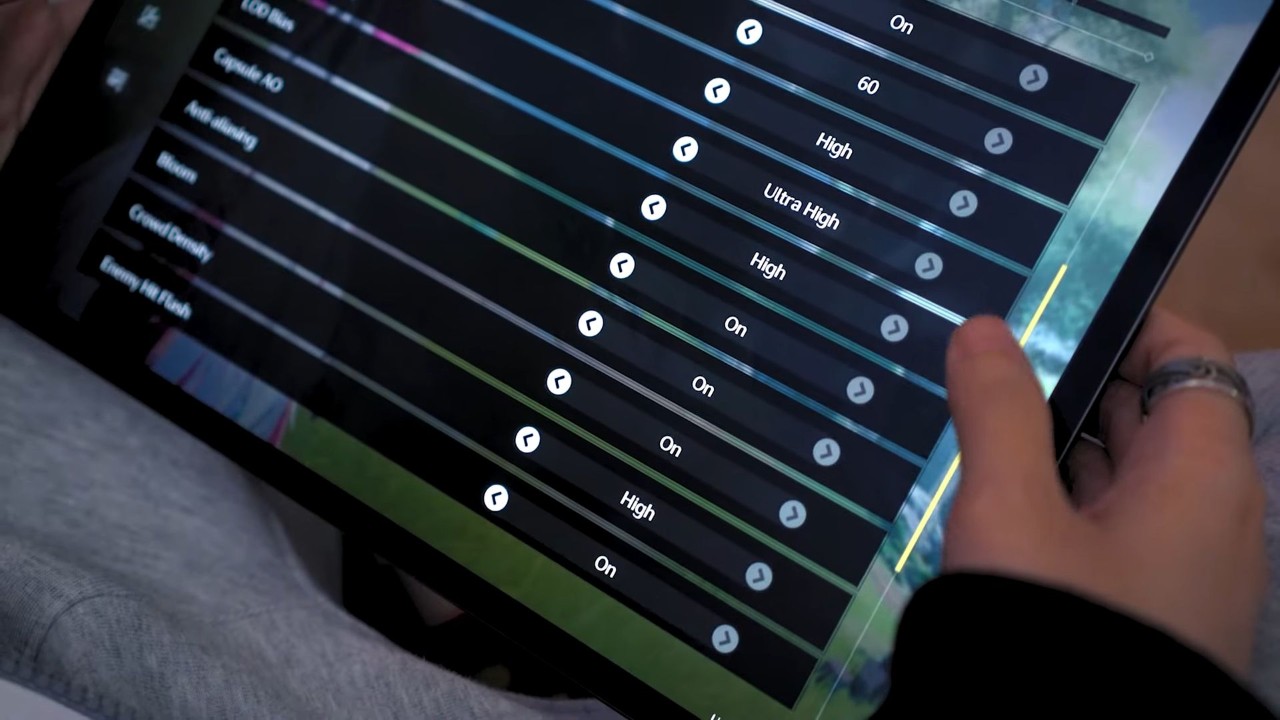
It does get substantially hot during prolonged gaming sessions, even when used in an air-conditioned room. So, I would recommend toning-down the graphics settings if you want to play for long periods of time using the iPad Pro.
OS, UI, and Apps
Aside from the solid hardware, I think software is the iPad’s biggest advantage over any Android tablets today.
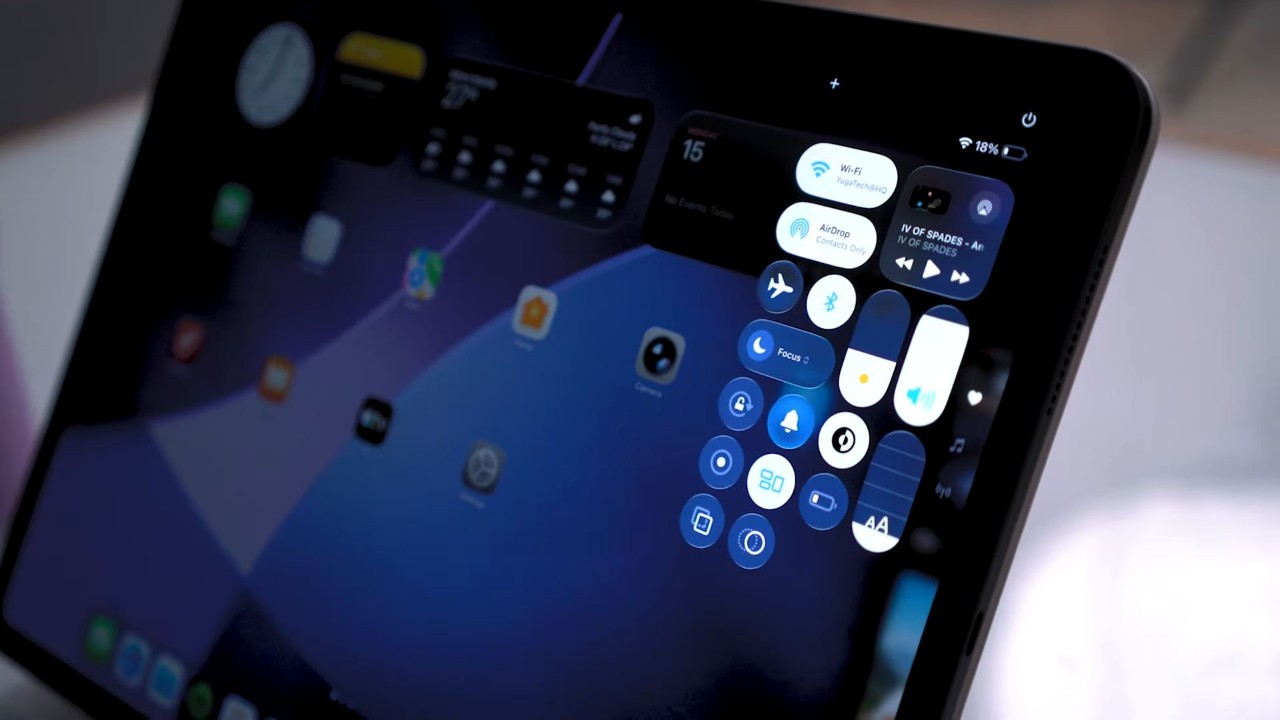
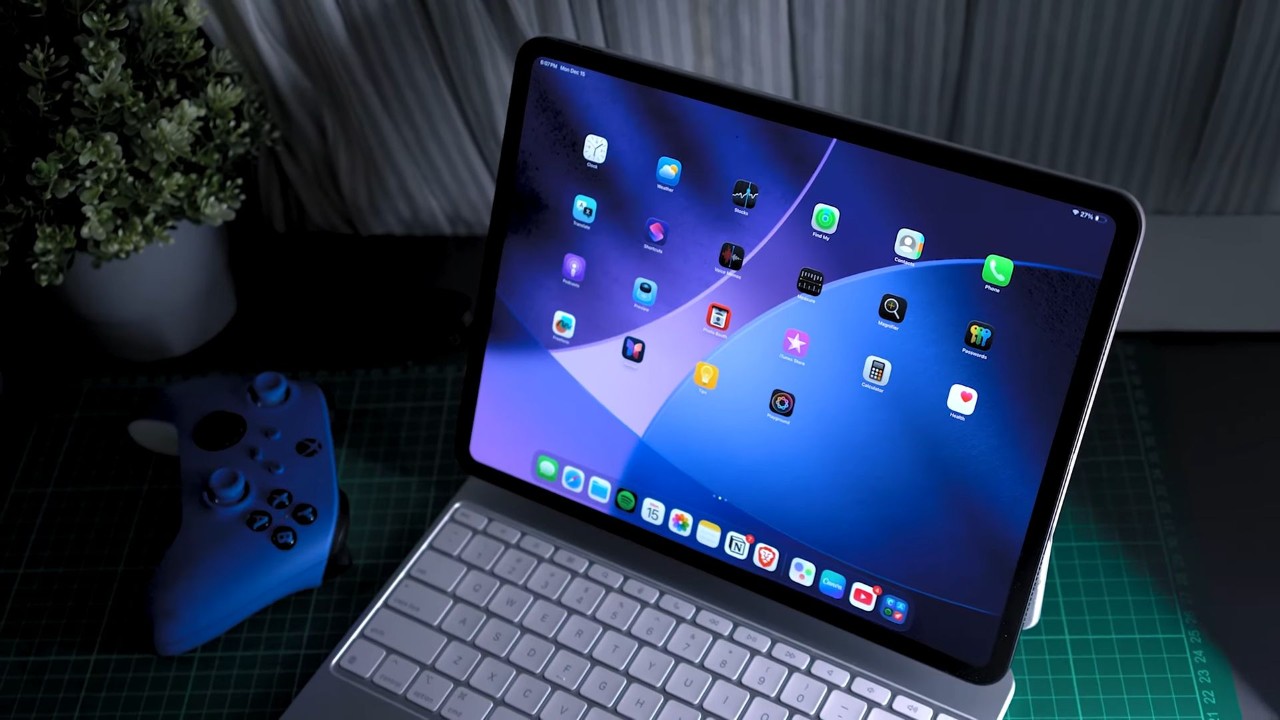
The iPad Pro M5 ships with iPadOS 26 and this is where Apple finally made much needed improvements as to how users would use an iPad. Perhaps, the biggest feature of this update is app windowing which wasn’t a thing in previous iterations.
With that, you could think of it as if you’re using a toned-down version of a MacBook but with a touchscreen.
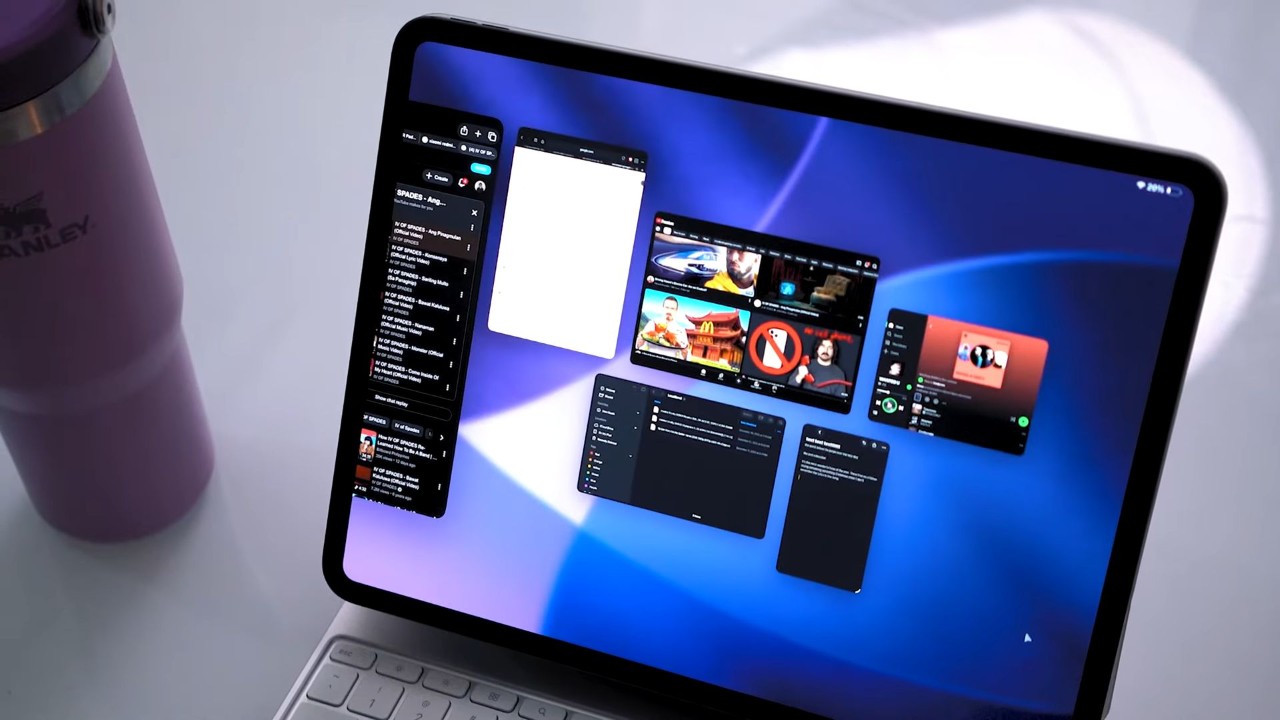
While app windowing itself has been available with Android tablets for years now, iPad does it way better by allowing multiple windows to be open at once, and it’s a little more intuitive to navigate thanks to gesture controls, especially with a trackpad keyboard.
I also like the fact that when you close a windowed app, the next time you’d open it, the app will retain its last sizing and position.
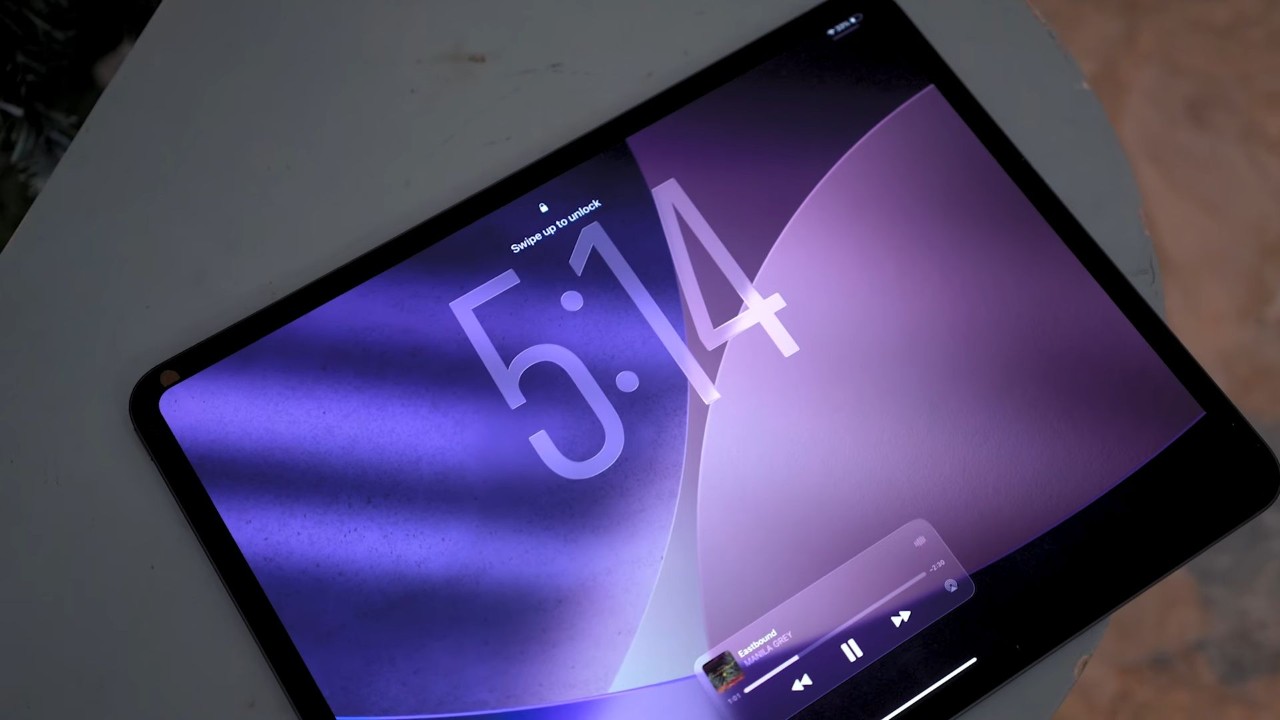
Now, in terms of UI design, I personally like Liquid Glass in essence, but sometimes, it could get distracting in some places. It feels alienating to see those fancy edge lighting effects everywhere or the bouncier, liquid-like animations. But yeah, I still like it for the most part.
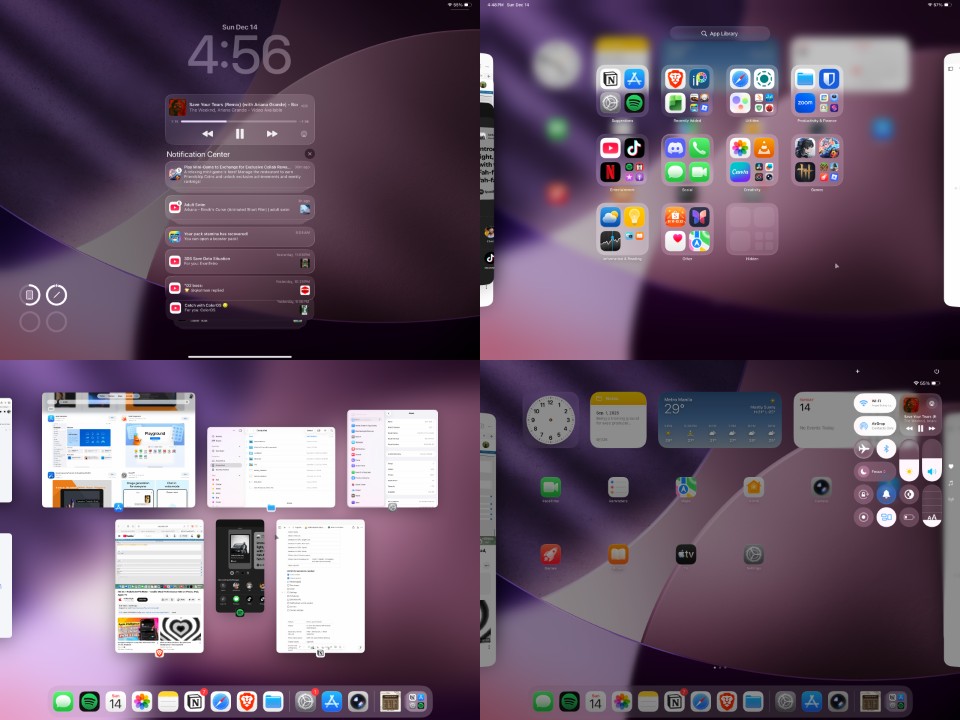
Talking about apps, there’s your usual first-party Apple apps pre-installed and no other bloatware to be found here, so that’s a plus. What’s more interesting here is the selection of apps available on the iPad is on another level.
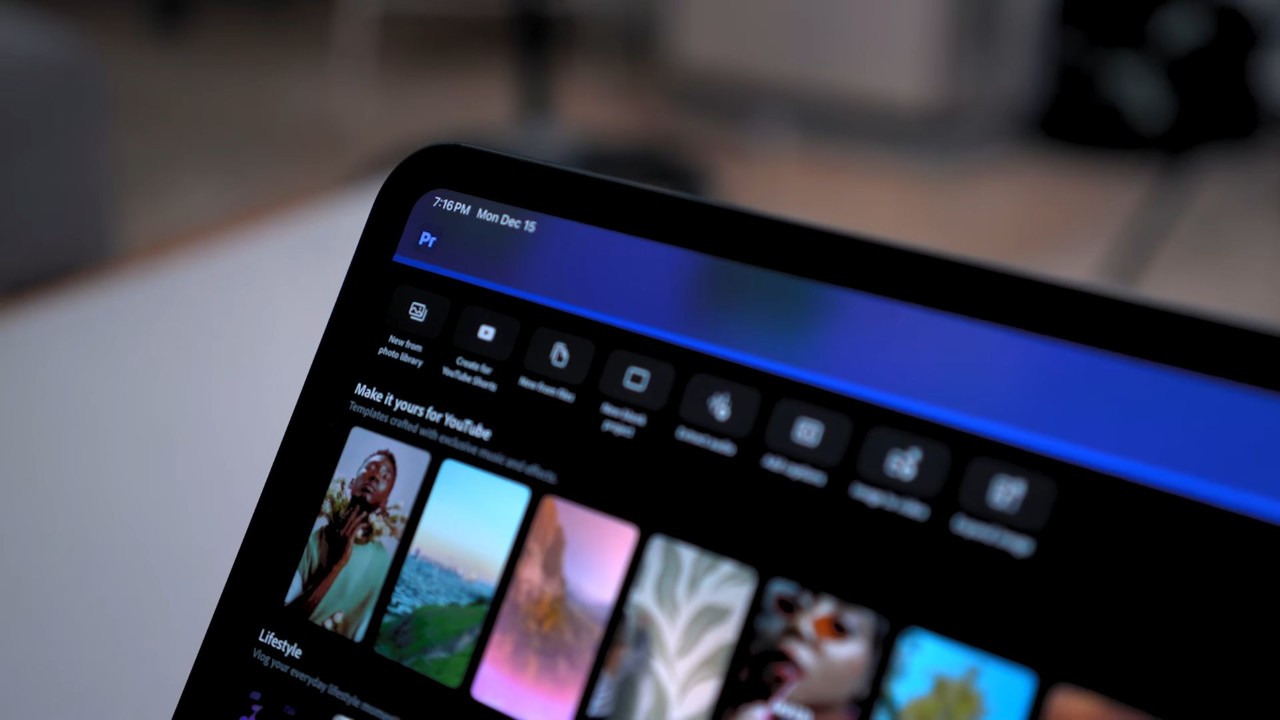
Case in point: video editing apps like DaVinci Resolve and Adobe Premiere are available for the iPad. These apps are not available on Android for some reason, and the fact that these are FREE apps to begin with, video editing on the iPad felt amazing.
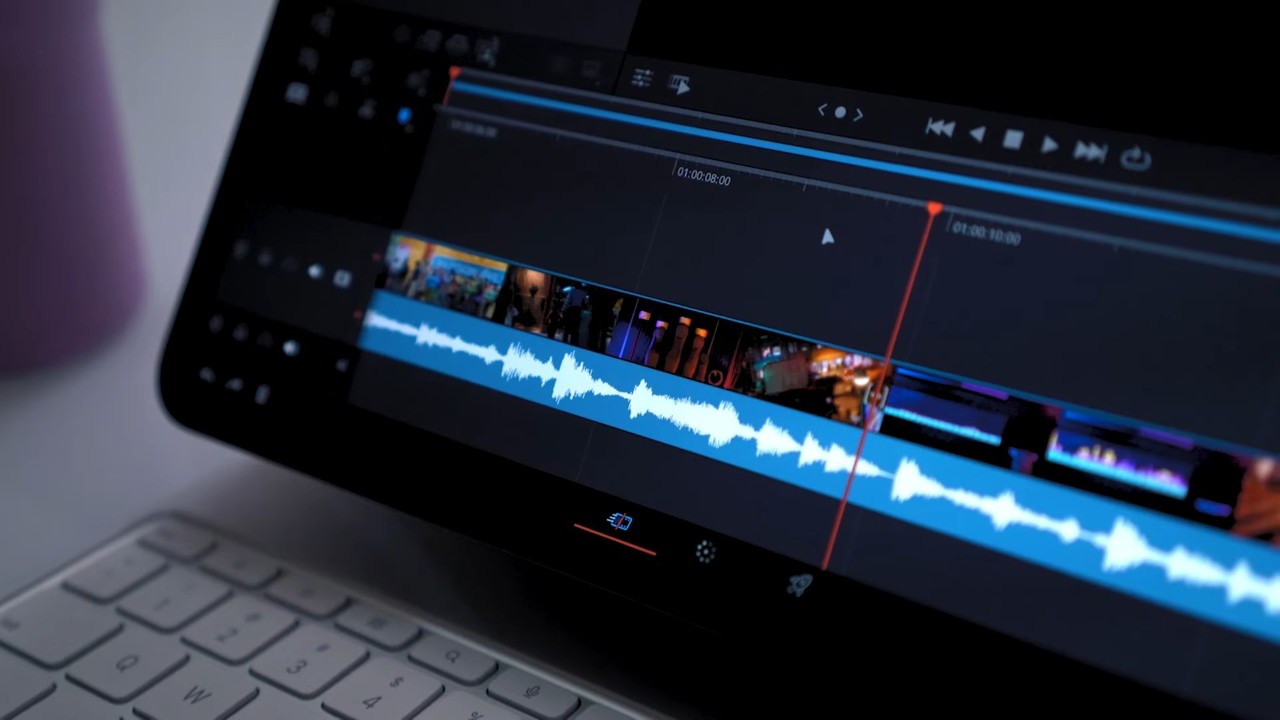
There wasn’t a single issue when I tried editing a project in 4K on DaVinci Resolve, with little to no delays on preview playback. Export times are also fast at least for a video project with simple editing like cutting and adding B-rolls.
It ain’t all perfect though, I did have a fair share of complaints I had when testing it, including not being able to download any torrent apps or the video playback not going totally full screen when the app is windowed.
I could go on for more, but the point still stands, iPadOS is more consistent in my opinion. Especially with the amount of app selection you’d get, I think it’s a major advantage of the iPad.
Connectivity and Battery Life
This iPad Pro packs a 38Wh capacity or about more than 10,000mAh when converted.
In our experience, its battery life is decent. It didn’t last me an entire day, and especially with heavy gaming, the tablet would drain the battery rather fast.
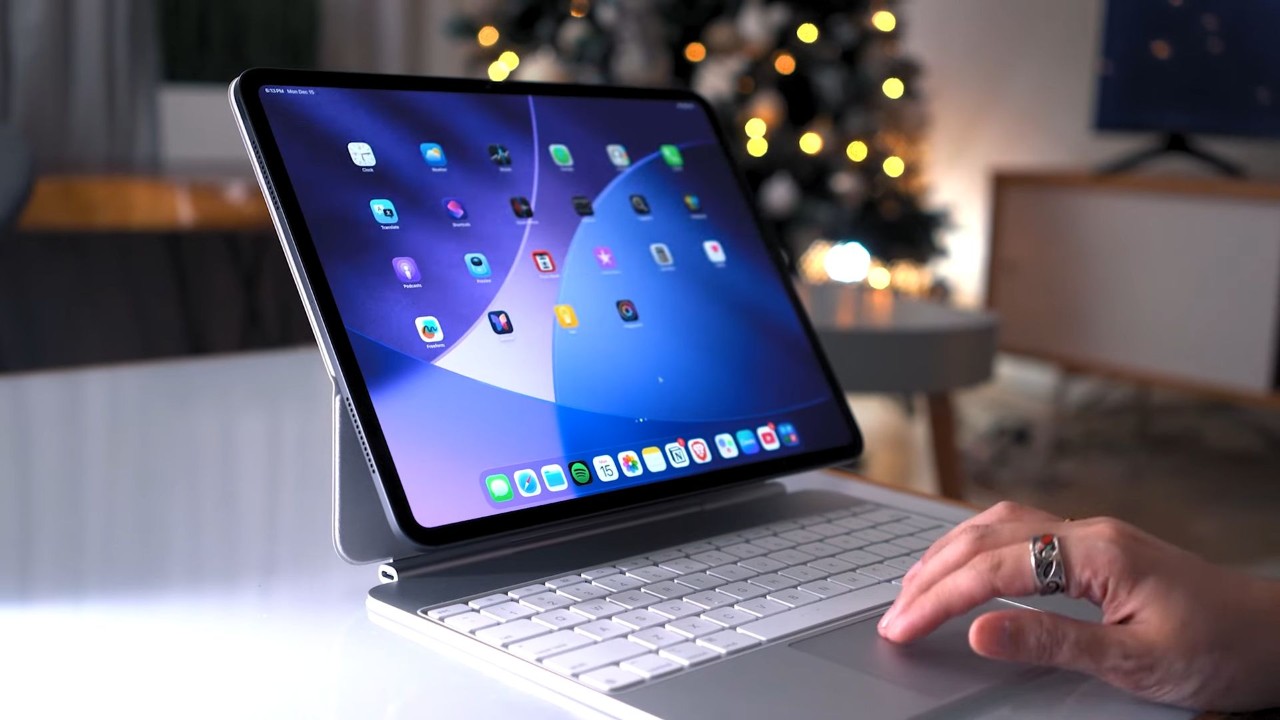
However, if you’re only using the tablet for watching content or productivity apps, then the tablet would relatively last even longer. In fact, based on our proprietary video loop test, the iPad Pro managed to get 19 hours and 10 minutes of runtime.
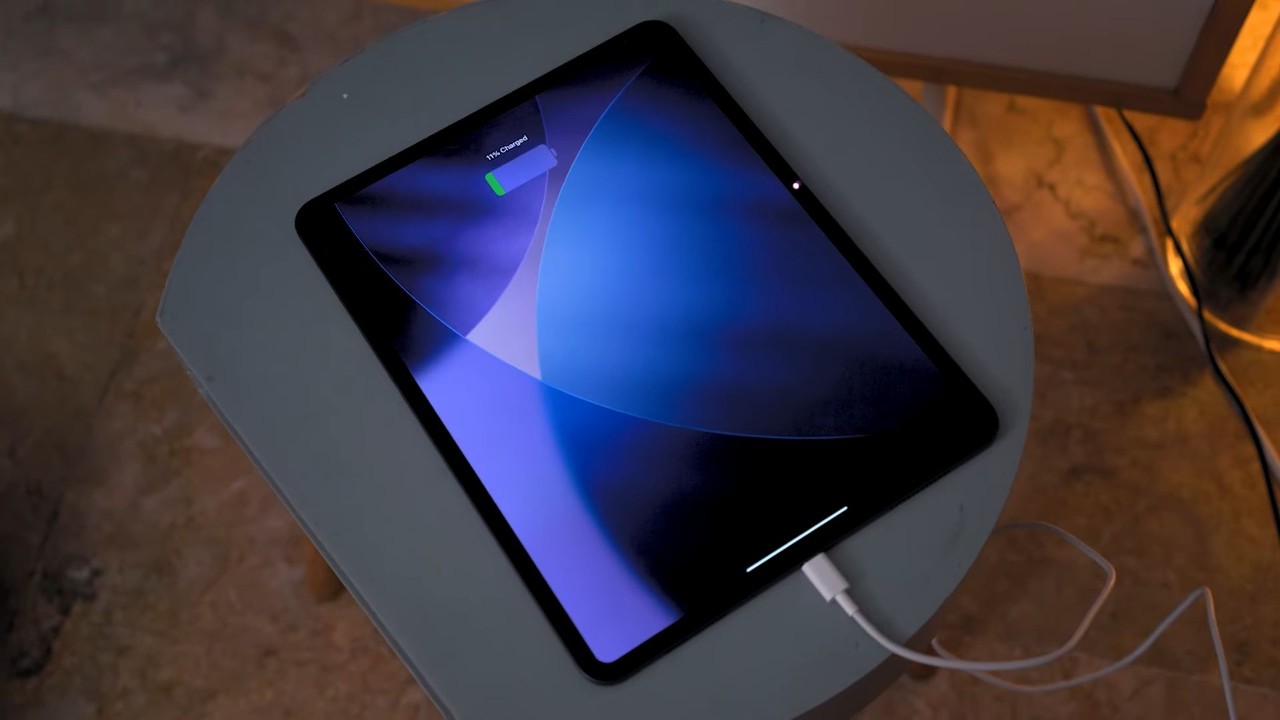
Weirdly enough, charging it back to full is quite fast. Even if it’s just capped at 20W of wired charging, it gets to 50% in just 30 minutes and gets to a hundred percent in just a little over an hour.
Connectivity-wise, this tablet is the Wi-Fi version only, supporting specs like Wi-Fi 7, Bluetooth 6, and USB 4.
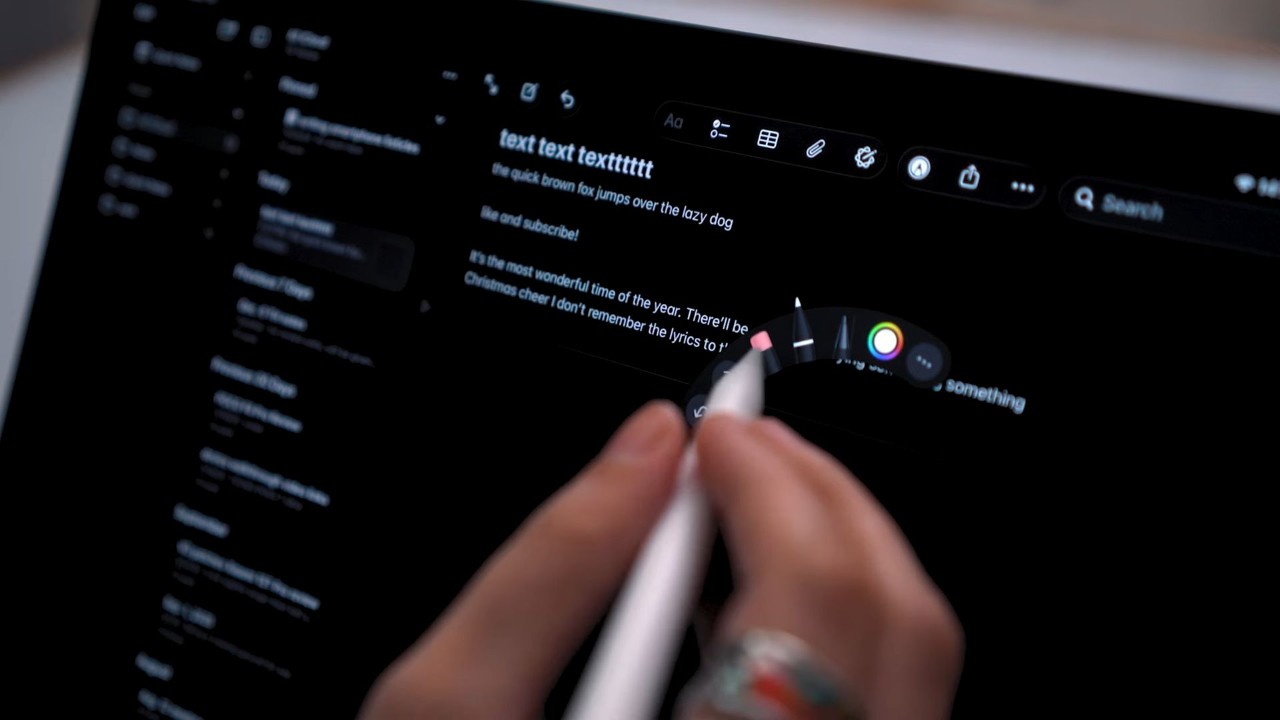
It also has support for Apple Pencil Pro and Magic Keyboard, and both of these were also satisfying to use. While I haven’t used the Apple Pencil Pro that much, it was precise and virtually no latency, plus the palm rejection here is great and it charges up magnetically when docked on the tablet.
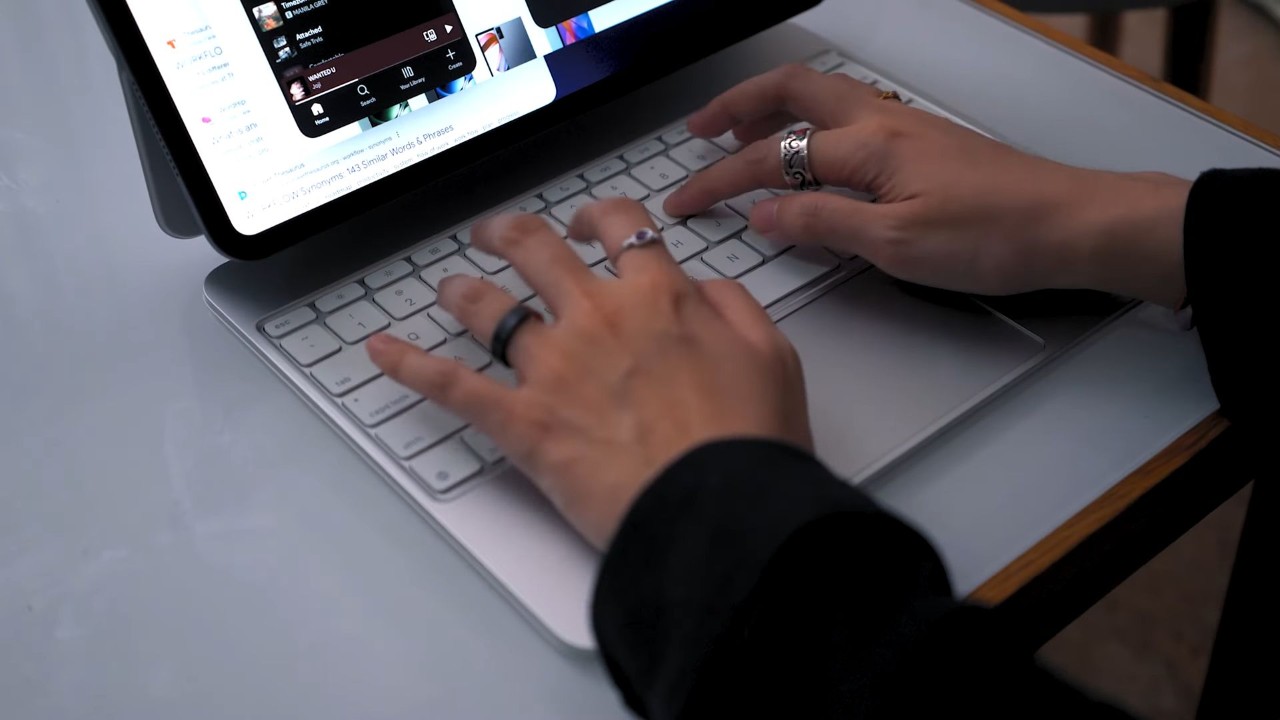
The Magic Keyboard on the other hand was the one I used the most, mainly for navigating on the tablet as well as writing the review itself on the tablet. It has fast key travel and it was pretty comfortable to type on.
Pricing
Before we head over to our verdict, let’s first talk about the price.
The iPad Pro 13-inch M5, Wi-Fi version starts at PHP 94,990 for the 256GB config and the price goes even higher at PHP 164,990 SRP for the exact model that we have here which is the 2TB model.
Verdict
Wrapping this up, the iPad Pro 13-inch powered by the new Apple M5 is straight-up the ideal tablet for anyone wanting a device that can handle video editing, gaming, and a whole lot of entertainment.
It’s not without its flaws like the cameras or the occasional complaints from an Android user’s standpoint where some things wouldn’t just be possible to do on an iPad.
In this case, however, the pros absolutely outweigh the cons: a stunning display and audio quality, top-tier performance, an objectively good software, and rich app availability. Surely, there are more good things I can say than complain about with the iPad.
The expensive price may be the only thing that’s holding this back from being a go-to tablet for the most of you. But setting the price aside, this tablet is surely looking to be a great alternative to laptops or even desktop PCs.
What we liked:
- Slim frame
- Stunning display, impressive audio quality
- Top-tier processing power
- Rich app availability
- Improved multi-tasking features
What we didn’t like:
- Certain workflows are not possible (e.g. downloading torrents natively)
- The Liquid Glass UI needs more polish
- Expensive price
iPad Pro 13-inch M5 specs:
13-inch Ultra Retina XDR Tandem OLED display
2752 x 2063 pixels, 1-120Hz (adaptive)
1600 nits peak (HDR) brightness
Nano-texture display glass (anti-glare)
Apple M5
10-core CPU, 10-core GPU | 16-core Neural Engine
16GB RAM
256GB, 512GB, 1TB, 2TB storage
– 12MP f/1.8 rear camera, AF
– Adaptive True Tone flash
12MP f/2.0 front cam (Center Stage)
Wi-Fi 7
Bluetooth 6
USB Type-C (Thunderbolt 3/ USB 4)
FaceID
Quad speakers, supports Apple Pencil Pro
iPadOS 26
38.99Wh (Li-Po) battery
20W charging (wired)
281.6 x 215.5 x 5.1 mm
579g | 582g (Cellular model)
Silver, Space Black (colorways)


0 Comments
Leave a Reply