

GCash has expanded Watch Pay support to iOS, allowing HUAWEI smartwatch and smart band users to pay in stores directly from their wearables.
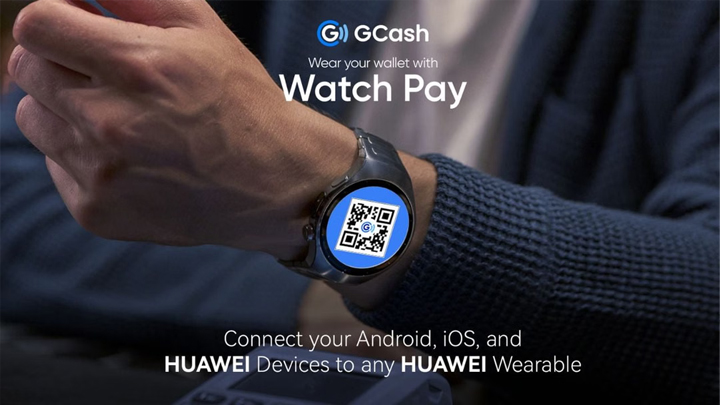
The feature was previously exclusive to Android and HUAWEI devices. Users can now generate a dynamic QR code on their HUAWEI wearable, which merchants can scan to complete transactions without needing a phone.
Supported devices:
HUAWEI WATCH GT 4
HUAWEI WATCH GT 5 Series
HUAWEI WATCH FIT 3
HUAWEI WATCH FIT 4 Series
HUAWEI WATCH D2
HUAWEI WATCH Ultimate
HUAWEI Band 10
HUAWEI WATCH 5
How to set up GCash Watch Pay on iOS:
Install the HUAWEI Health app from the App Store and create an account. Set the region to the Philippines.
Pair your HUAWEI wearable with the app.
Open the GCash mobile app and ensure your account is fully verified.
On your wearable, go to Settings > Payment.
Install the GCash app on the device.
Open GCash on your wearable, enter your PIN, and scan the QR code displayed on the GCash mobile app.
Tap Bind on the mobile app.
A confirmation will appear on both devices once linking is complete.
The feature is now live for supported HUAWEI smartwatches and bands.





0 Comments
Leave a Reply