

Even despite the world’s progressive push for digitalization, the business space still depends highly on pen and paper. After all, there’s nothing like a tangible contract you can actually feel with your hands before you sign it. Even essential, context-providing documents are often printed out for critical decision-making.
Sadly, statistics point out that the average office employee will waste 15 to 22 minutes per day navigating unreliable printer technologies. Multiply this by the number of employees in your firm – and that’s a painful reality to accept.
Thankfully, an enterprise-grade printer with solid reliability is not as out of reach as it was a decade ago. Enter the Epson EcoTank L5290 multifunction printer – the all-in-one solution you can use for work and home purposes.
Speedy output in minutes, to your desired specification
As a printer, the primary expectation is for it to churn out high-quality printouts of your documents without difficulty. Epson guarantees that the EcoTank L5290 delivers.
The onboard Piezoelectric Printhead can eke out 33 pages of draft quality paper per minute, and 10 pages of finer-quality A4 printouts per minute. That means you can gather a meaty 30-page document in as little as a minute to three at most – right before you head to the office.
Photos, meanwhile, take a bit longer at 69 seconds; but you can be assured of a clear image thanks to the 5760×1440 dpi maximum resolution.
If the boardroom is more accustomed to long and legal-sized layouts, then changing the print settings is as easy as 1-2-3. The Epson EcoTank L5290 natively supports a myriad of print sizes.
Efficient, all-day printing
Modern technologies enable the ultra-efficient Epson EcoTank L5290 to offer impressive page yields, with a genuine Epson black ink refill bottle delivering up to 4,500 pages and each color ink bottle delivering a composite yield of up to 7,500 pages.
And when it runs out eventually?
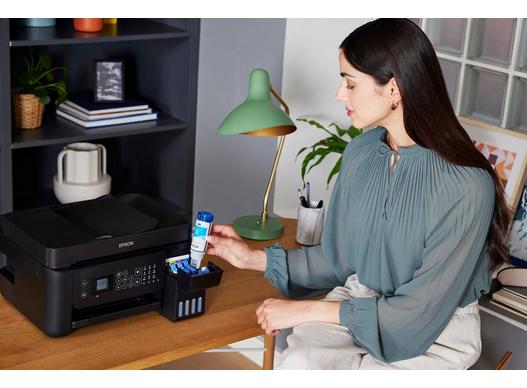
Epson offers affordable ink bottles (Ink Code 003 specifically for this model) that have been engineered to seamlessly refill the EcoTank L5290’s onboard tanks, ensuring no drop is wasted. The philosophy is simple: strive for the highest quantity of prints while maintaining utmost quality.
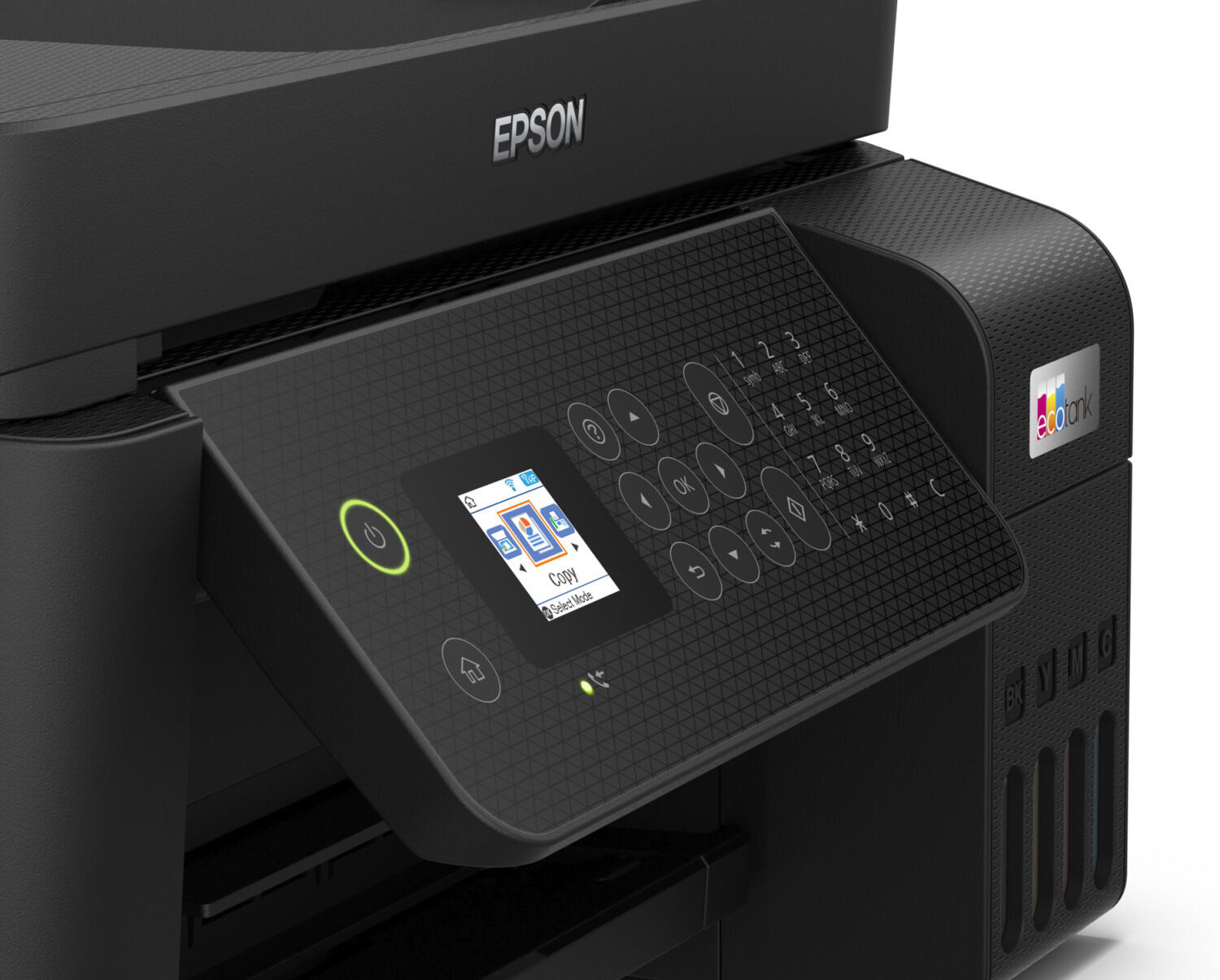
The 1.44-inch LCD panel will tell you all you need to know at every point in time.
Scanning and copying documents has never been quite this easy
Let’s admit it; sometimes having a mix of physical and digital elements in the workplace can be taxing, especially for documentation purposes.
A task can be as simple as “create a digital copy of this 20-page document” can be daunting if you don’t have the right tools for it. Thankfully, the Epson EcoTank L5290 has you covered.
On top of having a built-in scanner and copier on board, the Epson EcoTank L5290 boasts an Automatic Document Feeder (ADF) system. So instead of having to manually place the page to scan or copy, then take it out again for the next page, you can just leave all the pages in sequential order.
Sit back, grab a coffee, and let the Epson EcoTank L5290 work its magic – stitching the scanned pages together in the correct sequence. What makes this a brilliant feature is that it works not only with A4 dimensions, but also with long and legal-sized documents. You can save the digital copy, print copies, or both.
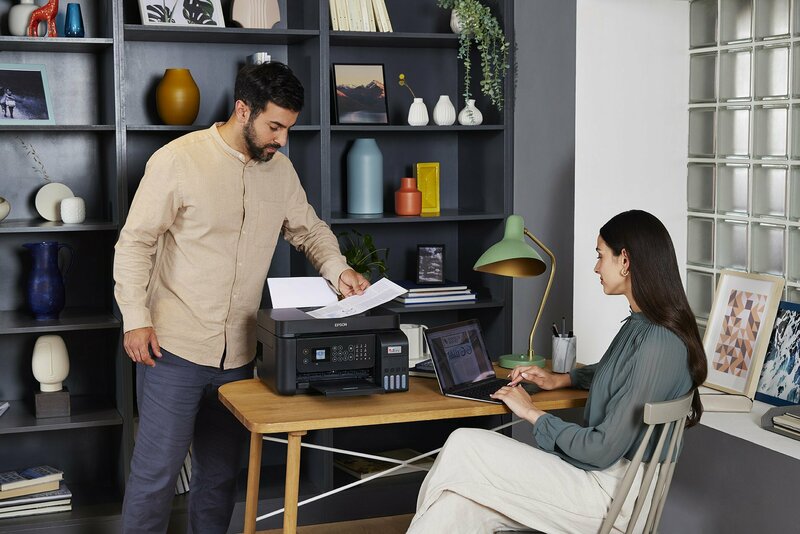
This saves the hassle of having to find a way to shrink legal-sized physical printouts just to keep digital versions.
Just want to make quick copies on the spot? The EcoTank L5290 has a standalone function that allows you to create up to 99 copied printouts, even without the presence of a computer. All you need to do is input what you need on the LCD screen.
Doing all this… from just about anywhere
The Epson EcoTank L2590 comes with a full suite of connectivity features such as Wi-Fi Direct and Ethernet. Once you route the printer into your home network, all computers and mobile devices within that same network will gain the ability to wirelessly print files and documents.
Even if you don’t have a router, the printer itself can act as one to support up to eight connected devices for wireless use. This doesn’t only include printing, but scanning of documents as well.
If you need to toggle some settings or configurations, the Epson Smart Panel app allows you to do that from your smartphone. Whether it’s managing the printing queue, checking printer status, or anything else, it can even be performed from the comfort of another room.
Other wireless compatibility includes Apple AirPrint, Mopria Printing Service, and the ability to remotely print pages from any Epson printer in the world via the Epson iPrint application.
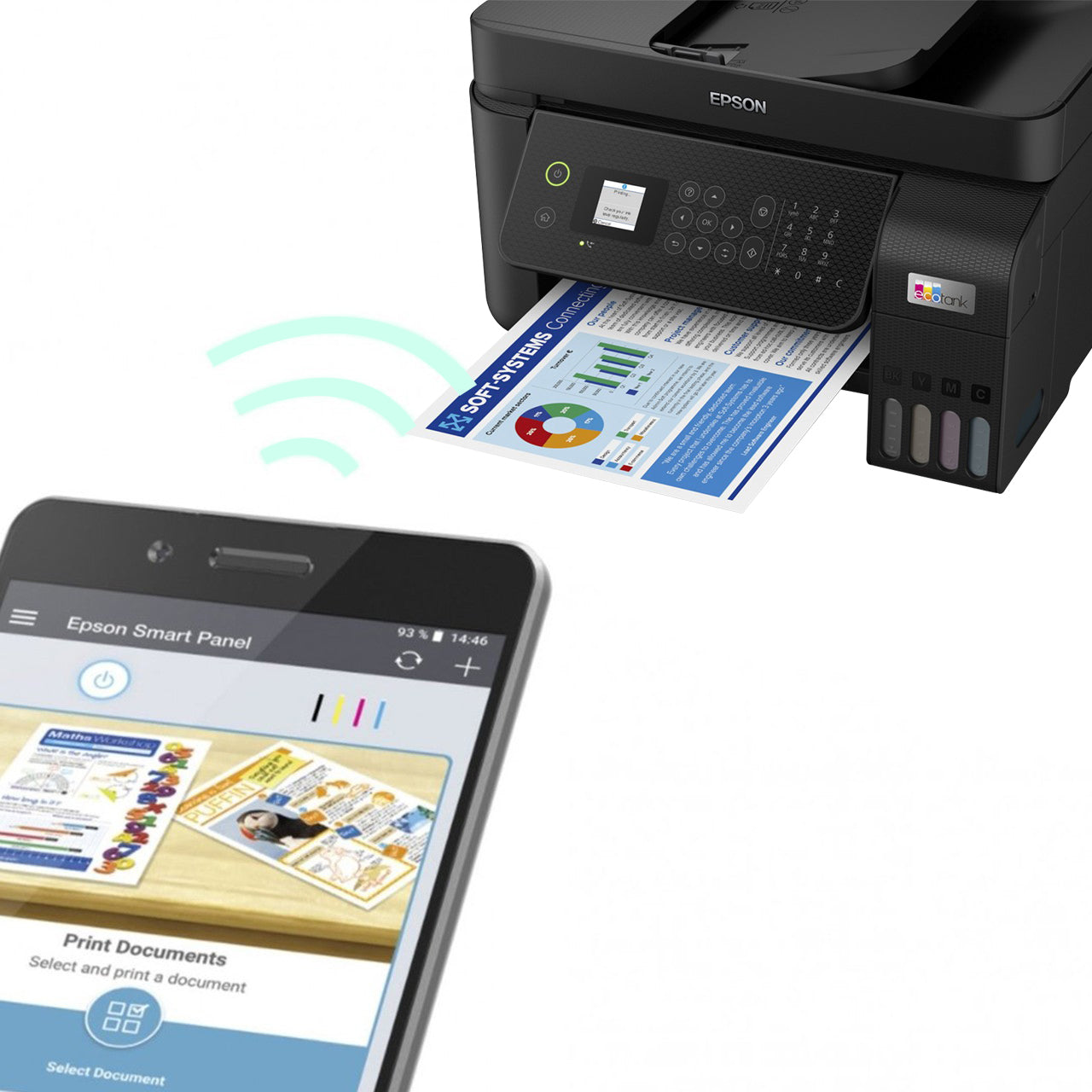
Of course, the option for good old USB 2.0 wired connectivity has not been omitted for us who prefer the traditional way.
A storied name you can trust
Epson has been in the printer business for over 50 years. The company has continued to be one of the biggest players in the global market, which translates to unparalleled nationwide support if something goes wrong with the product.
The brand has displayed confidence in its product’s durability through a standard warranty, which can be extended for up to 5 years through an add-on CoverPlus program. There’s an ongoing promotion that even grants an extra free year of CoverPlus warranty if you do choose to purchase it.
This should provide additional peace of mind with high-stress, heavy-duty printing applications.
With all these being said, the Epson EcoTank L5290 is a versatile all-in-one printer that can handle your business and home needs, packed in a neat little package. With a reliable printer by your side, you can spend more time enhancing the content of your documents and less time worrying if they’ll be turned into physical, tangible output in time.
Interested? You can visit the product page here, or check out the Epson EcoTank L5290 printer on Shopee Shopee → or Lazada Lazada → if you’ve decided to take the plunge!






0 Comments
Leave a Reply