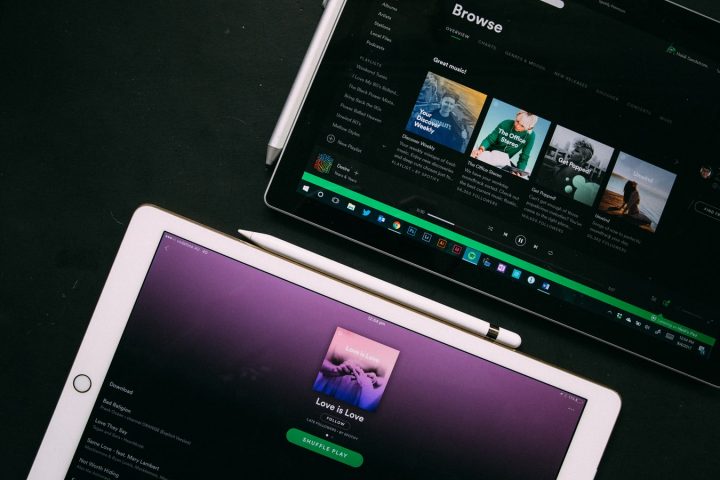

Spotify recently launched a new party mode called Group Session that lets two or more Premium users take control of the music in real-time as well as contribute to a group playlist. STEP 3: Find the sharing code under Start a group session. To leave a group session, just tap LEAVE SESSION under the group session. If the music is playing from your device, tap END SESSION to end the group session. Once you've created a Group Session, all the members of the group will be able to pause, play, skip, and select tracks in your music queue, or they can add new tracks to the queue. The group session feature has been in development since last year, when it was first unveiled back in May 2019 by Engineer Jane Manchun Wong. https://twitter.com/wongmjane/status/1134390000672419840 Spotify says Group Session is launching into beta, it is the first iteration of the feature, and Spotify expects it will evolve as it learns more from user feedback. Read more in our articles including "How to use Spotify's new Group Session feature" and "Nokia outs 5730, 5330 & 5030 XpressMusic".

Spotify recently launched a new party mode called Group Session that lets two or more…
May 16, 2020Nokia today announced a trio of XpressMusic phones — the Nokia 5730, 5330 and the…
Mar 11, 2009Hello! Are you a Nokia 5800 XpressMusic owner? Please take the quick survey here! So,…
Jan 11, 2009Hello! Are you a Nokia 5800 XpressMusic owner? Please take the quick survey here! Over…
Jan 10, 2009Hello! Are you a Nokia 5800 XpressMusic owner? Please take the quick survey here! Earlier…
Oct 3, 2008
It’s that time again when we round up the latest smartphone launches here in the…
Jun 26, 2026Spotify recently launched a new party mode called Group Session that lets two or more Premium users take control of the music in real-time as well as contribute to a group playlist. STEP 3: Find the sharing code under Start a group session.
To leave a group session, just tap LEAVE SESSION under the group session. If the music is playing from your device, tap END SESSION to end the group session. Once you've created a Group Session, all the members of the group will be able to pause, play, skip, and select tracks in your music queue, or they can add new tracks to the queue.
Our coverage of Group Session Music includes: "How to use Spotify's new Group Session feature"; "Nokia outs 5730, 5330 & 5030 XpressMusic"; "Nokia 5800 Unboxing & First Impressions". Each article provides unique insights and information.