

Features
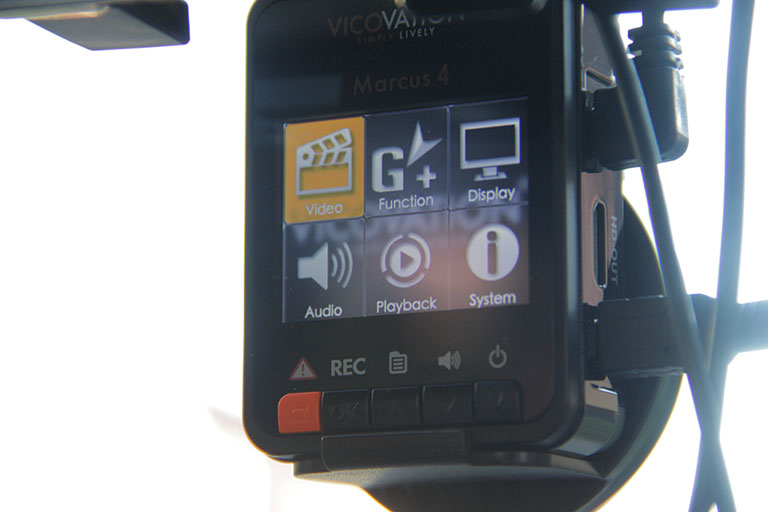
Vicovation’s Marcus 4 has a lineup of features to further improve its video quality and the device as a whole. Here are some of them:
- World’s first 21:9 ratio — for a more cinematic look (Movie Mode)
- Xtreme HD 2304 x 1296 — higher-than-average resolution for a dash cam
- Ultra High Dynamic Range (UHDR) technology — good for low light situations
- Smart Sensor — notifies you of various alerts including when you go past your speed limit (needs GPS mouse)
- 160-degree viewing angle — wider viewing angle
- Auto ON/OFF — Recording can be automatically started or stopped when your car is turned on or off.
- G-Sensor – Gravity sensors save and protect files automatically in case of collisions.
- Emergency button – Manually save and lock files with one press of a button.
- Loop Record – Overwrite oldest unsaved files to maximize memory.
- Built-in Microphone – Record all audio within range.
What the 21:9 ratio does is it crops the upper and bottom part of the image and concentrate on the middle area (which is the road) in order to focus on what’s important. It shoots less of the clouds and the hood of the car and in turn, squeezes those pixels in the main image resulting to a more detailed picture quality in addition to the Movie Mode.
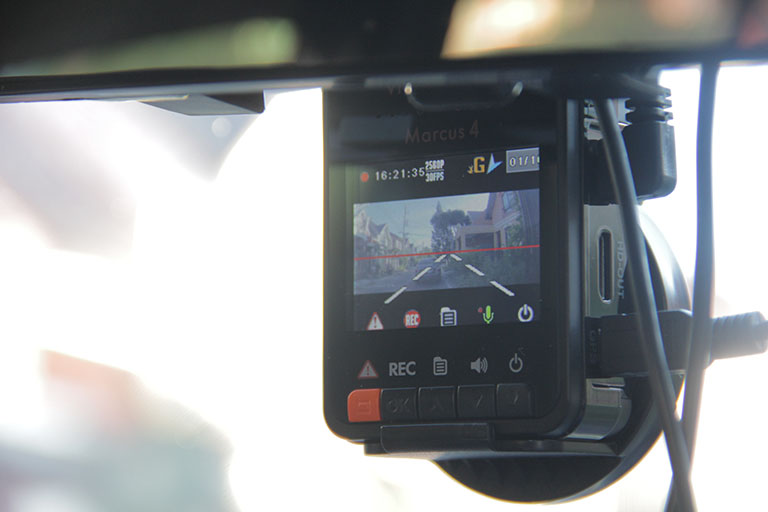
Combine that to its 160-degree viewing angle and you can see more of the road horizontally. For comparison, the HP f310 only has 130-degree viewing angle, while the Zumi dash cam has 140 degrees.
After we set its G-sensor to medium sensitivity, some speed bumps on the road already made it activate its emergency file-saving feature. In short, it already thought we ran into an accident and automatically saved the video after being shaken by the light bumps on Skyway.
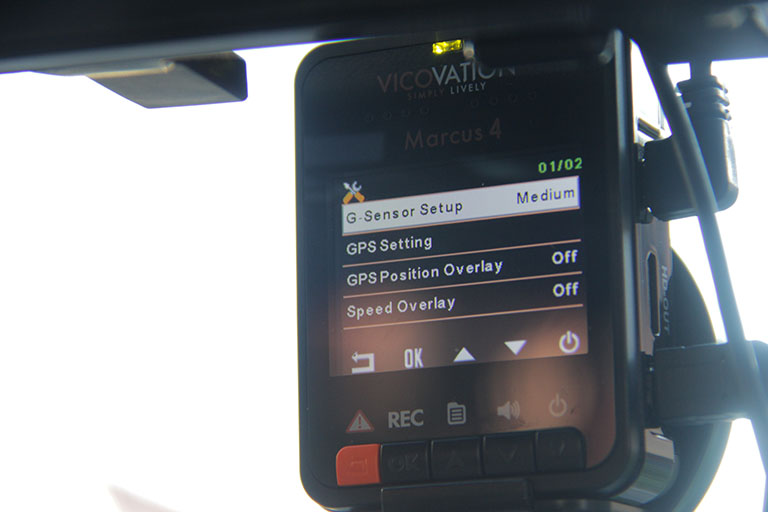
Additionally, there was a time when a vehicle in front of us abruptly stopped, making it do the same thing. It was really a close call and we almost hit the car. The device felt the sudden brake and immediately saved that clip as an emergency footage. Good job!
Its HDR (High Dynamic Range) kicks in at 1080p which was designed to help produce more details when driving at night.
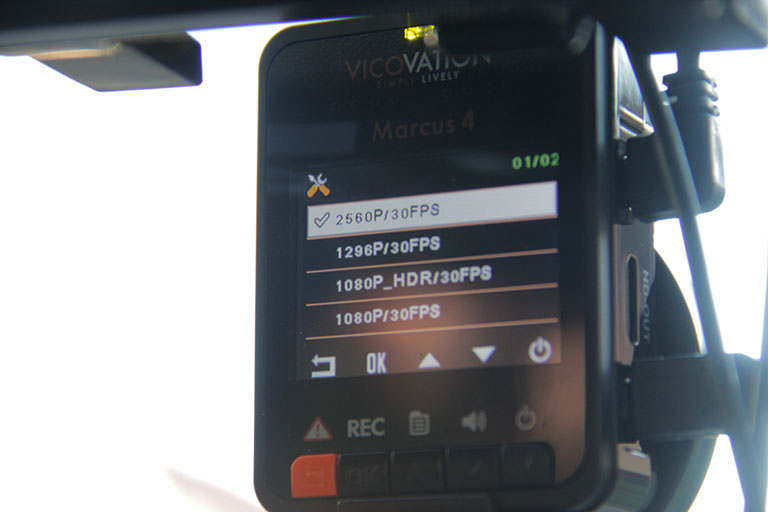
Recording options:
- 2560 x 1080 @ 30fps (21:9 Movie Mode)
- 2304 x 1296 @ 30fps (2K Extreme HD 1296p)
- HDR 1920 x 1080 @ 30fps (1080 HDR @ 30fps)
- 1920 x 1080 @ 30fps
- 1280 x 720 @ 60fps
- 1280 x 720 @ 30fps
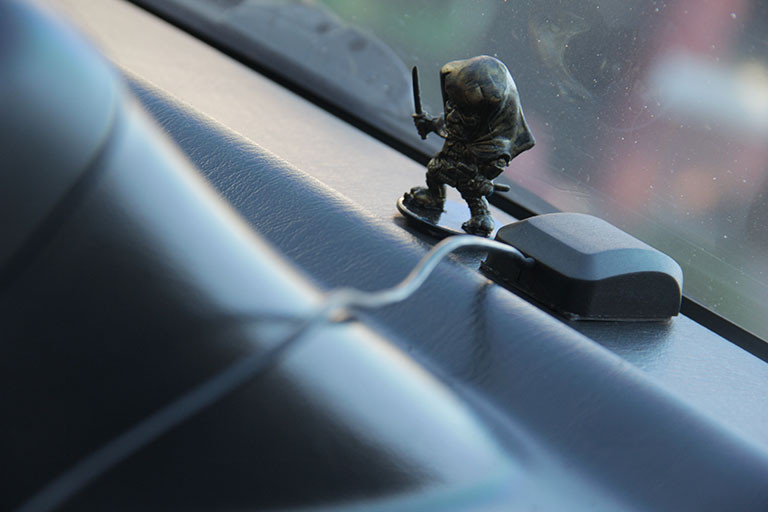
What the additional GPS mouse does once it connects to the device, is it collates data as you drive. This includes your speed, coordinates, time, and date. You can download a software for your computer so when you open your saved videos on it, it will show the aforementioned data since they were stored together with the clips.
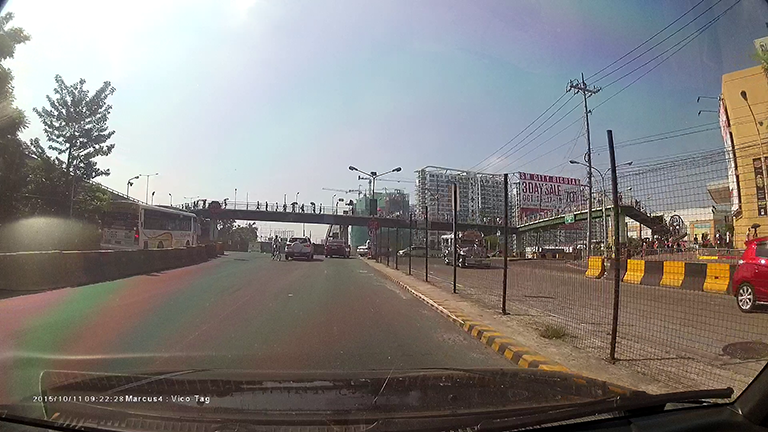
One more little thing it does is to overlay details on your video as you drive. From its 2-inch screen you can choose to show the date, time, speed, and your current location in one place — but if you’re driving, be sure to not look at it for too long and just keep your eyes and focus on the road.
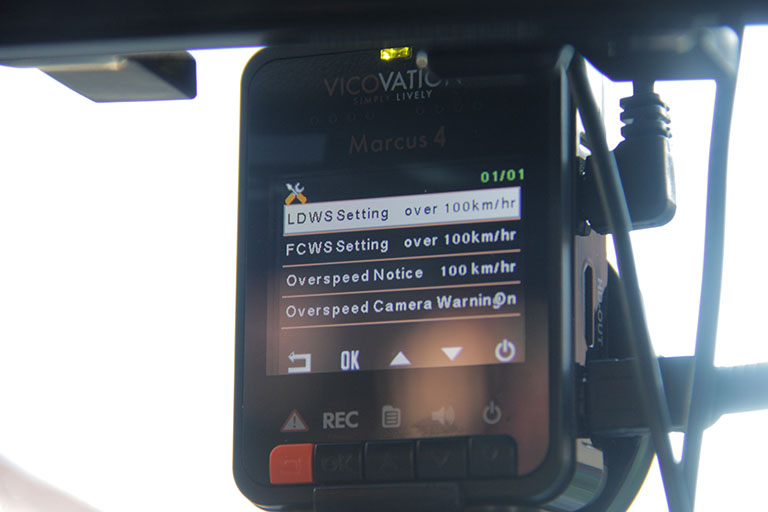
Lastly, you will be able to activate its Smart Warning function that includes GPS tracking. With this combination, it will be able to give you warnings (thru beeps) when you go faster than your pre-set speed limit.





@Andrew
Where you brought your Marcus4 and what SD card you use? Hopefully is not Sandisk. VicoVation does not support Sandisk.
This applies to all SD Card that the read and write speed is slow. If your card is too slow, the camera may stop recording as the card can’t keep up with the output of data from the camera, regardless of your recording settings. Try SD card with above 40mbps speed and UHS-1. Hope this help.