

As the demand for cashless payment options rises due to the COVID-19 pandemic, GrabPay has partnered with InstaPay to allow users to seamlessly transfer funds to and from their BSP-supervised banks to their GrabPay account.
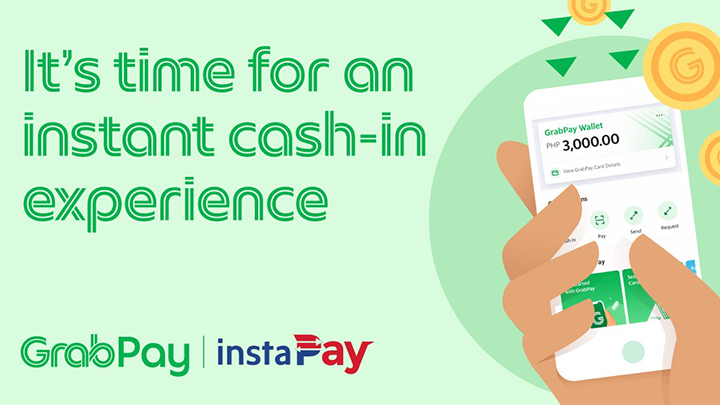
GrabPay and InstaPay’s partnership has several benefits to its users, including:
- Secure: No card or bank details are saved in the app when you use your banking app or e-wallet.
- Real-time: Cash into your wallet with just a few taps on the phone. The GrabPay service is available 24/7.
- Widely accepted: GrabPay is accepted in over 40 banking apps, websites, and e-wallets, including SM Malls, Starbucks, Zalora, etc.
- Convenient: Users can save GrabPay as a transfer template in their respective banking or e-wallet apps.
To cash in from your bank or e-wallet, simply:
- Launch your mobile banking or e-wallet app and initiate a transfer.
- Select GrabPay from the list of banks/e-wallets to transfer to.
- Input the necessary information to complete the transaction.
To cash out funds from the Grab App,
- Launch the Grab App and tap Payment.
- Tap GrabPay Wallet.
- Tap Transfer and select your bank account or e-wallet.
- Input the necessary information to complete the transaction.
Jonny Bates, Head of GrabPay Philippines, said, “We are constantly looking for ways to improve our services to stay true to our commitment of providing Filipinos safer and convenient ways to perform digital transactions. Building trust by connecting more digital channels and giving flexibility to move around funds help us break barriers in providing hassle-free transactions for our users. We are glad to be doing this with InstaPay with the oversight of Bangko Sentral ng Pilipinas (BSP).”







4 Comments
Leave a Reply