

Nintendo has rolled out a new update for the original Switch ahead of the highly anticipated Switch 2 launch on June 5. The update introduces several features to prepare for the new system and enhance the current console’s functionality.
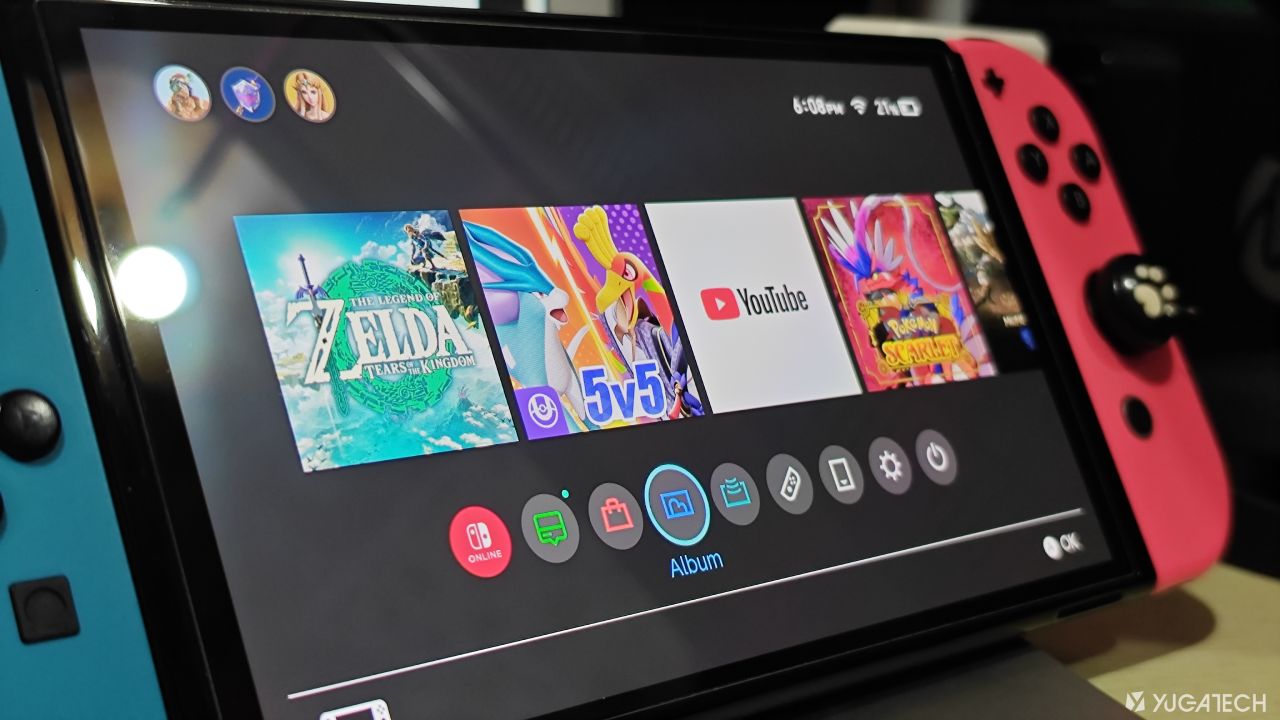
One notable addition is the Virtual Game Cards feature. This allows users to share digital games with family or friends on the same Nintendo Family Account, similar to borrowing a physical game card.

To use it, both devices must be connected locally. The feature will also be available on the Switch 2.
Another key feature is the ability to transfer data from a user’s current Switch to the Switch 2. After updating to software version 20.0.0, you’ll find an option in the settings to transfer your system data to the new console once it’s available.
For those looking to move data before getting their hands on the Switch 2, there’s now an option to upload the transfer data to the cloud. However, uploading the data will reset your Switch to its factory settings, so be sure to back up anything important first.
Nintendo will keep this data stored for one year, giving you plenty of time to transfer it to your new system or cancel the process if needed.

Finally, the update includes the GameShare feature. This allows local wireless multiplayer across multiple Switch systems where only one player needs to own a copy of a compatible game to play together.

Furthermore, Nintendo also rolled out the version 20.0.01 that fixes the boot-up bug that several users encountered.






0 Comments
Leave a Reply