

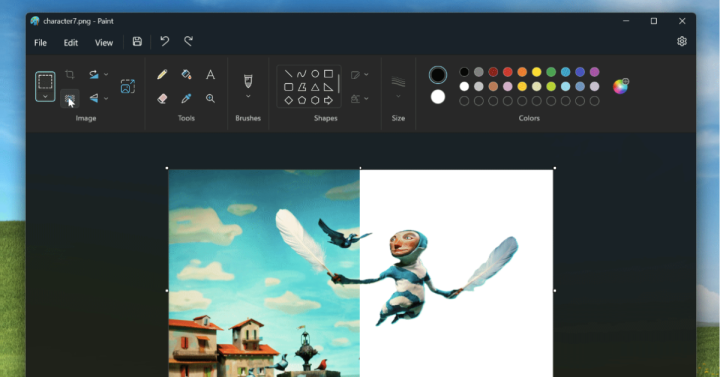




Available now for Android, iOS, Windows, macOS, and Linux, Geekbench 7 introduces new workloads designed to better reflect modern computing tasks, along with updates to its multi-core and GPU benchmarking systems. Microsoft Windows is also banned with other foreign databases, with China favoring domestic solutions. But when it comes to your Mac or Windows PC, are you doing it right? Capturing a screenshot on Windows Let’s start first with Windows PC. Using the Print Screen key and Paint combo is now probably an ancient way on getting a screenshot on Windows. On Windows 11, you can also remove the image background (although this isn’t quite polished based on my experience). Launch the Snipping Tool by either searching or finding it in the Apps list or pressing Windows key + Shift + S on your keyboard. THE fastest way to capture a screenshot on Windows If you want to get rid of all the hassle, then there’s one thing that your Windows PC is not telling you: Windows key + Print Screen. Read more in our articles including "Geekbench 7 now available: Here's what's new" and "Qualcomm announces Snapdragon C platform for entry-level laptops".
What’s new in Geekbench 7 New media workloads for AV1 video encoding, Opus audio compression,…
Jul 27, 2026
Qualcomm has announced the Snapdragon C platform, a new processor designed for entry-level laptops priced…
Jun 3, 2026
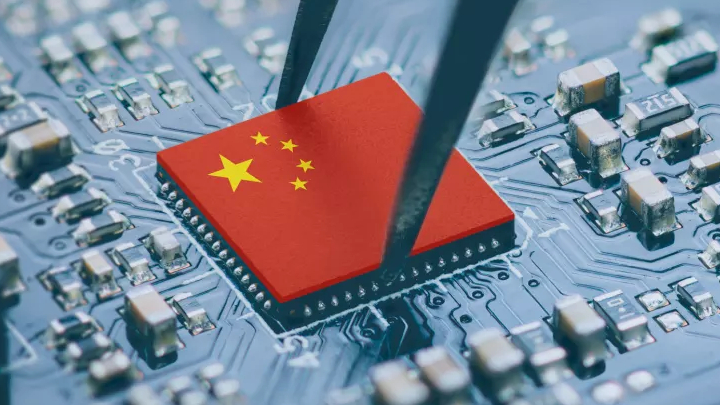
China has banned Intel and AMD processors from China amid new guidelines to favor ‘domestic…
Mar 26, 2024
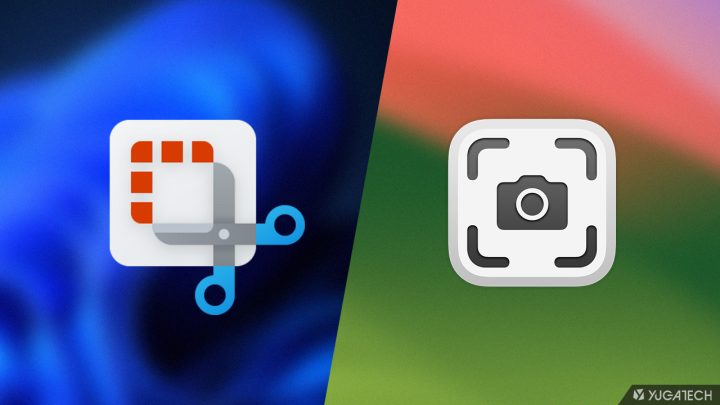
Making a screenshot on our smartphones is a piece of cake — pressing only the…
Feb 12, 2024
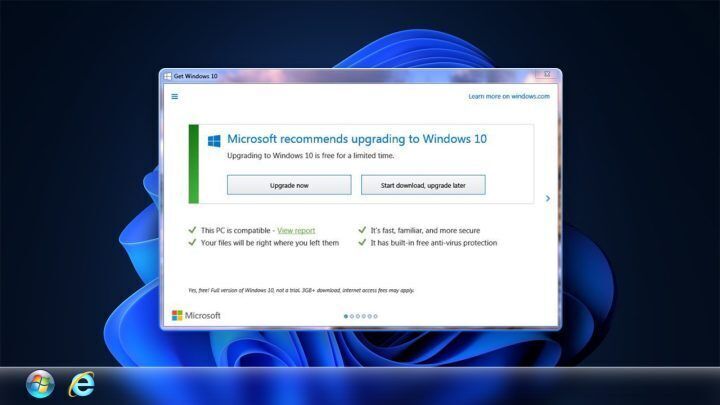
Microsoft has finally closed the chapter on the Windows 10 and Windows 11 free upgrade…
Sep 29, 2023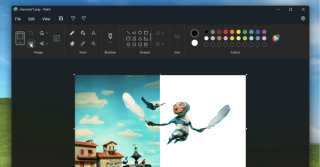
As one of the original apps on Windows, Paint has been where many have been…
Sep 9, 2023Available now for Android, iOS, Windows, macOS, and Linux, Geekbench 7 introduces new workloads designed to better reflect modern computing tasks, along with updates to its multi-core and GPU benchmarking systems. Microsoft Windows is also banned with other foreign databases, with China favoring domestic solutions.
But when it comes to your Mac or Windows PC, are you doing it right? Capturing a screenshot on Windows Let’s start first with Windows PC. Using the Print Screen key and Paint combo is now probably an ancient way on getting a screenshot on Windows.
Our coverage of windows includes: "Geekbench 7 now available: Here's what's new"; "Qualcomm announces Snapdragon C platform for entry-level laptops"; "Intel and AMD processors have been banned from China". Each article provides unique insights and information.