

As one of the original apps on Windows, Paint has been where many have been introduced to creating art on Windows.
Now, Paint will begin rolling out an update that will introduce the ability to remove backgrounds.
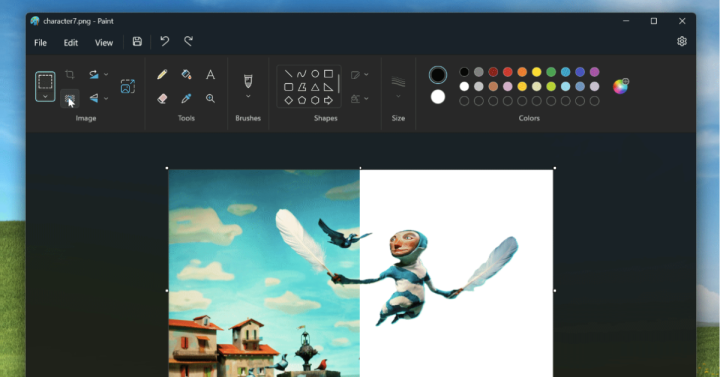
The update is currently only available to Windows Insiders in the Canary and Dev Channels (version 11.2306.20.0).
The background removal tool works similarly to Canva’s background removal function on which a user can simply click to have its background removal tool detect the subject and remove the background.
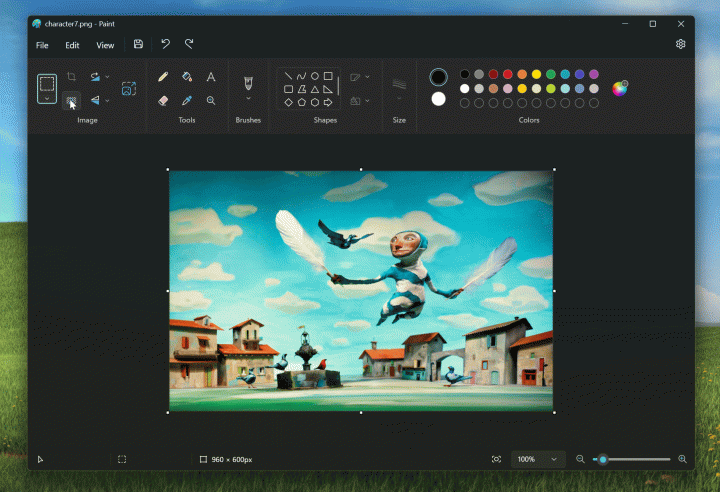
The background removal button can be found on the toolbar on the top left under the image category.
It’s also said that users can specify an area using the rectangle select tool to have that specific area’s background removed.





0 Comments
Leave a Reply