

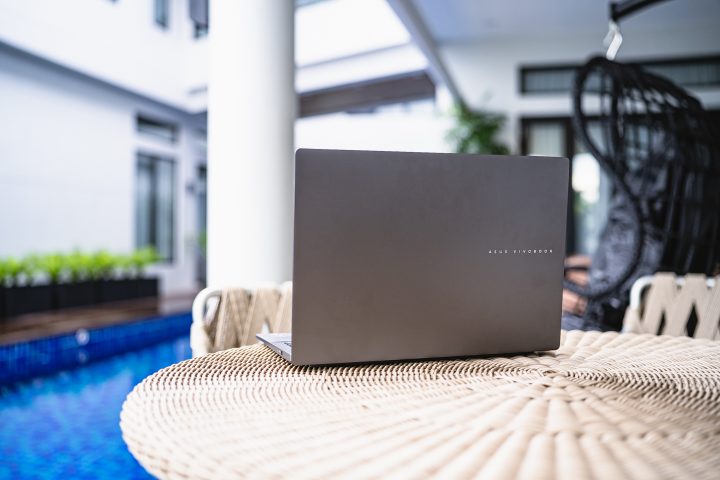
Katulad ng mga Vivobook na nagsimula bago ito, ang 2025 modelong Vivobook S16 ay mayroon nang lahat ng mga feature at kagamitang kilala natin. Gayunpaman, may isang malaking pagkakaiba sa ilalim ng hood – ang chipset. Ngayon ay tumatakbo ito ng Qualcomm Snapdragon chip imbes na karaniwang Intel o AMD chips na nagpapagana noon.
Unang nakita natin ito noong nakaraang taon sa Vivobook S15 na may Snapdragon X Elite. Pero sa mas mahinang Snapdragon X-powered S16, sigurado akong kayo ay nakakapagtanong din tungkol dito.
Sa presyong SRP na PHP 51,000, ang Snapdragon X na ASUS Vivobook S16 ba ay isang bagay na dapat mong isaalang-alang bilang iyong susunod na laptop? Kung oo, aking inirerekomenda na basahin mo ito upang malaman.
Pagdidisenyo at Konstruksyon
Simula sa disenyo, ang ASUS Vivobook S16 ay nananatiling may minimalist na istilo na ating mahalaga.
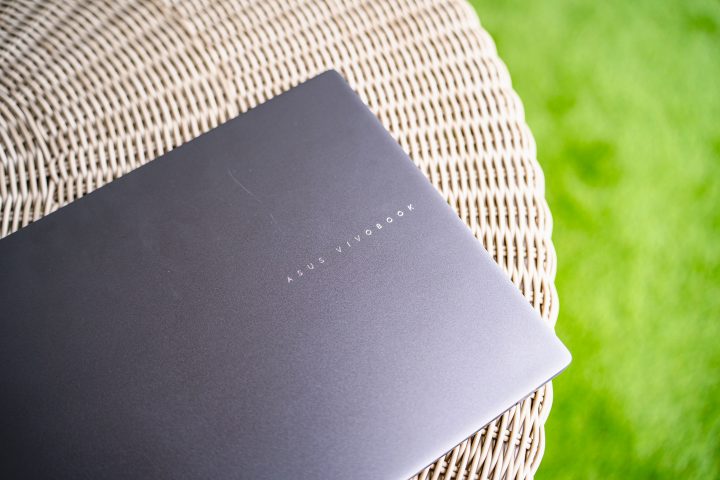
Gusto namin ang minimalistang disenyo, pero sigurado akong may iba-ibang opinyon kayo tungkol dito. Maganda itong kulay Matte Gray. At ang takip ay smudge resistant din, halos walang mga daliri na nakalagay kapag binuksan at isinasara.
Ngunit habang ang decklid ay gawa sa metal, ang natitirang bahagi ng chassis ay gawa sa matibay na plastik.
Ang gusto kong gawin ng ASUS ang natitirang bahagi ng katawan na metal para tumugma sa takdang-dakong tatakbo. Kung hindi man, ang paggamit ng plastik ay nakakatulong upang mapanatiling mabigat ang laptop.
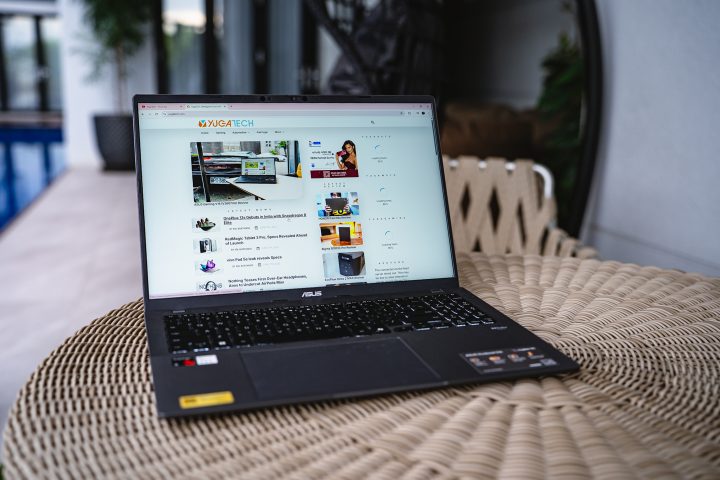
Bagama't mababa ang kanyang disenyo, mayroon pa ring maraming mga port na available para sa iyong pang-araw-araw na paggamit. Kasama rito ang dalawang USB 3.2 Gen 1 Type-A ports, 2x USB 4.0 Gen 3 Type-C ports na may suporta para sa display output at power delivery, isang HDMI 2.1 port, at isang 3.5mm combo audio port.
Ngayon ay walang slot para sa SD o microSD card, na medyo nakakadismaya. Kaya kung ikaw ay isang photographer, videographer, o taong gumagawa sa creative field, malamang ay kailangan mong dalhin ang dongle o card reader.
Pwede buksan ang takip gamit ang isang kamay lamang, at maaaring buksan ang screen hanggang 180-degrees, na maaaring makatulong sa ilang mga tao. Maraming matibay ang mga hinge nito at hindi parang magbabasag kahit pagkatapos ng maraming pagbukas at pagsara.
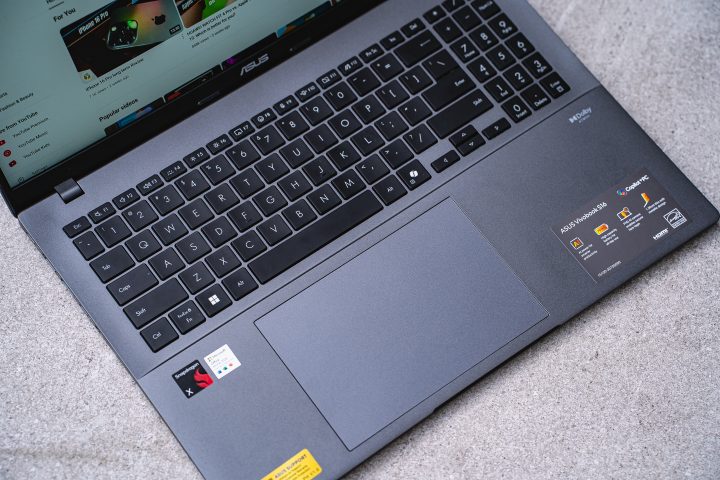
Para sa keyboard, ito ay full-size na may kasamang numpad. Medyo maliit ang numpad, kaya medyo mahirap gamitin. Base sa aking karanasan, halos wala akong ginamit ang numpad dahil hindi ergonomic ang paggamit nito.
Gayunpaman, ang natitirang mga pindutan ay may tamang sukat at maganda ang pagkakalagay. Ang mga pindutan ay may mahabang takbo rin, na nagpapahusay sa kanilang komportabilidad kapag nag-type. Upang maipakita ito nang tama, ginamit ko ang laptop na ito para magsulat ng script, at hindi kailanman nawalan ng lakas ang mga daliri ko.
Halos walang pagkakamali sa aking pagsulat, dahil parang-identiko ito sa mga laptop ng ASUS na ginamit ko noong nakaraan. May tatlong antas ang backlight nito, pero kulay puti lang ito, kaya madaling gamitin sa mababang ilaw.
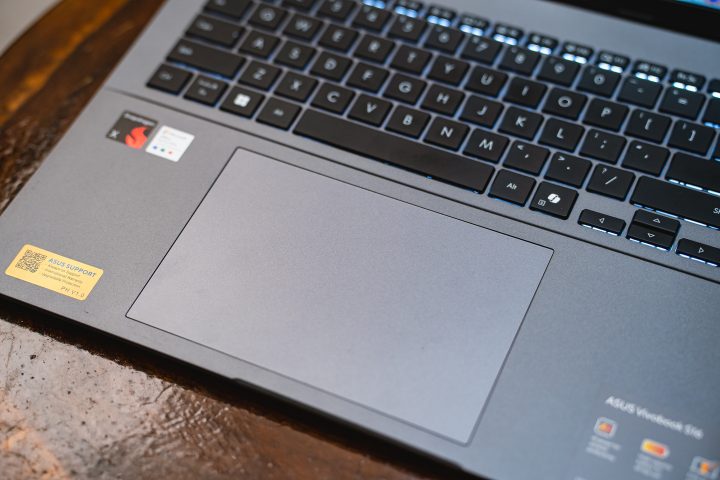
Para sa trackpad, malaki ito kumpara sa ibang laptop, at medyo nakalagay din ito sa kaliwa. Sobrang smooth nito na madaling makasunod ang mga daliri ko dito. Gusto ko rin ang mga espesyal na function tulad ng pag-adjust ng volume at brightness nang direkta nang hindi kailangang umabot para sa function keys.
Sa simula, medyo nabalisa ako na maaaring makahadlang sa aking pagsulat ang laki ng trackpad. Malaking bahagi ng aking palad ay nakapwesto dito habang nagtutype, pero napag-alaman kong maganda ang palm rejection.
Displey at Multimedia
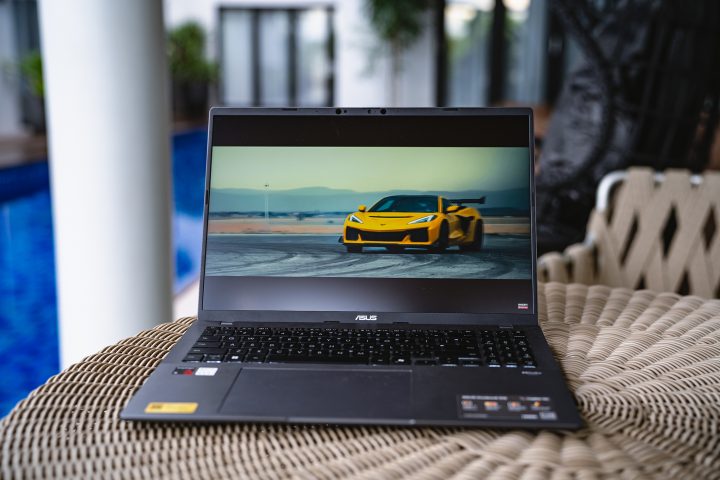
Lumipat na sa bahagi ng ASUS Vivobook S16 na pinakamaraming titingnan mo – ang display. Gaya ng nabanggit noong una, ang Vivobook S16 ay may 16-inch na display na may manipis na gilid sa magkabilang panig.
Mayroon itong IPS panel na may 2.5K resolution (2560x1600) at 16:10 aspect ratio. Mayroon din itong 144 Hz refresh rate, na nagbibigay ng malambot na animasyon sa mga gumagamit kung lalaro man o simpleng galawin lamang ang arrow sa menu.
Ayon sa karanasan ko sa Vivobook S16, ang IPS panel ay napakabuti.
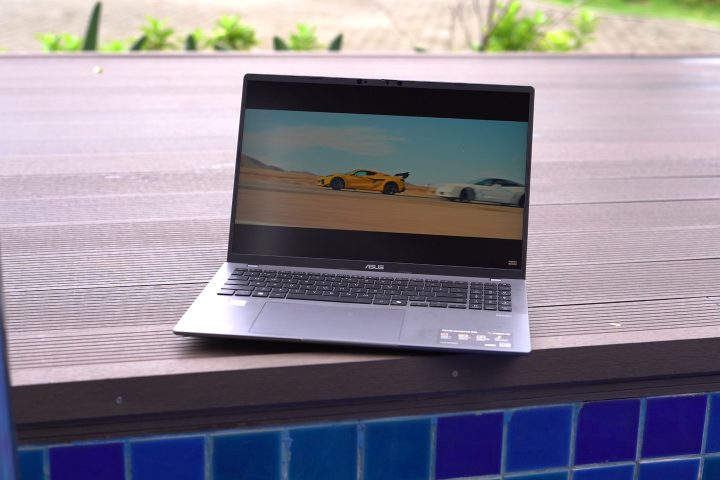
Kahit na IPS panel ito, ang mga kulay ay napakaligtas at ang mga itim ay maaaring malalim. Ang mas mahalagang detalye ay ang screen ay napakadali-daling magbigay ng tamang kulay kahit hindi pa nag-aayos. Naging nakaka-enjoy na manood ng mga pelikula at serye habang nasa daan. Mayroon din itong mabuting viewing angles.
With the 144Hz refresh rate, you can also enjoy playing some not-so-graphic intensive games on the Vivobook S16. No adaptive refresh rate here though, so you will have to choose between 60Hz or 144Hz all the time. My choice? It’s the 144Hz refresh rate no brainer.
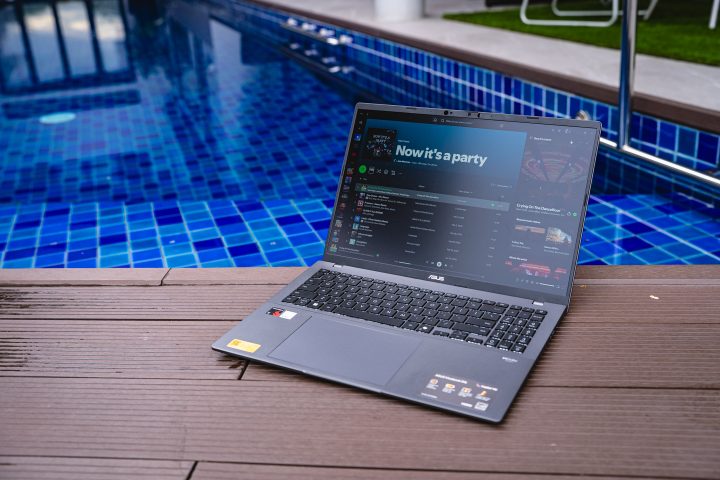
Together with the display, the Vivobook S16 comes with dual stereo speakers. The speakers sound great and are very loud too. But even when maxed out, the quality is retained. There’s also the Dolby Access app, where you can improve the sound quality by putting it on Dynamic mode. It still lacks bass, which is typical with most laptop speakers.
While I do wish that the Vivobook S16 came with an OLED panel, it would definitely have made the laptop a lot more expensive. So the panel they used is a decent compromise.
Performance and Benchmarks
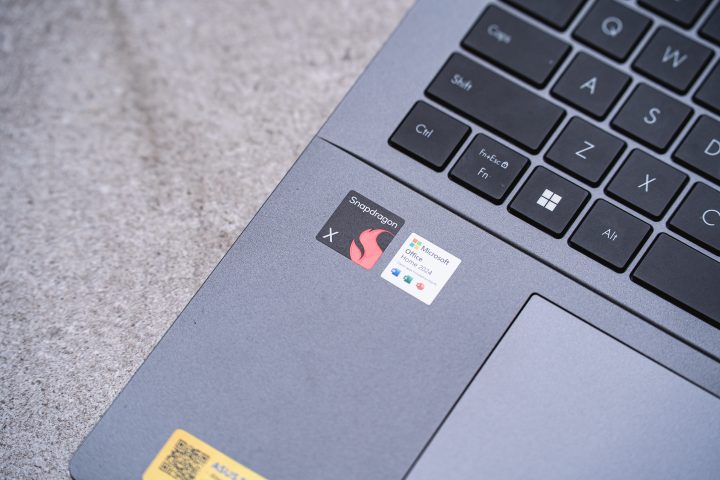
Now, we have to talk about the chipset of the ASUS Vivobook S16 – the Snapdragon X.
Unlike the usual Intel or AMD chips we’ve become familiar with, the Snapdragon X uses an ARM architecture as opposed to x86.
Fortunately, all the apps I installed ran without issues.
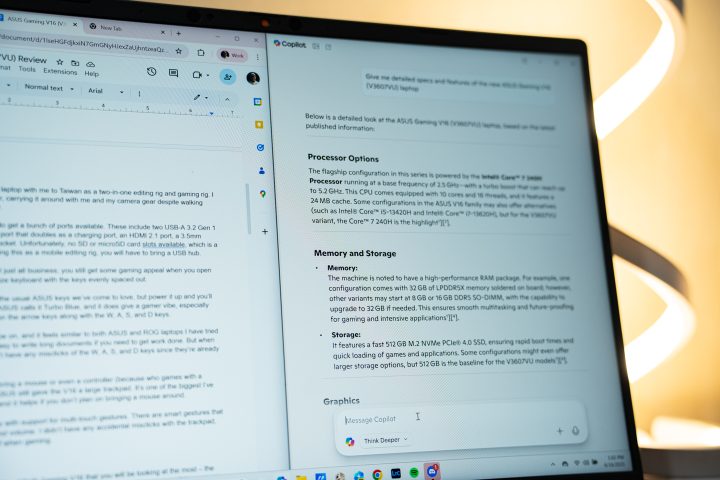
Our review unit also comes with 16GB of LPDDR5 RAM and 512GB of SSD storage. Unfortunately, there’s no way to upgrade the RAM, but you can replace the SSD with a larger one via since it uses an M.2 slot.
And if you plan on getting this, you should upgrade the SSD. The 512GB storage was almost filled up by installing our usual list of apps.
In terms of performance, the Snapdragon X chip is very capable. It handled all of my productivity tasks without issues whatsoever.
Even when I had multiple tabs of Chrome open together with Lightroom, Photoshop, Discord, and Spotify running at the same time, the Vivobook S16 did not slow down.
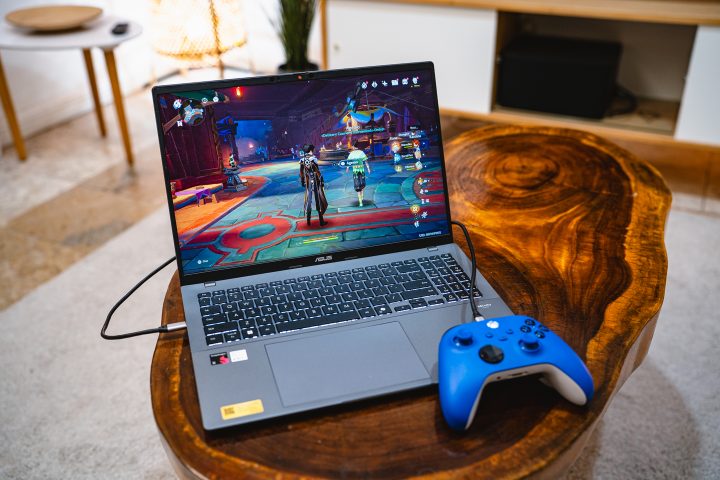
However, the same can’t be said for gaming. On Genshin Impact, I had to adjust the graphics to the lowest just to have steady framerates without running on a windowed setup. On Forza Horizon 5 even at the lowest setting it still had framerate drops. I’m sure the laptop won’t have any issues running lighter games like Valorant though.

Nonetheless, gaming isn’t exactly the Vivobook S16’s strong suit. But thankfully, the laptop didn’t really heat up even when playing games. The downside is that the fans are loud when maxed out. To give you a better idea, you can check out the benchmark scores below.
Battery Life
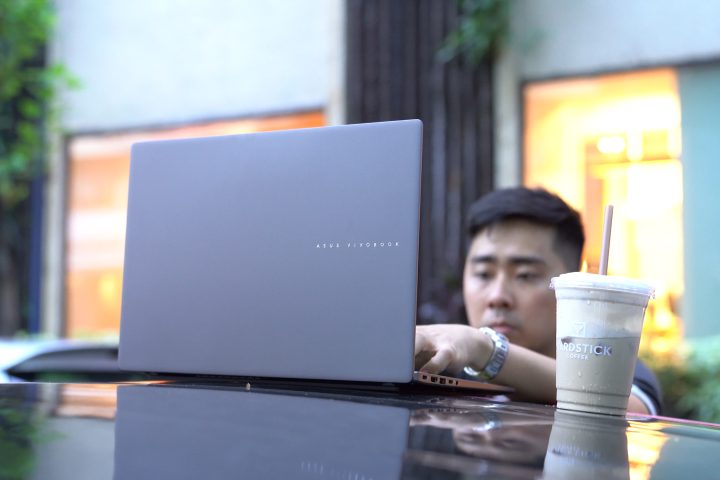
When it comes to battery life, the ASUS Vivobook S16 is one of the most power-efficient laptops I recently tried. Under the hood, it packs a 70WHrs 3-cell Li-Ion battery pack, which is around the same size as found in most laptops.
It’s so power efficient that I don’t bring the charger with me when I go out. For reference, I used it for two consecutive days for roughly 4-5 hours each day for work, and it still had a little juice left afterwards. ASUS claims the battery life to be up to 32 hours of use, and it seems they’re on to something.
However, as we always say, battery life is still very much dependent on the end user. If you plan on playing games on the Vivobook S16, expect the battery to drain a bit faster. From my experience, you will drain around 20-percent in just 40 minutes of Genshin play time.
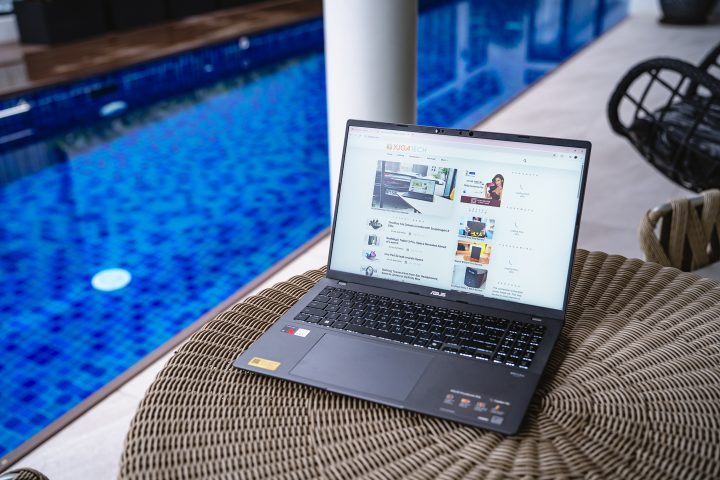
The same goes if you’re going to leave the keyboard lighting on, maxing out screen brightness, and having music playing on the speakers.
But if you’re mainly going to be replying to emails or fixing work stuff on Google Sheets and Docs, then you won’t have any problems with battery. When you do need to charge, you can just bring a fast charging power bank and a USB-C cable. Alternatively, you can bring the 65W charger since it’s relatively lightweight.
Conclusion
Overall, the ASUS Vivobook S16 with the Snapdragon X chipset isn’t a perfect laptop, but it’s a great one. For the price of just PHP 50,995, it definitely has its strong suits, such as the long battery life and nice display. The Snapdragon X chipset can also handle all your productivity workload as well.
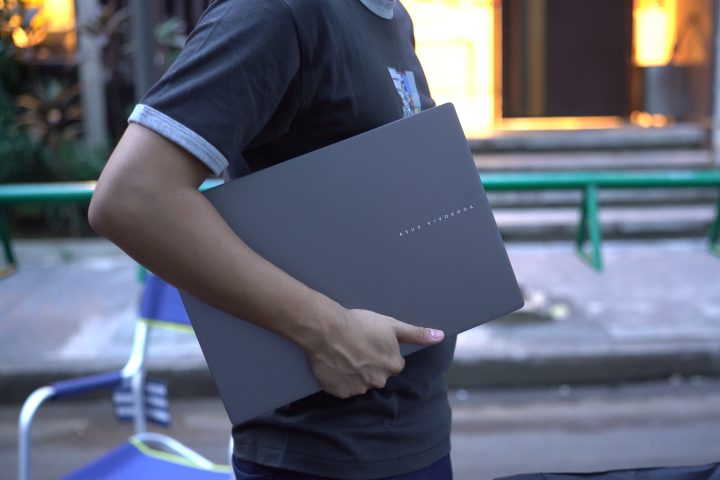
But if you want to game, you could consider the AMD or Intel versions of the Vivobook S16. Same exterior and features, just with a chipset we’ve all come to love. Not to mention you won’t have to worry about installing programs.
Still, what do you think of the ASUS Vivobook S16? Is it something you’d cop? Share your thoughts in the comments below.




0 Comments
Leave a Reply