
The ASUS Vivobook series is arguably one of the most popular models in the brand’s wide laptop selection today. Not only is the Vivobook reliable, but it’s stylish and portable. Depending on the variant you choose, it can also handle work and play at the same time.
Today, we’re looking at the new 2025 Vivobook S16 (S3607Q).
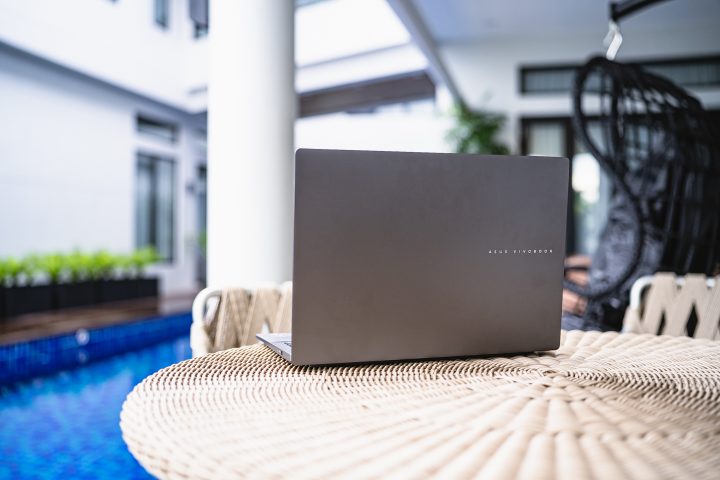
Like the Vivobooks that came before it, the 2025 model Vivobook S16 comes with all the bells and whistles we’ve come to know. However, there’s one big difference under the hood – the chipset. It now runs a Qualcomm Snapdragon chip instead of the usual Intel or AMD chips that powered it before.
We first saw this last year with the Snapdragon X Elite-powered Vivobook S15. But with the less powerful Snapdragon X-powered S16, I’m sure you’re also curious about it.
With an SRP of PHP 51,000, is the Snapdragon X powered ASUS Vivobook S16 something you should consider as your next laptop? Well, I suggest you read on to find out.
Design and Construction
Starting with the design, the ASUS Vivobook S16 still features the minimalist styling we’ve come to love.
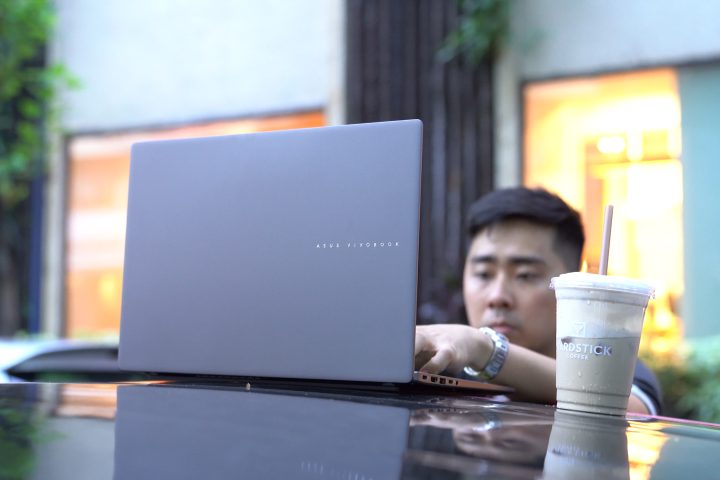
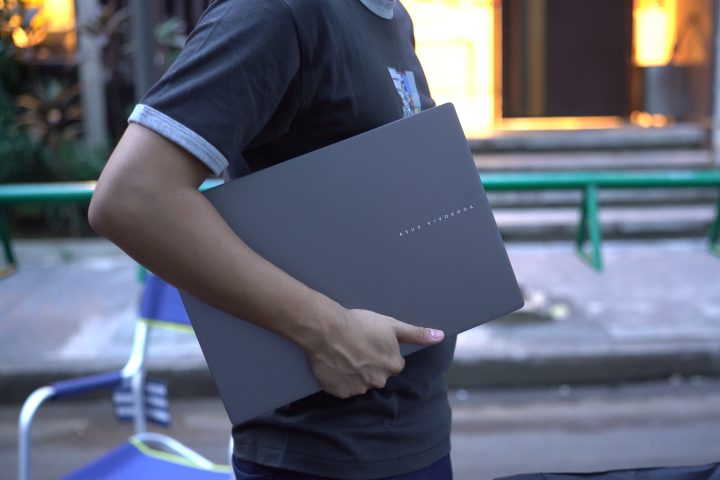
The aluminum decklid is clean, apart from the embossed silver-accented “ASUS Vivobook” label that creates a nice contrast. No logos or any other design cues, which gives it a professional and minimalist look.
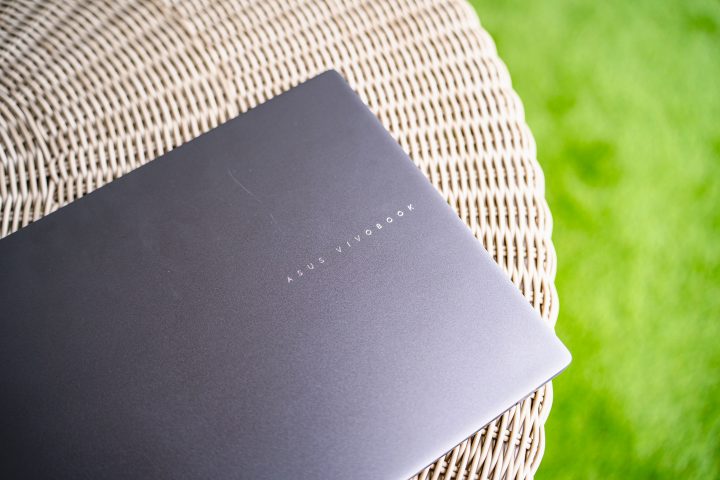
We like the minimalist design, but I’m sure some of you will have other opinions about it. It looks great in this Matte Gray color. And the lid is smudge resistant too, leaving almost no fingerprints when opened and closed.
But while the decklid is made out of metal, the rest of the chassis is made out of a sturdy plastic.
I wish ASUS made the rest of the body metal to match the deck-lid. Well, at least the plastic construction helps by keeping the laptop lightweight.
The Vivobook S16 only weighs 1.74 kilograms, which is relatively light considering its size. It’s also compact, measuring just 1.59 centimeters thick, which makes it easy to bring around and fit into most backpacks.
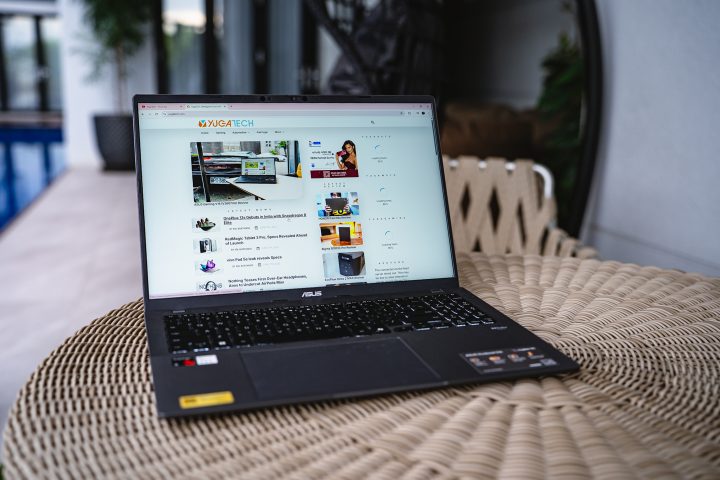
Despite its slim design, there are still a bunch of ports available for your day-to-day use. These include two USB 3.2 Gen 1 Type-A ports, 2x USB 4.0 Gen 3 Type-C ports with support for display output and power delivery, an HDMI 2.1 port, and a 3.5mm combo audio port.
Unfortunately, there is no SD or microSD card slot, which is a bit disappointing. So if you’re a photographer, videographer, or someone working in the creative field, you will most likely need to bring a dongle or card reader around.
Opening the lid can be done with just one hand, and the screen can be opened up to 180-degrees, which some might find useful. The hinges feel solid and it doesn’t feel like it will break even after multiple cycles.
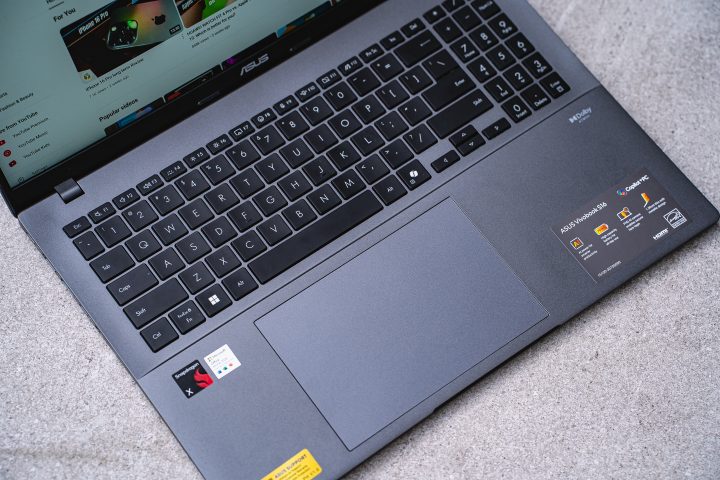
As for the keyboard, it is full-size, complete with a numpad. The numpad is a bit tiny, which makes it a bit hard to use. From my experience, I barely used the numpad at all since it wasn’t ergonomic to do so.
However, the rest of the keys are properly sized and nicely spaced out. The keys also have long strokes, which makes them very comfortable to type on. To properly test it out, I used this laptop to write the script, and my fingers never got tired.
I barely made any typing mistakes either, since it feels identical to ASUS laptops I’ve used in the past. There are three stages of backlight, but it’s only in white, making it easy to use in low light.
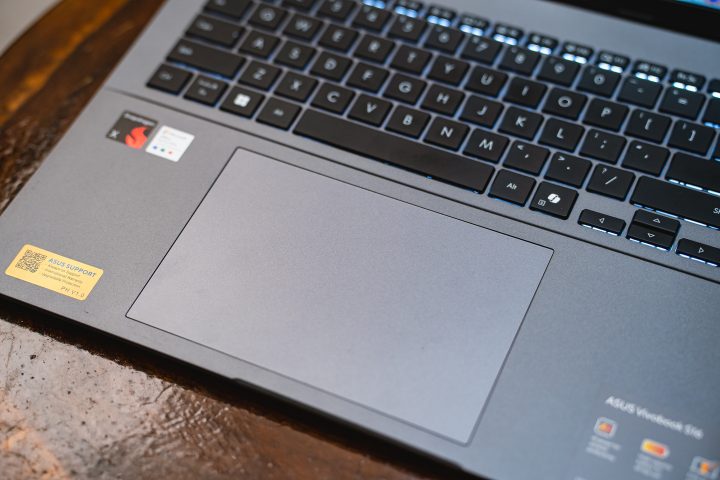
As for the trackpad, it’s huge compared to other laptops, and it’s also a bit offset to the left.It’s so smooth that my fingers easily glide over it. I also like the special functions, such as adjusting volume and brightness on the fly without having to reach for the function keys.
Initially, I was a bit concerned about the trackpad’s size interfering with my typing. A good chunk of my palm was resting on it most of the time when I’m typing, but turns out, palm rejection is great.
Display and Multimedia
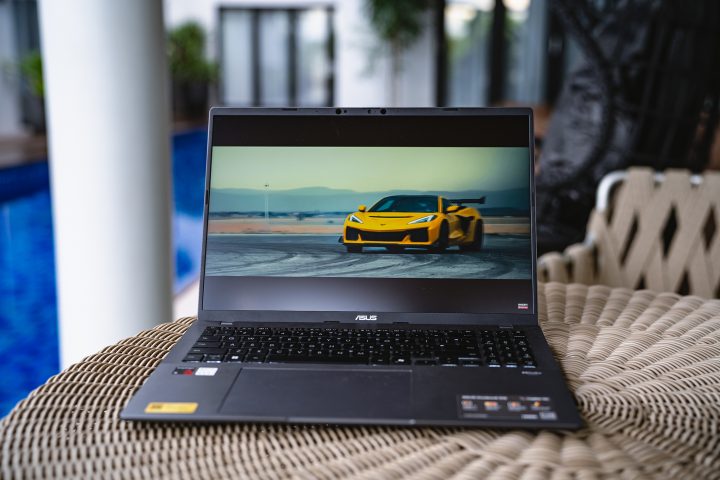
Moving on to the part of the ASUS Vivobook S16 that you will be looking at the most – the display. As mentioned earlier, the Vivobook S16 features a 16-inch display with thin borders on the sides.
It features an IPS panel with a 2.5K resolution (2560×1600) and a 16:10 aspect ratio. It also has a 144 Hz refresh rate, giving users smooth animations whether playing games or just moving the arrow around in the menu.
From my experience with the Vivobook S16, the IPS panel is very decent.
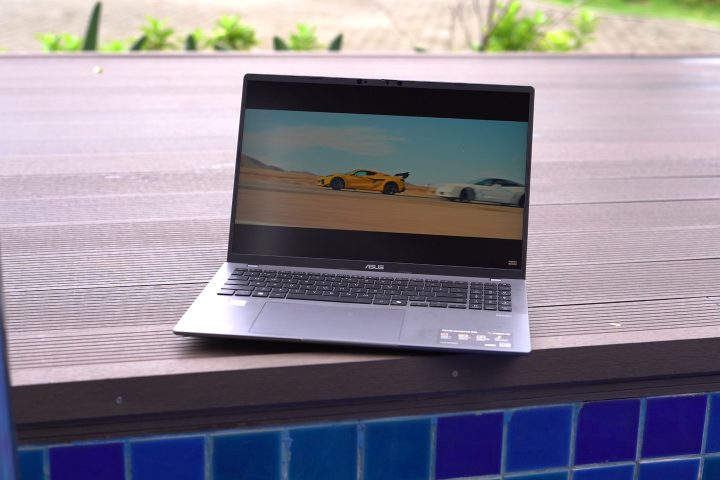
Despite being an IPS panel, the colors are quite vivid, and the blacks can be deep. The more important bit is that the screen is quite color accurate out of the box. This made it enjoyable to watch movies and shows on the go. It also has good viewing angles too.
With the 144Hz refresh rate, you can also enjoy playing some not-so-graphic intensive games on the Vivobook S16. No adaptive refresh rate here though, so you will have to choose between 60Hz or 144Hz all the time. My choice? It’s the 144Hz refresh rate no brainer.
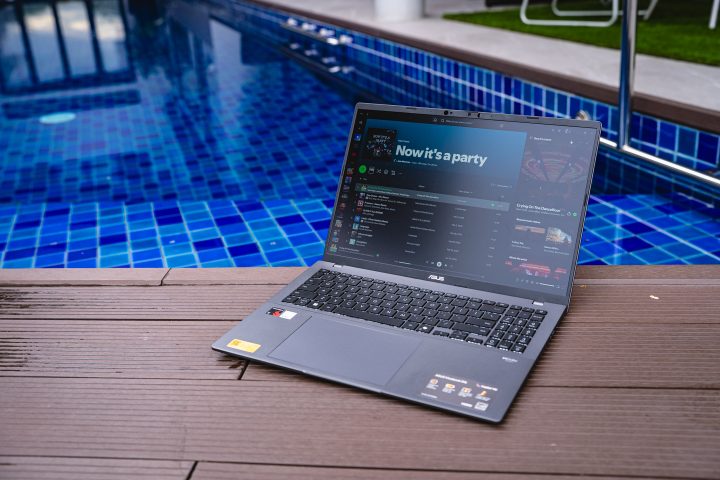
Together with the display, the Vivobook S16 comes with dual stereo speakers. The speakers sound great and are very loud too. But even when maxed out, the quality is retained. There’s also the Dolby Access app, where you can improve the sound quality by putting it on Dynamic mode. It still lacks bass, which is typical with most laptop speakers.
While I do wish that the Vivobook S16 came with an OLED panel, it would definitely have made the laptop a lot more expensive. So the panel they used is a decent compromise.
Performance and Benchmarks
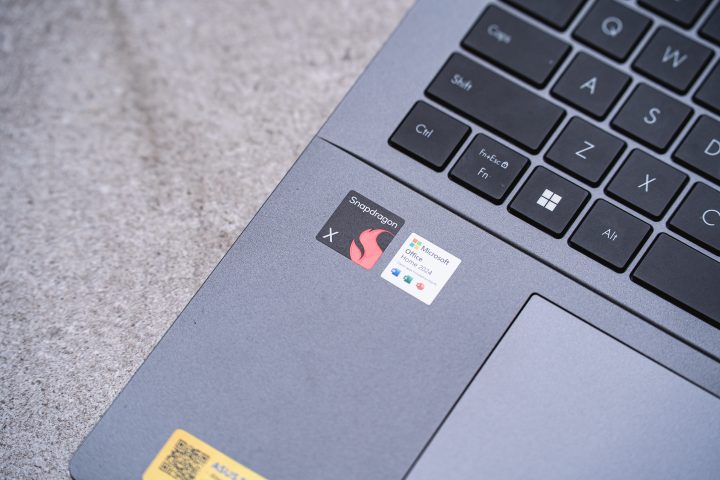
Now, we have to talk about the chipset of the ASUS Vivobook S16 – the Snapdragon X.
Unlike the usual Intel or AMD chips we’ve become familiar with, the Snapdragon X uses an ARM architecture as opposed to x86.
Fortunately, all the apps I installed ran without issues.
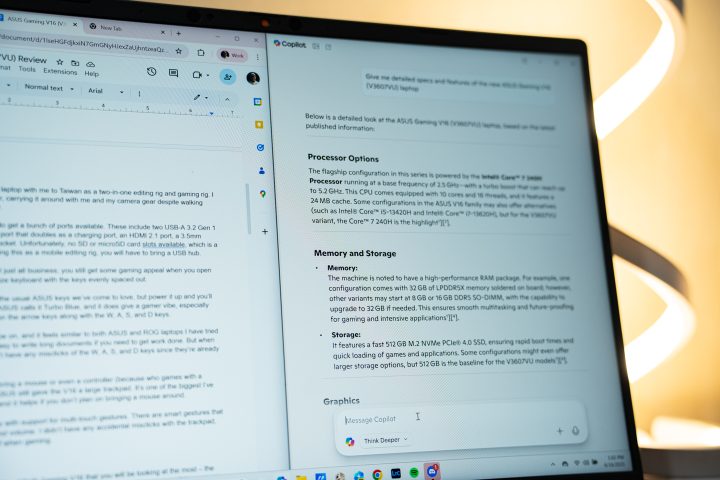
Our review unit also comes with 16GB of LPDDR5 RAM and 512GB of SSD storage. Unfortunately, there’s no way to upgrade the RAM, but you can replace the SSD with a larger one via since it uses an M.2 slot.
And if you plan on getting this, you should upgrade the SSD. The 512GB storage was almost filled up by installing our usual list of apps.
In terms of performance, the Snapdragon X chip is very capable. It handled all of my productivity tasks without issues whatsoever.
Even when I had multiple tabs of Chrome open together with Lightroom, Photoshop, Discord, and Spotify running at the same time, the Vivobook S16 did not slow down.
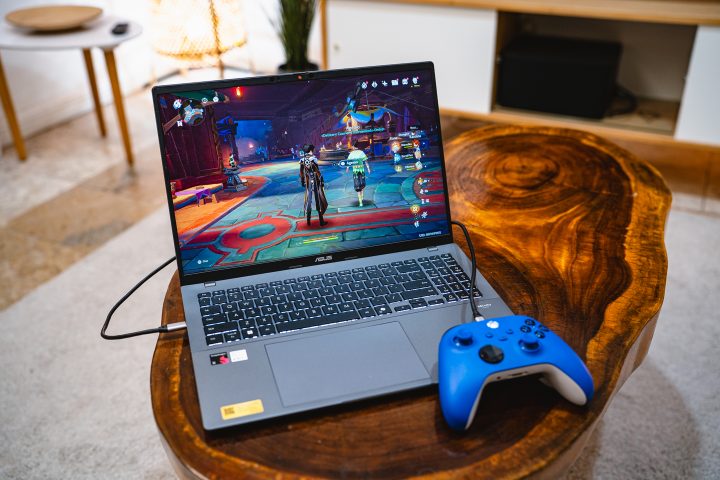
However, the same can’t be said for gaming. On Genshin Impact, I had to adjust the graphics to the lowest just to have steady framerates without running on a windowed setup. On Forza Horizon 5 even at the lowest setting it still had framerate drops. I’m sure the laptop won’t have any issues running lighter games like Valorant though.

Nonetheless, gaming isn’t exactly the Vivobook S16’s strong suit. But thankfully, the laptop didn’t really heat up even when playing games. The downside is that the fans are loud when maxed out. To give you a better idea, you can check out the benchmark scores below.
Battery Life
When it comes to battery life, the ASUS Vivobook S16 is one of the most power-efficient laptops I recently tried. Under the hood, it packs a 70WHrs 3-cell Li-Ion battery pack, which is around the same size as found in most laptops.
It’s so power efficient that I don’t bring the charger with me when I go out. For reference, I used it for two consecutive days for roughly 4-5 hours each day for work, and it still had a little juice left afterwards. ASUS claims the battery life to be up to 32 hours of use, and it seems they’re on to something.
However, as we always say, battery life is still very much dependent on the end user. If you plan on playing games on the Vivobook S16, expect the battery to drain a bit faster. From my experience, you will drain around 20-percent in just 40 minutes of Genshin play time.
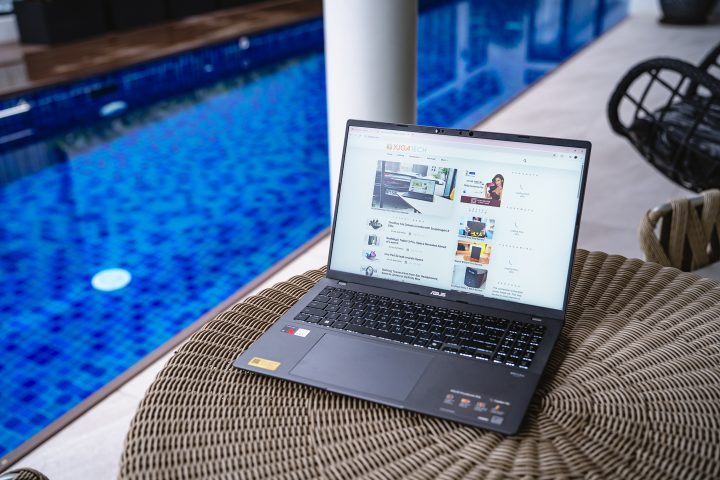
The same goes if you’re going to leave the keyboard lighting on, maxing out screen brightness, and having music playing on the speakers.
But if you’re mainly going to be replying to emails or fixing work stuff on Google Sheets and Docs, then you won’t have any problems with battery. When you do need to charge, you can just bring a fast charging power bank and a USB-C cable. Alternatively, you can bring the 65W charger since it’s relatively lightweight.
Conclusion
Overall, the ASUS Vivobook S16 with the Snapdragon X chipset isn’t a perfect laptop, but it’s a great one. For the price of just PHP 50,995, it definitely has its strong suits, such as the long battery life and nice display. The Snapdragon X chipset can also handle all your productivity workload as well.
But if you want to game, you could consider the AMD or Intel versions of the Vivobook S16. Same exterior and features, just with a chipset we’ve all come to love. Not to mention you won’t have to worry about installing programs.
Still, what do you think of the ASUS Vivobook S16? Is it something you’d cop? Share your thoughts in the comments below.


0 Comments
Leave a Reply