

Roku is one of the players in the streaming device industry that battles head to head with other manufacturers. Just in time for the upcoming gift-giving season, they have released 5 new streaming devices.
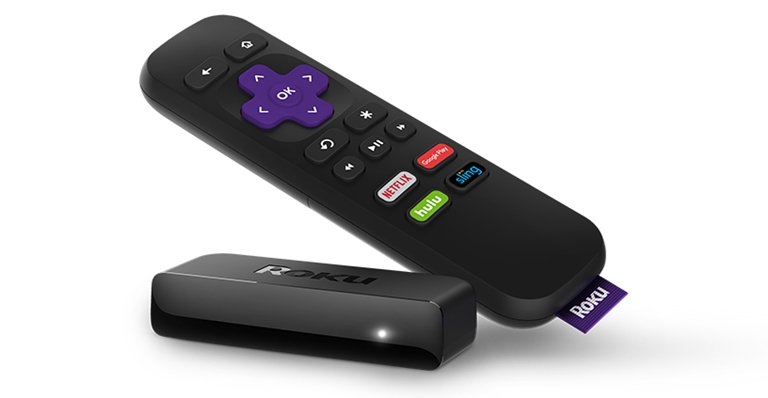
The first two of the bunch are the Roku Express and Roku Express+. They are compact and affordable devices that connect to a TV over an included HDMI cable with 1080p support. There’s also an IR remote and a removable adhesive strip for mounting. The Express+ gets an additional composite output for older TVs. They are priced at $29.99 (~Php1.5k) and $39.99 (~Php2k), respectively.
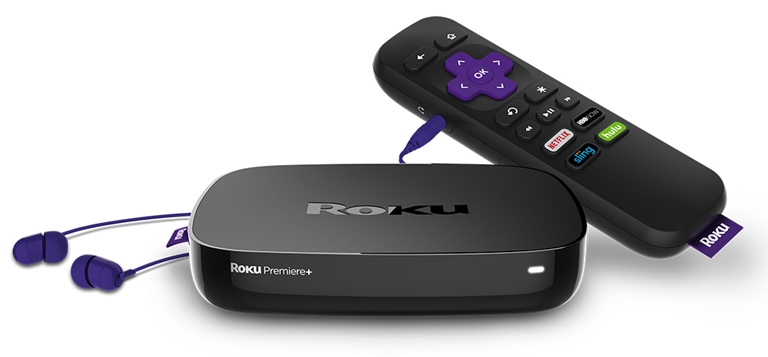
Next in line are the Roku Premiere and Roku Premiere+. The two offer 4K video output up to 60fps. They are powered by a quad-core processor and has dual-band 802.11ac MIMO Wi-Fi onboard. The Premiere+ gets more features like HDR support, Bluetooth remote with headphone jack, microSD card slot, and an Ethernet port. The Premiere is priced at $79.99 (~Php3.9k) while the Premiere+ is at $99.99 (~Php4.9k).
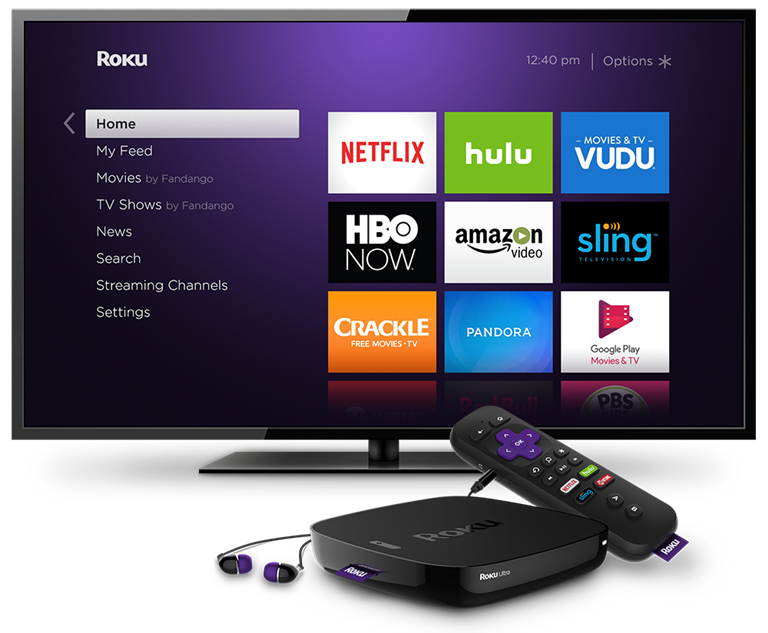
Lastly, we have the top-of-the-line Roku Ultra. It has all the features of the Premiere+ above plus Dolby decoding, optical audio out, and USB drive. It even has a lost remote finder feature. All of this for $129.99 (~Php6.3k).
Of course, all runs the Roku OS with over 3500 streaming channels including Netflix. They are all up for pre-order online through Roku.com and select outlets where it is available with stocks coming by October 9th. While Roku is not exactly popular in the Philippines, we can expect these to be available locally by 2017 thanks to the recent partnership with PLDT under the Roku Powered program.







It’s time to fix the PBS channel activation errors and stream the channel without any interruption. Read the channel activation guide to proceed. If it is an activation error. Verify the activation code and if the existing code is not valid, try collecting a new code. pbs.org/activate, this is the page to activate the channel and do not visit the wrong page. Always verify the status of the network connection. If you are in search of more guidelines to get rid of PBS error codes, visit our website portal and then start reading the recent blog post. Also, get help from our customer support ringing the toll-free number +1-844-879-5200.